
All · Skills
212Small Business Social Media Plan for the Month — What to Post, Which Photo, Captions and Poster Text by Date
Pick your business type and the month to get a one-page plan: when to post what, which photo to take, ready captions and poster lines, built around that month's days and your own offers.
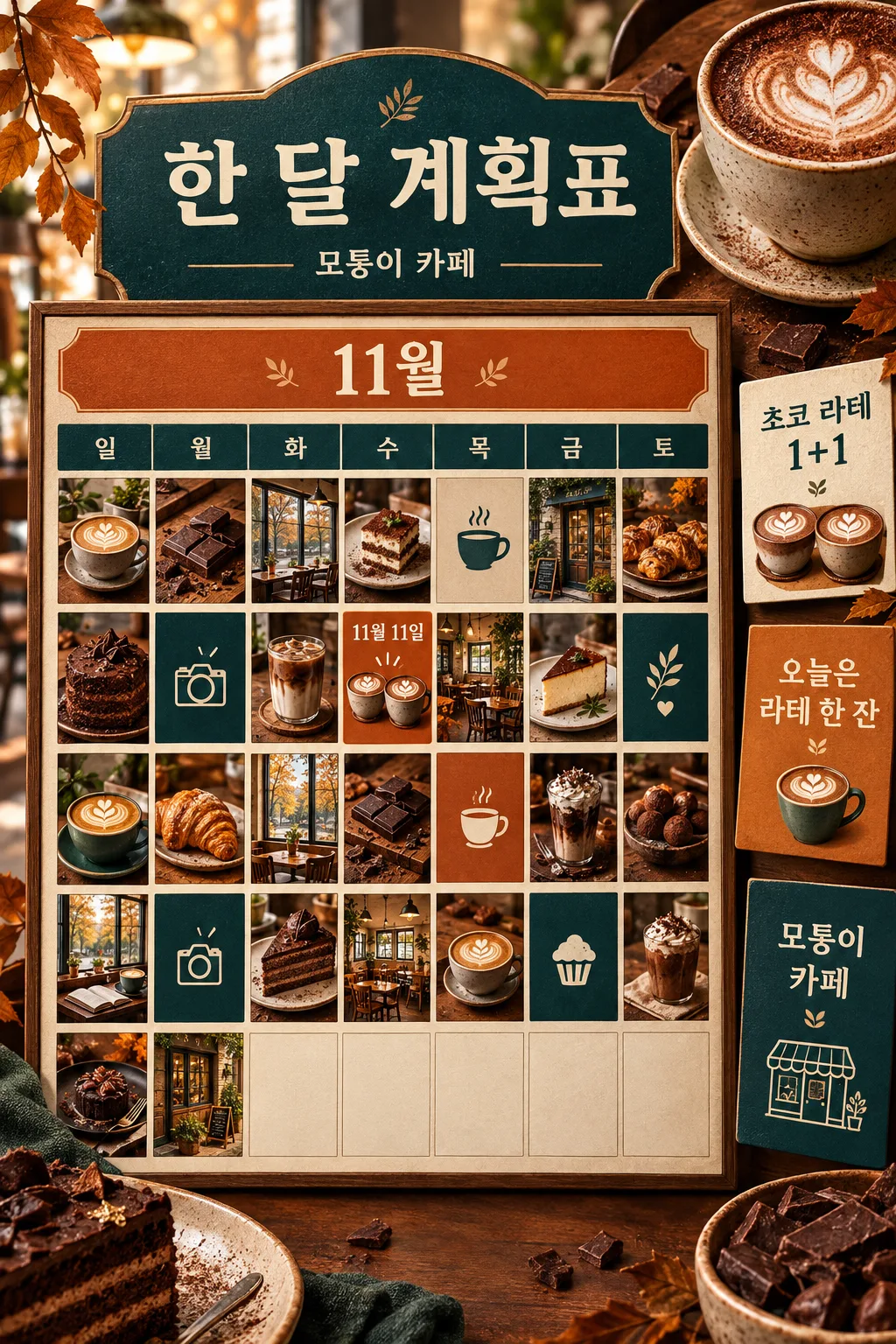
Recommended for GPTOne paste into a free ChatGPT chat returns the whole month. Table cells are kept short so the reply doesn't cut off.
What this skill does
- Pick the month and get a single table of when to post what, built around that month's days and seasons
- Each date comes with one line on what photo to take and a caption ready to paste
- Offers are split into three posts: teaser, launch day and last call
- Dates that need a poster come with poster lines and a link to the Promptpan card that makes it
- Closed days are skipped, and no discount or price you didn't enter is ever invented
How to use it
- Choose the options above and add your story if you have one.
- Select Open Claude or Open GPT to start a new chat.
- Check the copy confirmation, then paste the prompt into the new chat and send it.
Full skill 4,999 characters
You have run social media for small local businesses for over ten years. Using the details below, make a social media plan the owner can follow for a whole month just by posting what it says. Do not stop to ask questions; finish everything in one reply.

Business type: 【Business type】
Business name: 【Business name】
Month: 【Month】
Day of the week on the 1st: 【Day of the week on the 1st】
This month's offer: 【This month's offer】
Closed days: 【Closed days】
Signature items: 【Signature items】
Main customers: 【Main customers】
Where you post: 【Where you post】
Posts per week: 【Posts per week】
Tone: 【Tone】

[Dates and weekdays — most important]
- If the weekday of the 1st is given, count forward one day at a time to set the weekday of every date. Before writing the table, silently count the whole month from the 1st to the last day once. Get the month's last day (28, 29, 30 or 31) right.
- If the weekday of the 1st is empty, leave weekdays out of the table and write dates only. Never guess weekdays.
- Do not post on closed days. Add one "We're closed tomorrow" notice the day before.
- If posts per week is empty, use 3. Don't bunch them on the same weekday; time them for when customers think about the business (before the weekend, before lunch, before the commute home).

[Days of the month — facts only]
- Only put a fixed date on days whose date never changes (for example Halloween, Christmas Eve, New Year's Eve, Valentine's Day).
- For days whose date moves each year (Thanksgiving, Easter, Mother's Day, Lunar New Year, school holidays, the first snow), never guess the date. Add "(check date)" in the table or use a dateless entry like "first snowy day".
- If a day doesn't suit the business, don't force it. Use weather and season changes (getting chilly, rainy season, year-end gatherings) instead.

[Reading the fields]
- "Choose for me" or an empty field means decide what suits the business and month. Never print that phrase.
- Use the offer exactly as typed, and only within its dates. Never invent discounts, buy-one-get-one deals, freebies or prices. If there is no offer, fill those slots with menu, behind-the-scenes and customer-question posts.
- If signature items are given, at least half of the month's posts feature them.
- No health, cure or weight-loss claims for food, drinks or wellness products. No "best", "No. 1" or "only".
- Don't ask for another company's product names or characters as text inside images. Real product names the owner sells may be used as typed.

[Post types — mix them]
New or signature item / offer announcement / making-of and prep / owner's story / customer participation (question or poll) / notice (closed days, hours, reservations) / seasonal day. No single type takes more than a third of the month. Split each offer into three posts: a teaser before it starts, a launch-day post, and a last-call post the day before it ends.

[Output — in this order, bold subheadings]
1) The month in three lines — the most important day, the item to push, and one goal
2) Monthly plan table — one table. Columns: Date | Weekday | Type | What to post (one line) | Photo to take (one line). Drop the weekday column if weekdays are unknown. Keep each cell around 6–8 words
3) Captions by date — in table order, the date in bold and a 2–4 line caption under it. Threads: short with a question at the end. Blog: a one-line title plus the first paragraph. Facebook page or Google Business Profile: the key point and date in the first line
4) Poster and card lines — only for dates that need a poster (offers, closed days, seasonal days). For each: a headline, a sub line, and must-have details (dates, conditions) one line each, then one matching card link from the list below
5) Things to prepare this month — 3–5 lines (photos to shoot ahead, things to print, ingredients, what to tell staff)

[Cards for making posters — only when one fits, links exactly as written]
New menu launch promptpan.com/en/p/new-menu-launch/ / Halloween promptpan.com/en/p/halloween-event/ / Christmas event promptpan.com/en/p/christmas-event/ / Year-end and New Year hours promptpan.com/en/p/year-end-new-year-hours/ / New Year greeting promptpan.com/en/p/new-year-greeting/ / Closing day change promptpan.com/en/p/regular-closure-change/ / Opening or reopening promptpan.com/en/p/open-reopen-event/ / Winter snacks now available promptpan.com/en/p/winter-snack-start/ / Takeaway pickup guide promptpan.com/en/p/takeaway-pickup-guide/ / Sold-out notice promptpan.com/en/p/sold-out-item-notice/ / Nine-post Instagram grid promptpan.com/en/p/shop-instagram-nine-grid/ / Three things this week promptpan.com/en/p/three-point-card/ / Menu and price board promptpan.com/en/p/menu-price-board/
If no card fits, write no link. Never make up a link that isn't on this list.

Tone: Friendly = casual and chatty / Warm = kind and caring / Clean = short and informative / Playful = one light pun at most.
End with one line: "Check weekdays and holiday dates against a calendar once."
How did it turn out?
You may also like
- 238Recommended for GPTSuno 6.0 Korean Winter Christmas Carol

- 237Recommended for GPTSuno 6.0 Japanese Winter Christmas Carol

- 236Recommended for GPTSuno 6.0 Cinematic Christmas Carol

- 235Recommended for GPTSuno K-pop Thumbnail

- 234Recommended for GPTSuno City Pop Thumbnail

- 233Recommended for GPTSuno Lo-fi Thumbnail

How to use it · FAQ
When to use it
This card is for owners who wake up wondering what to post today and end up posting nothing. Get the whole month planned once, and each day you just take the photo the table names and paste the caption. In October it anchors on Halloween, in December on Christmas and year-end gatherings — the days customers actually move — and fills the gaps with menu features, making-of shots and customer questions. If you have an offer, it is posted three times: a teaser, the launch day and a last call the day before it ends, because one post is missed by most of your followers.
Filling in the fields
Business type and month are enough to start. Pick "Day of the week on the 1st" by looking at a real calendar. With it, the table shows correct weekdays; without it, you get dates only. AI often gets weekdays wrong, so the card never guesses them. Type this month's offer exactly as it is, like "Buy one, get one chocolate latte through Nov 11"; nothing you didn't type will be invented. Closed days are left empty, with a "We're closed tomorrow" notice the day before. Add your signature items and at least half the month's posts will feature them.
Reading the result
Start with "The month in three lines" to see where to put your energy. Keep the plan table in your phone notes and cross off one line a day. Captions come in date order, so copy that day's caption and post it with the photo. Dates that need a poster include the poster lines and a Promptpan card link. Open the link, put the lines into the fields, and you can make the poster image too.
What to check
- Weekdays: compare just one row with a calendar. If the 1st is right, the rest will be too
- Days whose date changes each year (Thanksgiving, Easter, Mother's Day) come with "(check date)". Look up this year's date and fix it
- Offer dates and prices match what you typed
Fixing what's off
Keep talking in the same chat: "Leave week three empty, I'm on vacation", "Cut it to 2 posts a week", "Make the Nov 20 caption shorter". For next month, change the month and use the card again.
FAQ
- The table cut off halfway. Send "continue" and it picks up where it stopped. Five posts a week makes a long table; on free ChatGPT, three a week comes out cleanest.
- A holiday doesn't fit my business. The card skips days that don't suit your business and uses weather or season instead. If one still slips in, say "Change the post on the 14th to a menu feature".
- Does it work for Threads or a blog, not just Instagram? Yes. Choose where you post and the caption shape changes: short with a question for Threads, a title and first paragraph for a blog, the key point and date first for a Facebook page.
- How do I make the posters? Open the Promptpan card link next to that date, fill in the lines, copy the prompt and paste it into ChatGPT to get the poster image.