
All · Social posts · Memes
406Story Question Template
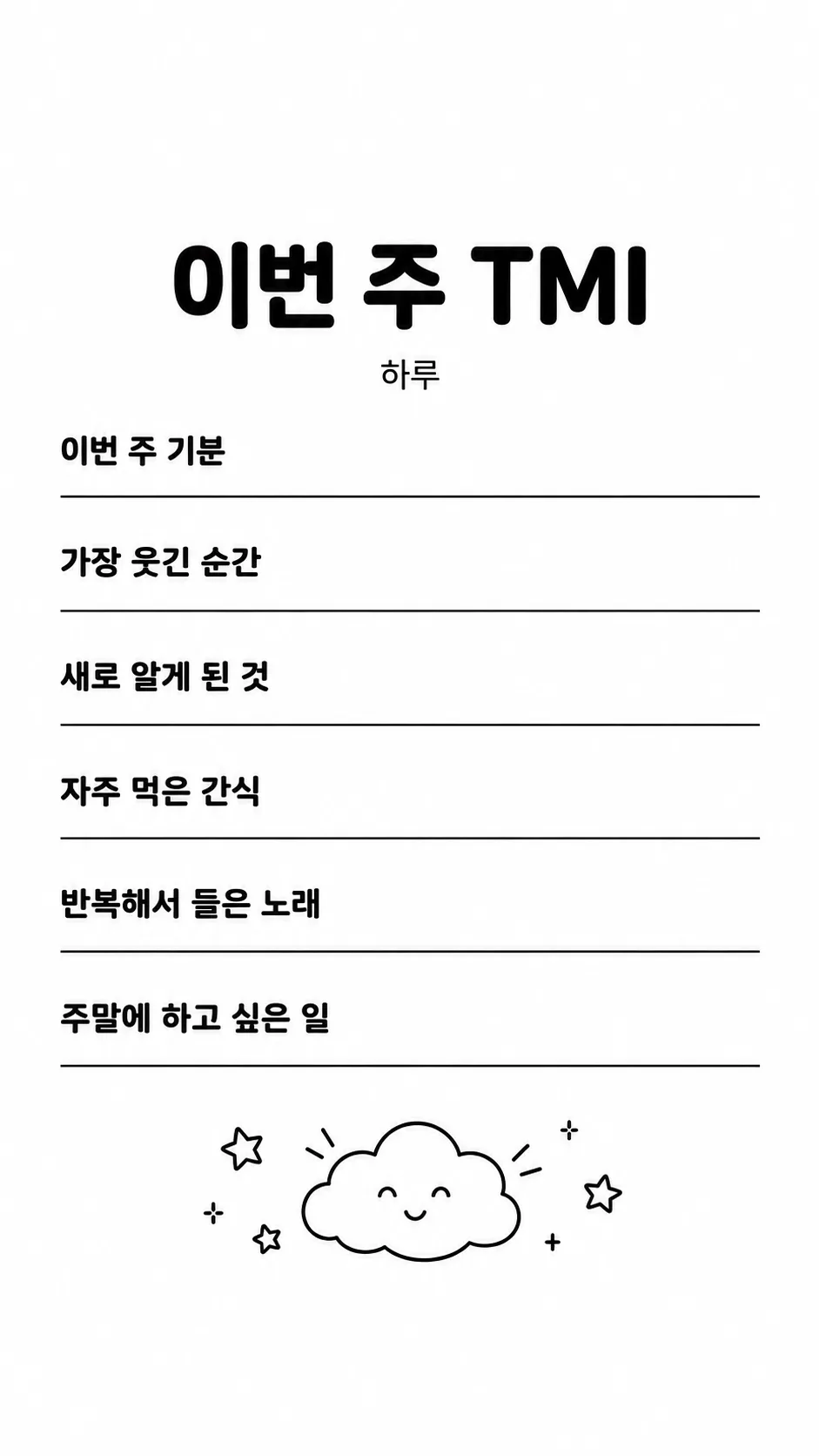
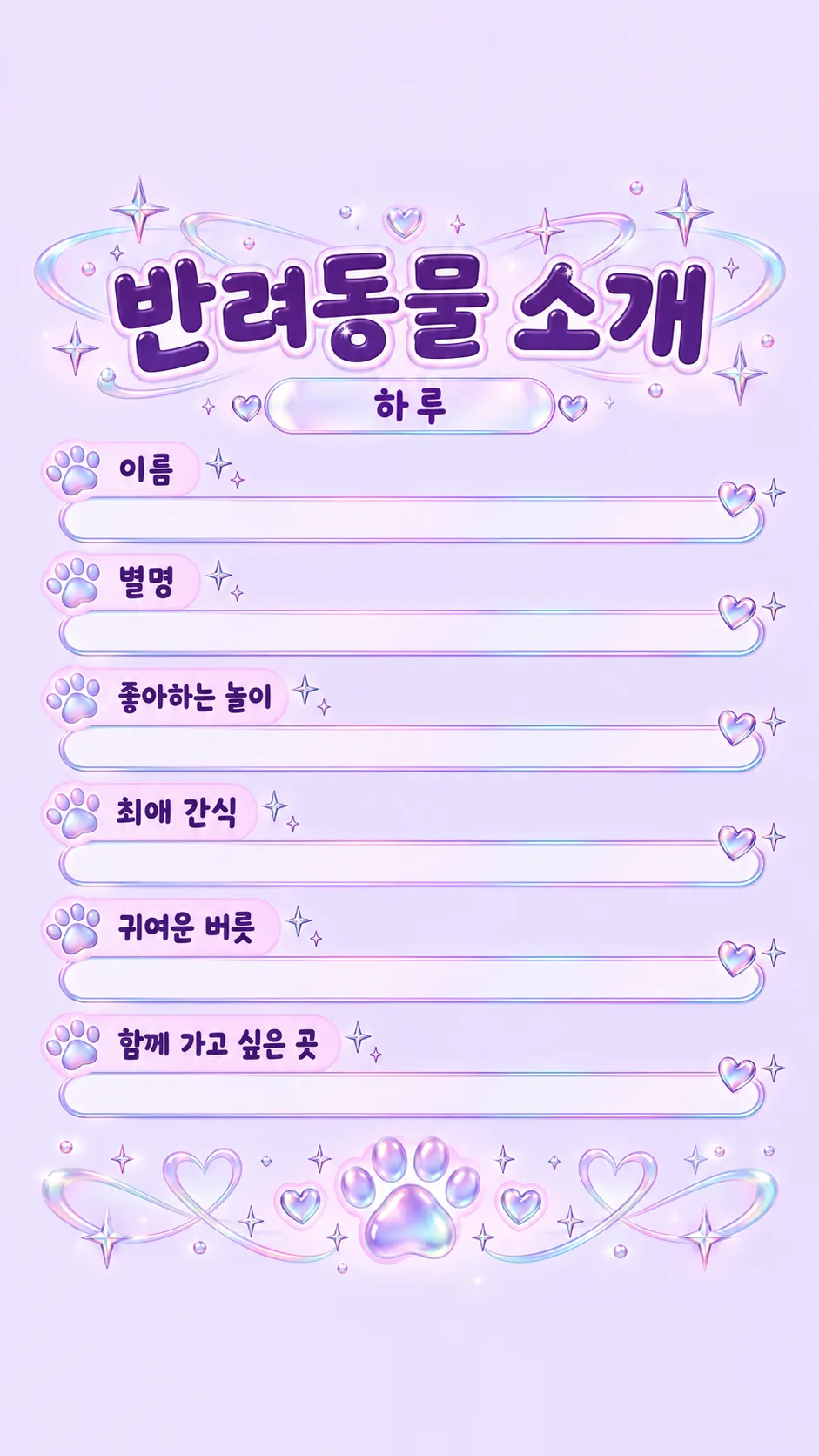
Create six questions with empty answer lines for an About Me, weekly catch-up or pet introduction story.
Fill in the fields
- 1Fill in the fields
- 2Copy the prompt
- 3Paste it into a GPT chat
- 4Send it as is and you get an image like the thumbnail example
- 5Attach a real photo that fits the card and it is used in the result: a background photo for background cards, a person or food photo for those cards Optional
Full prompt 3,317 characters
Generate this image now. Draw it directly, without explanation or follow-up questions.
Output size 1080x1920 pixels, 9:16 portrait story. Keep all text inside the central 80% of the height.
Create exactly ONE finished full-bleed story question template. Default aspect ratio 9:16; honor the supplied common size token. Never create a phone mockup, photographed paper, collage, multiple files or app interface.
Topic: 【Topic】. Questions: 【Questions】. Mood: 【Mood】.
All visible headings and questions must be natural English, including user input translated into that language when needed. Set a large heading matching the topic: About me; This week in little details; Year in review; Meet my pet; Meet my shop. For the About Me equivalent, use a friendly ask-about-me heading. Small creator credit: Haru; this is not an answer.
Split supplied questions at slashes or newlines. Preserve their order and wording, correcting only evident spelling and spacing. If blank or "Choose for me", choose exactly six distinct short questions that fit the topic. With five questions add one related question; with fewer add enough to reach six; with more use only the first six. Never print the automatic-choice token. Questions must invite answers without inventing facts about the user, shop or pet. For year review use timeless questions without invented dates or achievements.
Place title at 16-24% height, creator credit below it, and exactly six question rows within 29-75% height. Each question has a long COMPLETELY EMPTY horizontal answer line beside or below it, leaving generous blank writing space for mobile text. Render no answers, example answers, placeholder words, underscores as text, or filled-in pet names. Only the heading, creator credit and six questions are visible words.
Leave the TOP 12% and BOTTOM 12% entirely empty plain background, including no decorative elements. On 2:3 listing artwork keep the bottom 15% free of important text. Decorative motifs belong below the final question at 78-85%, never in answer spaces. Extend the background to all edges.
Mood selection maps in the listed order: Pastel scrapbook, Minimal black and white, Y2K sparkle, Hand-drawn doodles. First = soft cream peach lavender scrapbook illustration, tiny original bunny and flowers; second = crisp white and black typography with a small original smiling cloud; third = lilac cyan pink iridescent hearts and abstract paw, bold dark lettering; fourth = warm paper tone with loose original crayon doodles. Keep the six-question stationery layout throughout. Decorations must have visible gaps and not crowd lettering. Ensure strong contrast and readable lettering rather than effects that distort glyphs.
No real brands, product designs, recognizable people, existing characters, signatures, watermarks, app logos or UI. Use original decorative shapes only. Do not include production notes. Proofread every character, natural spacing, exactly six questions, completely blank answer lines and both empty safety zones before returning only the image.

[Final output format]
Output size 1080x1920 pixels, 9:16 portrait story. Keep all text inside the central 80% of the height.
This selected output format takes priority over any fixed canvas size or aspect ratio elsewhere in this template. Adapt the composition, text zones and margins to the selected canvas without stretching or cropping essential content. Device safe areas apply only when a device is selected. Never print these format instructions on the image.
How did it turn out?
You may also like

How to use it · FAQ
A question sheet you fill in on your phone
Create one story image with a large heading, six short questions and generous blank answer lines. The image contains questions, never completed answers. Upload it to your story and use the text tool to add your own responses. The default format is 9:16. The top and bottom 12% remain empty so profile and reply controls have room.
Set the three fields
Topic can be About me, This week in little details, Year in review, Meet my pet or Meet my shop, or a short custom heading. Questions accepts six prompts separated by slashes. Choose for me selects six short questions relevant to the topic. With five supplied questions, one related question is added; with more than six, only the first six are used. Supply questions rather than answers or private contact details. Mood offers Pastel scrapbook, Minimal black and white, Y2K sparkle and Hand-drawn doodles. It changes the palette and decorative finish while keeping one question sheet.
Check and share
Read every question at full size. Check that there are six questions, natural spelling and enough blank space to type each answer. Keep both safety areas free of text and decoration. Haru is the creator credit, not an answer; even the pet name line stays empty. This card needs no reference photo. All artwork is original and contains no app logo or interface.
Common fixes
If answers appear, request the same questions with all answer lines completely empty. If a question is too long, shorten it in the Questions field and copy the full prompt again. Add your answers in the story editor, then check that no important content is covered by the profile or reply controls before posting.