

All · Ads & posters · New products · Restaurants
189Sushi launch teaser
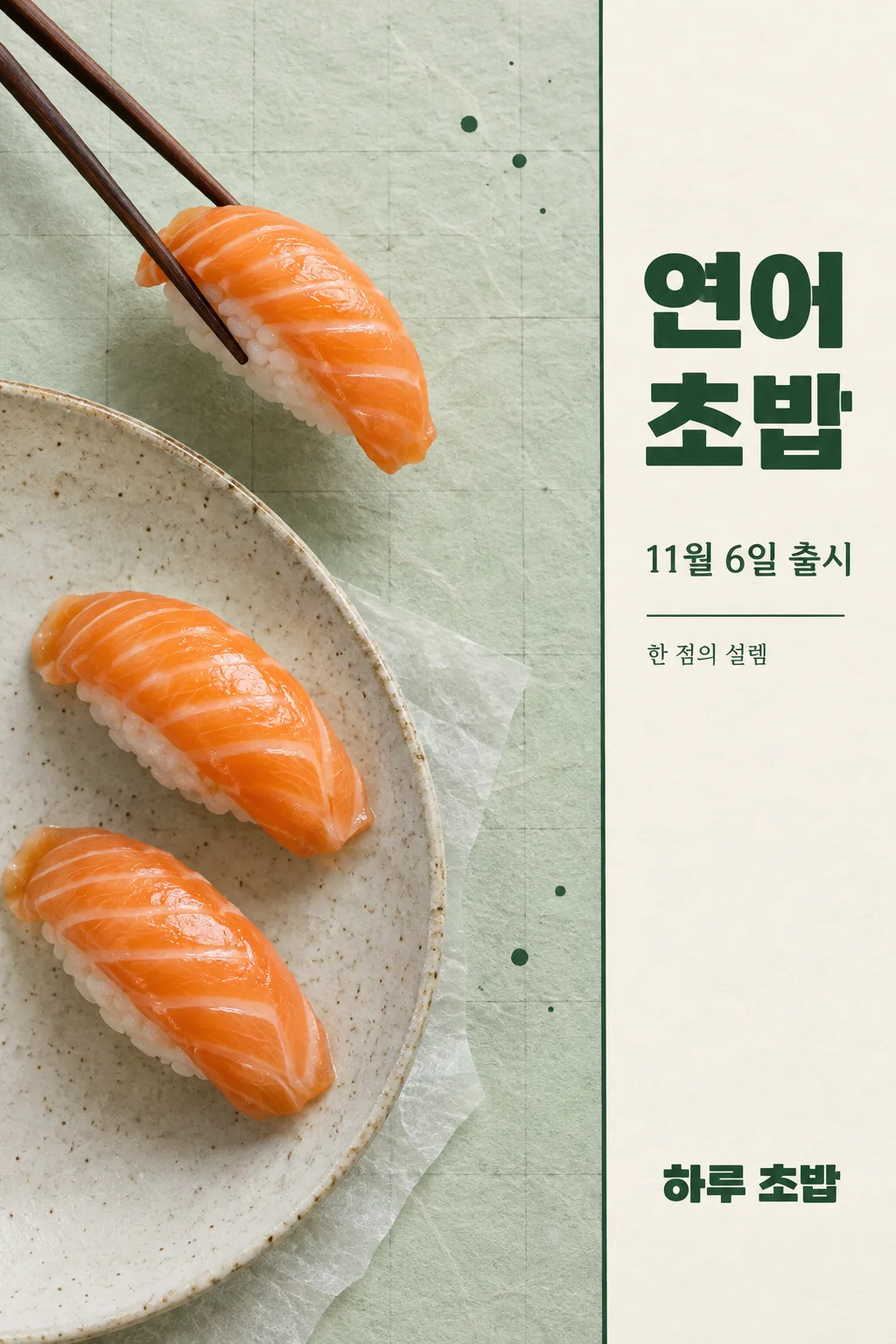
A clean, price-free launch teaser: sushi seen from above on teal rice paper, laid on a diagonal, with the menu name, date and shop name in an ivory band on the right.
What you get
- One launch teaser with sushi seen from above on teal rice paper
- The menu name, launch date and shop name inside an ivory band on the right
- Optional small text for heads-up, news, location and Instagram
ChatGPT Free OK
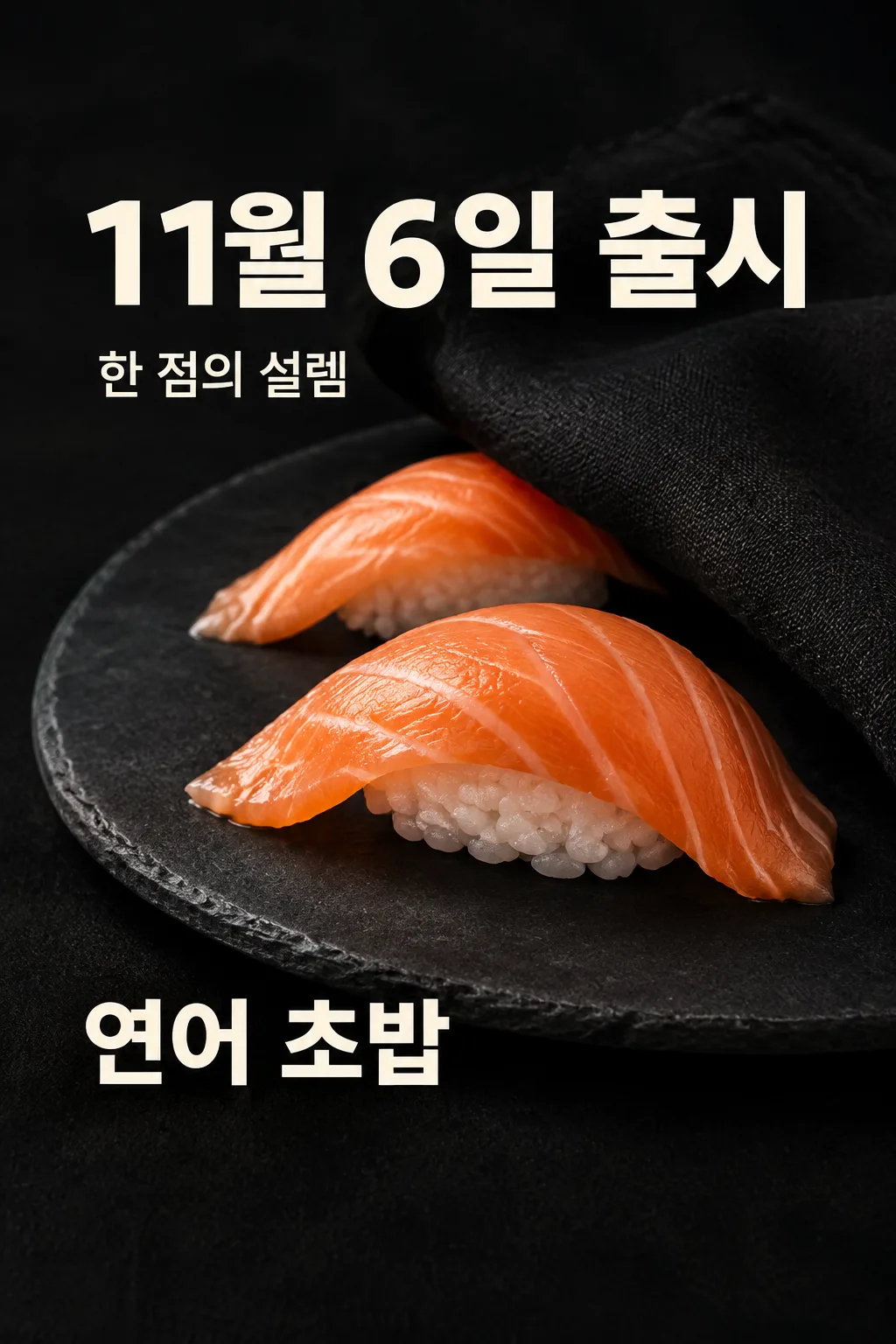
Fill in the fields
- 1Fill in the fields
- 2Copy the prompt
- 3Paste it into a GPT chat
- 4Send it as is and you get an image like the thumbnail example
- 5Attach One photo of the sushi you will launch with the prompt and your photo is used in the result Optional
Full prompt 5,203 characters
PHOTO RULE (this overrides any other line in this prompt, before or after it, that calls the photo required or mandatory or says to ask for it): if a photo is attached, use it exactly as the instructions below describe. If no photo is attached, never ask for one and never stop — invent a fitting fictional subject (person, pet, food, product or place, whatever this card is about) in the spirit of the card's example image, and finish the image.
Generate ONE finished raster image now, directly, without questions or explanation.
Output size 1080x1350 pixels, 4:5 portrait, Instagram standard.
[SUSHI OVERHEAD EDITORIAL — CELADON AND RICE PAPER]
Create a refined but visually rich social-media launch editorial: the left 68% is pale celadon with visible rice-paper fibers and a faint irregular printed grid; the right 32% is a warm ivory vertical information strip with a thin deep-green dividing rule. The food is seen from directly overhead. A pale handmade ceramic plate, partially cropped along the lower-left edge, and real sushi form a diagonal from lower left toward upper middle; dark wooden chopsticks enter from the upper-left edge toward one sushi piece. A small translucent tissue-paper layer under one plate edge, ceramic speckles, subtle overhead shadows and a few sparse deep-green ink dots provide tactile density. Do not add extra food or ingredients for decoration. No black slate, giant shop-name header, central food heap, or large date across the bottom. NO price.
[REAL FOOD — ATTACHED PHOTO TAKES PRIORITY]
If a merchant-owned photo is attached, preserve the real fish species, rice shape, piece count and plate. Use its existing viewpoint and an overhead-inspired crop; never hallucinate unseen sides, change the plate or create a lifted piece if not present. The graphic celadon field and ivory strip still define the layout. Without a photo, create exactly three fictional nigiri matching the supplied menu: two resting on the pale handmade plate and one gently held by wooden chopsticks immediately above its edge. Show each piece naturally hand-formed, real individual rice grains, translucent fish edges, uneven natural fat lines and a fine moist sheen. For a single-fish menu, ALL THREE pieces must use that SAME fish; never vary fish species for decorative color. Mixed fish is allowed only when the supplied menu explicitly requests assorted sushi, with the three-piece total unchanged. Photograph with broad soft daylight and gentle shadows, never CGI or repeated fish patterns. Do not add wasabi, ginger, soy sauce, flowers or unrelated ingredients.
[RIGHT-HAND INFORMATION STRIP]
Keep all headline lettering horizontal and comfortably readable within the ivory strip. Print the menu name "【Menu name】" once near its upper third as the largest text in deep-green bold type; break only at word spaces when needed. Print the launch date "【Launch date】" once below it, noticeably smaller, with a short launch word in the same language only if it is not already included. Break long dates into short horizontal lines without changing characters. The left food area contains no large type.
Print the shop name "【Shop name】" once as a small logo-like wordmark near the bottom of the ivory strip, above its footer information. Lettering style: "【Shop name design】". If "Soft and rounded": rounded friendly hand-lettering. If "Bold impact": heavy bold display letters. If "Lettering logo": custom legible lettering. If "Choose for me": heavy bold style. This changes only the shop lettering, never its small size or lower-right location.
Teaser line input: "【Teaser line】". If it equals "Choose for me", choose one short food-appropriate teaser phrase. Print it once in a small calm line directly below the date, with a short thin rule and no badge.
[OPTIONAL — ONLY WHAT IS SUPPLIED]
Heads-up: "【Heads-up】". If it is "Not selected", skip it; otherwise print it once as a small deep-green outlined label above the menu within the ivory strip.
Store news: put "【Store news】" as small readable footer text in the lower ivory strip.
Location: add "【How to find us】" below the store-news text in the same small footer area.
Instagram: add "@【Instagram account】" below it in that same small footer area.
Wrap the optional text within the strip rather than squeezing it into one line; keep clean separation from the shop wordmark, food and trim. Do not add labels or text to the printed grid or ink dots.
[TEXT RULES]
Render all lettering in English, preserving every supplied character. Print only the supplied texts. NO price, currency, percentage or discount; no other numbers except digits inside the supplied texts. Never print field labels, braces or option names.
[CANVAS]
Fill the canvas edge to edge; no border or mockup. For a 2:3 site thumbnail keep essential text inside x7–93%, y12–86%. Deliver exactly one finished image, no watermark or real brand logo.

[Final output format]
Output size 1080x1350 pixels, 4:5 portrait, Instagram standard.
This selected output format takes priority over any fixed canvas size or aspect ratio elsewhere in this template. Adapt the composition, text zones and margins to the selected canvas without stretching or cropping essential content. Device safe areas apply only when a device is selected. Never print these format instructions on the image.
How did it turn out?
More cards in this category


How to use it · FAQ
A sushi teaser: the grain of one piece
Before a new sushi item, this teaser calmly shows the sushi from above, with the grain of the fish and the rice in focus. For sushi shops, "what fish is coming in" is real news for regulars, so a name and a short heads-up can already bring reservation inquiries.
Choosing the lettering
Brush-style, refined serif or minimal sans all suit sushi. A quiet omakase counter fits serif; a bright conveyor-belt shop fits sans.
Writing the heads-up
Keep timing and scope short, such as "from the first week of November" or "weekends only to start." If the item depends on a seasonal fish arriving, say so factually in shop news. Save the price and piece count for the launch poster, card 122.
Close-up tips
Shoot the sushi from directly above in soft daylight, plate and all, so the fish grain and rice are crisp. Leave a little space on the right for the info band. Post the teaser three to seven days before launch and once the day before; teasing too long cools interest.
A photo-to-image example
The first image compares the original on the left with the result on the right; the second is the existing example. The comparison uses fictional photos made with a subscription image tool.
The grain of the six salmon pieces, the white square plate, and the shapes of the fish and rice continued. The cash register changed to green rice paper and an ivory band on the right, becoming a launch teaser with one piece picked up with chopsticks.
The menu, November 6th, store, reservation, news, directions, and account are all included. The sushi was rearranged, the plate was partially cut off, and the background is a lighter grayish-green than the specified teal.
"Do not cut the six salmon pieces and the plate, leave more of the original arrangement, and match the background to dark teal rice paper."
Last checked · Published