
All · Ads & posters · Restaurants · New products
289Vintage food poster — your menu as a 1950s-60s diner sign
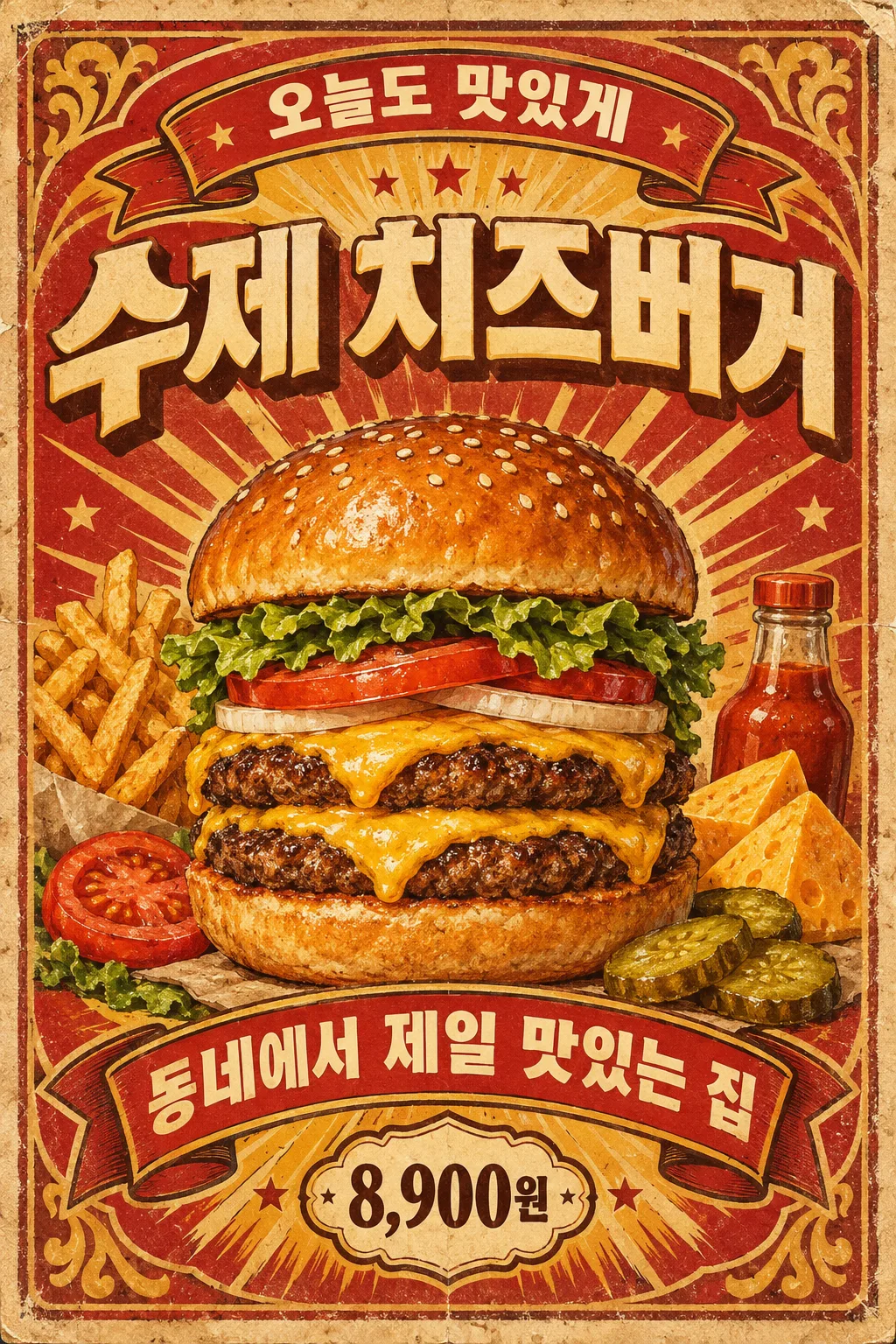
One menu name becomes a vintage sign poster with arched lettering, a ribbon banner, stars and worn paper.
What you get
- One vintage sign-style menu poster
- Arched top line, a big dish and a ribbon banner
- A price in a star badge if you add one
ChatGPT Free OK
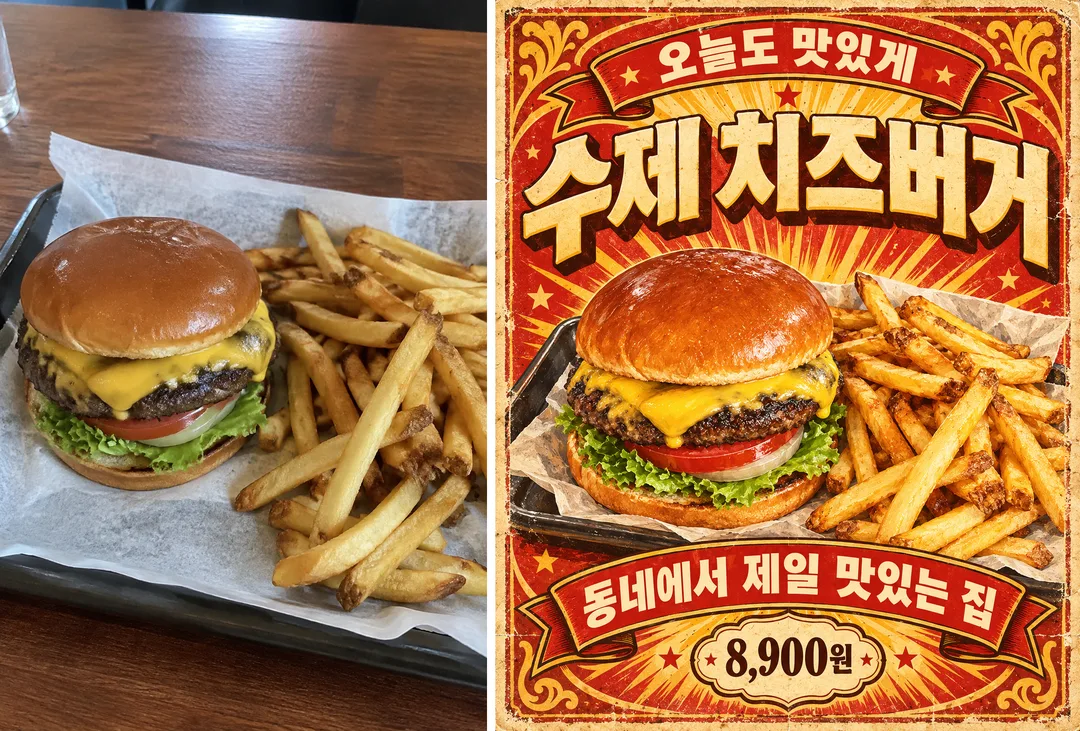
Fill in the fields
- 1Fill in the fields
- 2Copy the prompt
- 3Paste it into a GPT chat
- 4Send it as is and you get an image like the thumbnail example
- 5Attach a real photo that fits the card and it is used in the result: a background photo for background cards, a person or food photo for those cards Optional
Full prompt 3,547 characters
Generate this image now. Draw it directly - do not describe it, explain it, or ask questions.
Output size 1080x1350 pixels, 4:5 portrait, Instagram standard.

Create a single richly illustrated 1950s–1960s vintage food-advertising poster. If no size is specified, use a portrait 2:3 aspect ratio. Show the flat artwork straight on, filling the image.

MENU NAME, exact main title: "【Menu name】"
TOP PHRASE, exact optional arched text: "【Top line】"
If the TOP PHRASE line is missing or empty, omit the upper arched lettering and its dedicated text banner entirely. Never invent a replacement slogan.
BOTTOM RIBBON PHRASE, exact optional text: "【Ribbon line】"
If the BOTTOM RIBBON PHRASE line is missing or empty, omit the text-bearing bottom ribbon and rebalance the lower decoration. Never invent a replacement phrase or leave an empty text ribbon.
PRICE, exact optional text: "【Price】"
If the PRICE line is missing or empty, omit the price and price badge entirely. Never invent a price, currency, discount, or replacement text.

COLOR PALETTE selected: "【Colors】"
Interpret only the selected choice:
- Red and yellow: Tomato-red banners, golden-yellow accents, cream paper, and dark-brown outlines.
- Teal and cream: Deep teal banners, warm cream paper and lettering, muted golden accents, and dark outlines.
- Brown and orange: Chocolate-brown banners, burnt-orange accents, aged cream paper, and warm golden highlights.
If this selection line is missing or empty, use Red and yellow only.

[Attached photo]
Use the attached menu photograph as the reference for the food's identity, ingredients, shape, toppings, and serving arrangement. Transform it into a detailed vintage hand-painted advertising illustration. Preserve its distinguishing food features while improving visual clarity and appetizing lighting. Remove recognizable packaging and branding. Do not paste a rectangular photograph into the poster.
PHOTO RULE: if a photo is attached, use it as described; if no photo is attached, never ask for one and never stop — invent a fitting fictional subject and finish the image.

Make the food the central hero, occupying approximately half the composition. Render appetizing textures, substantial volume, highlights, and expressive painted shadows. Add several relevant ingredient or side-dish illustrations around it without obscuring the main food.

Place the large menu title prominently near the top. When provided, set the upper phrase on an arched decorative banner, the lower phrase on a dimensional ribbon, and the price in a small decorative badge. Print every supplied text exactly as quoted, preserving punctuation, spacing, language, and spelling. For Korean, reproduce every syllable and final consonant accurately. Add no other lettering.

Use abundant period decoration: small stars, sunburst rays, ribbon folds where applicable, ornamental corners, a worn border, distressed print texture, foxed cream paper, and rubbed edges. Maintain a clear title–food–ribbon hierarchy and substantial visual density.
No brand logos, identifiable commercial packaging, watermark, signature, frame, restaurant mockup, or multiple posters.
The choice names in this prompt are internal labels only; never print them as text.

[Final output format]
Output size 1080x1350 pixels, 4:5 portrait, Instagram standard.
This selected output format takes priority over any fixed canvas size or aspect ratio elsewhere in this template. Adapt the composition, text zones and margins to the selected canvas without stretching or cropping essential content. Device safe areas apply only when a device is selected. Never print these format instructions on the image.
How did it turn out?
You may also like
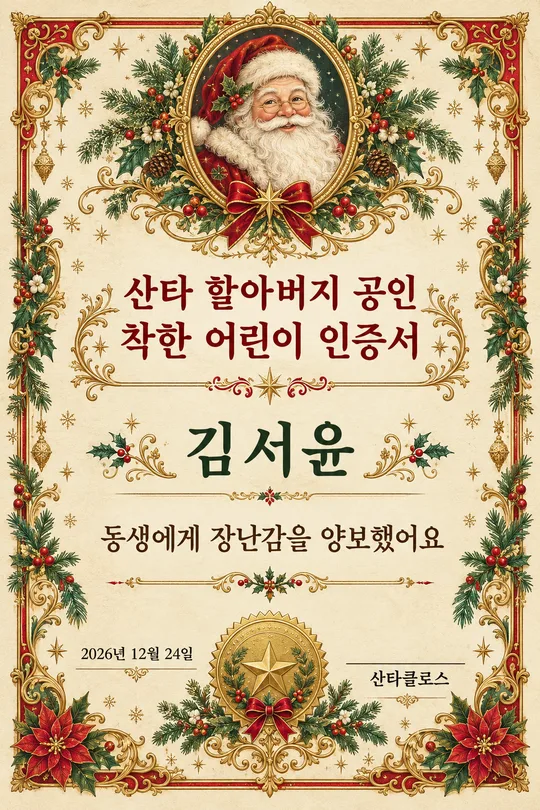
- 312Santa's nice list certificate — a printable Christmas award with your child's name
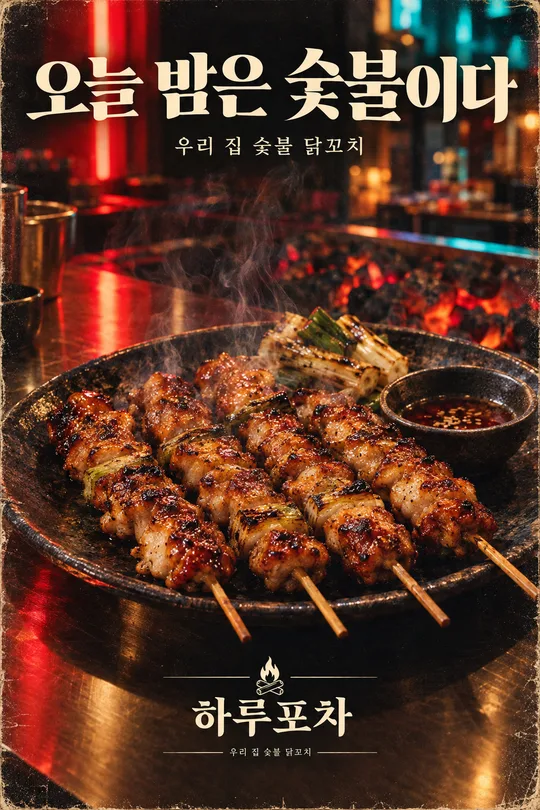
- 30780s-90s retro magazine ad — your product as a grainy full-page ad
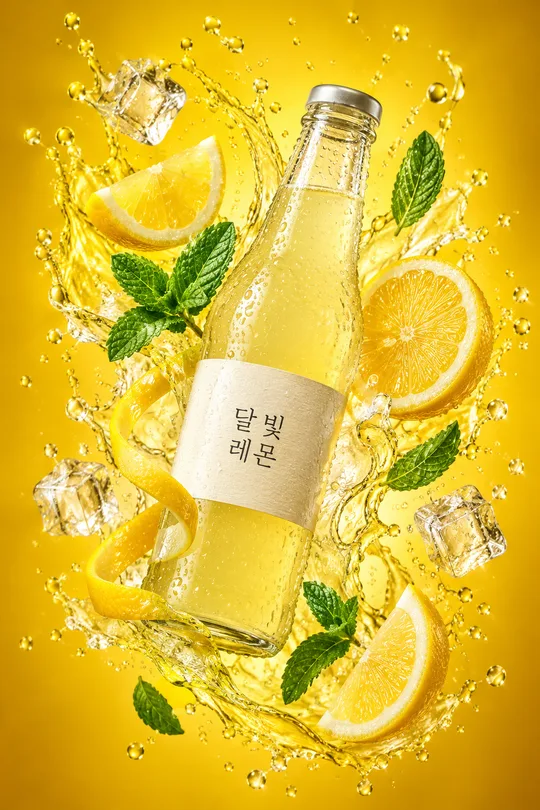
- 301Drink splash ad photo — your bottle floating with fruit and droplets
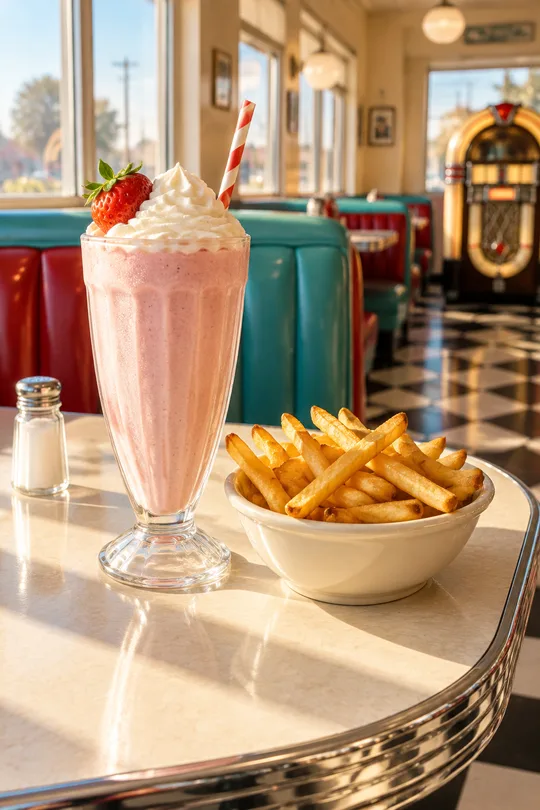
- 29550s diner table photo — your menu at a retro American diner window seat
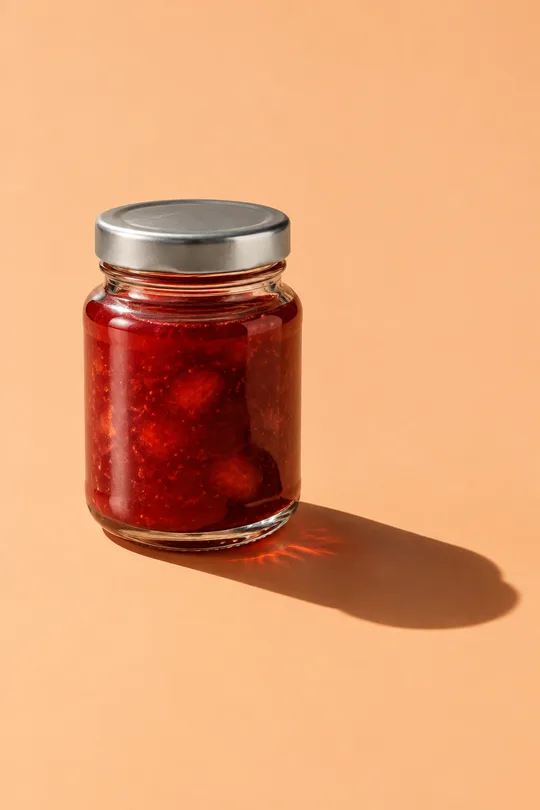
- 280Hard light product photo — solid background, sharp shadow ad shot
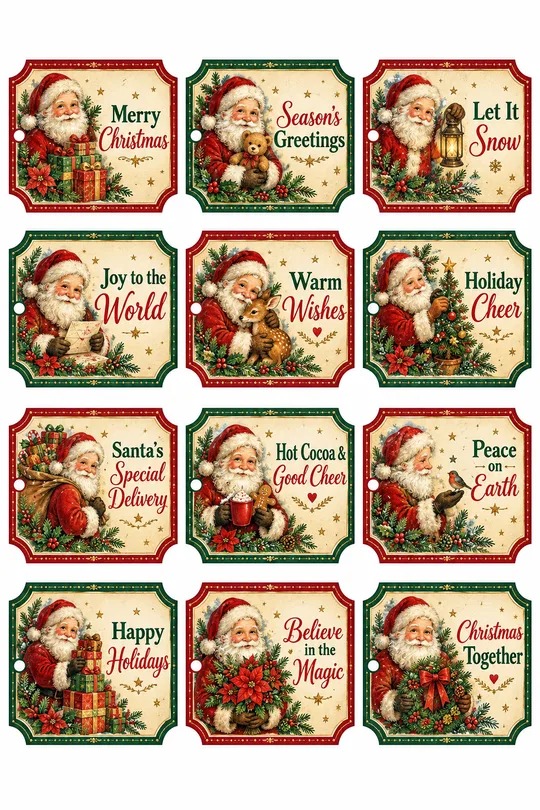
- 279Christmas gift tags x12 — Santa, robin, elf, snowman vintage tag sheet
How to use it · FAQ
When to use it
Turn your signature dish into a vintage poster like an old American diner sign: arched lettering on top, a big illustrated dish, a ribbon banner, stars and faded paper texture. Great for retro burger, donut, snack or chicken shops and delivery app images.
Filling in the fields
Just the menu name. Empty lines disappear. A price appears in a star badge. Red and yellow suits burgers, teal and cream suits desserts.
Using your menu photo
① Upload the photo — do not send yet ② paste the prompt ③ send when both are there. The in-card example shows a plain burger photo (left) and the result (right).
Check the result
- Are the menu name and price exact? Use real prices only.
- Does the dish match the real one?