
전체 · 광고/포스터 · 음식점·식당 · 신메뉴·신상품
289빈티지 음식 포스터 — 50~60년대 간판 같은 우리 메뉴 포스터 (버거 · 도넛 · 분식 · 치킨)
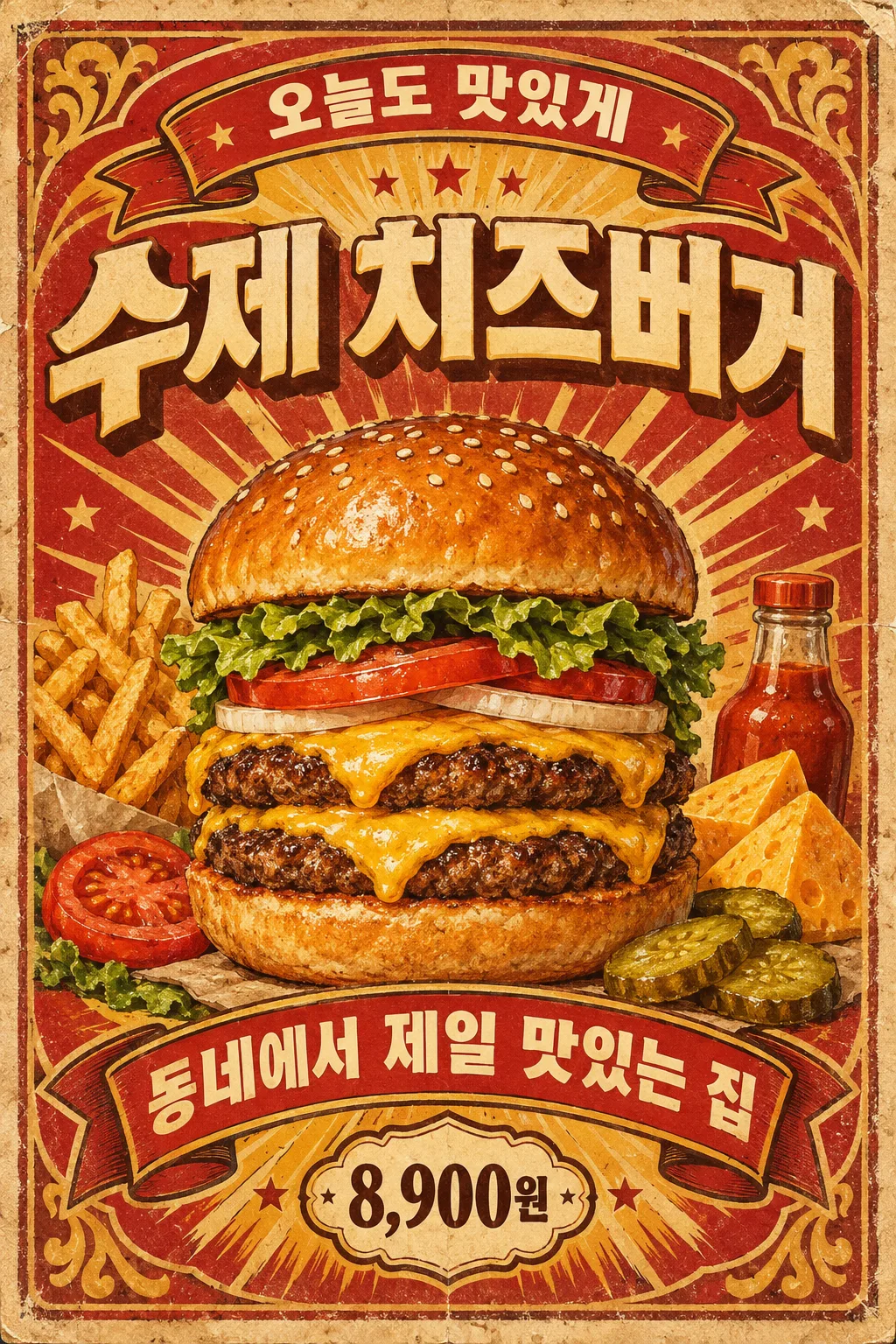
메뉴 이름 하나로 아치 글자, 리본 띠, 별 장식, 낡은 종이 질감이 들어간 50~60년대 빈티지 간판 포스터가 나와요.
받는 것
- 빈티지 간판 같은 메뉴 포스터 한 장
- 위 아치 문구, 큰 음식, 아래 리본 띠
- 가격을 적으면 별 딱지 안에
ChatGPT 무료 OK
칸 채우기
- 1칸을 채워요
- 2복사 버튼을 눌러요
- 3GPT 채팅창에 붙여넣어요
- 4그대로 보내면 썸네일 예시처럼 나와요
- 5메뉴 사진 한 장 (선택)을 같이 넣으면 그 사진이 반영돼요 선택
프롬프트 원문 보기 3,493자
Generate this image now. Draw it directly - do not describe it, explain it, or ask questions.
Output size 1080x1350 pixels, 4:5 portrait, Instagram standard.

Create a single richly illustrated 1950s–1960s vintage food-advertising poster. If no size is specified, use a portrait 2:3 aspect ratio. Show the flat artwork straight on, filling the image.

MENU NAME, exact main title: "【메뉴 이름】"
TOP PHRASE, exact optional arched text: "【위 문구】"
If the TOP PHRASE line is missing or empty, omit the upper arched lettering and its dedicated text banner entirely. Never invent a replacement slogan.
BOTTOM RIBBON PHRASE, exact optional text: "【아래 띠 문구】"
If the BOTTOM RIBBON PHRASE line is missing or empty, omit the text-bearing bottom ribbon and rebalance the lower decoration. Never invent a replacement phrase or leave an empty text ribbon.
PRICE, exact optional text: "【가격】"
If the PRICE line is missing or empty, omit the price and price badge entirely. Never invent a price, currency, discount, or replacement text.

COLOR PALETTE selected: "【색】"
Interpret only the selected choice:
- 빨강 · 노랑: Tomato-red banners, golden-yellow accents, cream paper, and dark-brown outlines.
- 청록 · 크림: Deep teal banners, warm cream paper and lettering, muted golden accents, and dark outlines.
- 갈색 · 주황: Chocolate-brown banners, burnt-orange accents, aged cream paper, and warm golden highlights.
If this selection line is missing or empty, use 빨강 · 노랑 only.

[Attached photo]
Use the attached menu photograph as the reference for the food's identity, ingredients, shape, toppings, and serving arrangement. Transform it into a detailed vintage hand-painted advertising illustration. Preserve its distinguishing food features while improving visual clarity and appetizing lighting. Remove recognizable packaging and branding. Do not paste a rectangular photograph into the poster.
PHOTO RULE: if a photo is attached, use it as described; if no photo is attached, never ask for one and never stop — invent a fitting fictional subject and finish the image.

Make the food the central hero, occupying approximately half the composition. Render appetizing textures, substantial volume, highlights, and expressive painted shadows. Add several relevant ingredient or side-dish illustrations around it without obscuring the main food.

Place the large menu title prominently near the top. When provided, set the upper phrase on an arched decorative banner, the lower phrase on a dimensional ribbon, and the price in a small decorative badge. Print every supplied text exactly as quoted, preserving punctuation, spacing, language, and spelling. For Korean, reproduce every syllable and final consonant accurately. Add no other lettering.

Use abundant period decoration: small stars, sunburst rays, ribbon folds where applicable, ornamental corners, a worn border, distressed print texture, foxed cream paper, and rubbed edges. Maintain a clear title–food–ribbon hierarchy and substantial visual density.
No brand logos, identifiable commercial packaging, watermark, signature, frame, restaurant mockup, or multiple posters.
The choice names in this prompt are internal labels only; never print them as text.

[Final output format]
Output size 1080x1350 pixels, 4:5 portrait, Instagram standard.
This selected output format takes priority over any fixed canvas size or aspect ratio elsewhere in this template. Adapt the composition, text zones and margins to the selected canvas without stretching or cropping essential content. Device safe areas apply only when a device is selected. Never print these format instructions on the image.
결과 어땠어요?
이 카드도 많이 사용해요
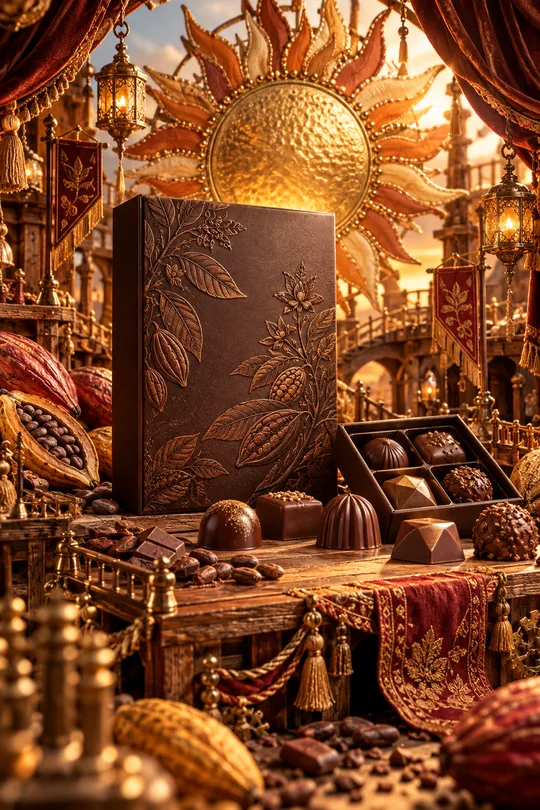
- 331미니어처 공방 상품 광고 — 우리 상품이 금속 장식 · 직물 · 작은 무대로 만든 수공예 세상 한가운데
- 325음식 라인 아이콘 — 메뉴판 · 스티커 · 간판에 쓰는 깔끔한 선 아이콘
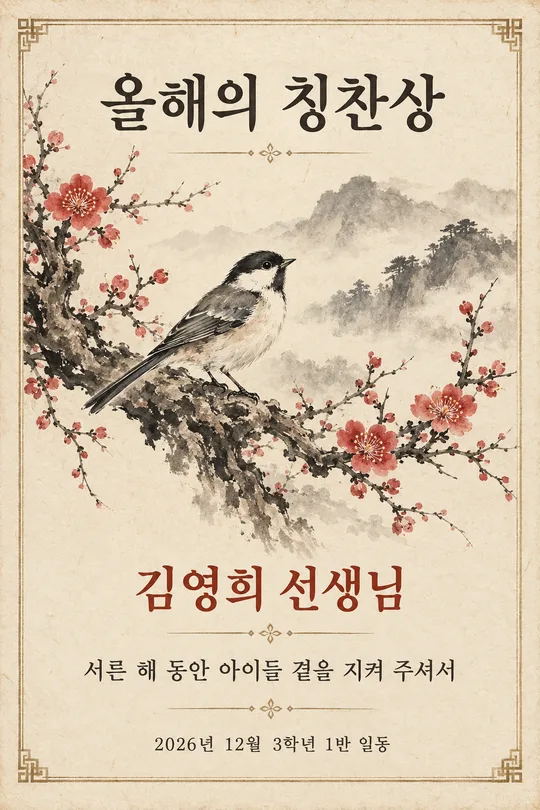
- 320수묵화 감사패 · 상장 — 매화 · 대나무 · 학 그림과 이름이 들어간 인쇄용 기념장 (스승의 날 · 퇴임 · 가족)
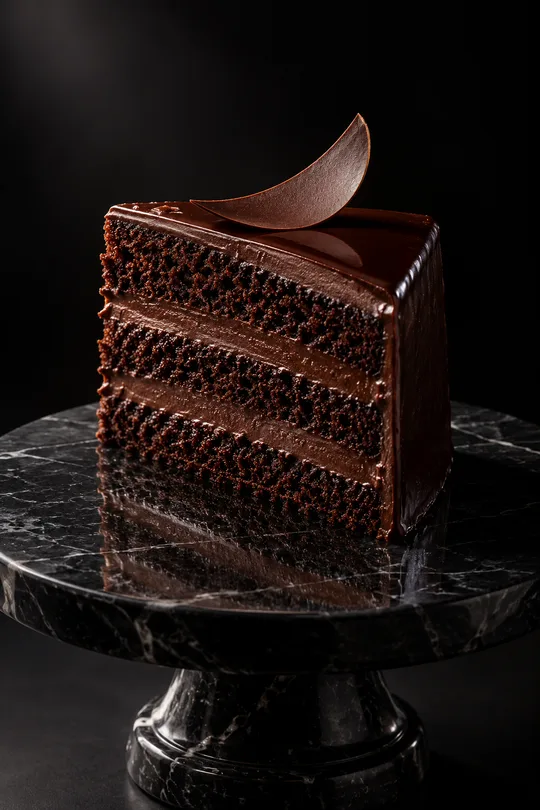
- 319다크 럭셔리 상품 사진 — 검은 스튜디오에서 한 줄기 빛을 받는 디저트 · 와인 · 향수 광고컷
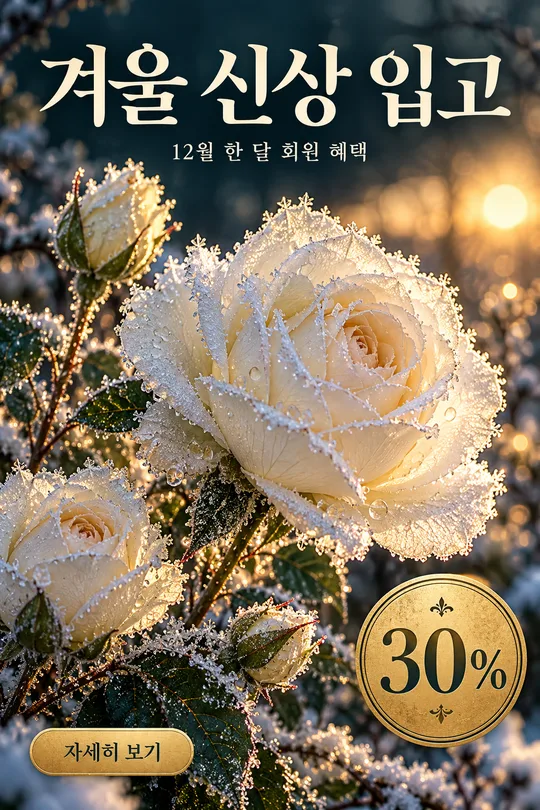
- 316겨울 꽃 홍보 포스터 — 서리 내린 꽃 클로즈업 위 가게 신상 · 회원 혜택 안내
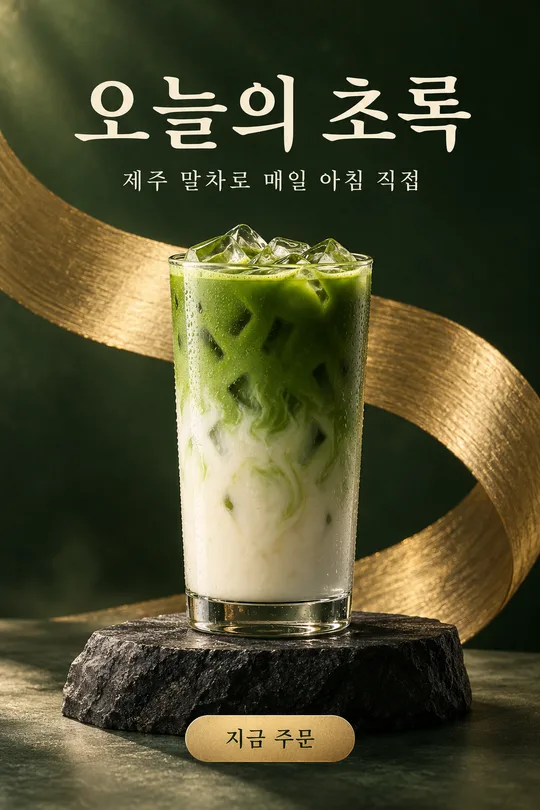
- 313메뉴 사진 헤드라인 광고 — 우리 메뉴 · 상품을 받침대 위 잡지 광고 포스터로 (카페 · 화장품 · 소품)
쓰는 법 · 자주 묻는 것
이런 때 쓰세요
우리 가게 대표 메뉴를 옛날 미국 다이너 간판 같은 빈티지 포스터로 만들고 싶을 때 쓰세요. 위에는 아치 모양 문구, 가운데 크게 그린 음식, 아래에는 리본 띠와 별 장식, 그리고 바랜 종이 질감까지 들어가요. 레트로 콘셉트 버거집 · 도넛 · 분식 · 치킨집 벽에 걸거나, 배달앱 · 인스타 대표 이미지로 쓰기 좋아요.
해외 프롬프트 판매 사이트에서 돈을 받고 파는 형식을 같은 밀도로 만들었어요. 여기서는 무료이고, 칸과 단추로 내 것으로 바꿉니다.
칸 채우는 법
메뉴 이름만 적으면 됩니다. 위 문구 · 아래 띠 문구는 비우면 그 줄이 빠지고 그림만 남아요. 가격을 적으면 별 모양 딱지 안에 들어갑니다. 색은 빨강 · 노랑(버거 · 치킨), 청록 · 크림(디저트 · 카페), 갈색 · 주황(빵 · 고기)이 잘 어울려요.
우리 메뉴 사진을 넣을 때
① 사진을 올립니다 — 아직 보내지 않아요
② 같은 칸에 복사한 프롬프트를 붙여넣어요
③ 둘 다 들어간 걸 확인하고 보내요
사진만 먼저 보냈다면 프롬프트 끝에 「위 사진으로 그려줘」를 붙여 보내세요. 사진 없이 보내면 표지처럼 가상의 주인공으로 그려요.
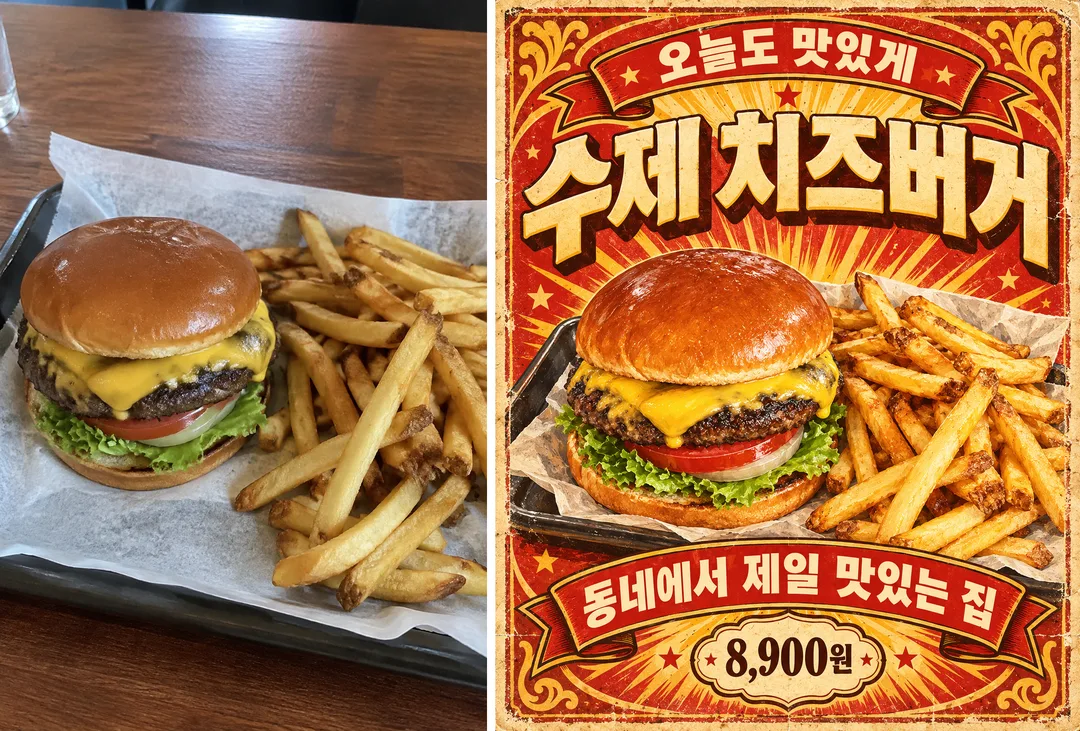
카드 안 예시는 매장에서 찍은 평범한 버거 사진(왼쪽)을 넣은 결과(오른쪽)예요.
그림이 나오면 꼭 볼 것
- 메뉴 이름과 가격이 정확한가요? 가격은 실제 판매가만 쓰세요.
- 음식 모양이 실제 메뉴와 같나요? 배달앱에 쓸 땐 실물과 다르면 안 돼요.
자주 묻는 것
- 매장 인쇄용 크기는요? A4로 뽑아도 됩니다. 화면 비율을 A4로 고르세요.
예시 보는 법
목록 표지는 사진 없이 프롬프트만으로 낸 결과예요. 카드 안 예시는 가상의 평범한 원본 사진(왼쪽)을 넣었을 때의 결과(오른쪽)예요. 사진 없이도, 내 사진으로도 쓸 수 있어요.