
すべて · 広告・ポスター · 飲食店 · 新商品
289ヴィンテージ料理ポスター — 50〜60年代の看板のようなメニューポスター
メニュー名一つで、アーチ文字・リボン帯・星飾り・古紙の質感が入った50〜60年代のヴィンテージ看板ポスターになります。
受け取れるもの
- ヴィンテージ看板風のメニューポスター一枚
- 上のアーチ文字、大きな料理、下のリボン帯
- 価格を入れると星のバッジの中に
ChatGPT 無料 OK
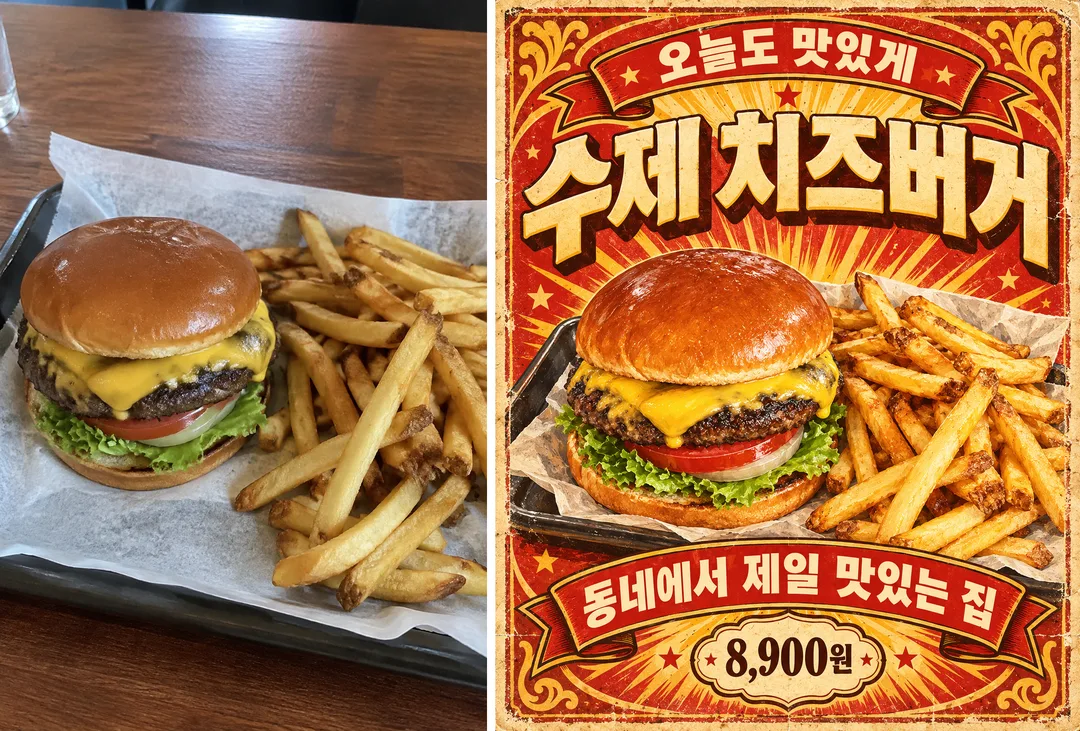
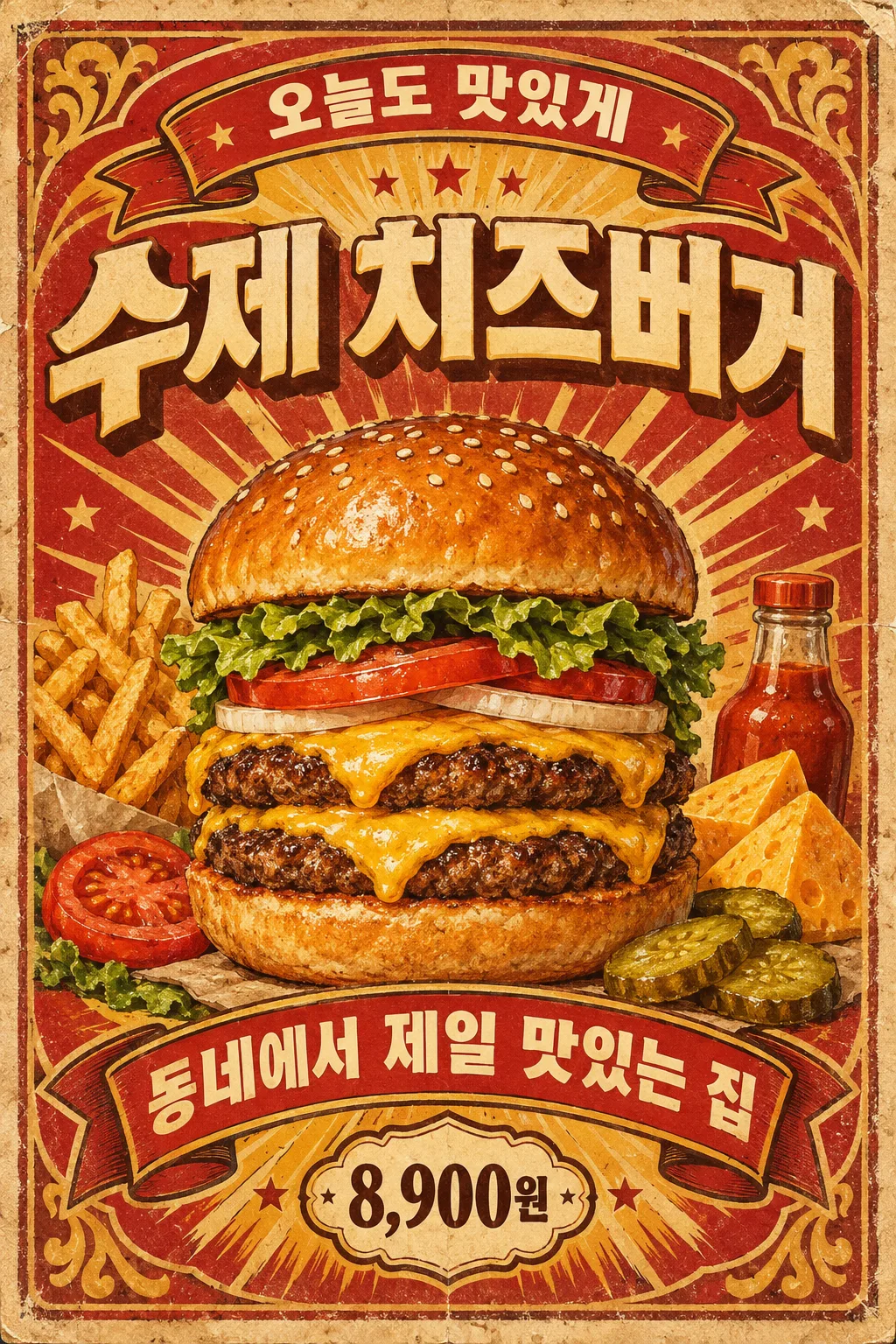
項目を入力
- 1項目を入力します
- 2コピーを押します
- 3GPTのチャットに貼り付けます
- 4そのまま送ると、サムネイルの例のような画像になります
- 5カードに合う実際の写真を一緒に入れると反映されます。背景カードなら背景の写真、人物・料理カードならその写真 任意
プロンプト全文を見る 3,487文字
Generate this image now. Draw it directly - do not describe it, explain it, or ask questions.
出力サイズは1080×1350ピクセル、4:5の縦型Instagram投稿にしてください。

Create a single richly illustrated 1950s–1960s vintage food-advertising poster. If no size is specified, use a portrait 2:3 aspect ratio. Show the flat artwork straight on, filling the image.

MENU NAME, exact main title: "【メニュー名】"
TOP PHRASE, exact optional arched text: "【上の文句】"
If the TOP PHRASE line is missing or empty, omit the upper arched lettering and its dedicated text banner entirely. Never invent a replacement slogan.
BOTTOM RIBBON PHRASE, exact optional text: "【下の帯の文句】"
If the BOTTOM RIBBON PHRASE line is missing or empty, omit the text-bearing bottom ribbon and rebalance the lower decoration. Never invent a replacement phrase or leave an empty text ribbon.
PRICE, exact optional text: "【価格】"
If the PRICE line is missing or empty, omit the price and price badge entirely. Never invent a price, currency, discount, or replacement text.

COLOR PALETTE selected: "【色】"
Interpret only the selected choice:
- 赤・黄: Tomato-red banners, golden-yellow accents, cream paper, and dark-brown outlines.
- 青緑・クリーム: Deep teal banners, warm cream paper and lettering, muted golden accents, and dark outlines.
- 茶・オレンジ: Chocolate-brown banners, burnt-orange accents, aged cream paper, and warm golden highlights.
If this selection line is missing or empty, use 赤・黄 only.

[Attached photo]
Use the attached menu photograph as the reference for the food's identity, ingredients, shape, toppings, and serving arrangement. Transform it into a detailed vintage hand-painted advertising illustration. Preserve its distinguishing food features while improving visual clarity and appetizing lighting. Remove recognizable packaging and branding. Do not paste a rectangular photograph into the poster.
PHOTO RULE: if a photo is attached, use it as described; if no photo is attached, never ask for one and never stop — invent a fitting fictional subject and finish the image.

Make the food the central hero, occupying approximately half the composition. Render appetizing textures, substantial volume, highlights, and expressive painted shadows. Add several relevant ingredient or side-dish illustrations around it without obscuring the main food.

Place the large menu title prominently near the top. When provided, set the upper phrase on an arched decorative banner, the lower phrase on a dimensional ribbon, and the price in a small decorative badge. Print every supplied text exactly as quoted, preserving punctuation, spacing, language, and spelling. For Korean, reproduce every syllable and final consonant accurately. Add no other lettering.

Use abundant period decoration: small stars, sunburst rays, ribbon folds where applicable, ornamental corners, a worn border, distressed print texture, foxed cream paper, and rubbed edges. Maintain a clear title–food–ribbon hierarchy and substantial visual density.
No brand logos, identifiable commercial packaging, watermark, signature, frame, restaurant mockup, or multiple posters.
The choice names in this prompt are internal labels only; never print them as text.

[Final output format]
出力サイズは1080×1350ピクセル、4:5の縦型Instagram投稿にしてください。
This selected output format takes priority over any fixed canvas size or aspect ratio elsewhere in this template. Adapt the composition, text zones and margins to the selected canvas without stretching or cropping essential content. Device safe areas apply only when a device is selected. Never print these format instructions on the image.
結果はどうでしたか?
こちらのカードも人気です
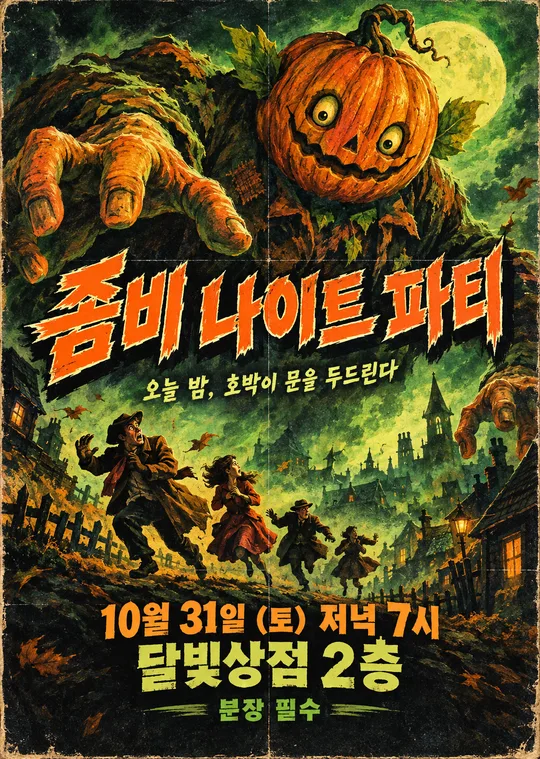
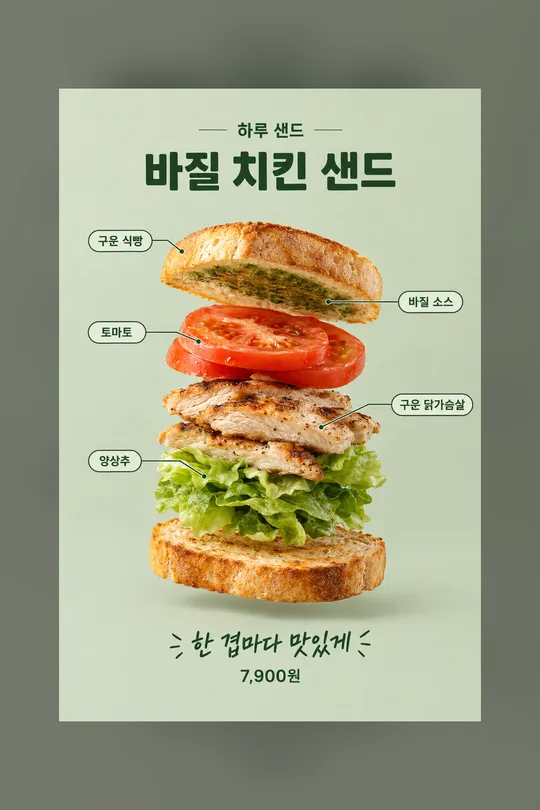
使い方・よくある質問
こんなときに
看板メニューを昔のアメリカのダイナー看板のようなヴィンテージポスターにしたいときに。上にアーチ形の文字、真ん中に大きな料理、下にリボン帯と星、色あせた紙の質感まで入ります。レトロなバーガー店・ドーナツ・軽食・チキン店の壁やデリバリーアプリの画像に。
欄の埋め方
メニュー名だけで大丈夫です。空けた行は消えます。価格は星のバッジに入ります。
メニュー写真を入れるとき
① 写真をアップロード — まだ送らない ② 同じ欄にプロンプトを貼る ③ 両方入ったのを確認して送る。カード内の例は普通のバーガー写真(左)と結果(右)です。
出てきたら確認すること
- メニュー名と価格は正しいですか?価格は実際の販売価格だけに。