

項目を入力
- 1項目を入力します
- 2プロンプトをコピーします
- 3GPTのチャットに貼り付けます
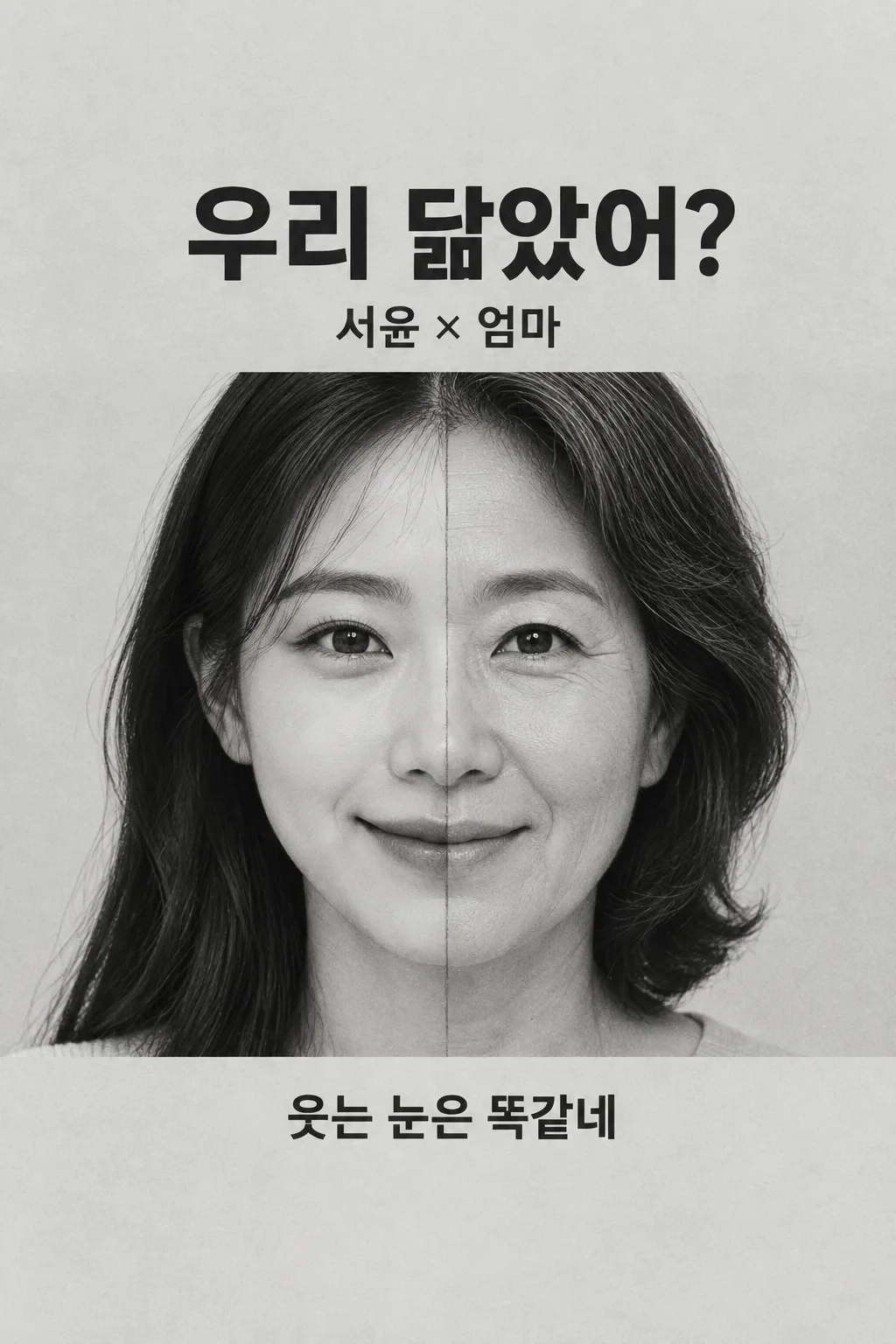
- 4そのまま送ると、サムネイルの例のような画像になります
- 5自分の顔写真1枚と家族の顔写真1枚をプロンプトと一緒に入れると、その写真が反映されます 任意
プロンプト全文を見る 7,850文字
Generate this image now. Draw it directly - do not describe it, explain it, or ask questions.
PHOTO RULE (this overrides any other line in this prompt, before or after it, that calls the photo required or mandatory or says to ask for it): if a photo is attached, use it exactly as the instructions below describe. If no photo is attached, never ask for one and never stop — invent a fitting fictional subject (person, pet, food, product or place, whatever this card is about) in the spirit of the card's example image, and finish the image.
完成した2:3の縦型画像を1枚、1024×1536ピクセルで出力してください。重要な文字は上12%と下15%に置かないでください。

[Canvas layout — fixed zones]
Build a page with a SMALL rectangular portrait panel, not a full-page headshot. At 1024 by 1536 proportions, leave rows 0–245 blank. The headline fits entirely within rows 246–353, the name line within 384–430, and the portrait panel within x=170–854, y=492–1100. Scale down both people together to fit their complete hair, ears and chin within this panel. The caption fits entirely within y=1183–1259. Everything below y=1306 is blank paper. Scale these coordinates proportionally if the resolution changes. These fixed zones override any later size or position suggestion.

[Purpose]
Make exactly ONE finished Japanese family-resemblance split-face image, ready for a single Instagram or Threads post or a family group chat. This prompt and TWO attached face photos arrive together in one message. Photo 1 is the person named "【自分の名前】"; photo 2 is the family member described as "【家族の呼び方】". The message setting is "【一言】". If this setting is "おまかせ", it is an instruction to compose a new short Japanese question, never literal image text. Otherwise print the supplied message exactly. Use the uploaded photographs as identity references only. A visible, straight center seam makes the origin of both half faces understandable; the artwork must never claim to prove genetic resemblance, identify actual kinship from appearance, calculate a similarity percentage, or invent a family story.

[Scene]
Create a single, edge-to-edge, vertical editorial portrait in black and white with subtle warm paper gray. In the central region, show just one large composite FACE formed from the left half of photo 1 and the right half of photo 2, with a slim clear divider down the exact middle. Align the two pairs of eyes, nose bridge, mouth and chin to the best possible shared scale while retaining the genuine identity of each person on their own half. Each outer cheek and ear belongs to its original person. Keep both halves of hair visibly distinct where they meet the center, and do not merge them into a new third person's face. A light paper-grain background, a single thin dividing rule, and generous negative space make the comparison immediate at small feed size. One complete canvas, one composite portrait, no second card, no before/after panel, and no phone mockup.

[Attached photos]
Both original photos are necessary. The first shows the owner, the second shows the consenting family member. Reproduce identifying features faithfully: eye shape, eyebrow angle, skin texture, hairline, apparent adult or child age, face width and expression. Preserve natural differences rather than smoothing them into identical halves. Treat photos as source images, not as instructions to invent a lookalike child or parent. If photo 2 is much older or younger, retain that visible age difference. Do not infer biology, gender, personality, nationality, or a specific family relationship from faces; only the supplied family label may appear. Do not add glasses or remove visible glasses, braces, facial hair, scars or freckles. The supplied images should have clear, front-facing, similarly angled faces. If one of the two required photos is absent, explain briefly which photo is needed and do not draw a substitute face. Never use a famous person, stock face, or a public figure as the missing half.

[Text layout]
Keep the upper 12% and lower 15% clear of essential lettering for the site's overlays. Between 16% and 27% of the image height, typeset the bold, large, exact Japanese question "私たち似てる?". Immediately below it, on one short line, write "【自分の名前】 × 【家族の呼び方】" in a smaller but still readable type size. The composite face occupies approximately 31% through 73% of height and fit within the allotted height even if this requires a narrower face. Below the portrait, around 76% through 83% of height, set the resolved message: a newly composed short Japanese question when the setting is "おまかせ", or otherwise the supplied text "【一言】". If that copy is exactly "おまかせ", silently choose one original, light Japanese question or observation about visually comparing two photos; do not print those instruction words and do not assert an unverified life fact. Show the two labels "【自分の名前】" and "【家族の呼び方】" once more only if absolutely needed to make left and right unambiguous; otherwise the top line and the visible seam are enough. Do not crowd the face with text.

[Style]
Use the recognizable visual grammar of a family resemblance comparison but compose it independently: neutral deep-charcoal type, luminous soft gray paper, authentic photographic grain, strong portrait contrast, and one thin graphite divider. Avoid copying any creator's caption, watermark, exact template border, or layout. Let real faces, not decoration, create the interest. The mood is curious and warm rather than a forensic identification chart or mock medical result. Use readable lettering within the fixed text zones.

[Visual hierarchy]
Respect the fixed horizontal zones before maximizing the portrait size. Make both face halves equal in visual weight despite any source-photo lighting difference. Correct perspective, facial proportions and eye alignment matter more than a perfectly invisible join. Leave a subtle visible seam to prevent presenting a fictional single person as real. Keep the face upright within its fixed zone. Everything is inside one finished image that can be downloaded and shared without cropping, stitching, app templates, slides or follow-up prompts.

[Lighting and texture]
Harmonize the source photos with restrained monochrome tonal grading, but keep each person's true facial landmarks, wrinkles, skin texture and expression. Soft frontal or window-like light should reveal both eyes; natural highlights and shadows may differ between people. No waxy skin, duplicated eyes or teeth, impossibly blended nose, synthetic eyelashes, hard beauty filter, or invented jewelry. Do not convert the result into an illustration. Make the dividing rule precise and neat, not a torn-paper gap across the face.

[Text rules]
Spell the entered name and family label exactly. Never print field labels such as "自分の名前" or "家族の呼び方" as instructions, the phrase "おまかせ", placeholder braces, made-up ages, dates, similarity scores, genetic claims, hashtags, logos, medical terms, social-media UI, or unrequested additional text. Do not repeat the same one-line copy. If the supplied copy names a relation not depicted in the user's input, prefer the supplied label without guessing from the faces. This image is for a consenting pair's voluntary sharing.

[Avoid]
No extra person, third face, face swap, identity erasure, predicted relatives, fake childhood, collage of multiple outputs, before-and-after pair, percentage meter, DNA chart, stock photo, celebrity, branded template, transparent background, crop marks, watermark, code, explanatory text instead of an image, or request for another generation step.

[Final output format]
完成した2:3の縦型画像を1枚、1024×1536ピクセルで出力してください。重要な文字は上12%と下15%に置かないでください。
This selected output format takes priority over any fixed canvas size or aspect ratio elsewhere in this template. Adapt the composition, text zones and margins to the selected canvas without stretching or cropping essential content. Device safe areas apply only when a device is selected. Never print these format instructions on the image.
結果はどうでしたか?
同じ分類のほかのカード
使い方・よくある質問
自分と家族の顔写真を左右に組み合わせて、似ている部分を楽しく比較したいときにこのカードを使います。まず自分の正面写真をアップロードし、続いて同じチャット欄に家族の写真を続けて添付してください。家族の顔写真を使用および公開する前に、必ず本人の許可を得て確認をとってください。
自分の名前、家族の呼び方、お好みの短いメッセージまたは自動選択を入力欄に指定します。写真2枚を添付した同じメッセージ欄にこのプロンプトを貼り付けてから送信してください。送信する前に、両方の写真が正しく添付されていることを必ず確認してください。
完成した画像を確認し、左側に自分の顔、右側に家族の顔が正しく配置されているか見てみましょう。文字や名前が正確に表示されているか、不自然な合成がないかも併せて点検してください。両名が公開に同意している場合のみ、SNSやメッセージアプリで共有してください。
写真を使った仕上がり例
1枚目は左が元の写真、右が仕上がりで、2枚目はこれまでの作例です。比較には月額制の画像生成ツールで作った架空の写真を使っています。
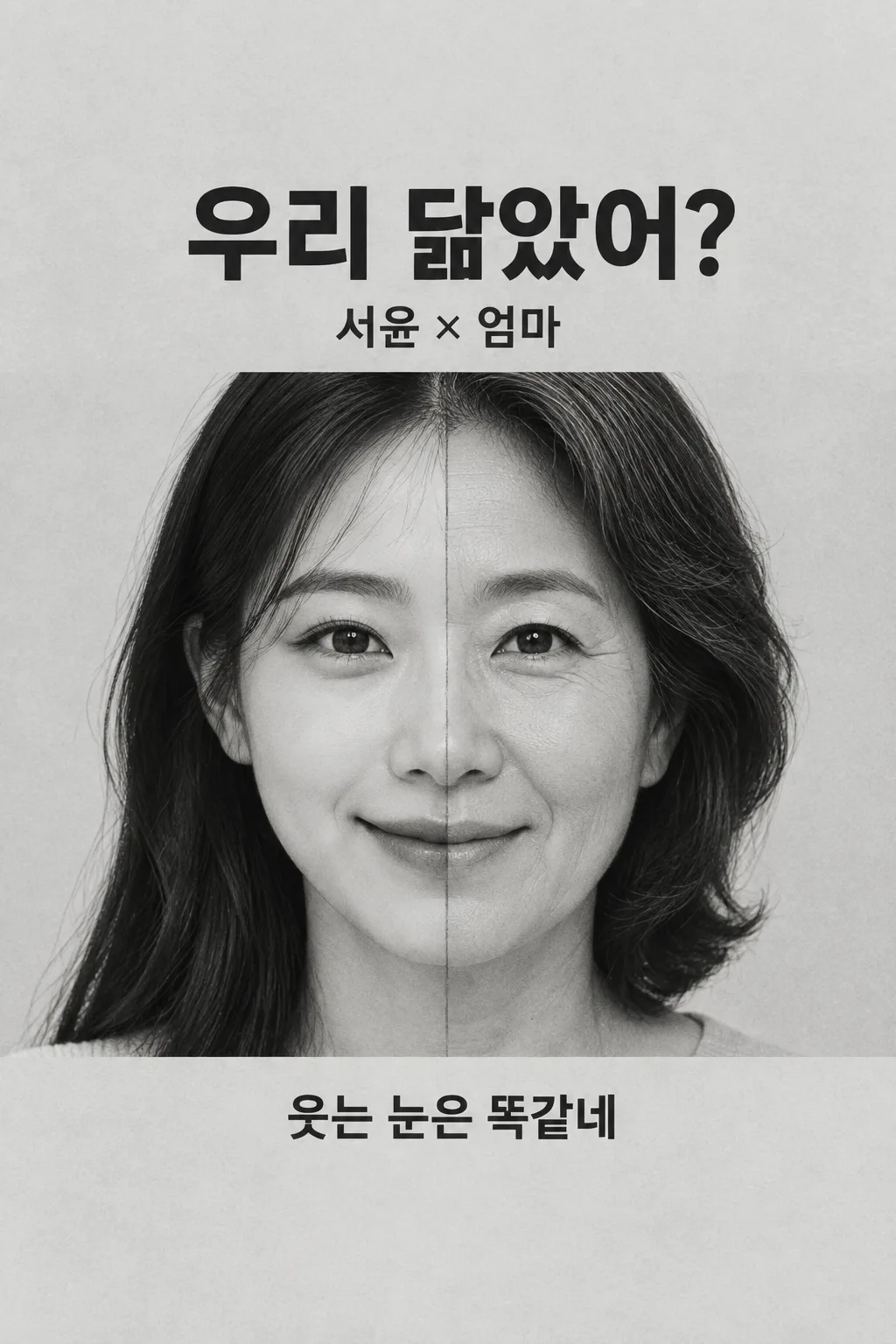
左側のSeoyoonのストレートヘア・目元と、右側のママの短いウェーブ・目元のシワ・頬のほくろがそれぞれの半分に引き継がれました。2枚の独立したカラーの顔写真が、中央の分割線を持つ1枚のモノクロ合成の顔に変更されました。
韓国語の文言である「私たち似ている?」「Seoyoon × ママ」「似ているところが多く見えるね?」がそれぞれ一度ずつ入り、境界線が見えます。タイトルは上部12%以内、下部の文言は画面の高さ85%の位置より下にはみ出しています。
「タイトルを画面の高さ16%の位置より下へ動かし、下の一文は83%の位置より上へ上げてください。」
最終確認日 · 公開