

項目を入力
- 1項目を入力します
- 2コピーを押します
- 3GPTのチャットに貼り付けます
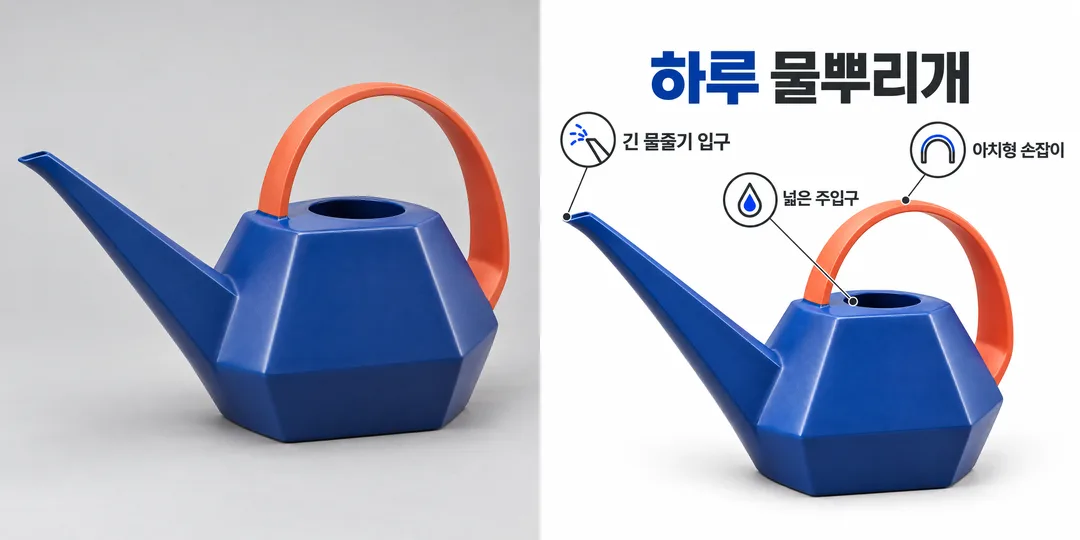
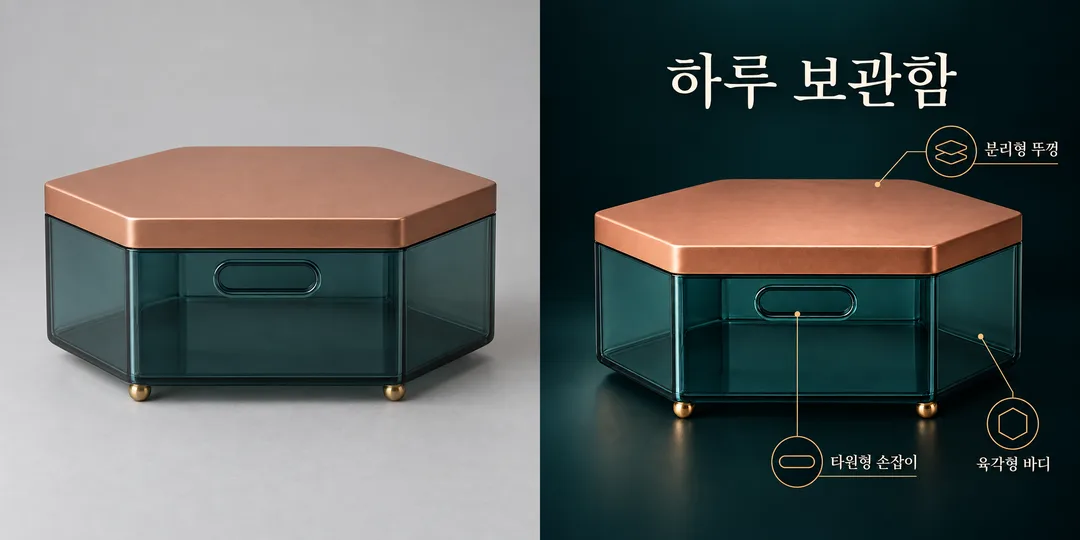
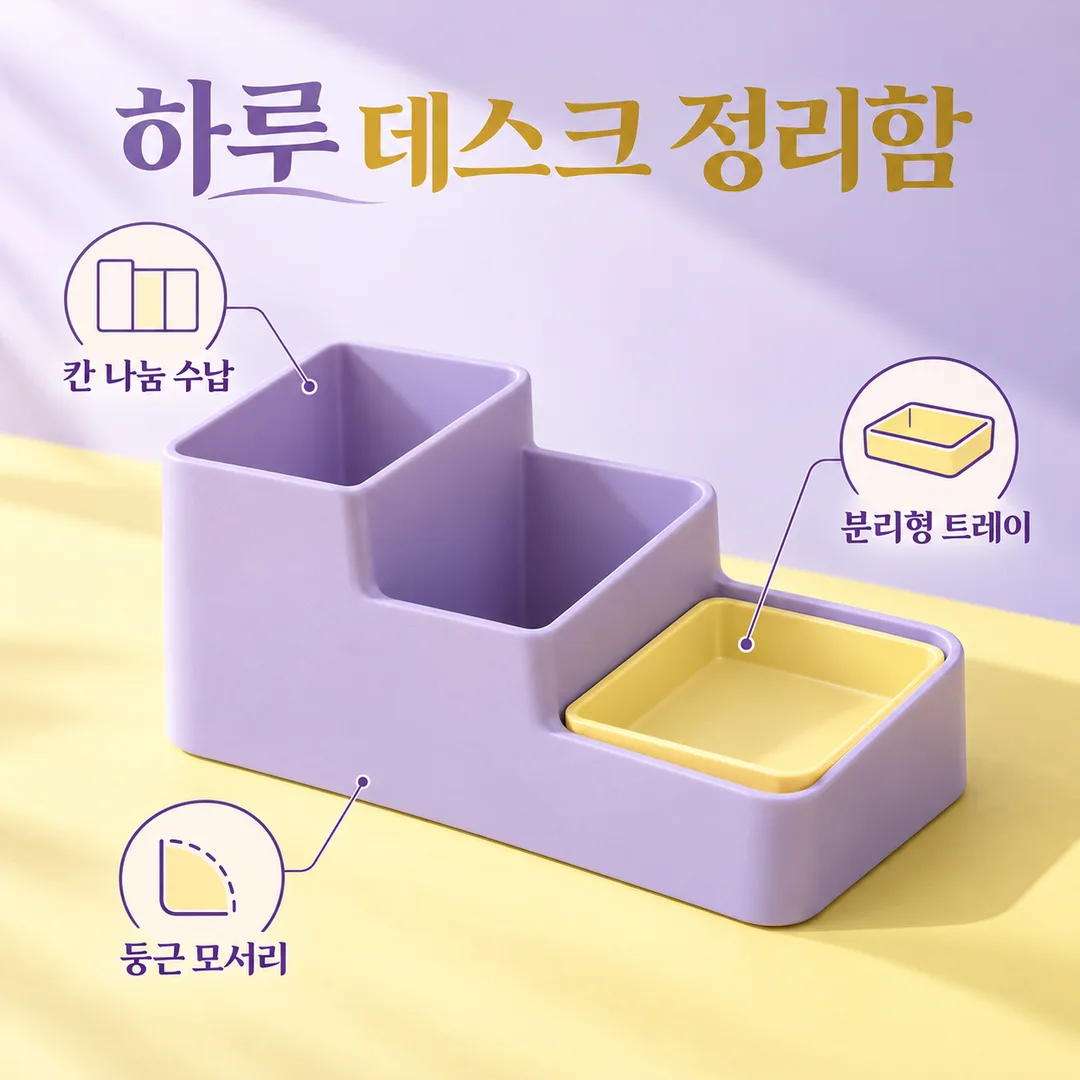
- 4そのまま送ると、サムネイルの例のような画像になります
- 5カードに合う実際の写真を一緒に入れると反映されます。背景カードなら背景の写真、人物・料理カードならその写真 任意
プロンプト全文を見る 2,834文字
Generate this image now. Draw it directly - do not describe it, explain it, or ask questions.
出力サイズは1080×1080ピクセル、1:1の正方形にしてください。文字を読みやすく配置してください。

Create ONE full-bleed product feature infographic for a social post. One large photorealistic product at the center occupies about half the canvas; arrange 3–5 small clear outline icons and short labels around it, with thin noncrossing leader lines. No collage, comparison panel, mockup frame or extra output. Keep every label readable and separated from the product.
Product name: "【商品名】"
Features, one per line (also accept slash-separated entries): "【特徴】"
Mood: "【雰囲気】"
すっきりホワイト: white background and charcoal type; ダークプレミアム: near-black and ivory with restrained brass lines; パステル: lilac and butter yellow with plum type. Empty mood defaults to パステル.

[Attached photo]
PHOTO RULE: if a photo is attached, use the product exactly as photographed: preserve silhouette, colors, material, details, orientation, proportions and existing label text. Do not redesign, invent a new angle or replace the object. Change only surrounding layout and background. Never conceal the product with icons or text. If no photo is attached, never ask for one: make a distinctive fictional unbranded product matching the name. If the name is also empty, use Haru デスク整理ケース. Never imitate a recognizable commercial product, logo, packaging or celebrity; include no people.

[Text and evidence]
Use the supplied product name once as the title. If empty, omit the title unless both photo and name are missing, in which case use Haru デスク整理ケース. Render each supplied feature verbatim, preserving spelling, numerals, units and punctuation; do not paraphrase, translate, add slogans or infer claims. For 3–5 nonempty lines, render every line once with a matching icon. For 1–2 lines, show only those lines without padding. For more than 5, use the first 5 lines only. If all features are empty, omit callouts rather than inventing features. Never add measurements, performance numbers, materials, certificates, efficacy claims, awards or discounts. Icons illustrate only supplied words, never imply additional benefits. Do not add verification notes, example labels, watermarks, brand marks or decorative numbers. Legibility and photographic fidelity come first. Use a clean consistent product-photography plus outline-icon visual language in every mood. Output text in Japanese, except user-supplied text which stays exactly as entered. Review every letter and numeral before finalizing.

[Final output format]
出力サイズは1080×1080ピクセル、1:1の正方形にしてください。文字を読みやすく配置してください。
This selected output format takes priority over any fixed canvas size or aspect ratio elsewhere in this template. Adapt the composition, text zones and margins to the selected canvas without stretching or cropping essential content. Device safe areas apply only when a device is selected. Never print these format instructions on the image.
結果はどうでしたか?
こちらのカードも人気です
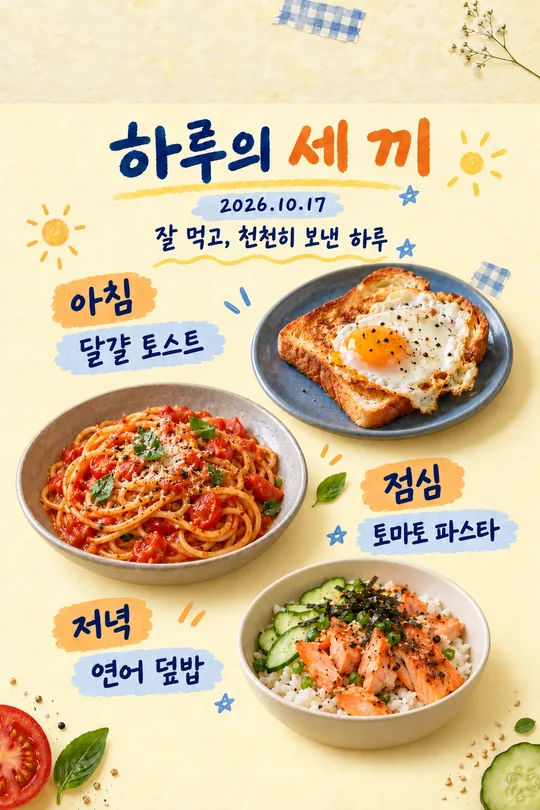
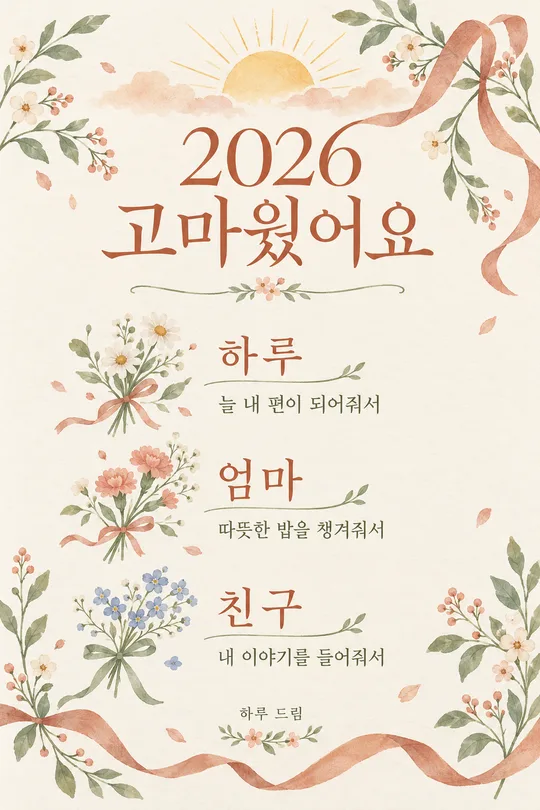
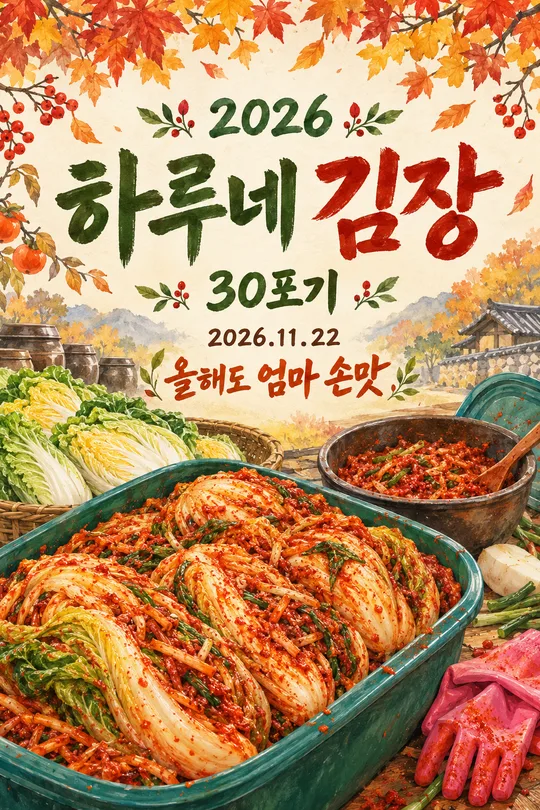
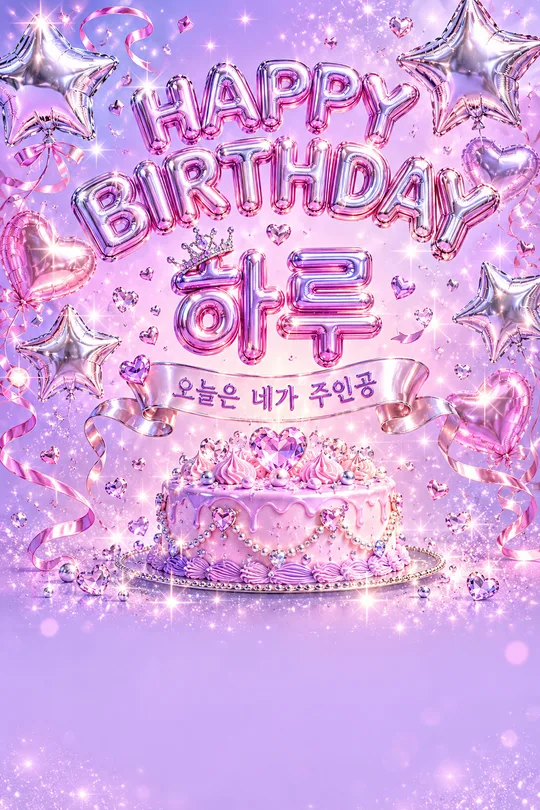

使い方・よくある質問
新商品の紹介に
商品写真の周りに特徴を配置した画像を一枚作ります。項目を記入してプロンプトをコピーし、画像AIに貼り付けてください。外部サービスの料金や規約は各サービスで確認してください。
項目の使い方
写真欄は添付する写真の案内用です。実際のファイルはプロンプトと同じメッセージに添付してください。商品名は表示したい名前だけを記入します。特徴は確認済みの内容を三〜五項目、一行に一つずつ書きます。記入例の斜線は項目の区切りです。文章は入力したまま使うので、短い表現がおすすめです。雰囲気はホワイト・ダーク・パステルから選び、空欄ならパステルになります。
写真がなければ商品名に合う架空の商品を作ります。写真と名前が両方なければHaru デスク整理ケースです。写真だけなら見出しを省略します。特徴が空欄なら説明アイコンを省き、一〜二項目ならそのまま、六項目以上なら最初の五項目だけを使います。
写真と文字を確認
使用権のある、商品全体が見える写真を選びます。他社のロゴや特徴的な商品デザインは使わないでください。写真を添付してまだ送信せず、同じメッセージにプロンプトを貼り付けて一緒に送ります。完成後は元写真の形・角度・色・取っ手・ふたを比較し、文字を拡大して数字・単位・句読点まで照合します。誤字があれば文を短くして再生成してください。数値や認証は裏付けがある場合だけ入力します。作例の商品は架空で、性能を保証するものではありません。