
項目を入力
- 1項目を入力します
- 2コピーを押します
- 3GPTのチャットに貼り付けます
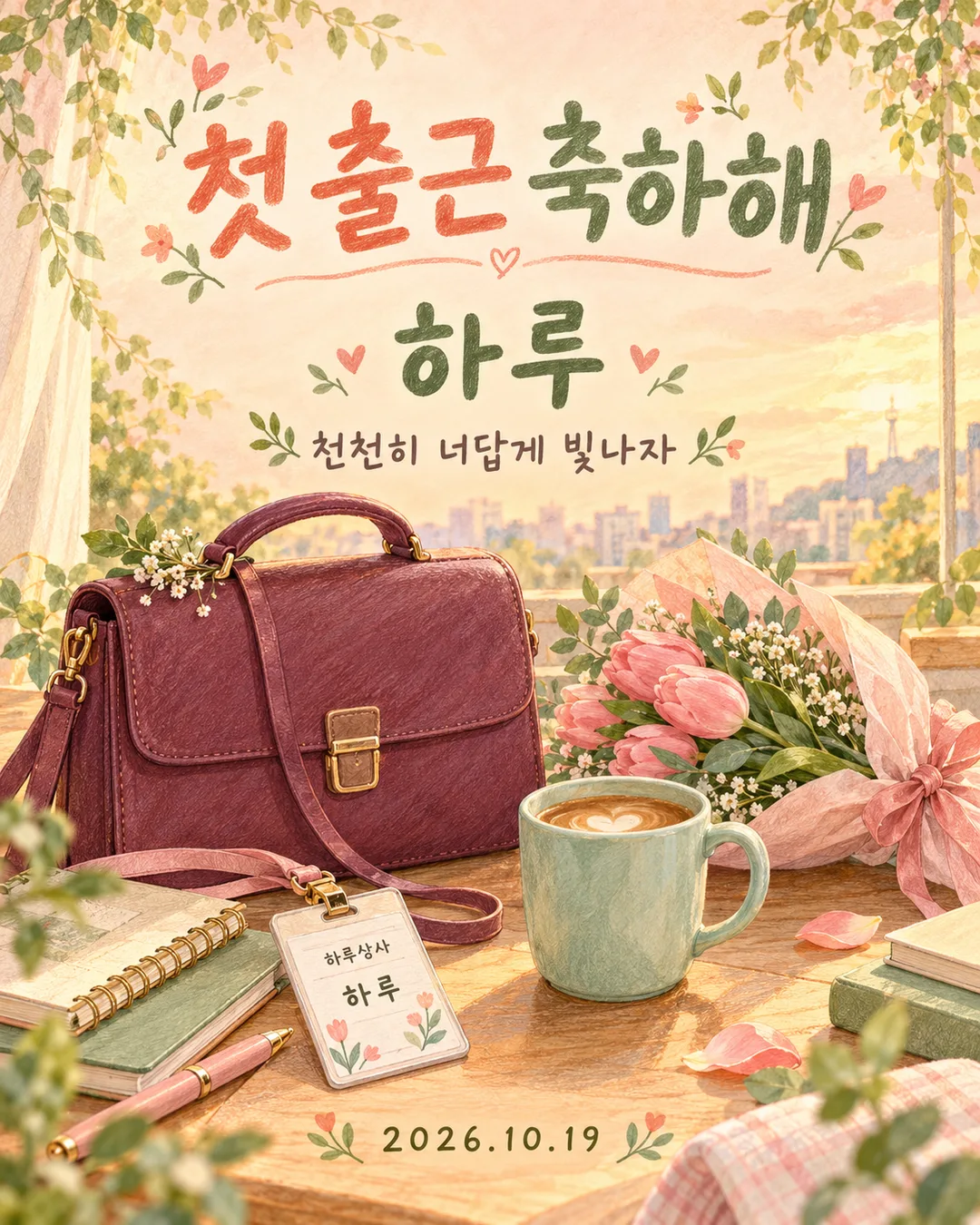
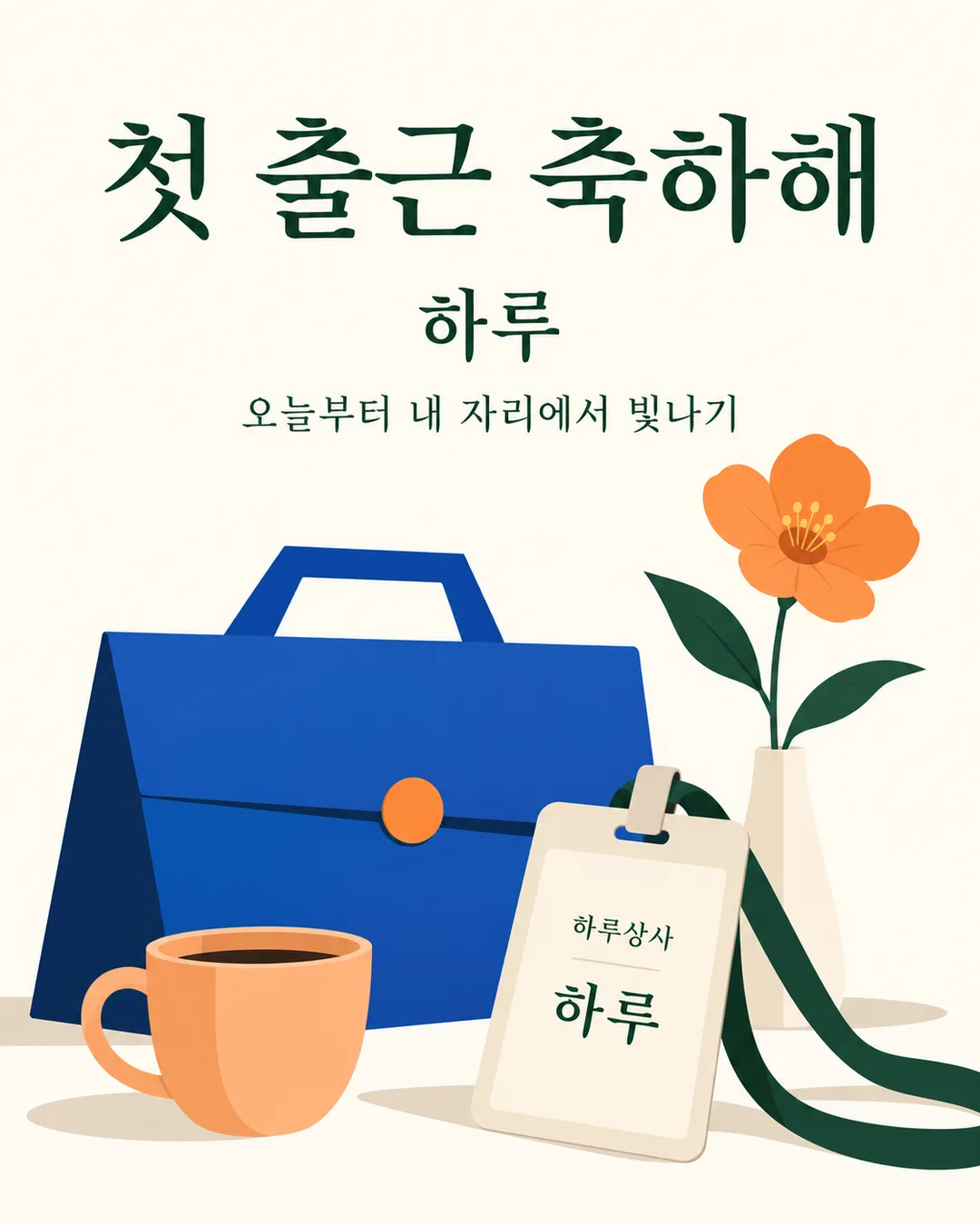
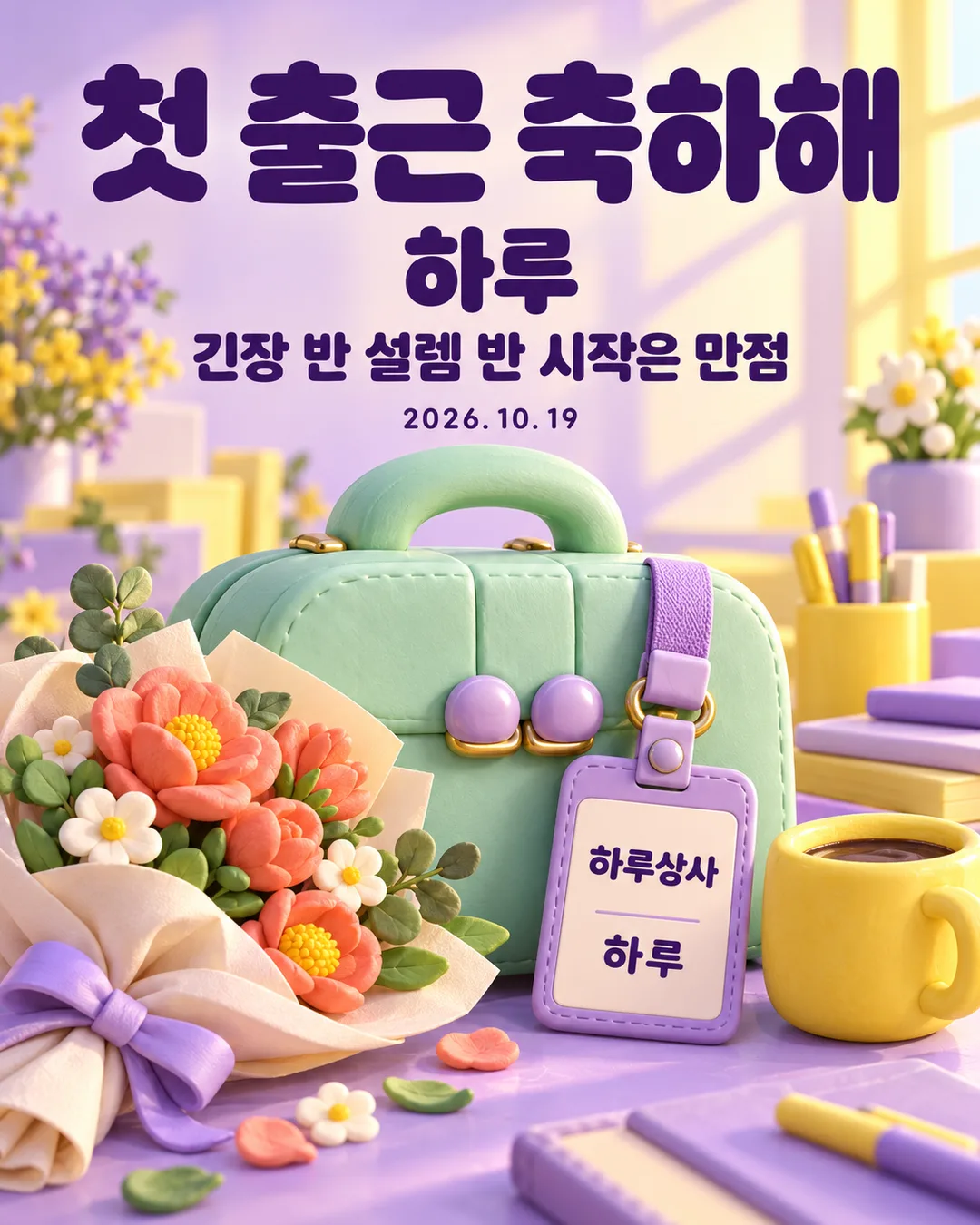
- 4そのまま送ると、サムネイルの例のような画像になります
- 5カードに合う実際の写真を一緒に入れると反映されます。背景カードなら背景の写真、人物・料理カードならその写真 任意
プロンプト全文を見る 3,266文字
Generate this image now. Return exactly ONE finished full-bleed first-day-at-work congratulations card, with all lettering included. No explanation or questions.
出力サイズは1080×1350ピクセル、4:5の縦型Instagram投稿にしてください。
Default ratio 4:5 portrait. The selected shared size takes priority. Never show a paper card on a surface, phone mockup, frame, collage or gallery.
NAME = "【名前】"
MESSAGE = "【メッセージ】"
DATE = "【日付】"
ATMOSPHERE = "【雰囲気】"
Resolve each input once. Fixed headline is exactly "初出勤おめでとう". Copy NAME exactly, without adding honorifics; if empty omit the main name and badge name together. Copy supplied MESSAGE verbatim. Empty MESSAGE or "なし" removes its entire line; "おまかせ" resolves to "新しい一歩を応援しているよ". Copy DATE exactly, with its punctuation; empty DATE removes the entire date line. Never add weekdays, ages, employer facts, job titles or employment conditions. Close gaps when a line is removed. Empty ATMOSPHERE uses "温かな手描き".
Use precisely the selected atmosphere:
"温かな手描き": warm colored-pencil and gouache hand drawing, visible pigment texture, peach or butter-yellow background, sage, coral and teal accents, gentle morning light.
"すっきりミニマル": clean minimal editorial illustration, ivory background, dark green typography, cobalt and apricot geometric objects, few strong shapes, no busy confetti.
"かわいい3D": cute clay 3D illustration, lavender and sunshine yellow, mint rounded objects, tactile soft materials, polished studio lighting, dark purple crisp lettering.
One coherent scene: a substantial original briefcase, a fictional employee badge, a flower bouquet or single flower and a plain coffee cup. Products must be invented designs: vary silhouettes, clasps and proportions; no recognizable real product designs. The badge displays only fictional company "Haru商事" and exact NAME if present. The main name may also appear once on the badge by design. No real employer, corporate logo, people, portrait, existing character, celebrity likeness or attached-photo transformation.
Typography hierarchy: huge exact headline in upper third, prominent NAME below, short MESSAGE below, substantial scene across the lower half, optional DATE in available clear space. Maintain safe margins; essential lettering inside 12%-85% height, never obstructed by objects. In the scene keep badge text large enough to read. Background fills every edge. Natural line breaks allowed, no changing or shortening text. Use at most two lines for long messages. Print only the fixed headline, resolved NAME, MESSAGE, DATE and fictional badge company. Never print field labels, menu commands, style names, example labels, verification notes, signatures or watermarks.
Before returning compare every rendered character, space, digit and punctuation against the resolved strings, including small badge and date lettering. Correct errors within generation. One paste produces one complete image; no separate lettering overlay or postprocessing required.

[Final output format]
出力サイズは1080×1350ピクセル、4:5の縦型Instagram投稿にしてください。
This selected output format takes priority over any fixed canvas size or aspect ratio elsewhere in this template. Adapt the composition, text zones and margins to the selected canvas without stretching or cropping essential content. Device safe areas apply only when a device is selected. Never print these format instructions on the image.
結果はどうでしたか?
こちらのカードも人気です
使い方・よくある質問
新しい一歩に贈る一枚
家族や友達の初出勤を祝うときにも、自分の入社を記録するときにも使えます。大きな「初出勤おめでとう」の下に名前と短い応援を添え、かばん、架空の社員証、花、コーヒーを描きます。写真は不要です。完成したプロンプトを画像AIに一度貼り付けると、文字入りの完成画像が一枚できます。標準は縦4:5で、比率は共通サイズメニューから変更できます。
四つの欄の使い方
必須は名前の一項目です。例はHaru。敬称を自動で付けないので、表示したい表記をそのまま使います。メッセージは候補から選ぶか、短い言葉を書きます。「おまかせ」は「新しい一歩を応援しているよ」になり、空欄または「なし」なら行ごと省略します。日付は任意で、2026.10.19などの表記をそのまま表示します。空欄なら日付を消して間隔を整え、曜日や勤務条件は追加しません。雰囲気は温かな手描き、すっきりミニマル、かわいい3Dの三種類。空欄なら温かな手描きです。名前が空欄なら見出し下の名前と社員証の名前を両方省きます。
作例と仕上がりの確認
韓国語のギャラリーには黄色い手描きの表紙、桃色の手描き、日付なしのミニマル、粘土風3Dを掲載しています。応援の言葉もそれぞれ異なります。日本語版は同じ機能で、見出しと候補文を日本語にします。社員証は架空のHaru商事に固定し、実在する勤務先を指定する欄はありません。かばんやカップも架空のオリジナルデザインで、人物は描きません。
保存する前に見出し、名前、応援、日付、社員証を拡大して一文字ずつ確認しましょう。長い文は二行にして文字を省きません。誤字があれば正しい文字列を引用し、同じ構図でその部分を直すよう依頼します。日付なしでも使えますか? 日付欄を空にしてプロンプト全体をもう一度貼り付けます。自分用にも使えますか? 名前とメッセージを自分向けに変えれば使えます。完成画像を保存してメッセージや投稿で共有してください。外部画像サービスの料金と利用条件は各サービスで確認してください。