
All · Social posts · Memes
441First day at work congratulations card
A personal first-day greeting with a name, encouragement and original workday illustrations.
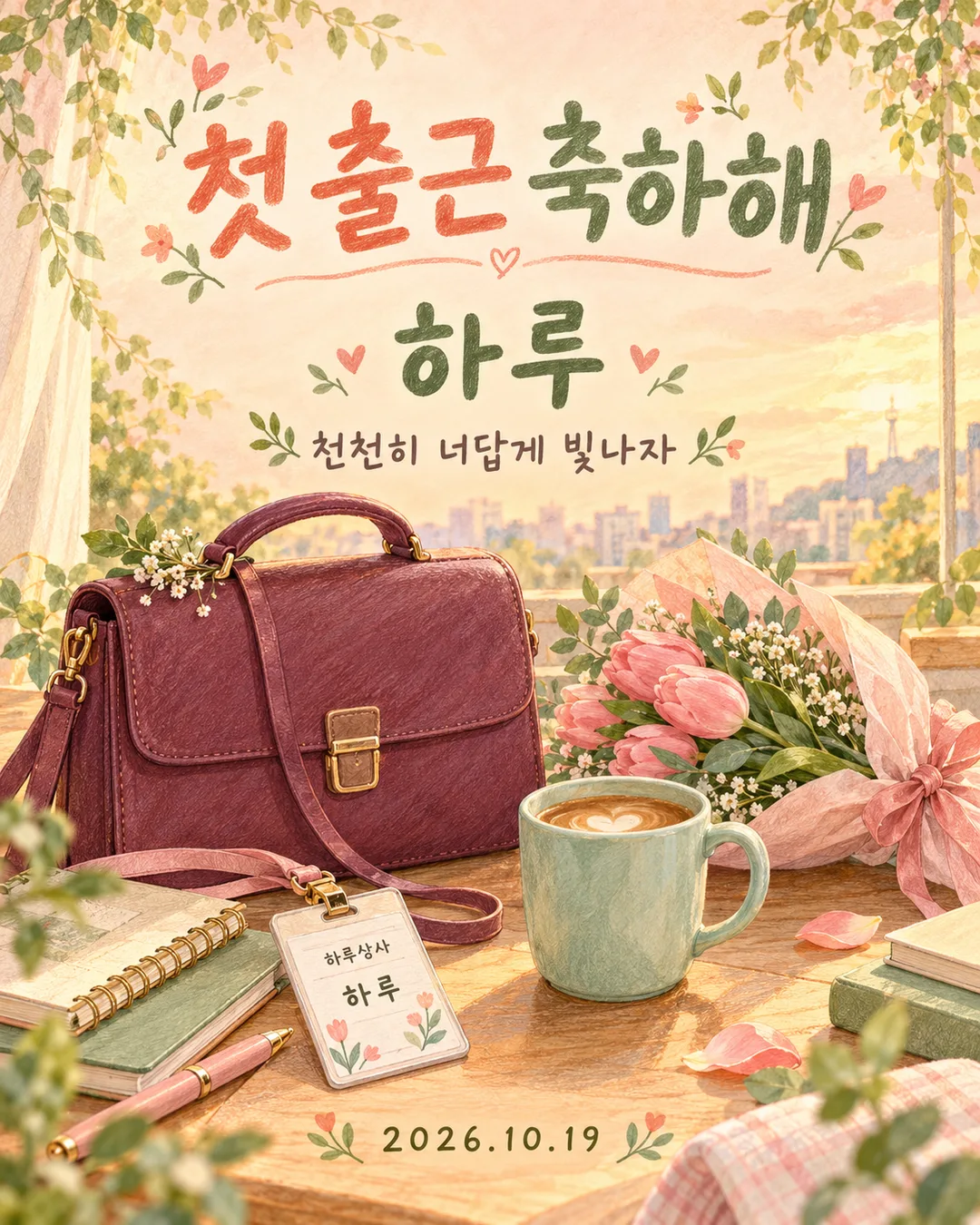
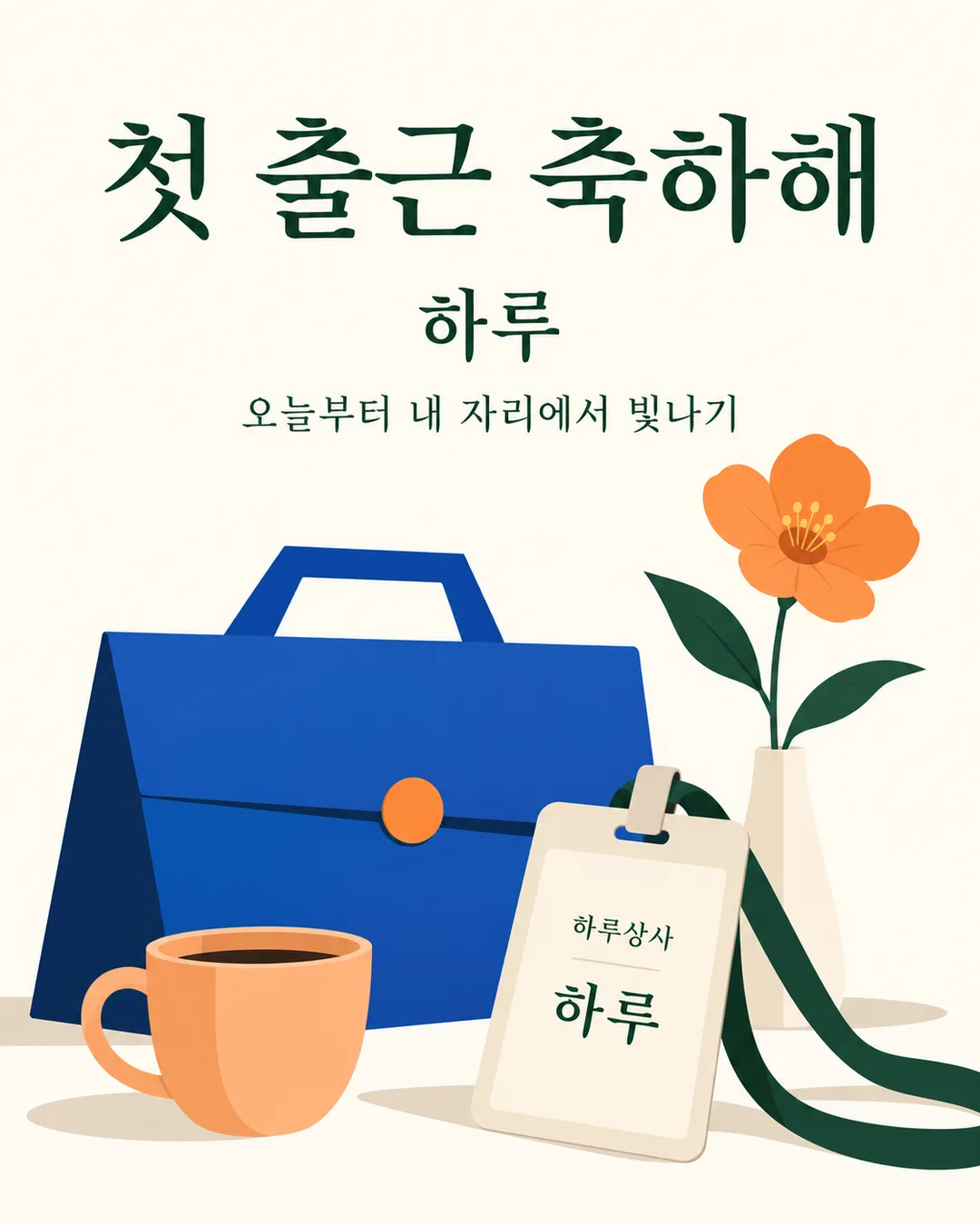
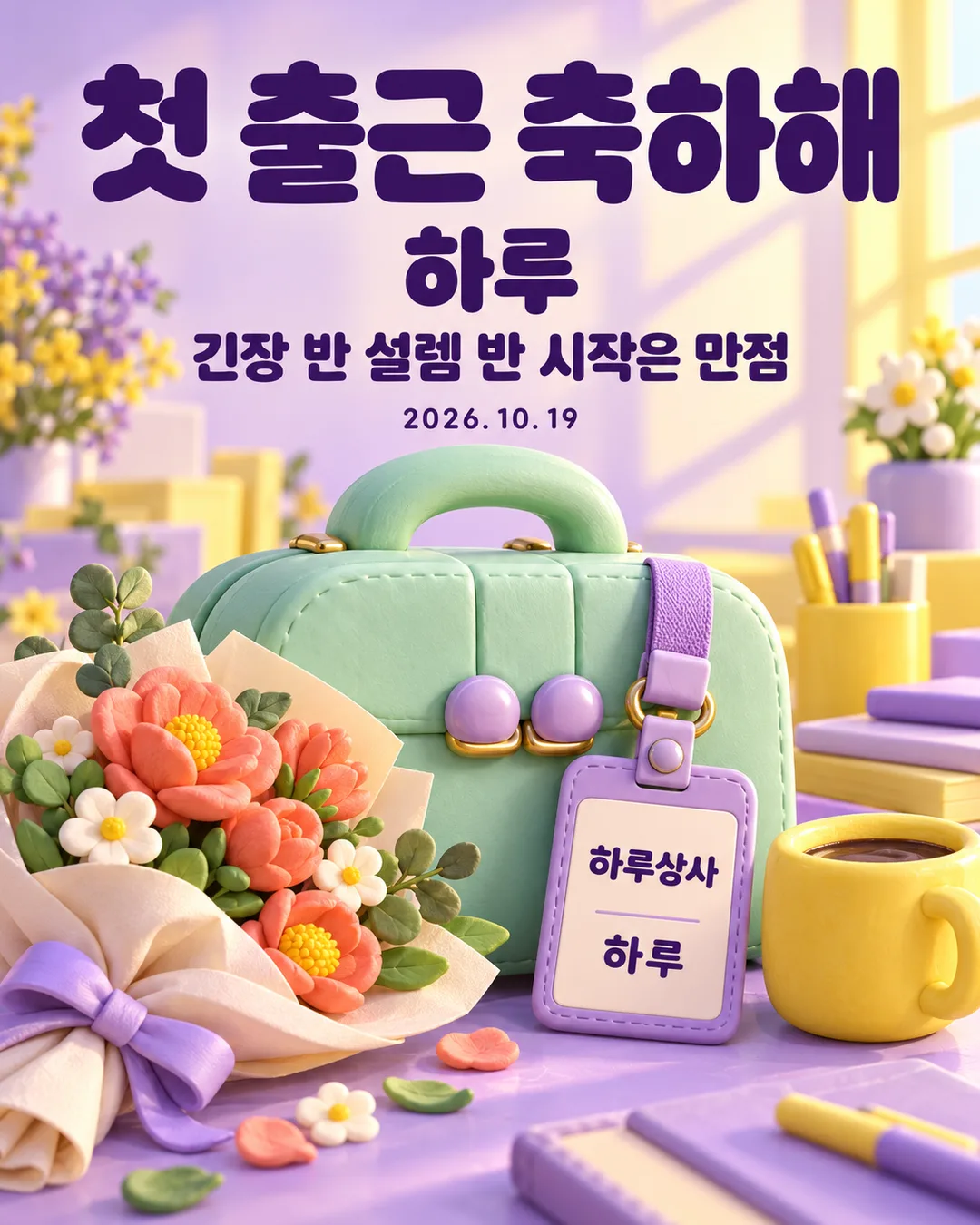
Fill in the fields
- 1Fill in the fields
- 2Copy the prompt
- 3Paste it into a GPT chat
- 4Send it as is and you get an image like the thumbnail example
- 5Attach a real photo that fits the card and it is used in the result: a background photo for background cards, a person or food photo for those cards Optional
Full prompt 3,360 characters
Generate this image now. Return exactly ONE finished full-bleed first-day-at-work congratulations card, with all lettering included. No explanation or questions.
Output size 1080x1350 pixels, 4:5 portrait, Instagram standard.
Default ratio 4:5 portrait. The selected shared size takes priority. Never show a paper card on a surface, phone mockup, frame, collage or gallery.
NAME = "【Name】"
MESSAGE = "【Message】"
DATE = "【Date】"
ATMOSPHERE = "【Atmosphere】"
Resolve each input once. Fixed headline is exactly "Congrats on your first day!". Copy NAME exactly, without adding honorifics; if empty omit the main name and badge name together. Copy supplied MESSAGE verbatim. Empty MESSAGE or "None" removes its entire line; "Choose for me" resolves to "Cheering on your new beginning". Copy DATE exactly, with its punctuation; empty DATE removes the entire date line. Never add weekdays, ages, employer facts, job titles or employment conditions. Close gaps when a line is removed. Empty ATMOSPHERE uses "Warm hand drawing".
Use precisely the selected atmosphere:
"Warm hand drawing": warm colored-pencil and gouache hand drawing, visible pigment texture, peach or butter-yellow background, sage, coral and teal accents, gentle morning light.
"Clean minimal": clean minimal editorial illustration, ivory background, dark green typography, cobalt and apricot geometric objects, few strong shapes, no busy confetti.
"Cute 3D": cute clay 3D illustration, lavender and sunshine yellow, mint rounded objects, tactile soft materials, polished studio lighting, dark purple crisp lettering.
One coherent scene: a substantial original briefcase, a fictional employee badge, a flower bouquet or single flower and a plain coffee cup. Products must be invented designs: vary silhouettes, clasps and proportions; no recognizable real product designs. The badge displays only fictional company "Haru Company" and exact NAME if present. The main name may also appear once on the badge by design. No real employer, corporate logo, people, portrait, existing character, celebrity likeness or attached-photo transformation.
Typography hierarchy: huge exact headline in upper third, prominent NAME below, short MESSAGE below, substantial scene across the lower half, optional DATE in available clear space. Maintain safe margins; essential lettering inside 12%-85% height, never obstructed by objects. In the scene keep badge text large enough to read. Background fills every edge. Natural line breaks allowed, no changing or shortening text. Use at most two lines for long messages. Print only the fixed headline, resolved NAME, MESSAGE, DATE and fictional badge company. Never print field labels, menu commands, style names, example labels, verification notes, signatures or watermarks.
Before returning compare every rendered character, space, digit and punctuation against the resolved strings, including small badge and date lettering. Correct errors within generation. One paste produces one complete image; no separate lettering overlay or postprocessing required.

[Final output format]
Output size 1080x1350 pixels, 4:5 portrait, Instagram standard.
This selected output format takes priority over any fixed canvas size or aspect ratio elsewhere in this template. Adapt the composition, text zones and margins to the selected canvas without stretching or cropping essential content. Device safe areas apply only when a device is selected. Never print these format instructions on the image.
How did it turn out?
You may also like
How to use it · FAQ
A personal greeting for a new beginning
Celebrate a friend or relative starting a job, or share your own first day. One paste into an image AI produces one finished greeting with a large headline, a name, an optional message and an optional date. A briefcase, fictional employee badge, flowers and coffee complete the scene. No photograph or separate lettering step is needed. The default is 4:5 portrait; the shared size menu controls other ratios.
Fill the four fields
Name is the one required field. The example is Haru. Copy the spelling you want; no title or suffix is added. Message can be your own short line or a suggestion. Choose for me uses Cheering on your new beginning. A blank message or None removes the whole line. Date is optional and copied exactly, such as 2026.10.19. A blank date removes its line and closes the gap. No weekday or employment details are invented. Atmosphere offers Warm hand drawing, Clean minimal and Cute 3D; leaving it blank uses Warm hand drawing. If Name is empty, both the main name and the badge name disappear.
Check before sharing
The Korean gallery contains a yellow hand-drawn cover, a peach hand-drawn example, a minimal example without a date and a clay 3D example. Each uses a different encouragement. This English prompt provides the same controls with English headlines, suggestions and fictional company lettering. The badge always says Haru Company; there is no field for a real employer. Objects use original fictional designs and there are no portraits.
Enlarge the headline, name, message, date and badge and compare every character before saving. A long message can occupy two lines without losing words. If lettering is wrong, quote the exact string and ask for that lettering to be corrected while retaining the composition. Can you make a version without a date? Leave Date blank and paste the complete prompt again. Can you use it for yourself? Yes: use your name and a first-person message. Save the result and send or post it as an image. This page prepares a prompt; check the external image service for its pricing and terms.