
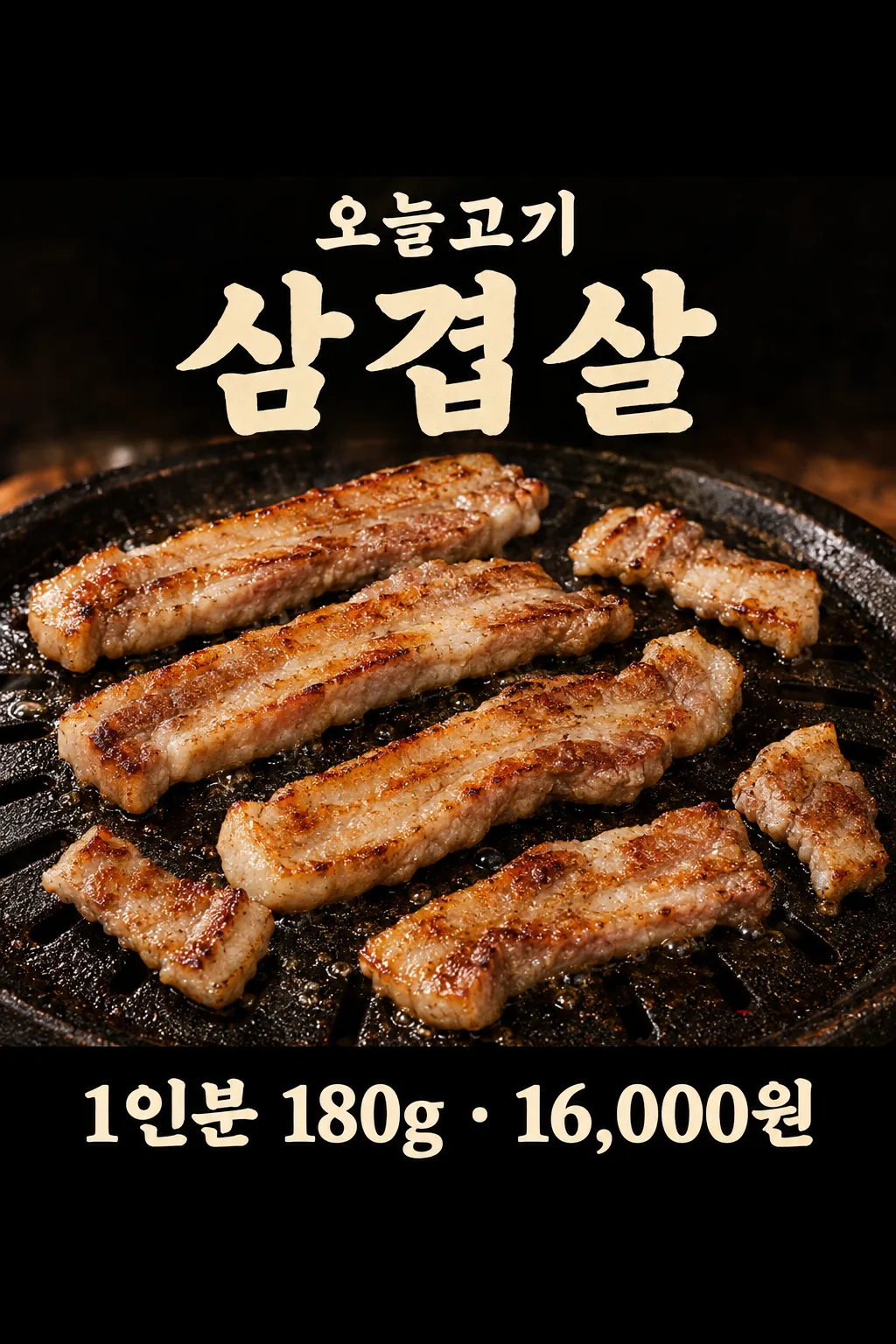
項目を入力
- 1項目を入力します
- 2プロンプトをコピーします
- 3GPTのチャットにお店のサムギョプサル写真一枚とプロンプトを一緒に送ります
- 4写真と文章の両方が入っていることを確認します
プロンプト全文を見る 1,628文字
Generate this image now. Draw it directly - do not describe it, explain it, or ask questions.
出力サイズは2480×3508ピクセル、A4縦、300dpiの印刷用ポスターにしてください。
Create exactly ONE finished Japanese SAMGYEOPSAL RESTAURANT POSTER from the real restaurant food photo attached in the same message. The owner can display it at the entrance or post it on social media. Show one grilled pork-belly menu item only. Preserve the source photo's irregular meat sizes, approximate number of cuts, grill type, cooking color and only the side dishes truly visible. Real pork belly has alternating pale fat and beige-brown cooked meat, naturally uneven edges and restrained highlights. Never make repeated identical cubes, flat bread, bacon, steak, raw pink meat or glossy plastic food. Improve warm lighting without inventing flames, side dishes, hands or packaging.

The fixed layout is one vertical editorial restaurant poster in charcoal, ember brown and cream. Leave the upper 12% and lower 15% without essential text. At 17–24% place the large title "サムギョプサル" and print "【店名】" once as a smaller secondary name. ONE convincing grill photograph fills 27–67% of the image. Under a thin amber line at 69–78%, print "一人前 【一人前の量】  ·  【実際の販売価格】" once in large clear Japanese letters. This is the final line. Set all text on calm dark background, never over the meat.

Do not invent discounts, former prices, delivery, booking, meat origin, grade, side dishes, service conditions, health benefits or a shop logo. The owner's amount and price must stay exact. Keep this one photograph-based composition and warm dark mood for every output. Return just one finished poster, with no code, crop or later step.
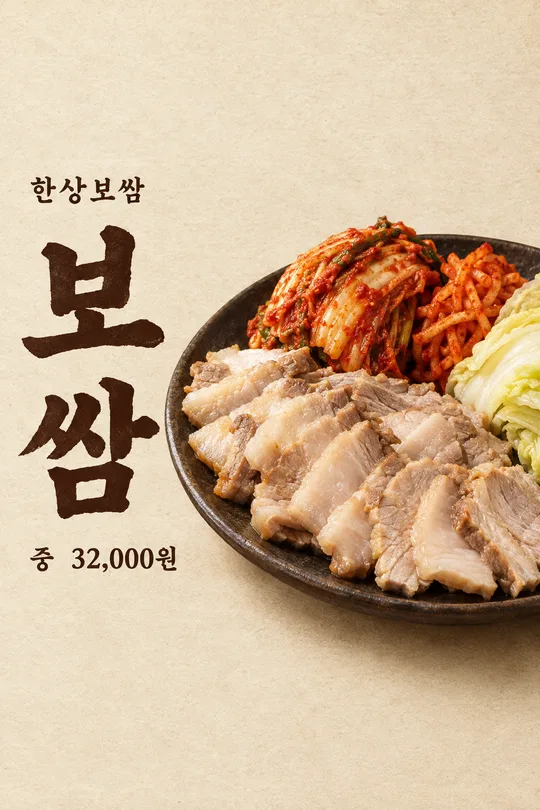
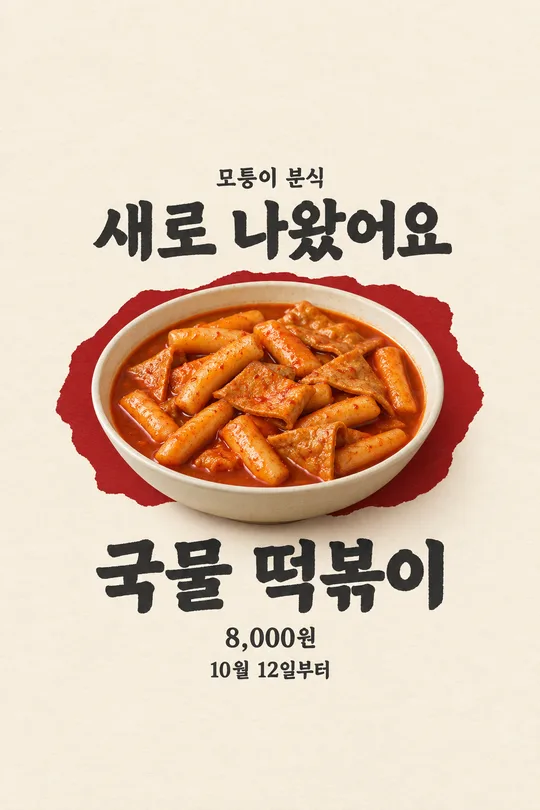
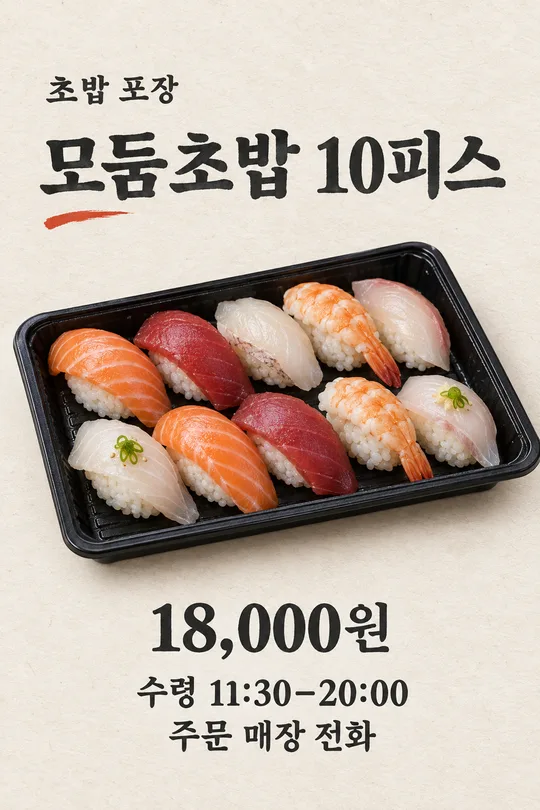
こちらのカードも人気です
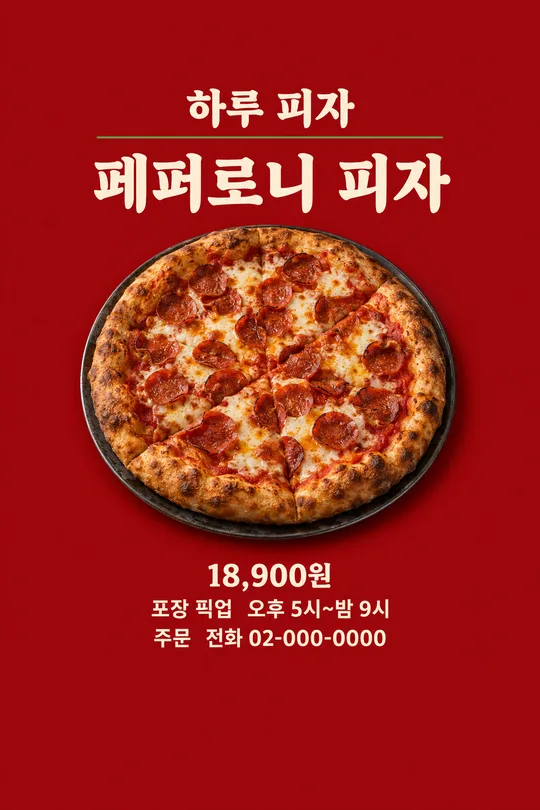
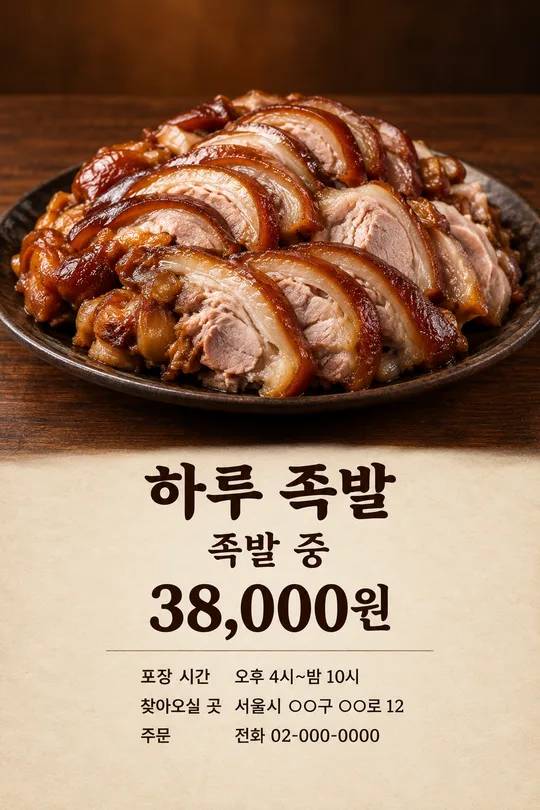
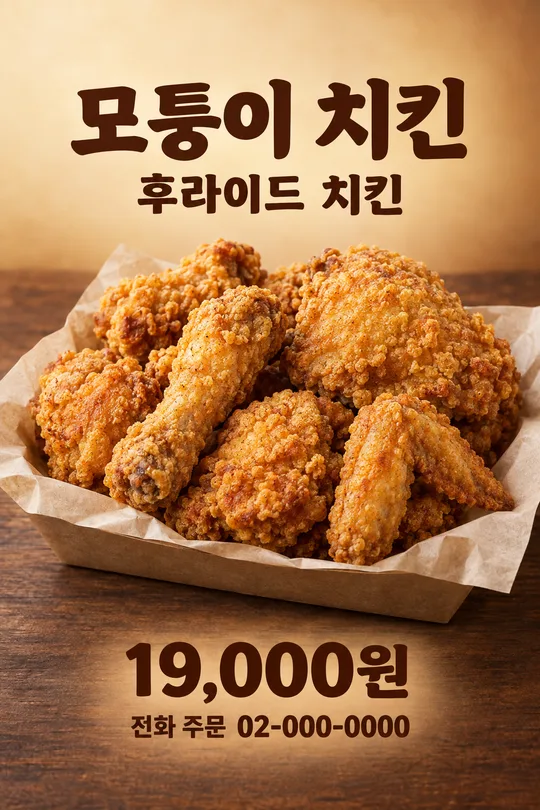
使い方・よくある質問
使う場面
お店で提供するサムギョプサルを、入口やSNSで紹介するための一枚です。料理写真を大きく置き、一人前の量と現在の価格をまとめて読みやすくします。
入力と送信
本当の店名、メニューに書く量と単位、販売価格を正確に入力してください。実際の料理写真を入力欄に置き、まだ送らず、同じ欄にプロンプトを貼って一度だけ送ります。
確認と修正
脂身と赤身の重なり、焼き色、鉄板が元写真と合うか確認します。量と価格の数字、店名もメニューと照合します。存在しない付け合わせや割引が入った画像は使わず、鮮明な料理写真で一枚を作り直してください。