
すべて · SNS投稿 · 割引・イベント · 新メニュー
294インスタのセール広告 — 商品写真が飛び出す割引投稿
商品写真とセール情報で、大きなタイトル・%バッジ・元値の打ち消し線・ボタン入りのインスタ広告になります。
受け取れるもの
- 商品が飛び出すセール広告一枚
- 大きな文句、割引バッジ、元値と割引価格
- ボタンと連絡先一行
ChatGPT 無料 OK
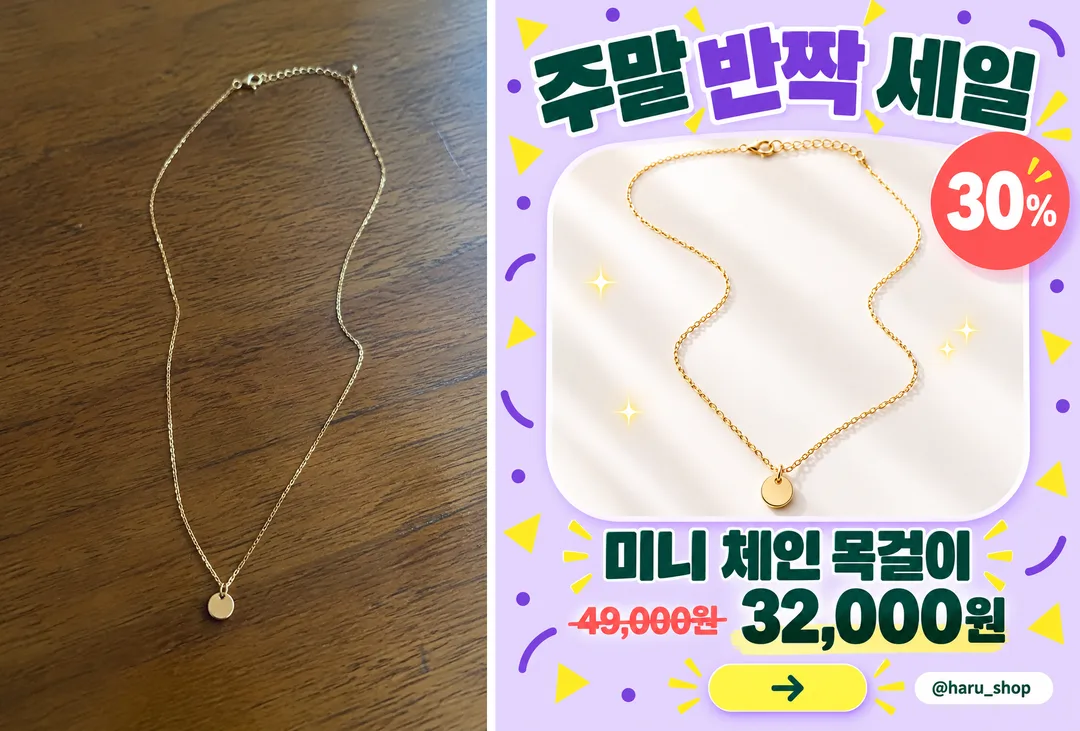
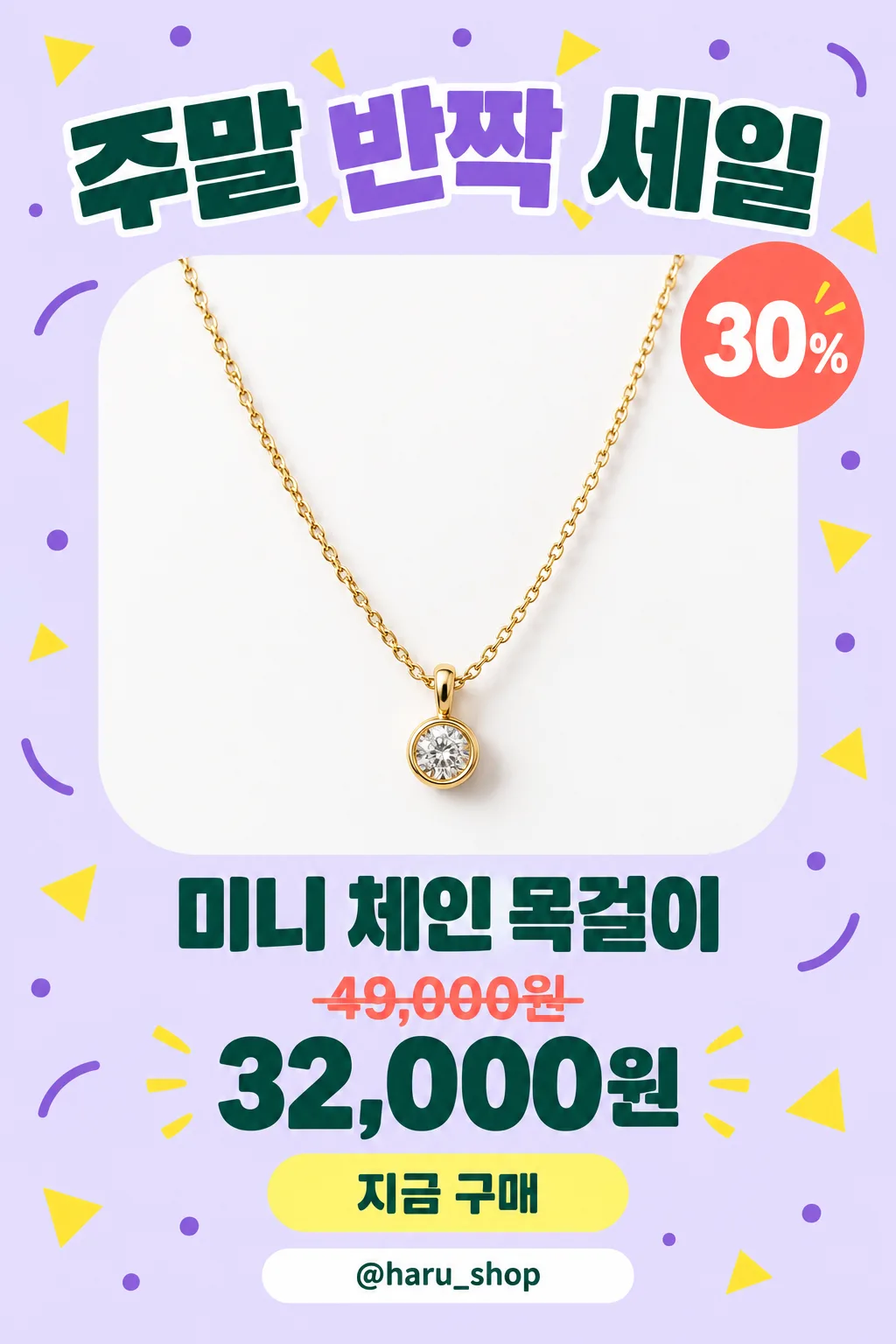
項目を入力
- 1項目を入力します
- 2コピーを押します
- 3GPTのチャットに貼り付けます
- 4そのまま送ると、サムネイルの例のような画像になります
- 5カードに合う実際の写真を一緒に入れると反映されます。背景カードなら背景の写真、人物・料理カードならその写真 任意
プロンプト全文を見る 4,023文字
Generate this image now. Draw it directly - do not describe it, explain it, or ask questions.
出力サイズは1080×1350ピクセル、4:5の縦型Instagram投稿にしてください。

Create one dense, polished Instagram sale advertisement with one dominant product photograph, a huge headline, a rounded product frame, playful geometric decorations, a prominent product name, a discount badge when supplied, a clear price hierarchy, a rounded action button with a simple arrow icon, and a bottom contact strip when supplied. Use a vertical 4:5 composition by default. Keep the layout lively and full while preserving excellent readability and safe margins.

[Attached photo]
Use the attached product photo as the product reference. Preserve its shape, materials, color, functional details, and product count. Isolate the product cleanly, improve its lighting, and place it in the advertisement with believable highlights and a soft grounding shadow. Omit brand marks and any source-photo text or watermarks.
PHOTO RULE: if a photo is attached, use it as described; if no photo is attached, never ask for one and never stop — invent a fitting fictional subject and finish the image.

PRODUCT NAME text: "【商品名】"
Print the supplied product name exactly as quoted. If this line is missing or empty, omit the product-name text; do not invent a name.

HEADLINE text: "【大きな文句】"
Print the supplied headline exactly as quoted in very large, heavy display typography. If this line is missing or empty, omit the headline text; do not invent a slogan.

DISCOUNT text: "【割引】"
If supplied, print this exact string inside a bright circular or scalloped discount badge. If this line is missing or empty, omit both the discount badge and its text; do not invent a percentage or calculate one.

ORIGINAL PRICE text: "【元の価格】"
If supplied, print this exact string at a smaller size with a clear strikethrough. If this line is missing or empty, omit the original price; do not invent a price or a price label.

SALE PRICE text: "【割引価格】"
If supplied, print this exact string prominently in bold contrasting type. If this line is missing or empty, omit the sale price; do not invent a price or a price label.

CONTACT text: "【連絡先】"
If supplied, print this exact string inside a clean rounded contact strip near the bottom. If this line is missing or empty, omit the contact strip and its text; do not invent a handle, phone number, website, or contact icon that implies an unavailable channel.

COLOR selected: "【色】"
Interpret only the selected choice:
- ラベンダー: A light lavender background with deeper violet accents, yellow decorations, coral badges, and dark green price typography.
- 黄: A warm yellow background with cream product framing, black headline typography, coral badges, and deep blue accents.
- ミント: A pale mint background with white product framing, dark teal typography, coral badges, and soft yellow accents.
- ピンク: A pastel pink background with cream product framing, dark plum typography, coral badges, and pale blue accents.
If this selection line is missing or empty, use ラベンダー only.

Allow the product to overlap the inner frame slightly for a convincing dimensional effect. Use crisp commercial product photography, strong typographic hierarchy, rounded panels, and compact purposeful spacing. Reflow the layout when optional elements are absent, keeping the product large. The action button contains only an arrow icon and no invented wording.

Render all supplied text exactly as quoted, including Korean syllables and final consonants. Never translate, rewrite, correct, or add words. No additional text, brands, logos, signatures, or watermarks.
The choice names in this prompt are internal labels only; never print them as text.

[Final output format]
出力サイズは1080×1350ピクセル、4:5の縦型Instagram投稿にしてください。
This selected output format takes priority over any fixed canvas size or aspect ratio elsewhere in this template. Adapt the composition, text zones and margins to the selected canvas without stretching or cropping essential content. Device safe areas apply only when a device is selected. Never print these format instructions on the image.
結果はどうでしたか?
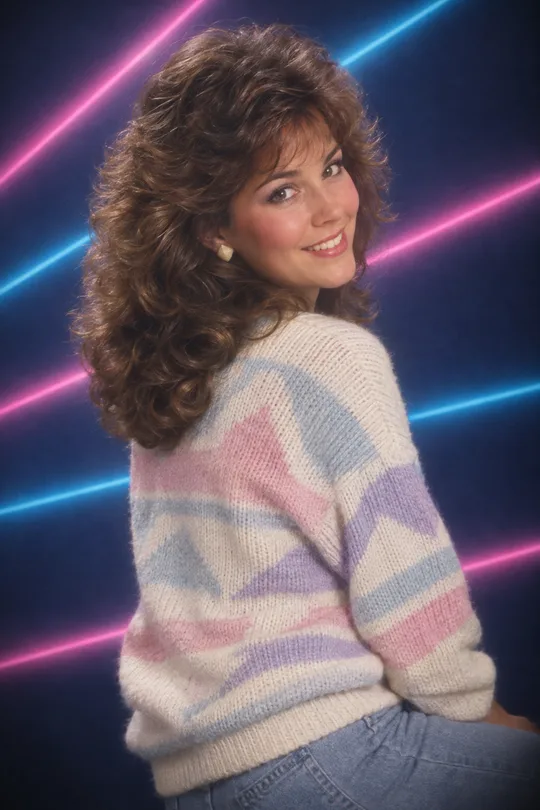
こちらのカードも人気です
使い方・よくある質問
こんなときに
ネットショップやインスタのお店でセールを一枚で知らせたいときに。大きなセールのタイトル、丸いカードから飛び出す商品、「30% OFF」バッジ、打ち消し線の元値と大きな割引価格、ボタン、連絡先まで入ります。
欄の埋め方
商品名と大きな文句だけで大丈夫です。空けた行は消えます。元値は実際に売っていた価格だけを。
商品写真を入れるとき
① 写真をアップロード — まだ送らない ② 同じ欄にプロンプトを貼る ③ 両方入ったのを確認して送る。
出てきたら確認すること
- 数字は正しいですか? 商品は実物と同じですか?