
전체 · SNS/카드뉴스 · 할인·이벤트 · 신메뉴 소개
294인스타 세일 광고 — 상품 사진이 튀어나오는 할인 게시물 (액세서리 · 가방 · 옷 · 소품)
상품 사진 한 장과 할인 정보를 넣으면 큰 세일 제목, % 딱지, 원래 가격 줄긋기, 버튼까지 들어간 인스타 세일 광고가 나와요.
받는 것
- 상품이 튀어나오는 세일 광고 한 장
- 큰 문구, 할인 딱지, 원래 가격과 할인 가격
- 버튼 모양과 연락처 한 줄
ChatGPT 무료 OK
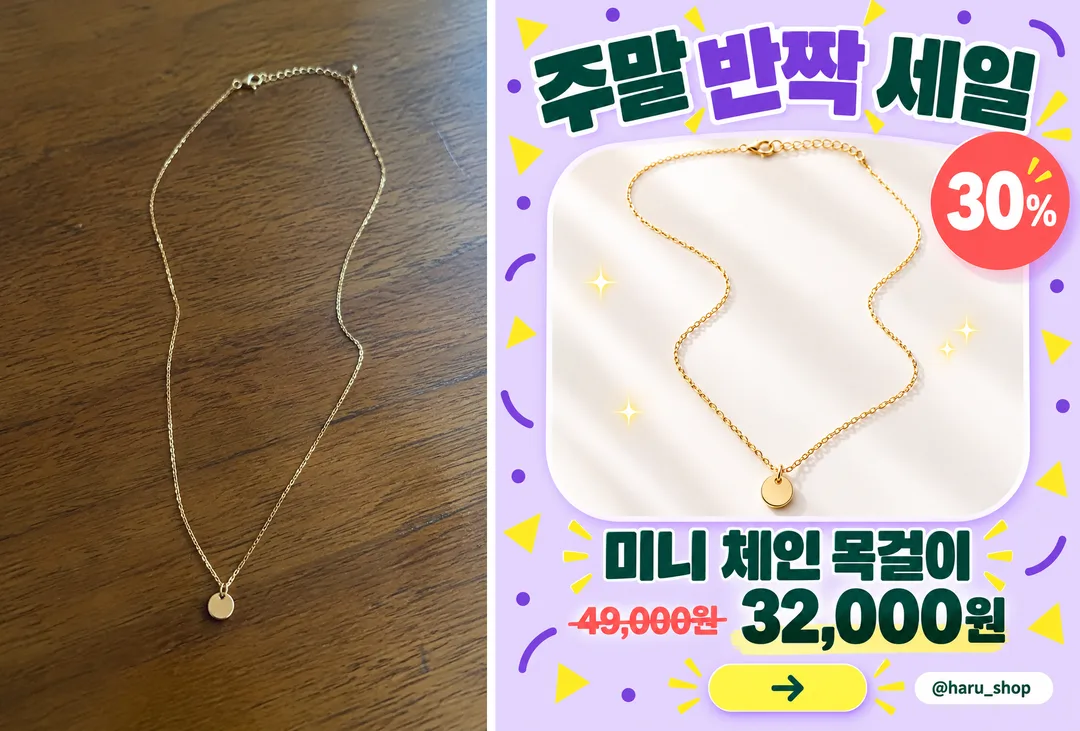
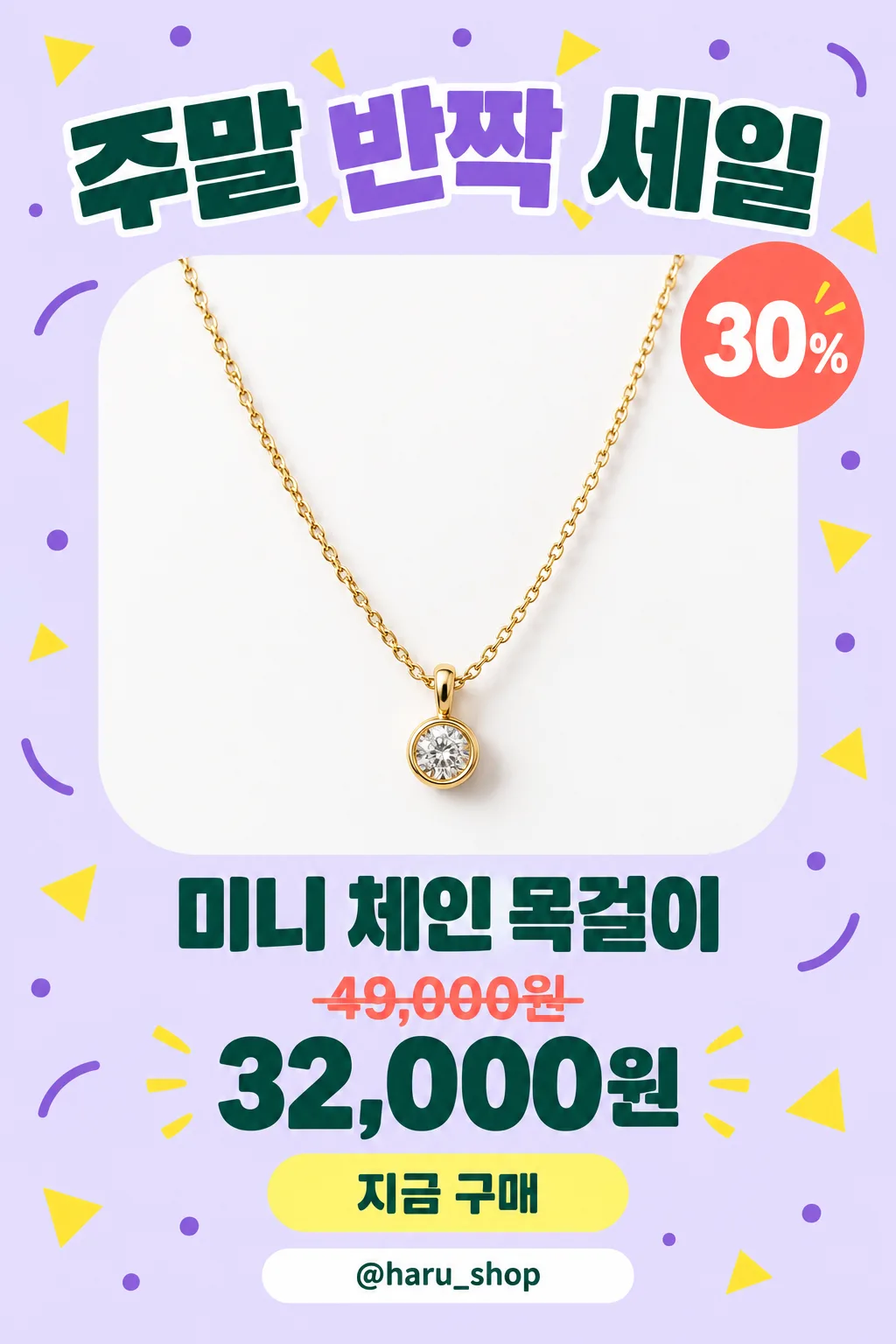
칸 채우기
- 1칸을 채워요
- 2복사 버튼을 눌러요
- 3GPT 채팅창에 붙여넣어요
- 4그대로 보내면 썸네일 예시처럼 나와요
- 5상품 사진 한 장 (선택)을 같이 넣으면 그 사진이 반영돼요 선택
프롬프트 원문 보기 4,017자
Generate this image now. Draw it directly - do not describe it, explain it, or ask questions.
Output size 1080x1350 pixels, 4:5 portrait, Instagram standard.

Create one dense, polished Instagram sale advertisement with one dominant product photograph, a huge headline, a rounded product frame, playful geometric decorations, a prominent product name, a discount badge when supplied, a clear price hierarchy, a rounded action button with a simple arrow icon, and a bottom contact strip when supplied. Use a vertical 4:5 composition by default. Keep the layout lively and full while preserving excellent readability and safe margins.

[Attached photo]
Use the attached product photo as the product reference. Preserve its shape, materials, color, functional details, and product count. Isolate the product cleanly, improve its lighting, and place it in the advertisement with believable highlights and a soft grounding shadow. Omit brand marks and any source-photo text or watermarks.
PHOTO RULE: if a photo is attached, use it as described; if no photo is attached, never ask for one and never stop — invent a fitting fictional subject and finish the image.

PRODUCT NAME text: "【상품 이름】"
Print the supplied product name exactly as quoted. If this line is missing or empty, omit the product-name text; do not invent a name.

HEADLINE text: "【큰 문구】"
Print the supplied headline exactly as quoted in very large, heavy display typography. If this line is missing or empty, omit the headline text; do not invent a slogan.

DISCOUNT text: "【할인】"
If supplied, print this exact string inside a bright circular or scalloped discount badge. If this line is missing or empty, omit both the discount badge and its text; do not invent a percentage or calculate one.

ORIGINAL PRICE text: "【원래 가격】"
If supplied, print this exact string at a smaller size with a clear strikethrough. If this line is missing or empty, omit the original price; do not invent a price or a price label.

SALE PRICE text: "【할인 가격】"
If supplied, print this exact string prominently in bold contrasting type. If this line is missing or empty, omit the sale price; do not invent a price or a price label.

CONTACT text: "【연락처】"
If supplied, print this exact string inside a clean rounded contact strip near the bottom. If this line is missing or empty, omit the contact strip and its text; do not invent a handle, phone number, website, or contact icon that implies an unavailable channel.

COLOR selected: "【색】"
Interpret only the selected choice:
- 연보라: A light lavender background with deeper violet accents, yellow decorations, coral badges, and dark green price typography.
- 노랑: A warm yellow background with cream product framing, black headline typography, coral badges, and deep blue accents.
- 민트: A pale mint background with white product framing, dark teal typography, coral badges, and soft yellow accents.
- 분홍: A pastel pink background with cream product framing, dark plum typography, coral badges, and pale blue accents.
If this selection line is missing or empty, use 연보라 only.

Allow the product to overlap the inner frame slightly for a convincing dimensional effect. Use crisp commercial product photography, strong typographic hierarchy, rounded panels, and compact purposeful spacing. Reflow the layout when optional elements are absent, keeping the product large. The action button contains only an arrow icon and no invented wording.

Render all supplied text exactly as quoted, including Korean syllables and final consonants. Never translate, rewrite, correct, or add words. No additional text, brands, logos, signatures, or watermarks.
The choice names in this prompt are internal labels only; never print them as text.

[Final output format]
Output size 1080x1350 pixels, 4:5 portrait, Instagram standard.
This selected output format takes priority over any fixed canvas size or aspect ratio elsewhere in this template. Adapt the composition, text zones and margins to the selected canvas without stretching or cropping essential content. Device safe areas apply only when a device is selected. Never print these format instructions on the image.
결과 어땠어요?
이 카드도 많이 사용해요
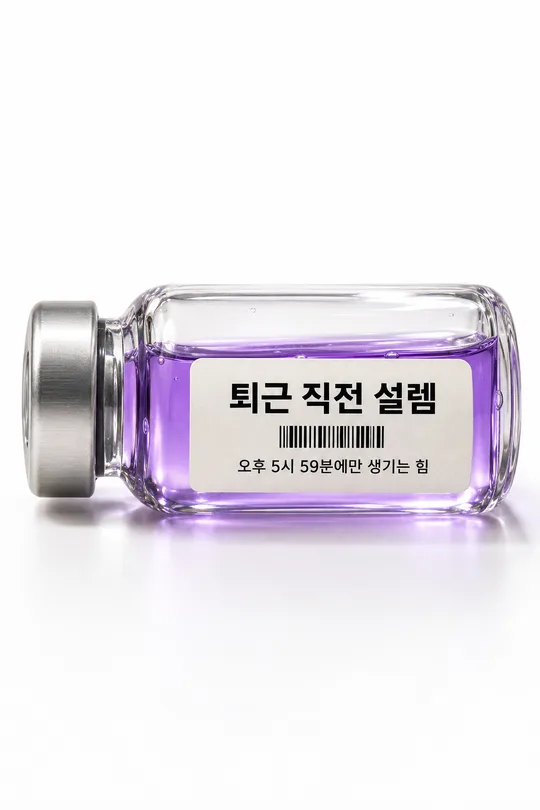
- 330감정을 담은 약병 사진 — 「퇴근 직전 설렘」 같은 기분을 라벨 붙은 유리병에 (SNS 밈)
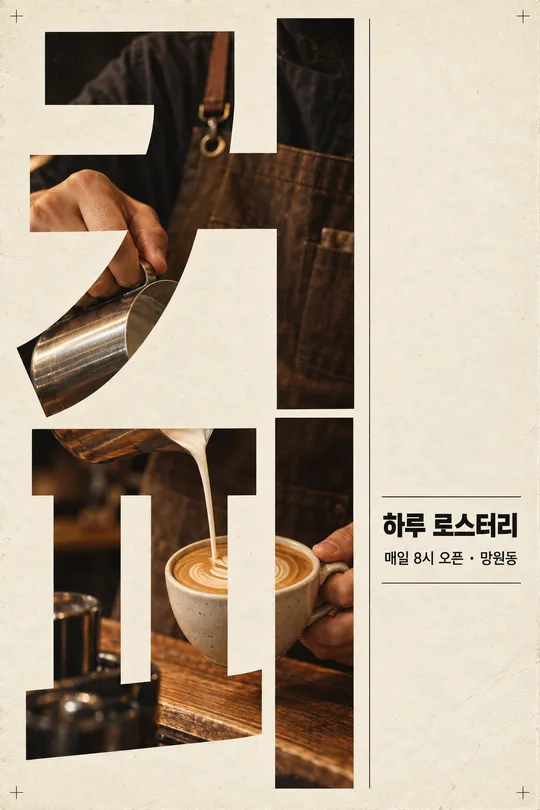
- 329세로 큰 글자 포스터 — 거대한 단어 속이 사진 창이 되는 모던 그래픽 (가게 · 행사 홍보)
- 324글자 건축물 포스터 — 단어 하나가 창 · 계단 · 다리가 달린 거대한 건물이 된 3D 타이포

- 323시네마틱 인스타 프로필 — 내 사진을 영화 스틸 같은 밤 도시 · 빗창가 프로필로

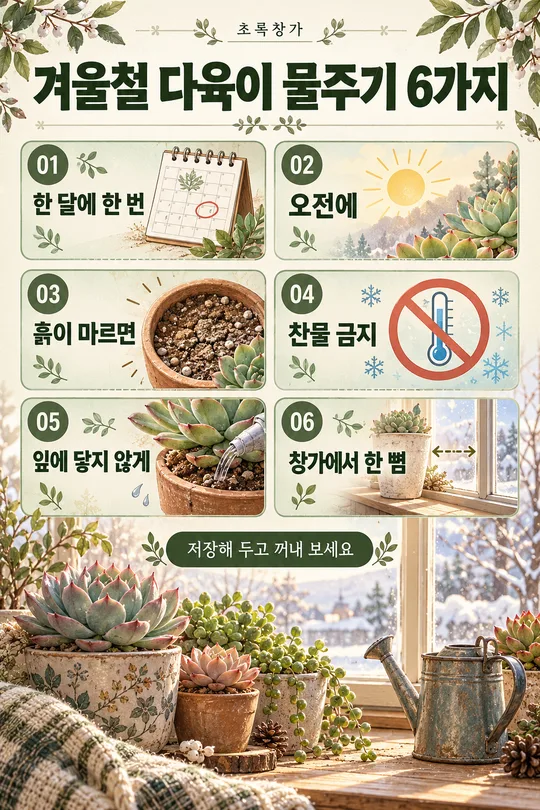
- 318인스타 정보 게시물 — 꿀팁 6가지를 번호 박스로 정리한 저장형 카드 (가게 · 강사 · 블로거)
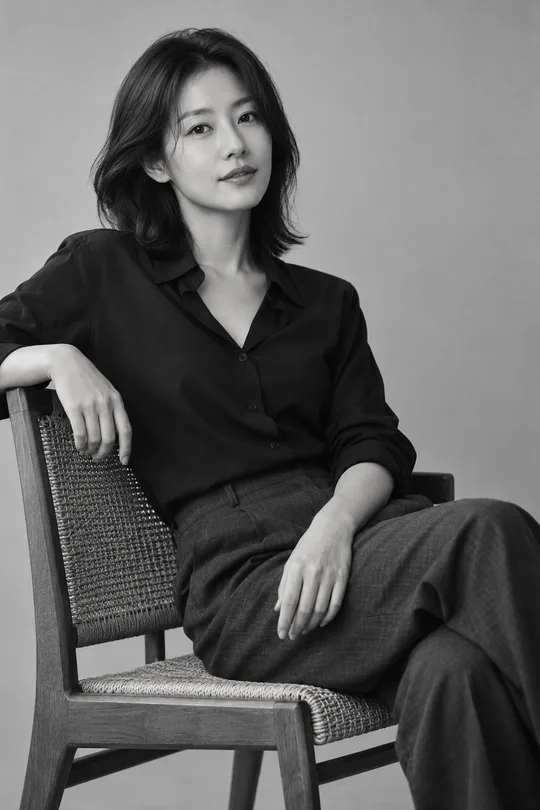
- 317흑백 스튜디오 프로필 — 내 사진을 고급 흑백 필름 톤 SNS 프로필로
쓰는 법 · 자주 묻는 것
이런 때 쓰세요
스마트스토어 · 인스타 가게에서 세일 소식을 한 장으로 올리고 싶을 때 쓰세요. 큰 「세일」 제목, 둥근 카드 안에서 튀어나오는 상품 사진, 「30% OFF」 원형 딱지, 줄 그은 원래 가격과 큰 할인 가격, 「지금 구매」 버튼, 맨 아래 연락처까지 — 광고 디자이너가 만든 듯한 게시물이 나와요.
해외 프롬프트 판매 사이트에서 돈을 받고 파는 「인스타 팝아웃 세일 광고」 형식이에요. 여기서는 무료입니다.
칸 채우는 법
상품 이름과 큰 문구만 적어도 됩니다. 할인 · 가격 · 연락처는 비우면 그 줄이 빠져요. 원래 가격은 실제로 받던 가격만 적으세요(공정거래 표시 기준). 색은 상품과 어울리는 파스텔로 고르세요.
상품 사진을 넣을 때
① 상품이 잘 보이는 사진을 올립니다 — 아직 보내지 않아요
② 같은 칸에 복사한 프롬프트를 붙여넣어요
③ 둘 다 들어간 걸 확인하고 보내요
카드 안 예시는 나무 테이블에 놓고 찍은 목걸이 사진(왼쪽)을 넣은 결과(오른쪽)예요.
그림이 나오면 꼭 볼 것
- 가격 · 할인율 숫자가 정확한가요? 틀린 가격을 올리면 그 가격에 팔아야 할 수도 있어요.
- 상품 모양 · 색이 실물과 같나요?
예시 보는 법
목록 표지는 사진 없이 프롬프트만으로 낸 결과예요. 카드 안 예시는 가상의 평범한 원본 사진(왼쪽)을 넣었을 때의 결과(오른쪽)예요. 사진 없이도, 내 사진으로도 쓸 수 있어요.