
項目を入力
- 1項目を入力します
- 2コピーを押します
- 3GPTのチャットに貼り付けます
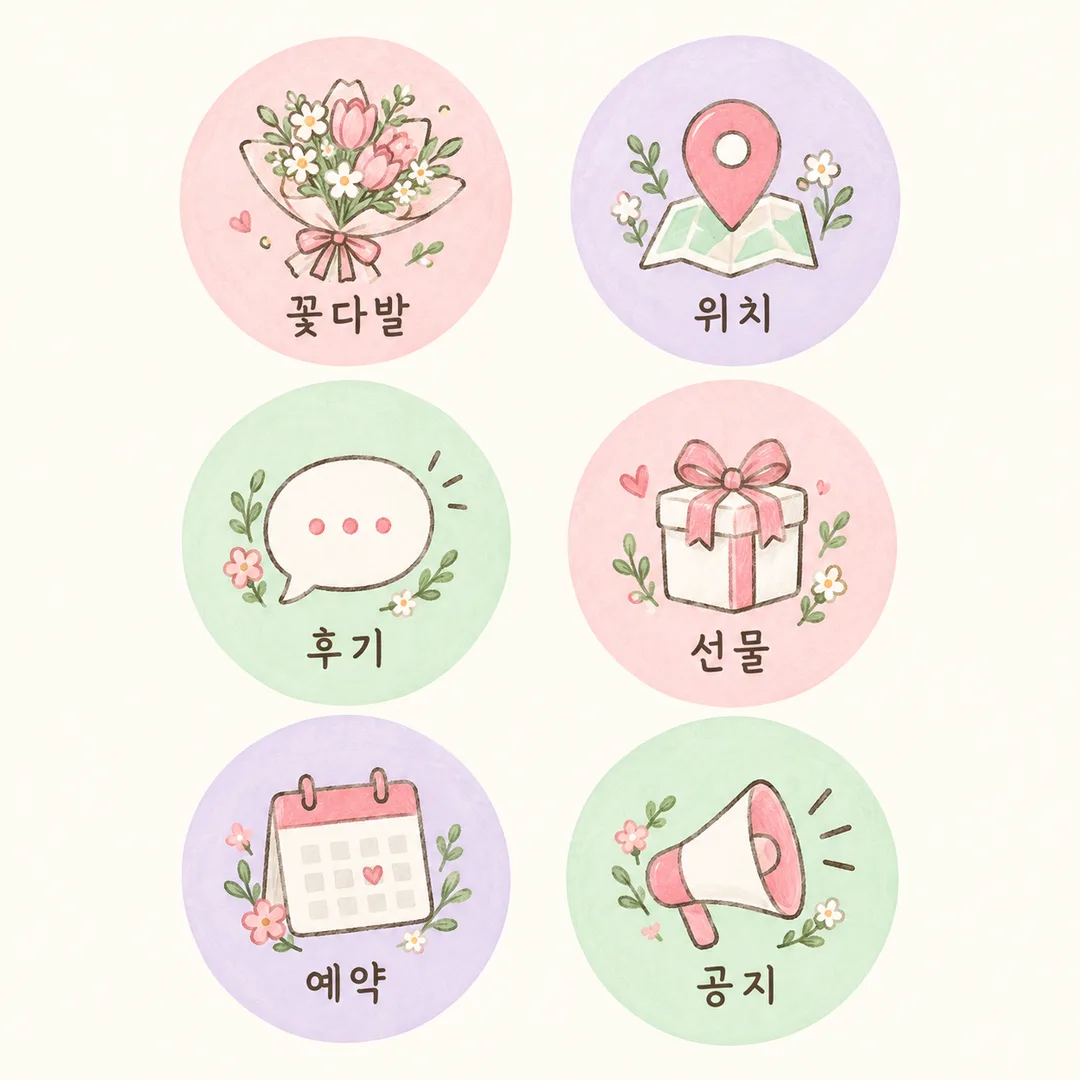
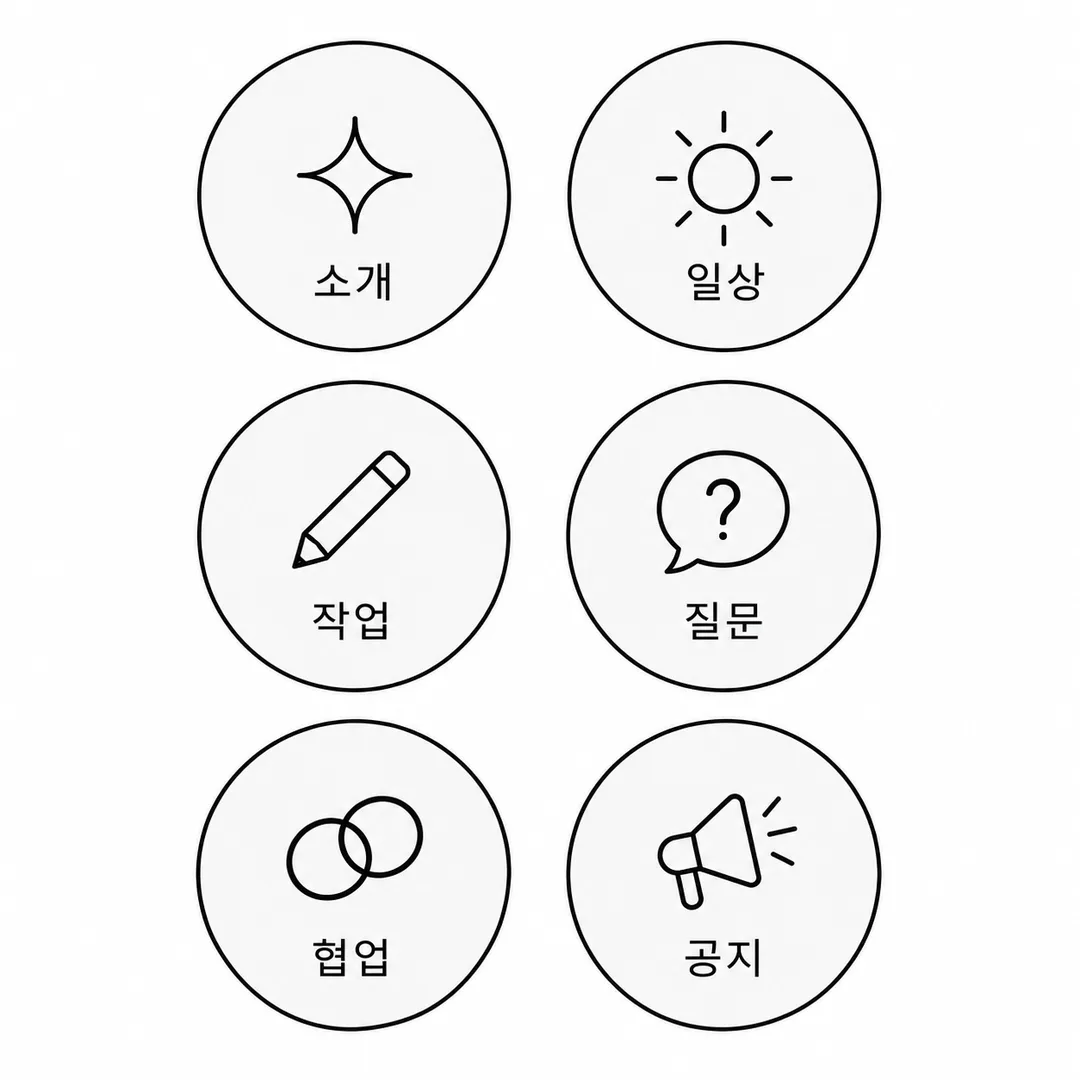
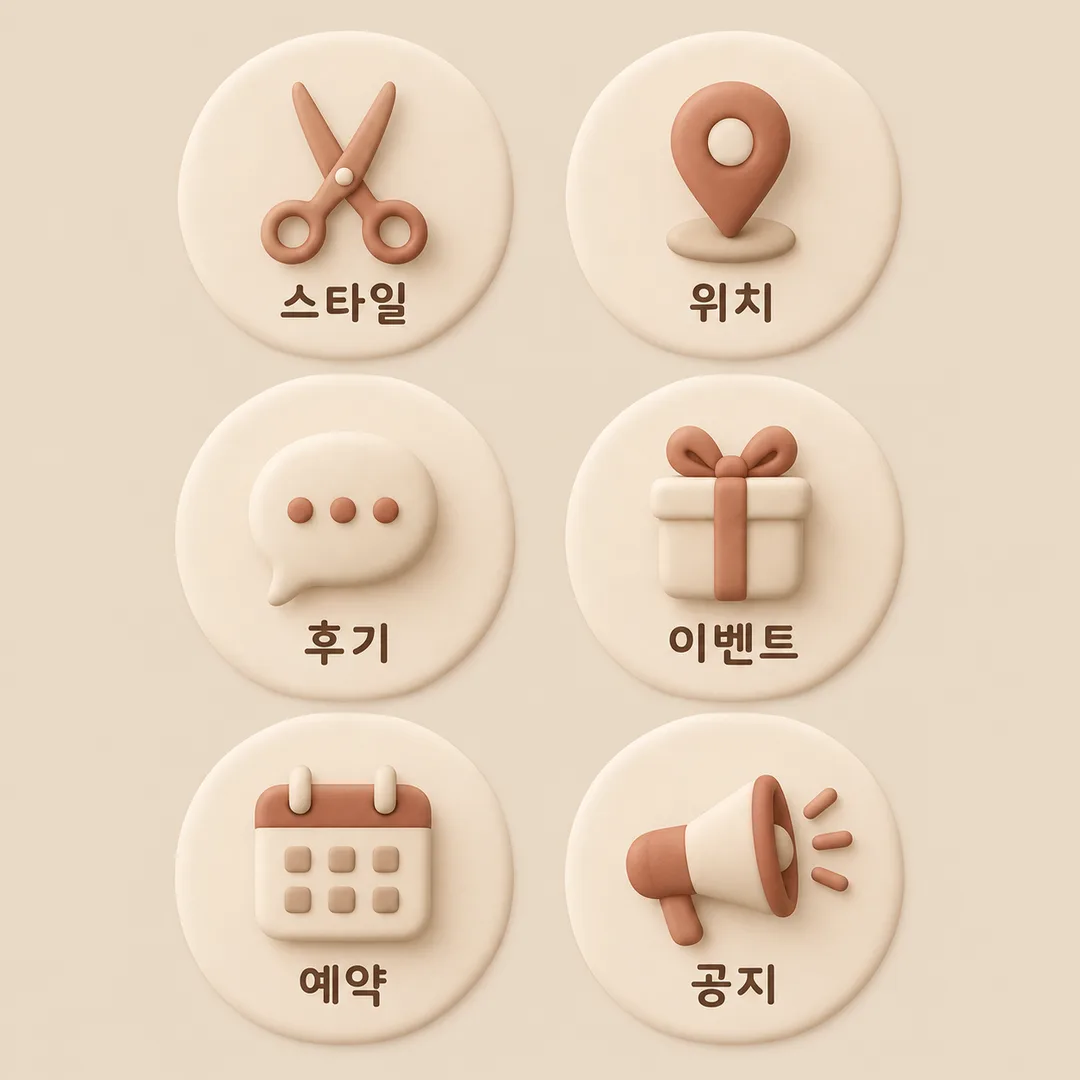
- 4そのまま送ると、サムネイルの例のような画像になります
- 5カードに合う実際の写真を一緒に入れると反映されます。背景カードなら背景の写真、人物・料理カードならその写真 任意
プロンプト全文を見る 2,455文字
Generate this image now. Return only ONE finished full-bleed highlight cover sheet. 出力サイズは1080×1080ピクセル、1:1の正方形にしてください。文字を読みやすく配置してください。
Default 1:1; honor the common size token. Exactly SIX equal circular badges in TWO columns THREE rows, read left to right then top to bottom. Each circle contains one simple original icon above one short label, both fully inside the circle and comfortably within its crop boundary. All six circles have generous visible background gaps, including shadows; no overlap, touching or shared decorations. No phone mockup, photographed sheet, app interface or extra panels.
Business: 【業種】. Labels: 【名前6個】. Palette: 【配色】. Icon style: 【アイコンの画風】.
All visible labels must be natural Japanese. Split labels at slashes or newlines. Keep the first six in order; if fewer than six, add relevant distinct labels until there are six. If blank or "おまかせ", choose six labels matching the business. Never print "おまかせ" or instructions. Keep labels short and legible; do not invent prices, dates, claims or contact details. Use an intuitive generic icon matching each label. Render only these six labels, no business name or title.
Palette choices map in listed order: first warm cream beige cocoa, second pastel pink lavender mint with dark readable lettering, third black white and light gray. Style choices map in listed order: first clean consistent thin line icons, second simple original hand-drawn illustrations, third soft rounded matte clay 3D icons. Apply one selected style consistently to all six; retain the same six-circle sheet layout. If palette or style is blank, use the first option; if business is blank, use a cafe. Keep icon and text contrast strong, never embellish glyphs.
Extend plain background to all edges. On 2:3 listing art keep important letters outside the top12% and bottom15%. Original fictional designs only: no real brands, trademarks, existing characters, recognizable product designs, people, signatures or watermarks. Proofread every visible character and count six circles and six labels before returning the single image. No postprocessing or multiple output files required.

[Final output format]
出力サイズは1080×1080ピクセル、1:1の正方形にしてください。文字を読みやすく配置してください。
This selected output format takes priority over any fixed canvas size or aspect ratio elsewhere in this template. Adapt the composition, text zones and margins to the selected canvas without stretching or cropping essential content. Device safe areas apply only when a device is selected. Never print these format instructions on the image.
結果はどうでしたか?
こちらのカードも人気です
使い方・よくある質問
お店やクリエイターのプロフィールを統一した雰囲気に整える、円形ハイライトカバーのシートです。1回貼り付けると、2列3行に並んだ6個の円を1枚の画像で作ります。各円の中には新しいアイコン1個と短い名前が入り、円の間には背景が見える余裕を残します。基本は正方形1:1で、写真の添付は不要です。
必須項目は業種、名前6個、配色、アイコンの画風の4個です。業種は5つの選択肢から選びます。名前はスラッシュで区切り、左上から右、次の行の順で配置します。「おまかせ」または空欄なら業種に合う6個を選びます。足りない名前は補い、6個を超えた場合は最初の6個を使います。配色と画風はそれぞれ3種類あり、シートの配置を保ちながら見た目を変えます。空欄の配色・画風は最初の選択肢、空欄の業種はカフェになります。
架空のHaru Flowersはパステル手描き、Haruのクリエイター用は白黒線画、Haru Hair Salonはベージュのやわらか3Dの例です。店名は画像に表示しません。名前の項目はハイライトの題名です。完成後は文字を拡大して1文字ずつ読み、6個の円と影が触れていないか、アイコンと名前が合っているか確認してください。長い名前は短くして再生成すると読みやすくなります。
シートの生成にはコードや編集が必要ありません。個別カバーの登録時はアプリの画像選択・拡大機能で円を1個選ぶか、必要に応じて切り取ります。円が接したら名前を保ち、間隔を広げて再生成してください。実在のロゴや特徴的な製品デザインを使わず、新しい一般的なアイコンを作ります。