
All · Ads & posters · Logos & branding
421Instagram Highlight Covers
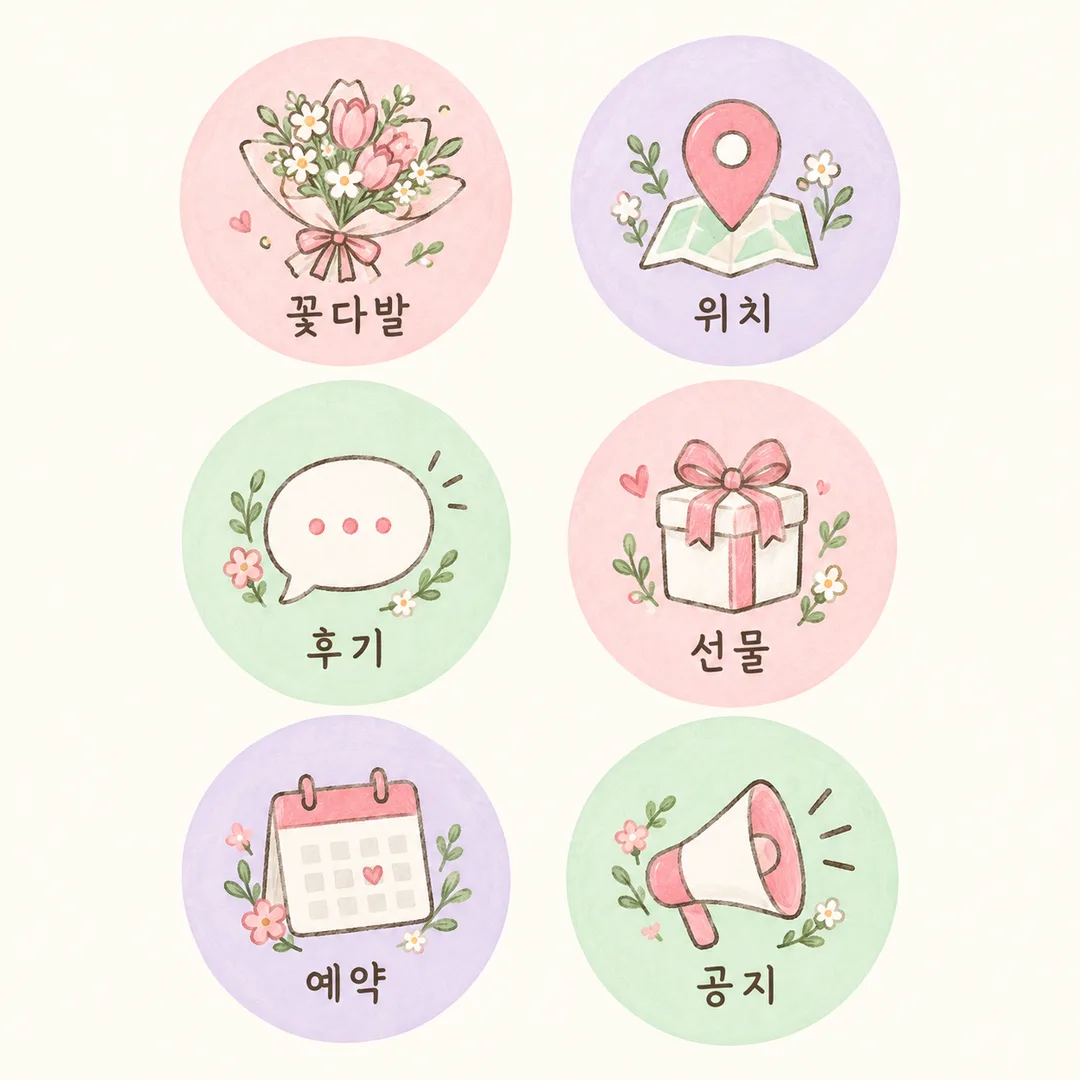
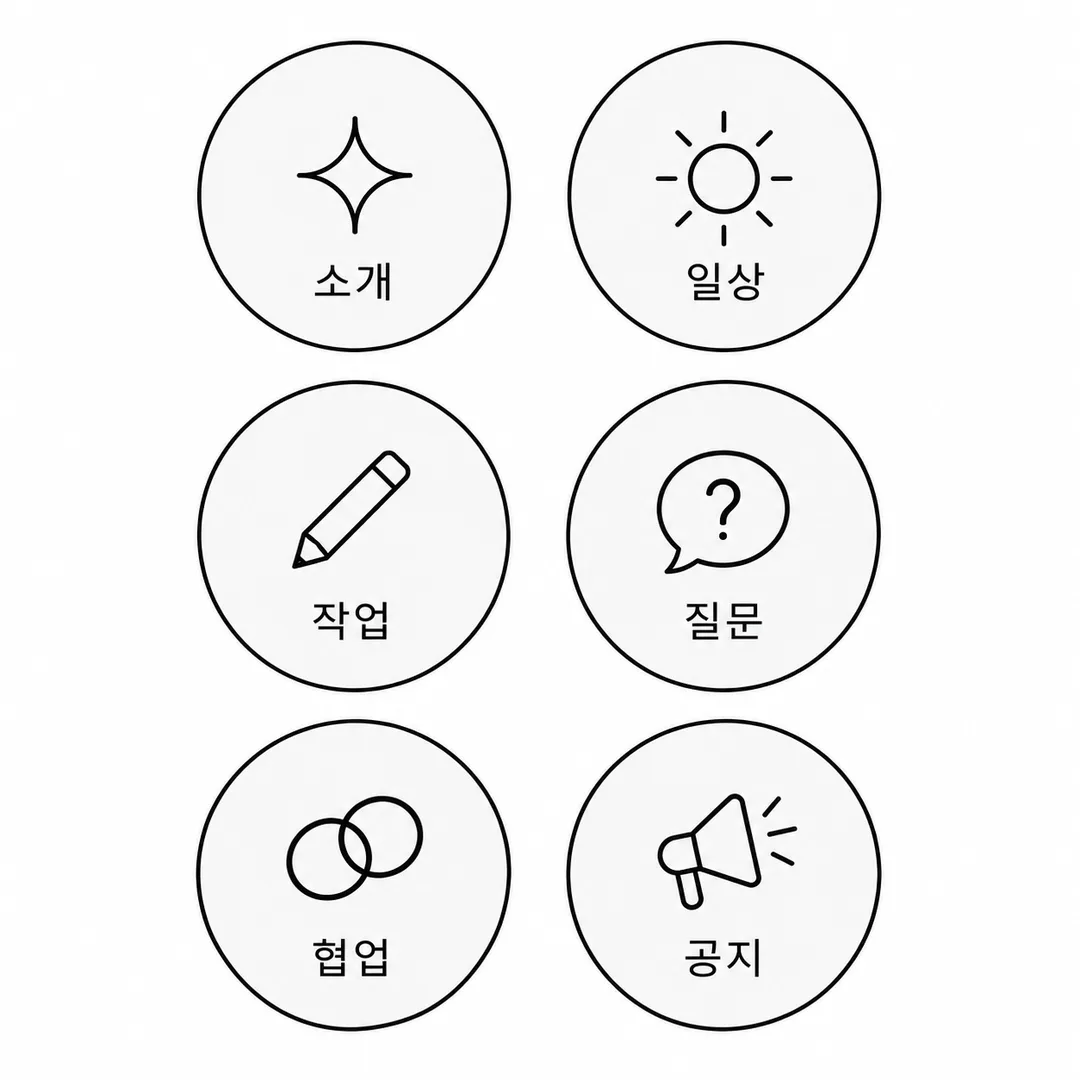
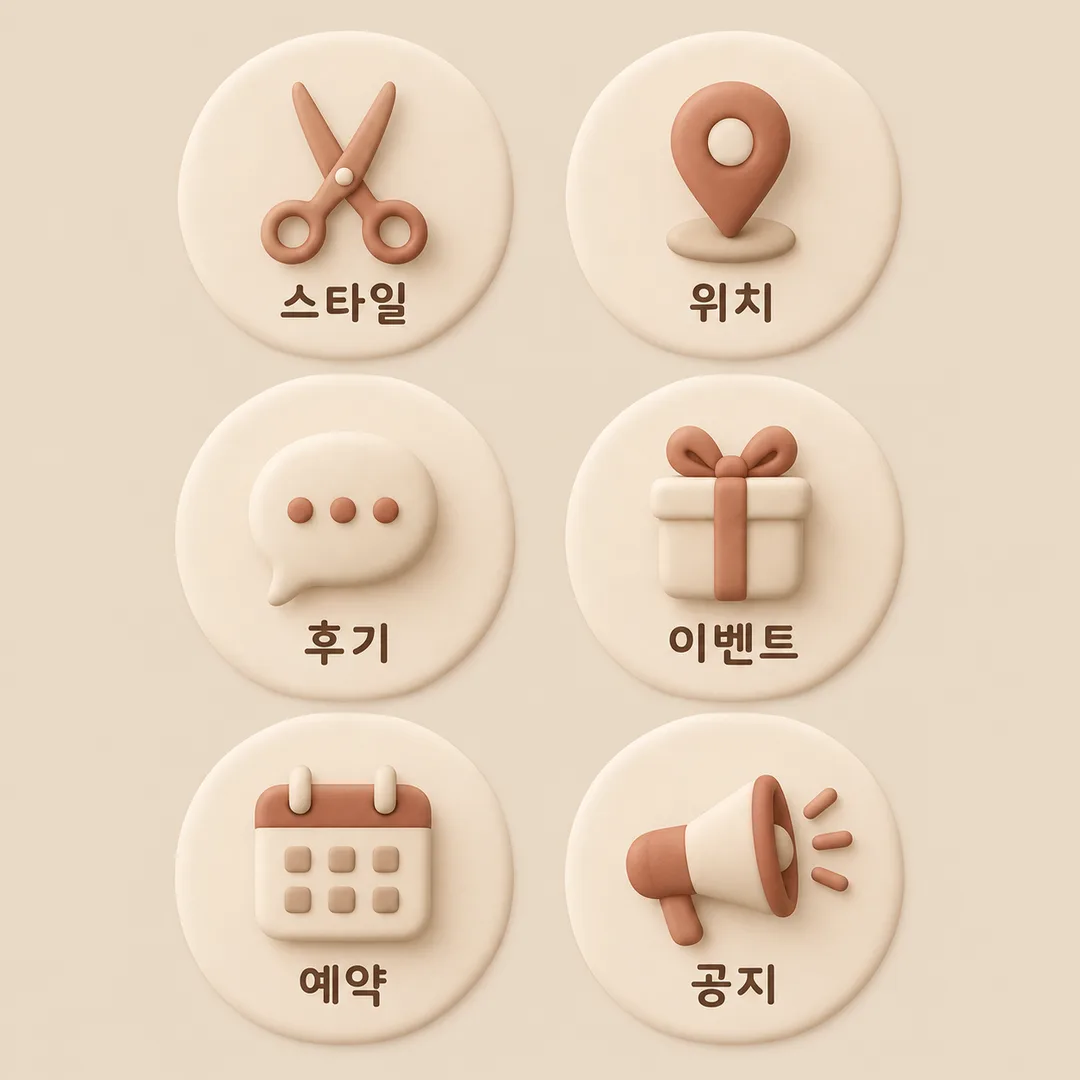
Create six separated circular covers with one icon and a short label inside each circle.
Fill in the fields
- 1Fill in the fields
- 2Copy the prompt
- 3Paste it into a GPT chat
- 4Send it as is and you get an image like the thumbnail example
- 5Attach a real photo that fits the card and it is used in the result: a background photo for background cards, a person or food photo for those cards Optional
Full prompt 2,492 characters
Generate this image now. Return only ONE finished full-bleed highlight cover sheet. Output size 1080x1080 pixels, 1:1 square post. Keep all text fully readable.
Default 1:1; honor the common size token. Exactly SIX equal circular badges in TWO columns THREE rows, read left to right then top to bottom. Each circle contains one simple original icon above one short label, both fully inside the circle and comfortably within its crop boundary. All six circles have generous visible background gaps, including shadows; no overlap, touching or shared decorations. No phone mockup, photographed sheet, app interface or extra panels.
Business: 【Business】. Labels: 【Six labels】. Palette: 【Palette】. Icon style: 【Icon style】.
All visible labels must be natural English. Split labels at slashes or newlines. Keep the first six in order; if fewer than six, add relevant distinct labels until there are six. If blank or "Choose for me", choose six labels matching the business. Never print "Choose for me" or instructions. Keep labels short and legible; do not invent prices, dates, claims or contact details. Use an intuitive generic icon matching each label. Render only these six labels, no business name or title.
Palette choices map in listed order: first warm cream beige cocoa, second pastel pink lavender mint with dark readable lettering, third black white and light gray. Style choices map in listed order: first clean consistent thin line icons, second simple original hand-drawn illustrations, third soft rounded matte clay 3D icons. Apply one selected style consistently to all six; retain the same six-circle sheet layout. If palette or style is blank, use the first option; if business is blank, use a cafe. Keep icon and text contrast strong, never embellish glyphs.
Extend plain background to all edges. On 2:3 listing art keep important letters outside the top12% and bottom15%. Original fictional designs only: no real brands, trademarks, existing characters, recognizable product designs, people, signatures or watermarks. Proofread every visible character and count six circles and six labels before returning the single image. No postprocessing or multiple output files required.

[Final output format]
Output size 1080x1080 pixels, 1:1 square post. Keep all text fully readable.
This selected output format takes priority over any fixed canvas size or aspect ratio elsewhere in this template. Adapt the composition, text zones and margins to the selected canvas without stretching or cropping essential content. Device safe areas apply only when a device is selected. Never print these format instructions on the image.
How did it turn out?
You may also like
How to use it · FAQ
Create a single square sheet of six circular highlight covers for a shop or creator profile. Two columns and three rows keep the circles organized, while generous gaps make each cover easy to select. Each circle contains one original icon and a short label. No reference photo is needed.
The four required fields are Business, Six labels, Palette and Icon style. Choose a business from the five options. Separate six labels with slashes; they appear in row order. Choose for me or an empty label field selects six relevant labels. Fewer labels are supplemented; more than six are limited to the first six. The three palettes and three styles change the artwork while preserving the sheet layout. Empty palette or style fields use the first option; an empty business field uses a cafe.
The fictional examples are Haru Flowers in pastel hand-drawn artwork, Haru as a creator in monochrome line icons, and Haru Hair Salon in beige soft 3D. Business names are context and are not printed. The label field means highlight titles. Enlarge every label and check spelling, icon meaning and clear gaps including shadows. Shorten long labels and generate again if they are too small.
Generating the sheet needs no code or editing. When registering individual covers, select and zoom one circle in the app or crop it if desired. If circles touch, request wider gaps while keeping all six labels. Use original generic icons rather than real logos or recognizable product designs.