
すべて · SNS投稿 · 共感ネタ
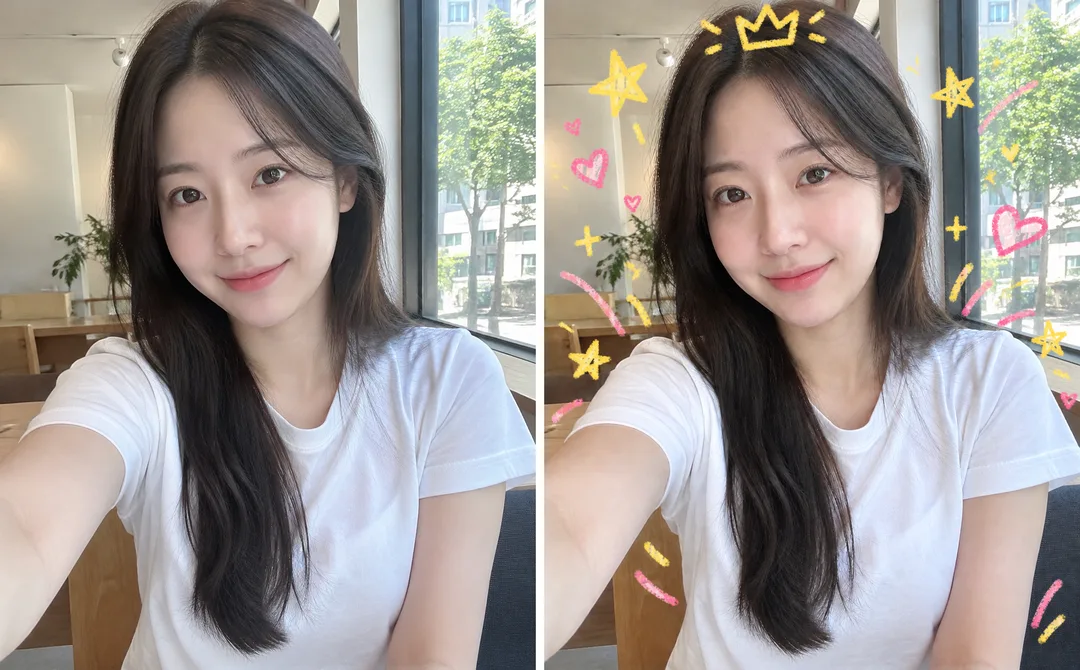
335写真に落書き — 元の写真にクレヨンの王冠・星・ハートを重ねて
写真はそのままに、王冠・星・ハート・矢印をクレヨンや色鉛筆の落書きでプラス。かわいいインスタ写真に仕上がります。
受け取れるもの
- 元の写真に手描き風の落書きを重ねた画像一枚
- 王冠、星、ハートなどの形と画材、色を選べます
- 顔と背景は変更なし、文字なし
ChatGPT 無料 OK
項目を入力
- 1項目を入力します
- 2コピーを押します
- 3GPTのチャットに貼り付けます
- 4そのまま送ると、サムネイルの例のような画像になります
- 5カードに合う実際の写真を一緒に入れると反映されます。背景カードなら背景の写真、人物・料理カードならその写真 任意
プロンプト全文を見る 3,761文字
Generate this image now. Draw it directly - do not describe it, explain it, or ask questions.
出力サイズは1080×1350ピクセル、4:5の縦型Instagram投稿にしてください。
The intended card format is 4:5; use the requested canvas size.

Create a mixed-media photo with a playful hand-drawn doodle layer. The photograph is the intact base layer: preserve its original face, hair, clothes, pose, background, lighting and photographic texture. Do not repaint, beautify, restyle or replace any part of the photo. Fit the full source image inside the canvas without stretching or cropping; if needed use a narrow plain margin. Add sparse doodles above the image, mainly in empty space around the subject. Never cover the eyes, mouth or other identity-defining details. Empty speech-bubble outlines may be decorative, but contain no writing. The only new visual treatment is the chosen doodle medium; the underlying photo stays photographic.

SELECTION selected: "【落書き】"
Interpret only the selected choice:
- 王冠と星: A small floating crown outline above the head, a few stars and short sparkles around the shoulders.
- 花とハート: Loose flower outlines, small hearts and curved stems framing the subject.
- 矢印と雲: Two playful curved arrows, soft cloud outlines and short radiating strokes around the subject.
If this selection line is missing or empty, use 王冠と星 only.

SELECTION selected: "【画材】"
Interpret only the selected choice:
- クレヨン: Waxy crayon strokes with grain, uneven pressure and softly broken edges.
- 色鉛筆: Fine colored-pencil strokes with visible paper-like grain and light hatching within doodles only.
- ペン: Clean rounded felt-tip pen strokes with consistent width and simple outlines.
If this selection line is missing or empty, use クレヨン only.

SELECTION selected: "【色】"
Interpret only the selected choice:
- 黄色とピンク: Warm yellow and coral pink doodles.
- 青と緑: Sky blue and fresh green doodles.
- 紫とオレンジ: Lilac and warm orange doodles.
If this selection line is missing or empty, use 黄色とピンク only.

[Attached photo]
Use the attached photo itself as the unchanged base, not merely an identity reference. Preserve all existing source pixels visually wherever no doodle overlaps. Add only the requested doodle layer. Do not introduce new text, logos or watermarks; existing details in the supplied photo are part of the preserved base.
PHOTO RULE: if a photo is attached, follow the preservation rule. If none is attached, never ask for one: invent a natural unbranded photograph of a fictional ordinary Korean adult, then apply doodles only above that photographic base.

Produce exactly one finished image on the requested canvas, with one coherent visual treatment. No alternate versions or contact sheet. All designs must be original: no real brand names, logos, recognizable commercial product designs, existing games, game layouts, or existing fictional character shapes. No watermark or interface elements. The choice labels are instructions only; never print them unless explicitly required below. Render no text except the exact short Japanese text specifically authorized below. Human fingers, hands, limbs and posture must be anatomically natural; for full-body subjects, show believable weight supported by a planted foot. Animal anatomy must also be natural.
For the attached-photo overlay only, preservation of the supplied base takes priority over removal of existing source details; the restrictions apply to newly generated doodles and additions.

[Final output format]
出力サイズは1080×1350ピクセル、4:5の縦型Instagram投稿にしてください。
This selected output format takes priority over any fixed canvas size or aspect ratio elsewhere in this template. Adapt the composition, text zones and margins to the selected canvas without stretching or cropping essential content. Device safe areas apply only when a device is selected. Never print these format instructions on the image.
結果はどうでしたか?
こちらのカードも人気です
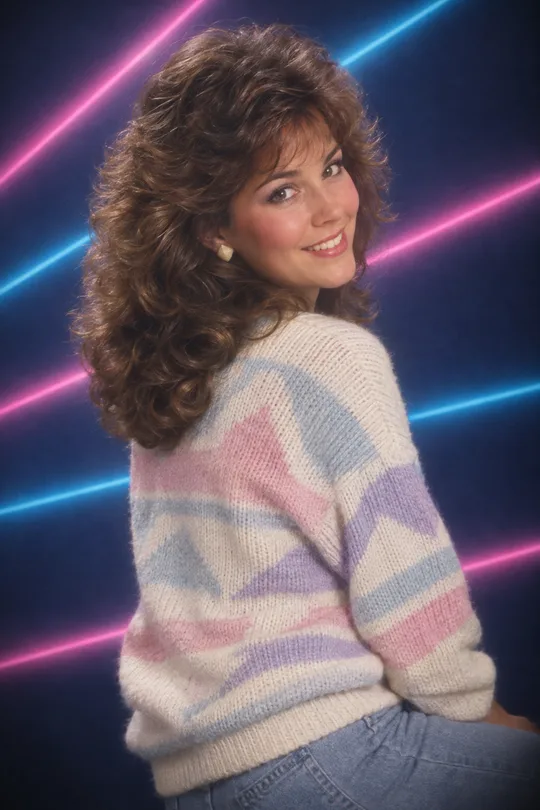
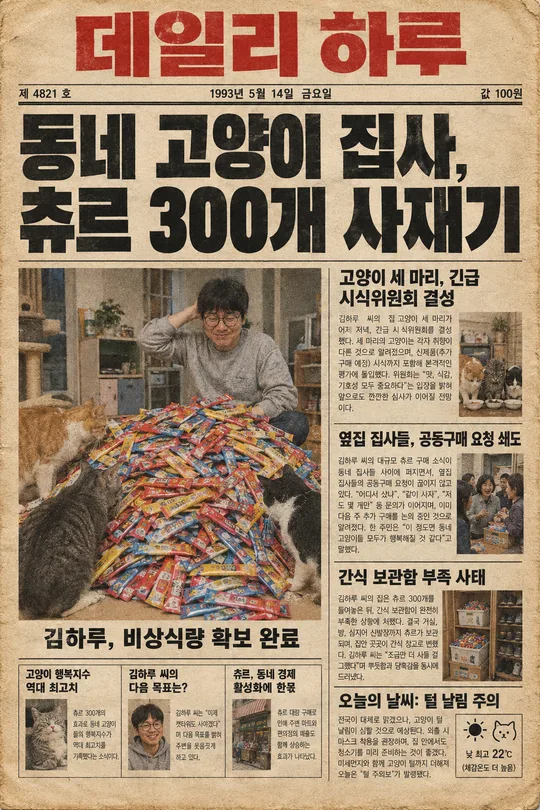
使い方・よくある質問
こんなときに
普通の自撮りはそのままに、落書きだけでかわいくしたいときに。アプリで自分で描くのが面倒なときにもぴったりです。海外のプロンプト販売サイトで売られている「写真に落書きを重ねる」形式を無料で使えます。
欄の埋め方
落書きの形を一つ選ぶだけ。画材と色は初期設定のままでも十分です。
写真を入れるとき
① 自分の写真一枚をアップロード — まだ送らない ② 同じ入力欄にコピーしたプロンプトを貼る ③ 両方入ったのを確認して送る。
仕上がりの確認
- 顔や背景が変わっていたら「写真はそのままに、落書きだけ重ねて」と伝えてください。
作例について
一覧のカバー画像は、写真を使わずにプロンプトだけで生成した作例です。写真なしでも、自分の写真を使っても利用できます。