
すべて · 図解・案内 · メニュー・価格表
246写真3カット編集メニュー
写真3枚とメニュー・価格を同じ行に合わせます。ブランチ店の3つのメニューを一目で読める雑誌風のメニューです。
受け取れるもの
- 写真3カット編集メニュー
項目を入力
- 1項目を入力します
- 2コピーを押します
- 3GPTのチャットに貼り付けます
- 4そのまま送ると、サムネイルの例のような画像になります
- 5カードに合う実際の写真を一緒に入れると反映されます。背景カードなら背景の写真、人物・料理カードならその写真 任意
プロンプト全文を見る 4,824文字
Generate this image now. Return exactly ONE complete image directly. Do not ask questions, browse for photos, return a plan or give a prompt instead of the image.
Print exactly this heading: "【店名】".
Print exactly these top-row words: "【メニュー1】" and "【価格1】".
Print exactly these middle-row words: "【メニュー2】" and "【価格2】".
Print exactly these bottom-row words: "【メニュー3】" and "【価格3】".
Those seven quoted values are the complete visible text. The photo composition sentences below are drawing directions only, never captions or subtitles. Each row has exactly TWO text groups, its menu name and its price, and no third line. Never print an English form key as the heading.

完成した2:3の縦型画像を1枚、1024×1536ピクセルで出力してください。重要な文字は上12%と下15%に置かないでください。

[Input: values are the only facts and wording]
SHOP: "【店名】"
MENU_1: "【メニュー1】"
PRICE_1: "【価格1】"
MENU_2: "【メニュー2】"
PRICE_2: "【価格2】"
MENU_3: "【メニュー3】"
PRICE_3: "【価格3】"

[INTERNAL PHOTO AND COLOR DIRECTIONS — NEVER PRINT ANY OF THESE VALUES]
DETAIL_1: "【メニュー1の写真構成】"
DETAIL_2: "【メニュー2の写真構成】"
DETAIL_3: "【メニュー3の写真構成】"
TEXT_COLOR: "【文字の色】"
DISH_COLOR: "【皿の色】"

[Fixed card design]
Create one finished small restaurant menu page with THREE photographs and EXACT corresponding names and prices, in a restrained editorial magazine design. Warm off-white subtly fibrous paper, TEXT_COLOR lettering, thin rules and matte food photography. SHOP is the only header, above three equal-height horizontal rows. Each row's left approximately 55% holds one real-looking complete food serving in DISH_COLOR ceramic. Its right area holds only that exact MENU_n and PRICE_n. Align all three prices to the same right edge, with strong simple uncovered digits.
Bind every pair before drawing: top row MENU_1, PRICE_1, DETAIL_1; middle row MENU_2, PRICE_2, DETAIL_2; bottom row MENU_3, PRICE_3, DETAIL_3. DETAIL_n affects only its own photo and is not printed. When absent use that menu's ordinary food composition; no bonus side meal. Keep consistent soft natural light from the left, scale and restrained tone across the three photos, with toasted edges, moist cut surfaces and uneven vegetables. The photos are intentional three row frames within one page, not a 3x3 grid or a collage of outputs.
SHOP plus the three exact MENU names and their three PRICE strings are the entire visible text. All spaces, digits, punctuation and currency units remain unchanged. Never swap or recompute prices, invent old prices, discount, menu descriptions, English subtitles, row numbers, origin, QR or logo. Give the three rows enough height for names and numbers to be legible; long names wrap naturally inside their own row, without crossing into another. Keep the lower row as finished and readable as the first. This is one flat finished menu, no paper mockup. Newly imagined food photos must not be labeled proof of real portion size.

[Button meanings, internal instructions only]
TEXT_COLOR: "濃いオリーブ" means deep olive; "濃いネイビー" means deep navy; "ココアブラウン" means cocoa brown.
DISH_COLOR: "温かみのある白" means warm white; "クリーム色" means cream; "薄いグレー" means pale gray.

[Missing inputs and finish]
An optional input line removed from this prompt is absent. Do not print its key, invent a substitute caption, ask for it or reserve an empty panel. Choose a fitting simple visual only where the fixed design explicitly permits an automatic default. Selected values alter content only; retain this card's single style and one composition. Every supplied visible string stays verbatim in its original script and currency, without translation. Ordinary automatic lettering, if explicitly allowed above, is Japanese; internal English keys and button names are never captions.
Use the stated aspect ratio, adapting one coherent layout rather than stretching food or letters. Text-bearing posters keep important lettering within the central 16–83% of image height and 5–95% of width; extend food-related ornament, background, shadows or texture to the trim so these insets do not create empty bands. Keep all price digits and ingredient labels unobstructed. Text-free photographs fill the canvas naturally with their scene. No frame, phone, wall mockup, watermark or extra results.
No uploaded photo is needed: create a fictional food scene from these inputs. If a reference photo is attached, use it only for the stated food's visible shape and materials within this same drawing or photographic medium, without adding absent products or claiming exact portion preservation. Finish one image even when no photo is attached.

[Final output format]
完成した2:3の縦型画像を1枚、1024×1536ピクセルで出力してください。重要な文字は上12%と下15%に置かないでください。
This selected output format takes priority over any fixed canvas size or aspect ratio elsewhere in this template. Adapt the composition, text zones and margins to the selected canvas without stretching or cropping essential content. Device safe areas apply only when a device is selected. Never print these format instructions on the image.
結果はどうでしたか?
こちらのカードも人気です
使い方・よくある質問
写真・メニュー・価格を同じ行に
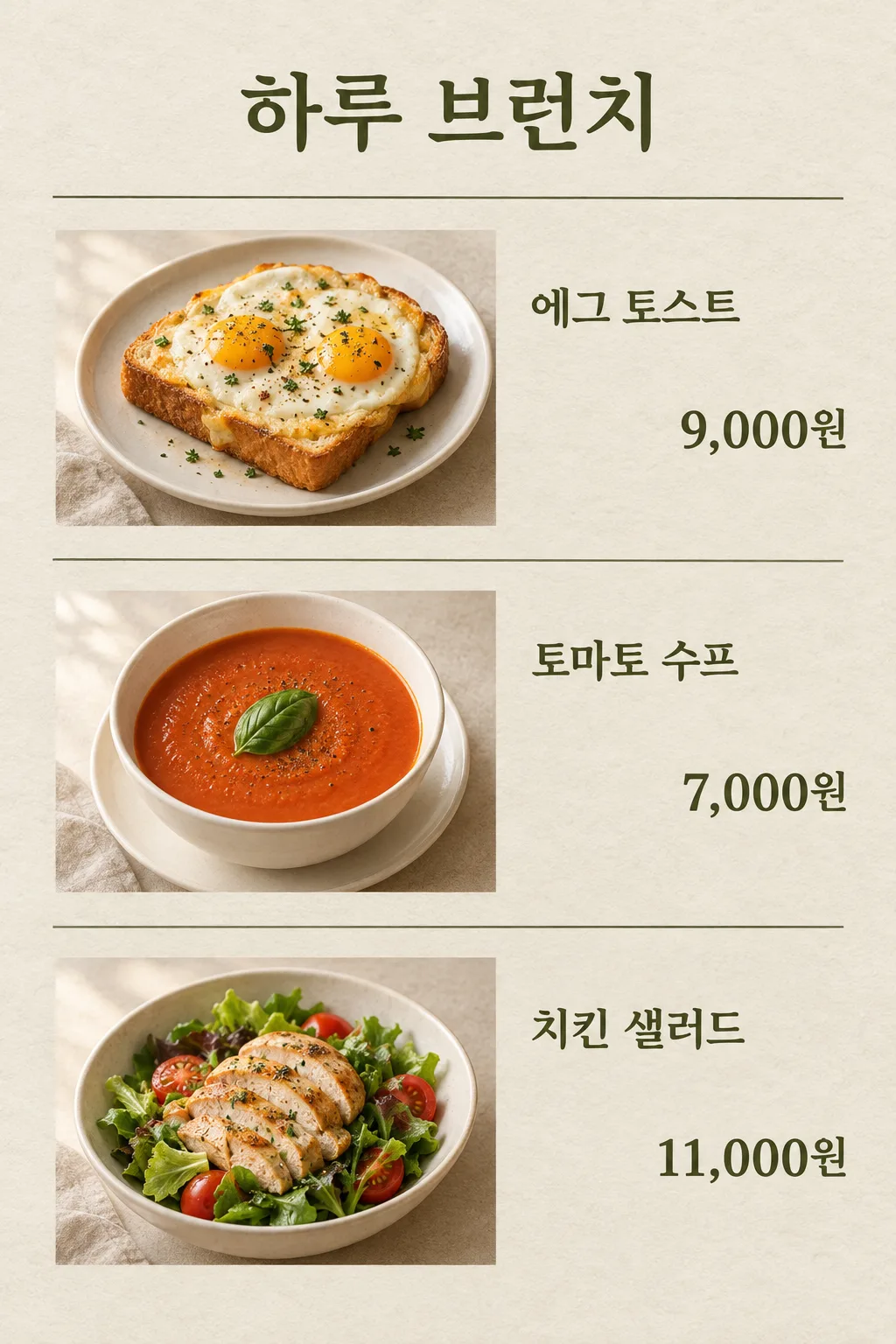
エッグトースト・トマトスープ・チキンサラダの写真を3行に並べ、同じ行の右側にメニュー名と価格を合わせた編集型のメニューです。写真の照明と用紙の背景が統一されており、小さなブランチ店の雑誌の1ページのように見えます。全体のメニューを自動的に増やさず、3つのメニューを1枚に整理します。
店名と3つのペアを埋めます
店名の次にメニュー1・価格1、メニュー2・価格2、メニュー3・価格3を書きます。「エッグトースト / 9,000ウォン」が1行目、「トマトスープ / 7,000ウォン」が真ん中、「チキンサラダ / 11,000ウォン」が下です。価格にはカンマと単位を一緒に書きます。海外のメニューであれば実際の通貨で書き、画像内で為替計算や割引計算を行わないでください。お客様が支払う実際の金額をそのまま入れます。
写真の中の構成も個別に変更します
メニュー1の写真構成には「トースト1枚の上に卵2個」のように、そのメニューに見える料理だけを書きます。メニュー2・3もそれぞれ該当する構成であり、お互いに混ざりません。構成欄を空欄にすると、メニュー名に合う平凡な仮想の料理に決定します。文字の色はオリーブ・ネイビー・ココアの中から選び、皿の色は白・クリーム・グレーの中から選びます。画風や行数を選ぶ欄はないため、3行のメニューの形を維持します。
上から下へ写真と価格を組み合わせます
欄を埋めた文章を画像生成GPTに1回貼り付けて、完成したメニューを1枚リクエストします。結果から写真・名前・価格を上から同じ行同士で読んでみてください。7,000ウォンがトーストの行に移動してしまった場合は「2行目のトマトスープの横に7,000ウォンをそのまま書いて」と具体的に修正します。料理の量・卵の数・価格は実際のメニューと照合した上で店舗で使用します。小さな文字がぼやけている場合は、メニュー名を短く整えたり、大きめの出力サイズを選んだりします。このカードは、写真のない文字だけの価格表よりも料理の形を一緒に見せることに合わせて作られています。