
전체 · 광고/포스터 · 카페·디저트 · 음식점·식당
29550년대 다이너 테이블 사진 — 우리 메뉴를 레트로 미국 식당 창가 자리에 (카페 · 버거 · 디저트)
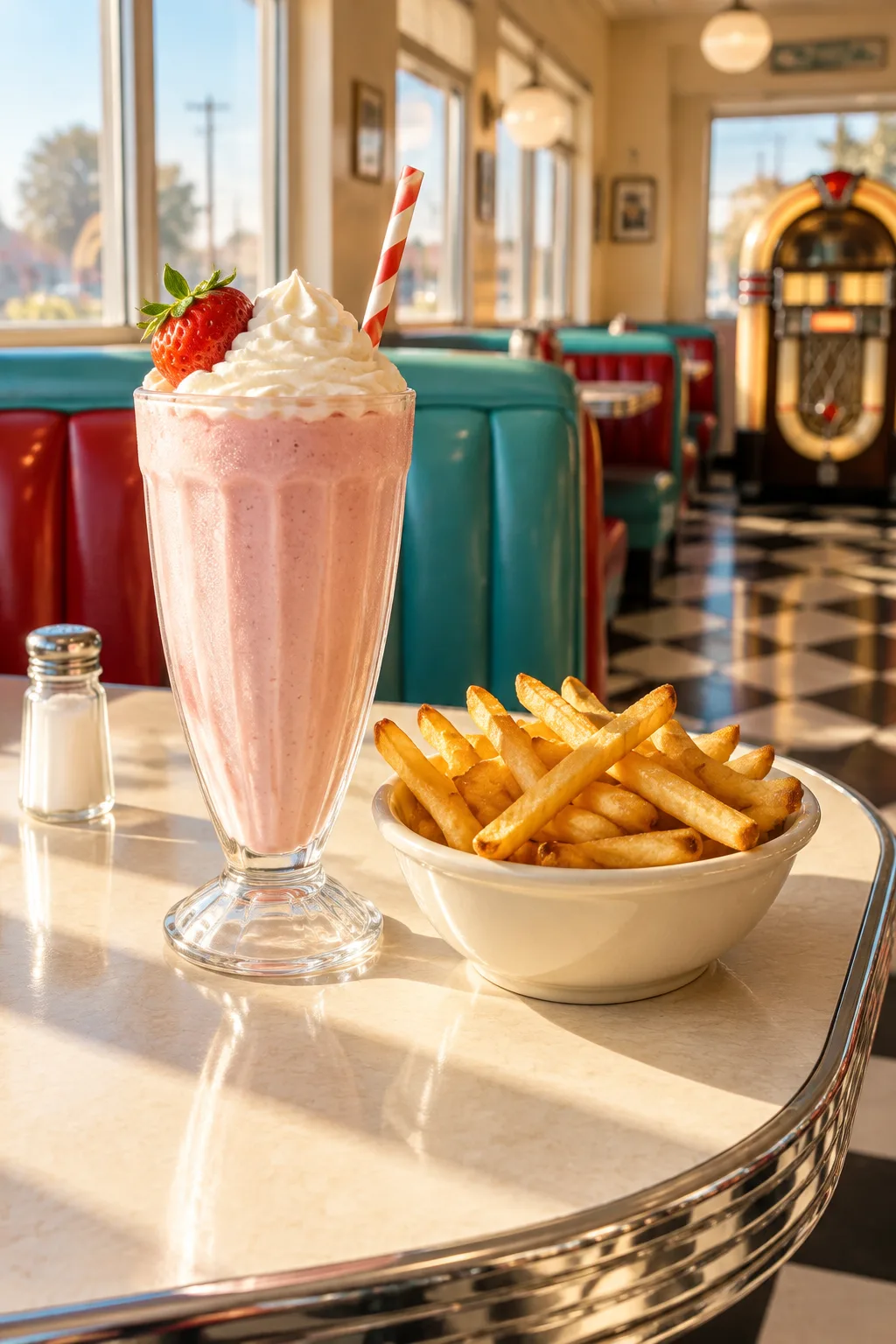
우리 메뉴 사진 한 장이 청록 부스와 크롬 테이블, 창으로 햇빛이 드는 1950년대 미국 다이너 창가 자리 사진이 돼요.
받는 것
- 1950년대 다이너 창가 테이블 위 메뉴 사진 한 장
- 청록, 빨강 부스와 크롬, 체크무늬 바닥
- 창으로 드는 햇빛, 글자 없음
ChatGPT 무료 OK
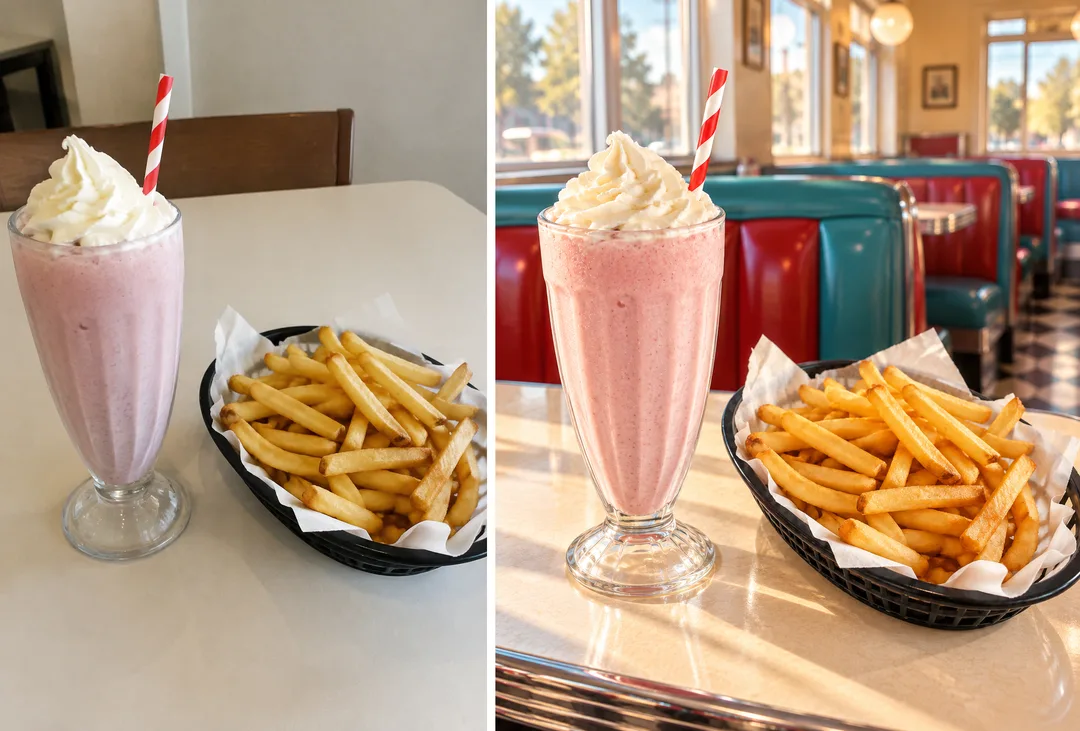
칸 채우기
- 1칸을 채워요
- 2복사 버튼을 눌러요
- 3GPT 채팅창에 붙여넣어요
- 4그대로 보내면 썸네일 예시처럼 나와요
- 5메뉴 · 상품 사진 한 장 (선택)을 같이 넣으면 그 사진이 반영돼요 선택
프롬프트 원문 보기 3,182자
Generate this image now. Draw it directly - do not describe it, explain it, or ask questions.
Output size 1080x1350 pixels, 4:5 portrait, Instagram standard.

Create one richly detailed, photorealistic product or menu photograph on a window-side table in a 1950s diner. Use a vertical 4:5 composition by default. Make the featured items large, appetizing or materially convincing, and immediately recognizable.

SUBJECT description: "【올려놓을 것】"
Use this description to determine what sits on the table; it is a visual instruction, never printed text. If this line is missing or empty, use a fictional strawberry milkshake and a dish of French fries.

[Attached photo]
Use the attached menu or product photo as the visual reference for the featured items. Preserve their recognizable shapes, colors, ingredients or materials, and important details. Recreate them naturally on the diner table with appropriate serving vessels, contact shadows, and lighting. Use the subject description to arrange and contextualize them. Remove source backgrounds, labels, brand marks, and watermarks.
PHOTO RULE: if a photo is attached, use it as described; if no photo is attached, never ask for one and never stop — invent a fitting fictional subject and finish the image.

TIME selected: "【시간】"
Interpret only the selected choice:
- 아침 햇살: Warm low morning sunlight through the windows, long soft shadows, and a welcoming golden atmosphere.
- 한낮: Bright neutral midday daylight, clear material colors, and crisp but softly filled shadows.
- 저녁 네온: Dusk outside the windows with red and turquoise neon glow, warm interior lights, and believable colored reflections; no readable neon lettering.
If this selection line is missing or empty, use 아침 햇살 only.

PROPS selected: "【소품】"
Interpret only the selected choice:
- 없음: Keep the featured tabletop free of extra props; retain the diner furniture and architectural details in the background.
- 주크박스 · 소금병: Add a glass salt shaker on the table and a vintage jukebox softly visible in the background.
- 신문 · 커피잔: Add a folded newspaper with indistinct, unreadable print and a plain ceramic coffee cup beside the featured items.
If this selection line is missing or empty, use 없음 only.

Build a complete diner setting with turquoise and cherry-red upholstered booths, cream walls, large windows, polished chrome trim, rounded laminate tables, and glimpses of a black-and-white checkerboard floor. Frame from seated table height at a gentle three-quarter angle. Include realistic glass reflections, metal highlights, fabric textures, and moderate depth of field. Keep the subject crisp and the surrounding diner recognizable.

No readable text of any kind, including on props, signs, clothing, or packaging. No logos, branded designs, signatures, or watermarks.
The choice names in this prompt are internal labels only; never print them as text.

[Final output format]
Output size 1080x1350 pixels, 4:5 portrait, Instagram standard.
This selected output format takes priority over any fixed canvas size or aspect ratio elsewhere in this template. Adapt the composition, text zones and margins to the selected canvas without stretching or cropping essential content. Device safe areas apply only when a device is selected. Never print these format instructions on the image.
결과 어땠어요?
이 카드도 많이 사용해요
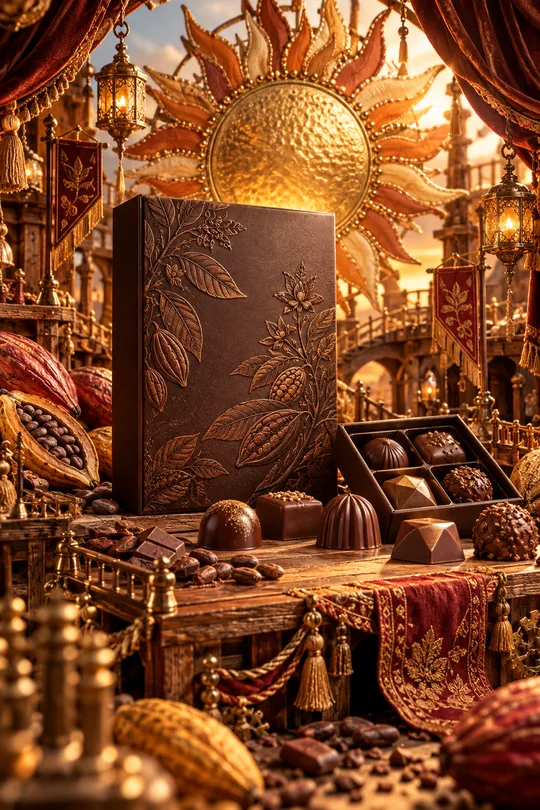
- 331미니어처 공방 상품 광고 — 우리 상품이 금속 장식 · 직물 · 작은 무대로 만든 수공예 세상 한가운데
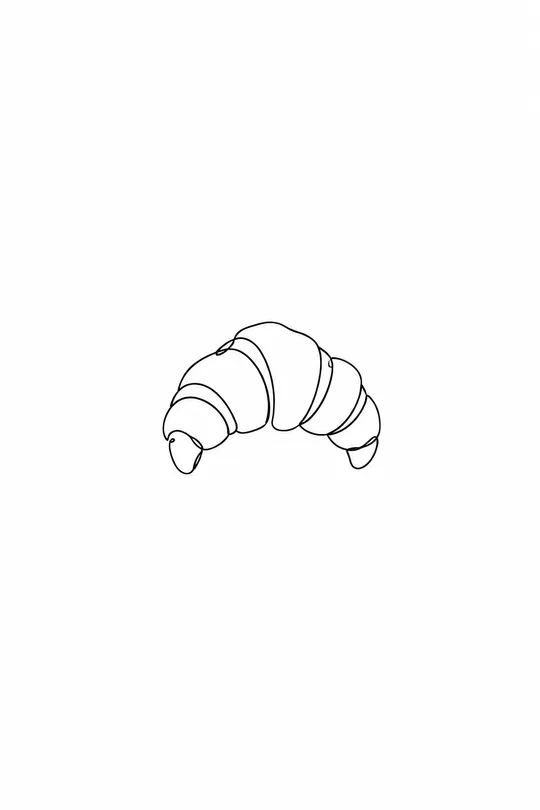
- 325음식 라인 아이콘 — 메뉴판 · 스티커 · 간판에 쓰는 깔끔한 선 아이콘
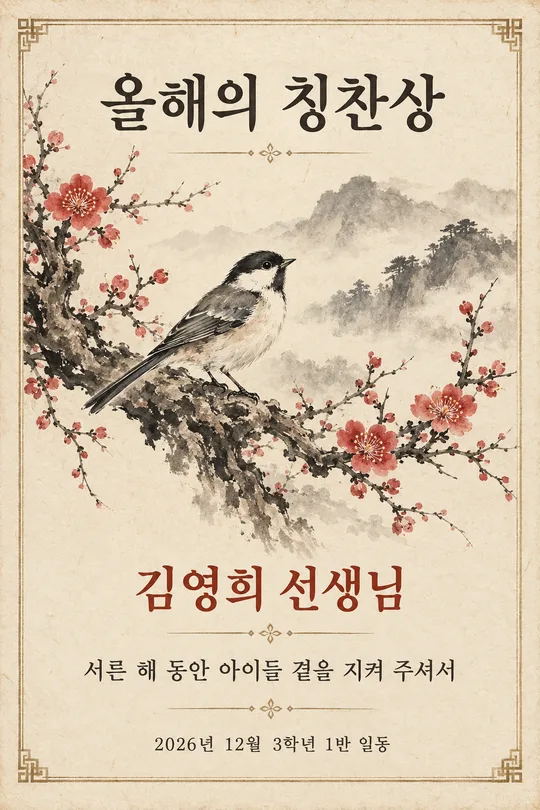
- 320수묵화 감사패 · 상장 — 매화 · 대나무 · 학 그림과 이름이 들어간 인쇄용 기념장 (스승의 날 · 퇴임 · 가족)
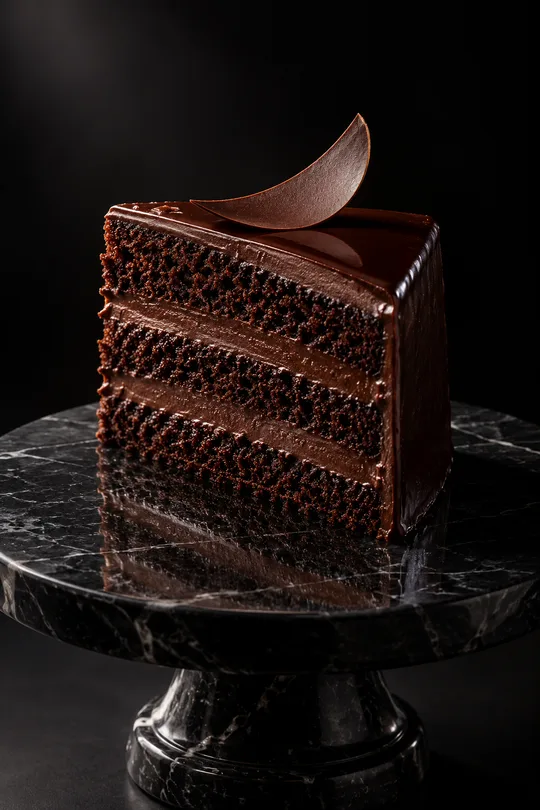
- 319다크 럭셔리 상품 사진 — 검은 스튜디오에서 한 줄기 빛을 받는 디저트 · 와인 · 향수 광고컷
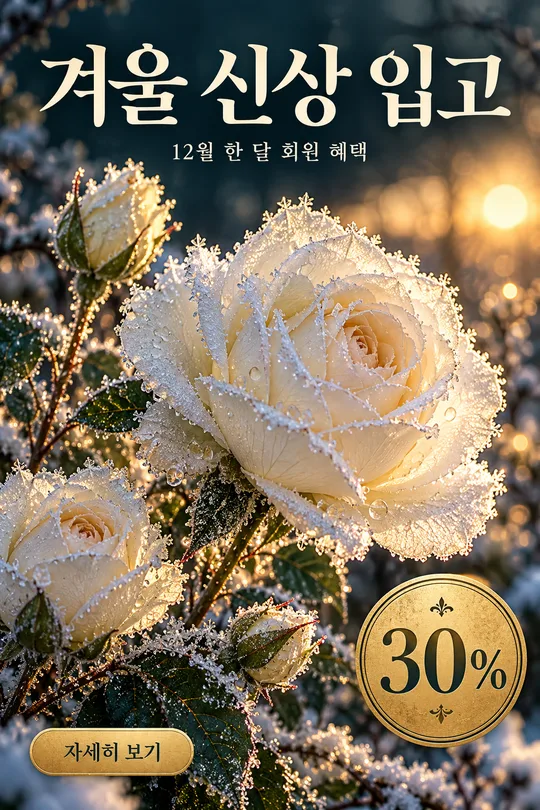
- 316겨울 꽃 홍보 포스터 — 서리 내린 꽃 클로즈업 위 가게 신상 · 회원 혜택 안내
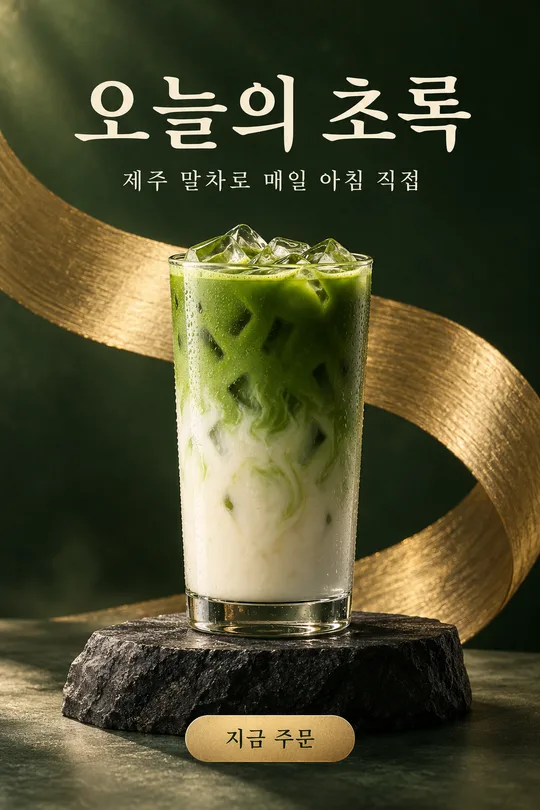
- 313메뉴 사진 헤드라인 광고 — 우리 메뉴 · 상품을 받침대 위 잡지 광고 포스터로 (카페 · 화장품 · 소품)
쓰는 법 · 자주 묻는 것
이런 때 쓰세요
레트로 콘셉트 카페 · 버거집 · 디저트 가게에서 메뉴를 분위기 있는 장소 사진으로 보여 주고 싶을 때 쓰세요. 청록과 빨강 가죽 부스, 반짝이는 크롬 테두리 테이블, 흑백 체크 바닥, 커다란 창으로 들어오는 햇빛 — 1950년대 미국 다이너 창가 자리에 우리 메뉴가 놓인 사실 사진이 나와요.
해외 프롬프트 판매 사이트에서 돈을 받고 파는 「50년대 다이너 속 물건」 형식을 음식점용으로 바꿨어요. 여기서는 무료입니다.
칸 채우는 법
테이블에 올릴 메뉴만 적으면 됩니다. 시간은 아침 햇살(밝고 따뜻), 한낮(선명), 저녁 네온(분홍 · 파랑 조명) 중에서, 소품은 비우면 메뉴만 놓여요.
우리 메뉴 사진을 넣을 때
① 메뉴가 잘 보이는 사진을 올립니다 — 아직 보내지 않아요
② 같은 칸에 복사한 프롬프트를 붙여넣어요
③ 둘 다 들어간 걸 확인하고 보내요
카드 안 예시는 평범한 카페 테이블에서 찍은 밀크셰이크 · 감자튀김 사진(왼쪽)을 넣은 결과(오른쪽)예요.
그림이 나오면 꼭 볼 것
- 메뉴 모양 · 양 · 색이 실제와 같나요? 판매 사진은 실물과 달라 보이면 안 돼요.
- 컵 · 접시에 상표 글자가 생기지 않았나요?
예시 보는 법
목록 표지는 사진 없이 프롬프트만으로 낸 결과예요. 카드 안 예시는 가상의 평범한 원본 사진(왼쪽)을 넣었을 때의 결과(오른쪽)예요. 사진 없이도, 내 사진으로도 쓸 수 있어요.