
전체 · SNS/카드뉴스 · 정보·꿀팁 · 가게 이야기
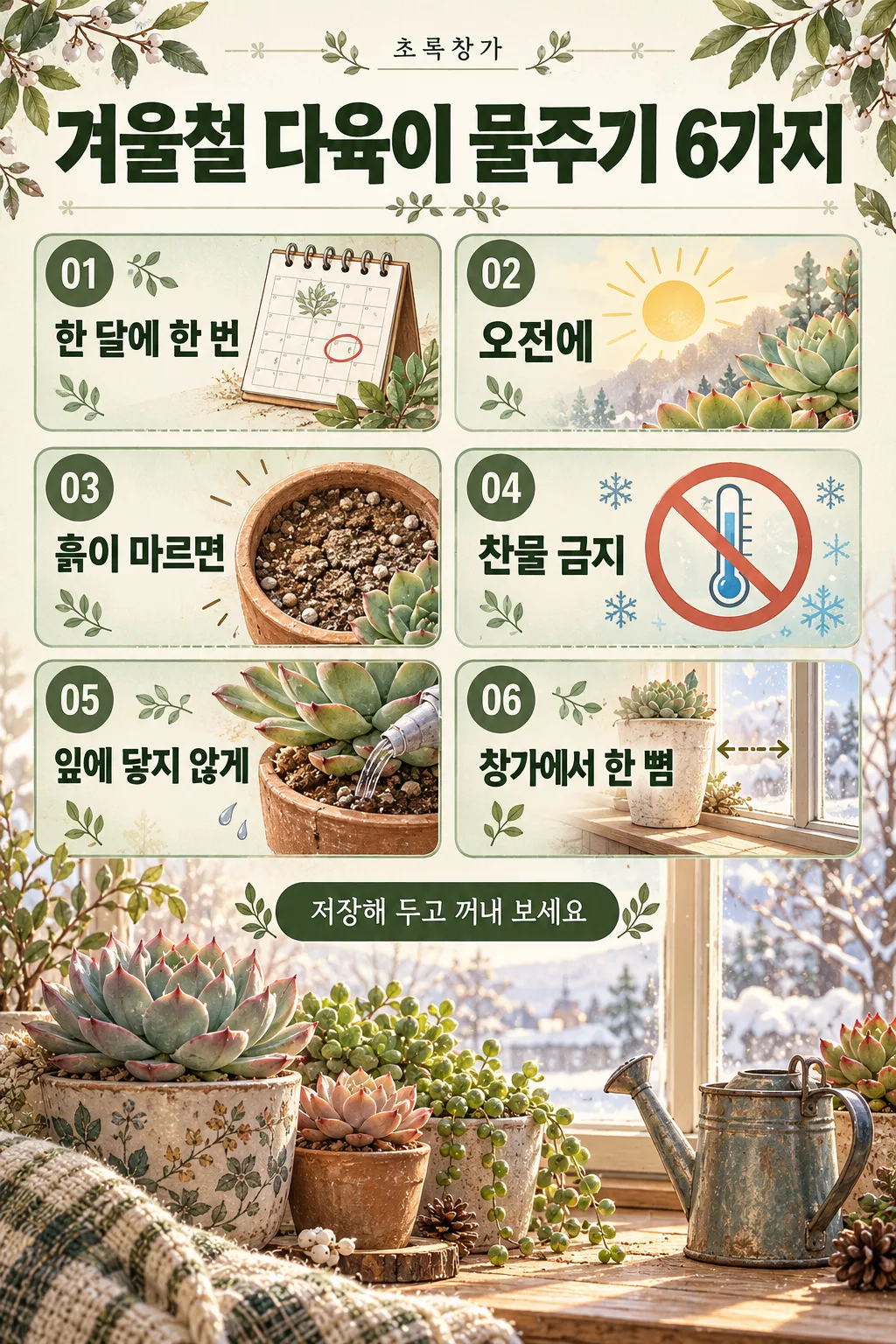
318인스타 정보 게시물 — 꿀팁 6가지를 번호 박스로 정리한 저장형 카드 (가게 · 강사 · 블로거)
제목과 항목 6개를 적으면 큰 제목, 번호 붙은 6칸, 칸마다 아이콘과 짧은 설명이 들어간 저장형 인스타 정보 게시물이 나와요.
받는 것
- 꿀팁 6가지를 정리한 정보 게시물 한 장
- 번호 붙은 6칸과 아이콘
- 맨 아래 한 줄과 작은 일러스트
ChatGPT 무료 OK
칸 채우기
- 1칸을 채워요
- 2복사 버튼을 눌러요
- 3GPT 채팅창에 붙여넣어요
- 4그대로 보내면 썸네일 예시처럼 나와요
- 5카드에 맞는 실제 사진을 같이 넣으면 그 사진이 반영돼요 — 배경 카드는 배경 사진, 인물 · 음식 카드는 그 사진 선택
프롬프트 원문 보기 3,640자
Generate this image now. Draw it directly - do not describe it, explain it, or ask questions.
Output size 1080x1350 pixels, 4:5 portrait, Instagram standard.

Create one complete Instagram educational infographic with a small top header, a large headline, six numbered information cards, an optional bottom line, and a detailed supporting illustration. If no size is supplied, use portrait 4:5. Maintain the visual density and finish of a commercial information poster.

TITLE text: "【제목】"
Print the quoted title exactly as supplied, including punctuation and every Korean character and final consonant. Use it as the large headline, with line breaks only where needed for readability.
If this text line is missing or empty, omit the headline lettering and rebalance the layout; do not invent a title or print a placeholder.

ITEMS text: "【항목】"
Split the quoted input at commas into six items in their original order. Trim only separator whitespace. Print each item's wording exactly, preserving all characters and punctuation within the item. Place one item in each numbered card.
If this text line is missing or empty, keep six illustrated numbered cards without item wording; do not invent tips, descriptions, or placeholder text.
If fewer than six items are supplied, leave the remaining cards without item wording. If more than six are supplied, use the first six only. Never invent missing items.

BOTTOM text: "【맨 아래 한 줄】"
Print the quoted text exactly as the bottom line.
If this text line is missing or empty, omit the bottom lettering and use the space for the supporting illustration; do not invent a slogan.

SHOP HEADER text: "【가게 이름】"
Print the quoted text exactly in a small, refined header position above the headline.
If this text line is missing or empty, omit the header lettering; do not invent a shop name, brand name, or decorative microcopy.

PALETTE selected: "【색】"
Interpret only the selected choice:
- 세이지 초록: Use warm ivory, sage-green card surfaces, forest-green headings, and muted olive accents.
- 남색 · 노랑: Use deep navy, warm yellow highlights, ivory card surfaces, and crisp high-contrast text.
- 분홍 · 버건디: Use pale blush, burgundy headings, muted rose accents, and warm cream card surfaces.
- 흑백: Use ivory or white, charcoal, black, and light-gray panels with clear tonal separation.
If this selection line is missing or empty, use 세이지 초록 only.

Use a balanced two-column by three-row grid. Give each card a clear 01–06 number badge, a relevant illustrated icon, and the supplied item text in a readable typographic hierarchy. If an item contains both a heading and an explanation, differentiate them using the supplied wording only. Never add explanatory copy.

Create a detailed bottom illustration based on the title and items: relevant objects, a small environment, and tasteful decorative motifs. Fill the poster with structured panels, fine dividers, coordinated accents, and illustration detail while keeping every text area readable. Adapt font size and line wrapping to the actual text length; never replace text with illegible marks.

Only the supplied text and the fixed card numbers may appear as lettering. No additional headings, labels, captions, signatures, logos, watermarks, or fabricated text.
The choice names in this prompt are internal labels only; never print them as text.

[Final output format]
Output size 1080x1350 pixels, 4:5 portrait, Instagram standard.
This selected output format takes priority over any fixed canvas size or aspect ratio elsewhere in this template. Adapt the composition, text zones and margins to the selected canvas without stretching or cropping essential content. Device safe areas apply only when a device is selected. Never print these format instructions on the image.
결과 어땠어요?
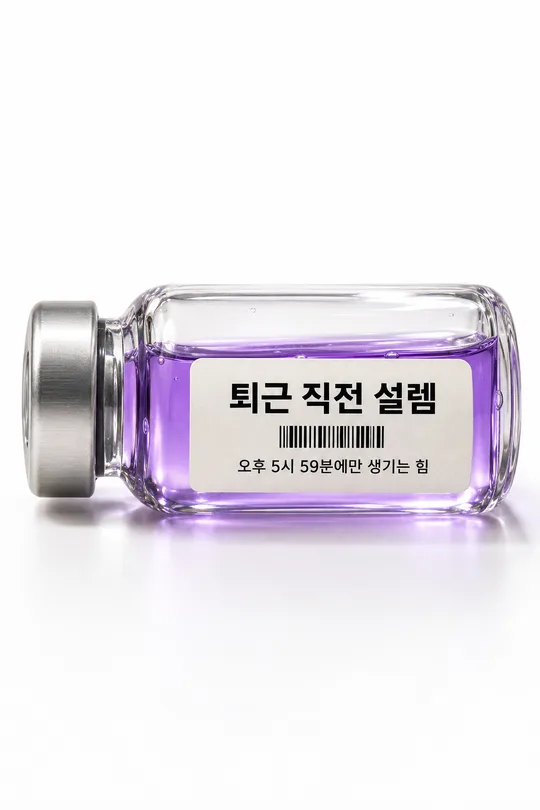
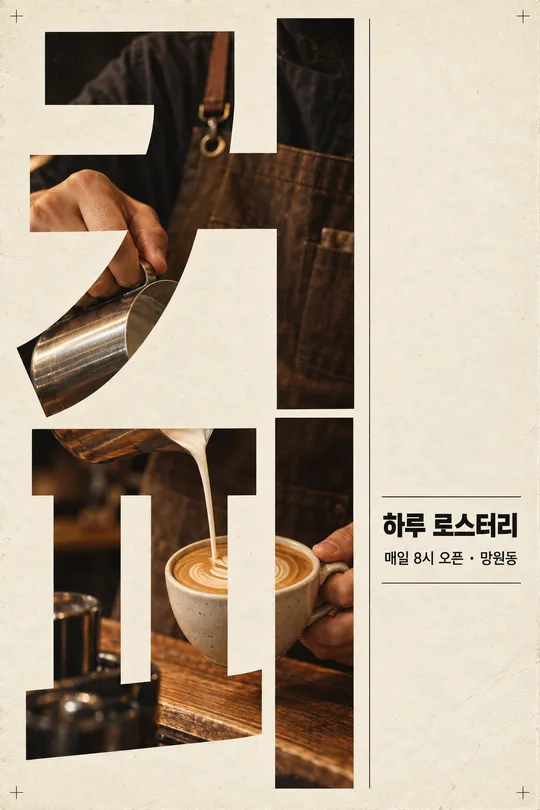
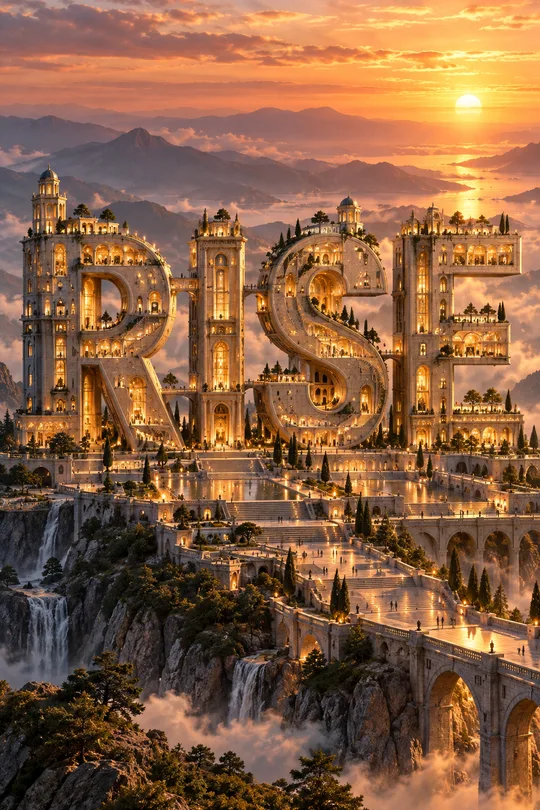
이 카드도 많이 사용해요
쓰는 법 · 자주 묻는 것
이런 때 쓰세요
인스타에서 저장이 가장 많이 되는 「정보 정리」 게시물을 한 장으로 만들 때 쓰세요. 위에 작은 머리말과 큰 제목, 가운데 번호 붙은 6칸에 아이콘과 짧은 설명, 맨 아래 한 줄과 작은 일러스트까지 — 디자이너가 만든 카드뉴스 같은 정보 게시물이 나와요. 식물 가게의 관리법, 카페의 원두 보관법, 강사의 공부법처럼 가게 · 강사 · 블로거가 단골을 만드는 데 좋아요.
해외 프롬프트 판매 사이트에서 돈을 받고 파는 「감성 SNS 캐러셀 게시물」 형식이에요. 여기서는 무료입니다.
칸 채우는 법
제목과 항목 6개를 적으면 됩니다. 항목은 쉼표로 나눠 6개, 각각 짧게(10자 안팎) 적을수록 글자가 정확해요. 칸마다 짧은 설명은 GPT가 항목에 맞게 덧붙여요. 가게 이름을 적으면 위 머리말 자리에 작게 들어가요.
그림이 나오면 꼭 볼 것
- 6칸의 글자를 한 칸씩 읽어 보세요. 틀린 칸은 「4번 칸 제목을 '…'로」처럼 고쳐 달라고 하세요.
- 정보 내용이 사실인가요? 건강 · 법 · 세금 정보는 꼭 확인된 내용만 적으세요.