
전체 · SNS/카드뉴스 · 밈·공감
286트레일캠에 찍힌 우리 집 범인 — 야간 적외선 무인카메라 밈 사진
한밤중 무인카메라에 딱 걸린 우리 강아지 · 고양이 · 가족의 한 장. 흑백 적외선에 온도 · 날짜 · 시간 띠까지.
받는 것
- 야간 무인카메라에 찍힌 흑백 적외선 사진 한 장
- 위아래 정보 띠(온도, 달, 날짜, 시간, 카메라 이름)
- 움직임 번짐과 눈 반사까지
ChatGPT 무료 OK
칸 채우기
- 1칸을 채워요
- 2복사 버튼을 눌러요
- 3GPT 채팅창에 붙여넣어요
- 4그대로 보내면 썸네일 예시처럼 나와요
- 5반려동물 · 사람 사진 한 장 (선택)을 같이 넣으면 그 사진이 반영돼요 선택
프롬프트 원문 보기 4,155자
Generate this image now. Draw it directly - do not describe it, explain it, or ask questions.
Output size 1920x1080 pixels, 16:9 landscape thumbnail. Adapt the vertical layout below to a wide canvas: place all text as one column in the left 55% of the canvas, keeping the same order and size relationships (the zone percentages describe the order within that column), and place the main illustration in the right 45%. Keep the text large enough to read at thumbnail size.

Create one nighttime infrared image captured by a fixed unattended trail camera.
CAPTURED SUBJECT AND ACTION: "【찍힌 것】"
Show the specified subject and action clearly within a believable accidental surveillance capture. Keep enough environment visible to establish what happened. A strange, funny, or uncanny moment should come from the requested action and awkward camera timing.

[Attached photo]
If a pet photo is attached, preserve that animal's proportions, coat-pattern structure, ears, muzzle, and recognizable non-branded physical details, translated into monochrome infrared. If a person photo is attached, use clothing, hairstyle, build, and pose cues to invent a fictional counterpart rather than an identifiable real-person likeness. Place the subject naturally in the new scene; do not paste a photo cutout.
PHOTO RULE: if a photo is attached, use it as described; if no photo is attached, never ask for one and never stop — invent a fitting fictional subject and finish the image.

PLACE selected: "【장소】"
Interpret only the selected choice:
- 뒷마당: An ordinary backyard with grass, rough fencing, shrubs, fallen leaves, garden objects, and a dark side path.
- 숲길: A narrow woodland trail with dense trunks, undergrowth, roots, leaf litter, and deep black gaps between trees.
- 가게 뒷문: An unbranded shop's rear entrance with a plain service door, stacked crates, bins, rough pavement, and a dim alley.
- 캠핑장: A quiet campsite with unbranded tents, folding chairs, scattered camping equipment, trees, and an unlit fire ring.
- 눈 덮인 산: A snowy mountain trail with pale snowbanks, fir trees, exposed rocks, tracks, and a dark wooded slope.
If this selection line is missing or empty, use 뒷마당 only.

DATE AND TIME TEXT: "【날짜 시간】"
If this line is missing or empty, use exactly 2026/10/31 03:14:07 in the lower-left information band.
If present, reproduce the supplied string exactly in that position, preserving all digits, spaces, separators, and punctuation. Render any Korean text exactly as quoted, including every syllable and final consonant.

CAMERA NAME TEXT: "【카메라 이름】"
If this line is missing or empty, use exactly BACKYARD CAM 2 in the lower-right information band.
If present, reproduce the supplied camera name exactly in that position. Preserve uppercase English when supplied; do not invent a manufacturer name. Render any Korean text exactly as quoted, including every syllable and final consonant.

Use one fixed, slightly wide-angle camera viewpoint at plausible mounting height. Black-and-white infrared throughout, coarse sensor grain, modest compression artifacts, bright nearby surfaces, hard frontal IR illumination, rapid falloff into darkness, and slight motion blur only where the action requires it. Animal eyes may show natural white IR eyeshine; never colored glowing eyes. Dense environmental detail remains readable near the subject.

Add two narrow black information bands spanning the image width, one at the top and one at the bottom. Keep all requested action inside the scene between them.
Top left: one plausible fictional temperature in degrees Celsius appropriate to the setting.
Top right: one small monochrome moon-phase pictogram; a decorative camera indicator, not an astronomical claim.
Bottom left: the date and time defined above.
Bottom right: the camera name defined above.
Use small white monospaced camera-overlay lettering with clean alignment and adequate spacing. Do not add a brand, battery icon, app interface, recording button, crosshair, or extra captions.

Output one believable trail-camera capture with embedded information bands. No identifiable real people, trademarks, brands, existing characters, logos, or watermarks.

[Final output format]
Output size 1920x1080 pixels, 16:9 landscape thumbnail. Adapt the vertical layout below to a wide canvas: place all text as one column in the left 55% of the canvas, keeping the same order and size relationships (the zone percentages describe the order within that column), and place the main illustration in the right 45%. Keep the text large enough to read at thumbnail size.
This selected output format takes priority over any fixed canvas size or aspect ratio elsewhere in this template. Adapt the composition, text zones and margins to the selected canvas without stretching or cropping essential content. Device safe areas apply only when a device is selected. Never print these format instructions on the image.
결과 어땠어요?
이 카드도 많이 사용해요
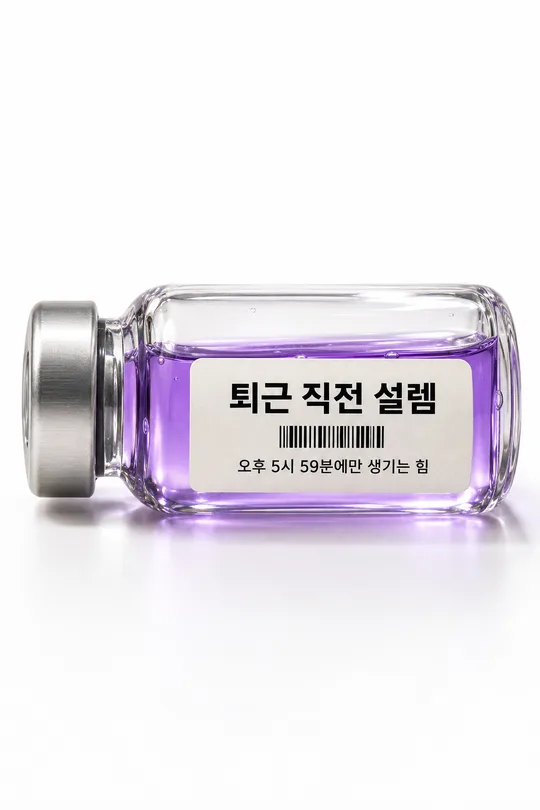
- 330감정을 담은 약병 사진 — 「퇴근 직전 설렘」 같은 기분을 라벨 붙은 유리병에 (SNS 밈)
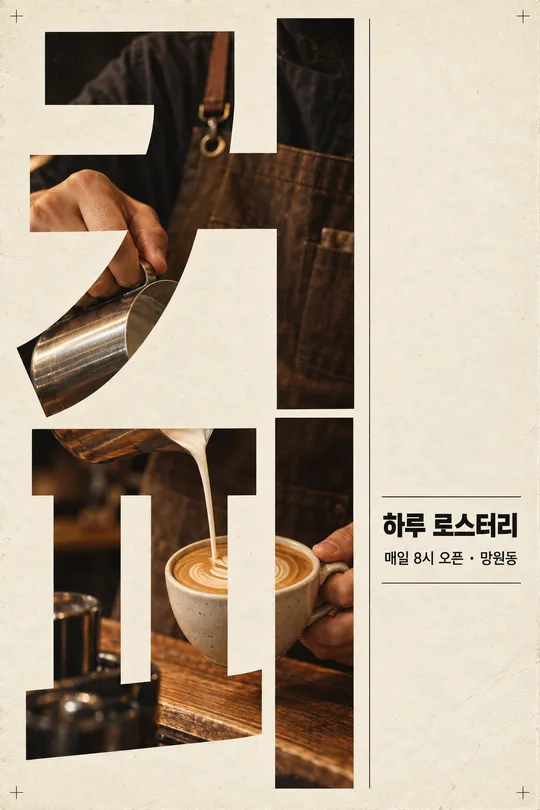
- 329세로 큰 글자 포스터 — 거대한 단어 속이 사진 창이 되는 모던 그래픽 (가게 · 행사 홍보)
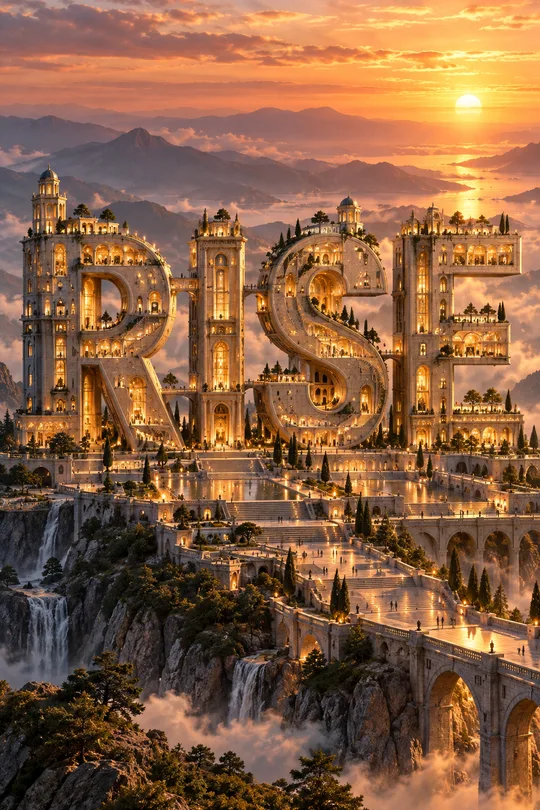
- 324글자 건축물 포스터 — 단어 하나가 창 · 계단 · 다리가 달린 거대한 건물이 된 3D 타이포
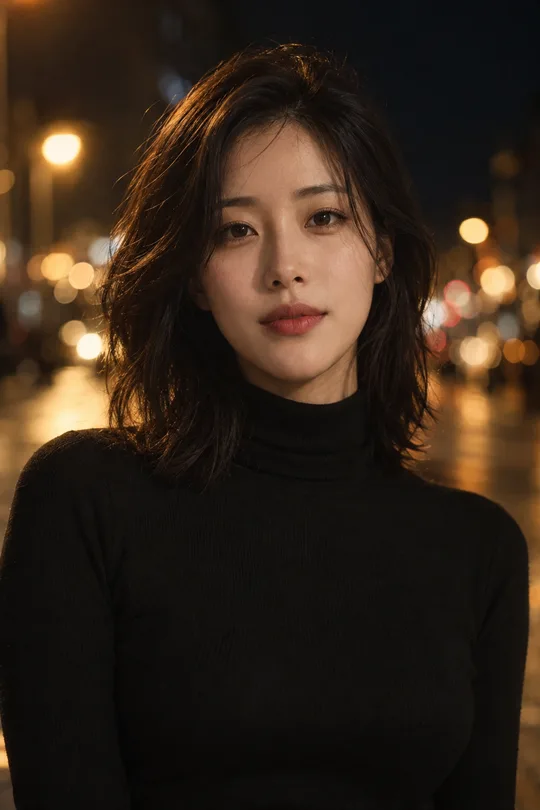
- 323시네마틱 인스타 프로필 — 내 사진을 영화 스틸 같은 밤 도시 · 빗창가 프로필로
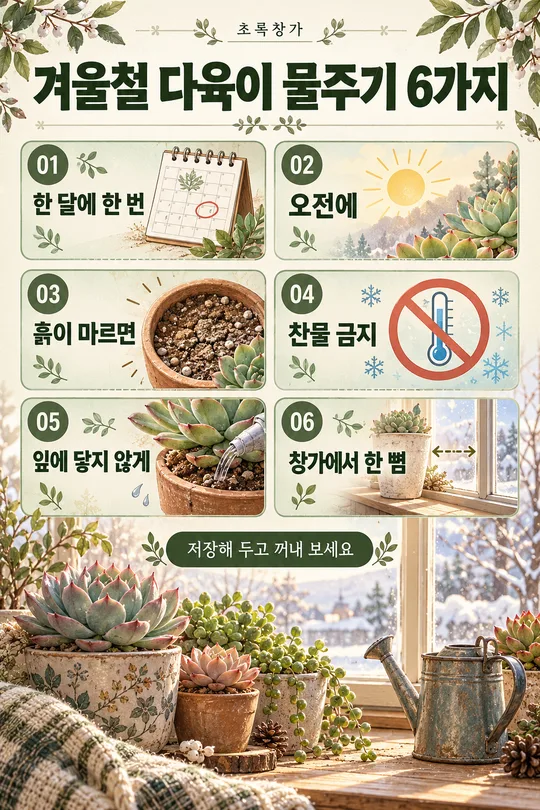
- 318인스타 정보 게시물 — 꿀팁 6가지를 번호 박스로 정리한 저장형 카드 (가게 · 강사 · 블로거)
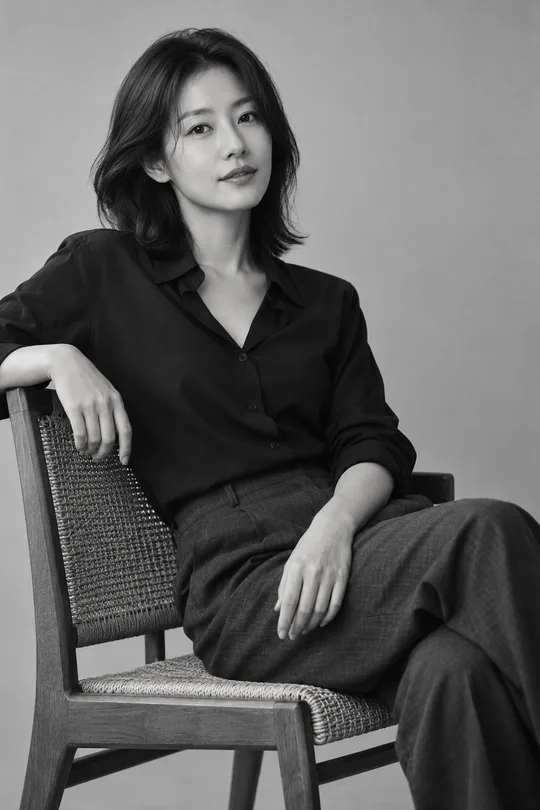
- 317흑백 스튜디오 프로필 — 내 사진을 고급 흑백 필름 톤 SNS 프로필로
쓰는 법 · 자주 묻는 것
이런 때 쓰세요
「한밤중 무인카메라에 찍힌 정체불명」 밈을 우리 집 버전으로 만들고 싶을 때 쓰세요. 숲이나 마당에 달아 두는 트레일캠(야간 무인카메라)처럼, 흑백 적외선 화면에 눈만 하얗게 빛나는 우리 강아지 · 고양이가 케이크를 물고 도망가는 순간이 찍혀요. 화면 위아래에는 온도 · 달 모양 · 날짜 · 시간 · 카메라 이름 띠까지 들어가서 진짜 감시카메라 캡처처럼 보입니다. 「범인을 찾습니다」, 「어젯밤 우리 집에서 일어난 일」 같은 한 줄과 함께 올리면 반응이 좋아요.
칸 채우는 법
찍힌 장면 한 줄만 적으면 돼요. 「누가 + 무엇을 + 하는 중」으로 쓰면 가장 웃기게 나와요. 장소는 뒷마당 · 숲길 · 가게 뒷문 · 캠핑장 · 눈 덮인 산 중에서 고르세요. 날짜 시간과 카메라 이름은 적은 그대로 띠에 찍히고, 비우면 「2026/10/31 03:14:07」, 「BACKYARD CAM 2」가 들어가요. 카메라 이름은 영어 대문자가 진짜 같아요.
우리 아이 사진을 넣을 때
① 털 색과 얼굴이 잘 보이는 사진을 올립니다 — 아직 보내지 않아요
② 같은 칸에 복사한 프롬프트를 붙여넣어요
③ 둘 다 들어간 걸 확인하고 보내요
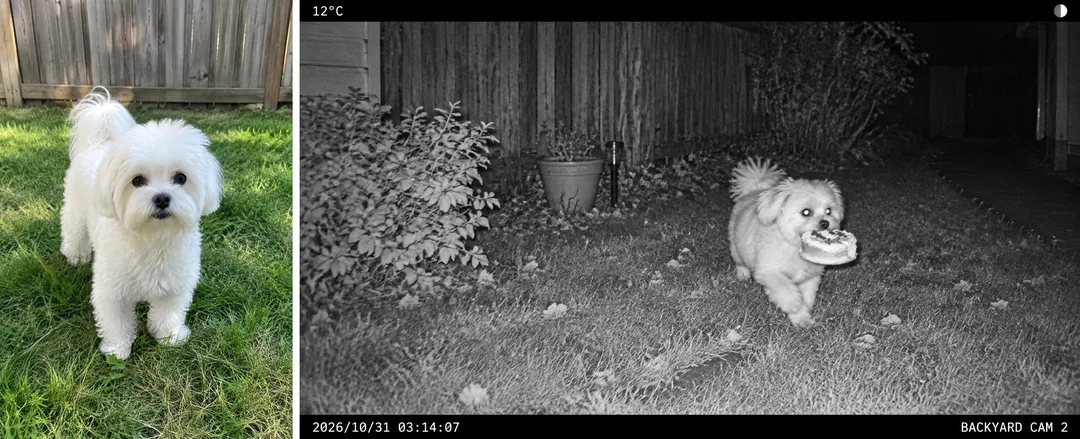
사진 없이 보내면 표지처럼 가상의 동물로 그려요. 카드 안 예시는 낮에 마당에서 찍은 말티즈 사진(왼쪽)을 넣은 결과(오른쪽)예요.
그림이 나오면 꼭 볼 것
- 우리 아이와 털 색 · 귀 모양이 닮았나요? 흑백이라 무늬가 중요해요.
- 날짜 · 시간 숫자가 적은 그대로인가요?
- 띠 글자 외에 이상한 글자가 생기지 않았나요?
자주 묻는 것
- 진짜 CCTV 캡처로 오해하지 않을까요? 장난 사진이라는 걸 알 수 있게 올려 주세요. 다른 사람이나 남의 가게를 몰래 찍힌 것처럼 꾸며 올리면 안 됩니다.
예시 보는 법
목록 표지는 사진 없이 프롬프트만으로 낸 결과예요. 카드 안 예시는 가상의 평범한 원본 사진(왼쪽)을 넣었을 때의 결과(오른쪽)예요. 사진 없이도, 내 사진으로도 쓸 수 있어요.