
All · Social posts · Memes
415One-line calligraphy avatar
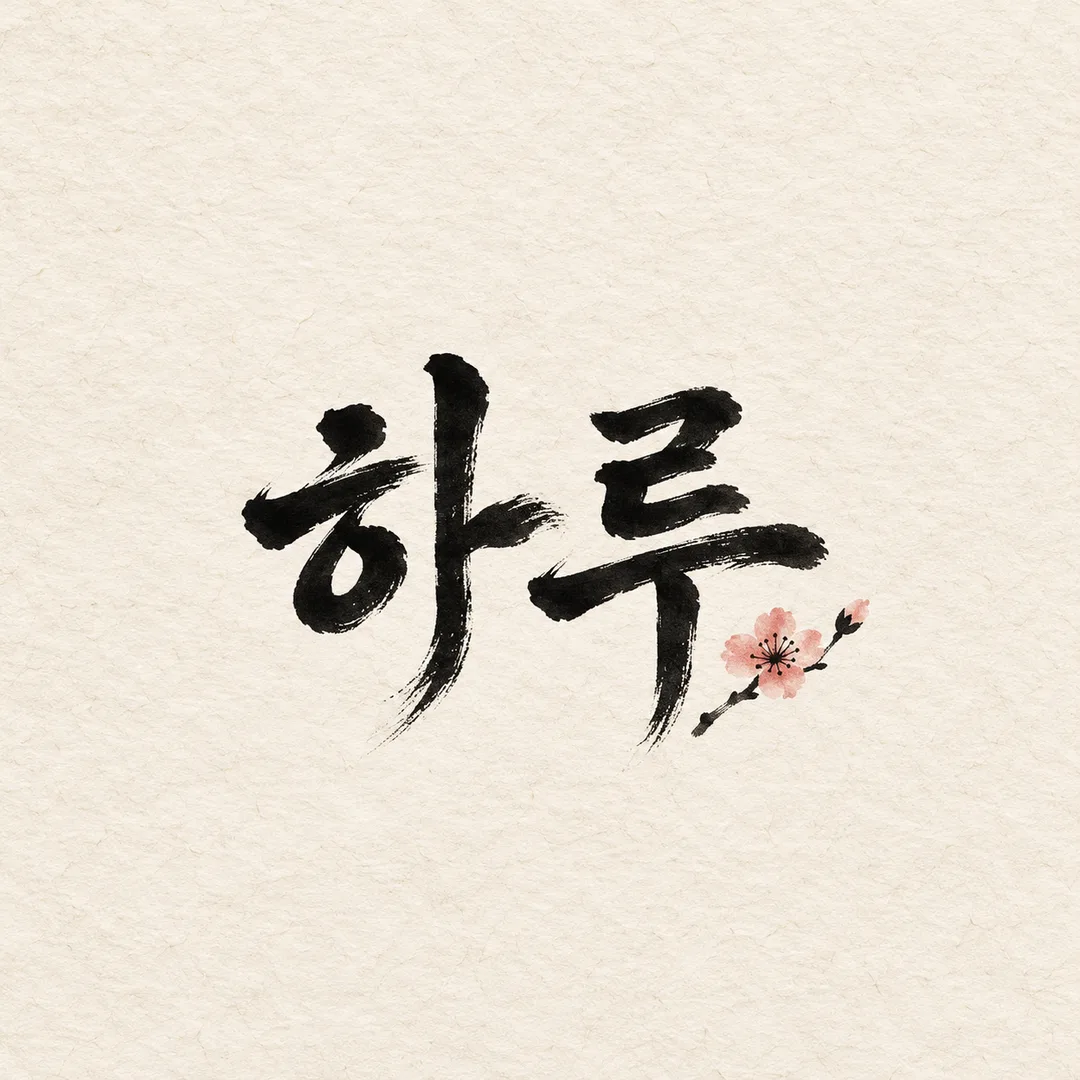
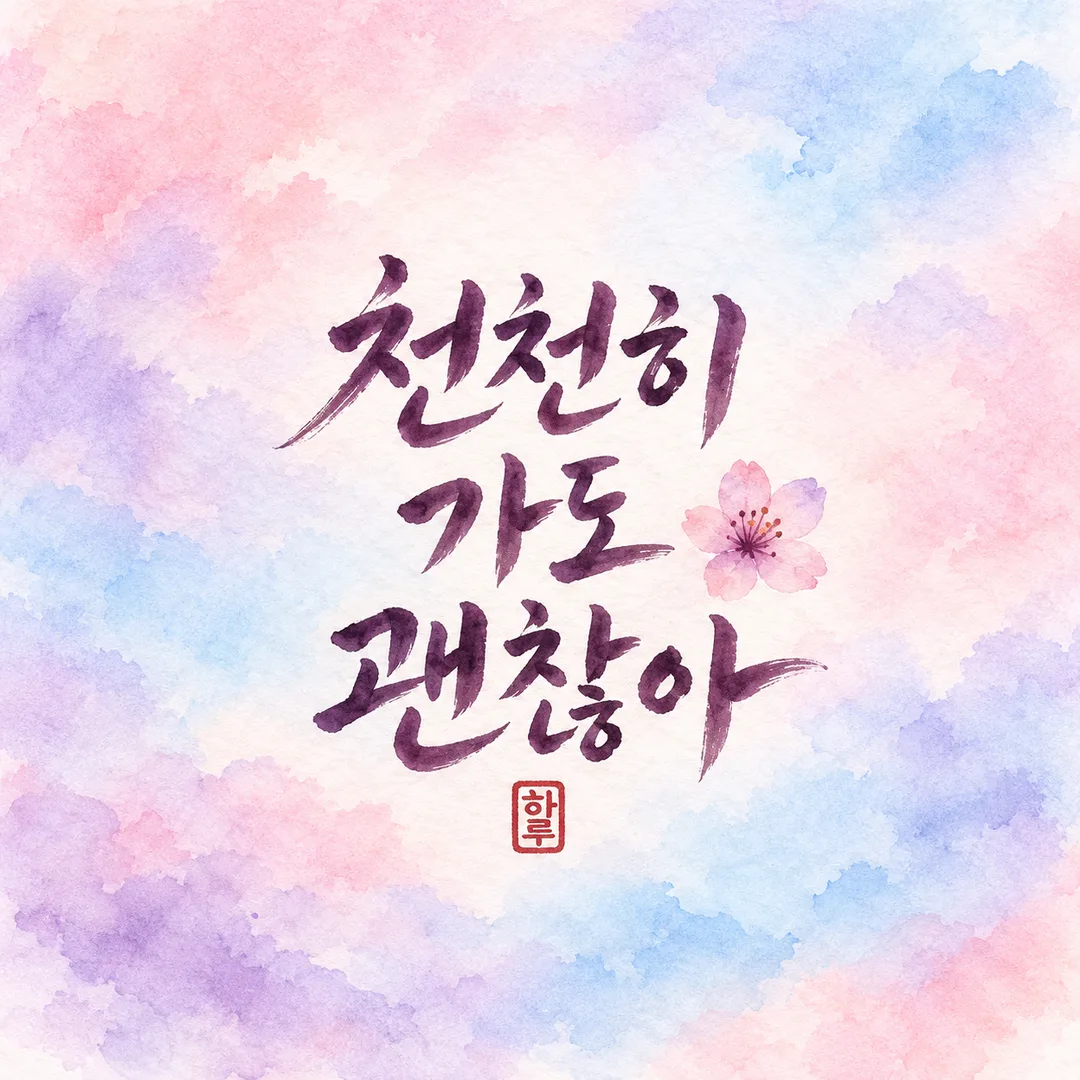
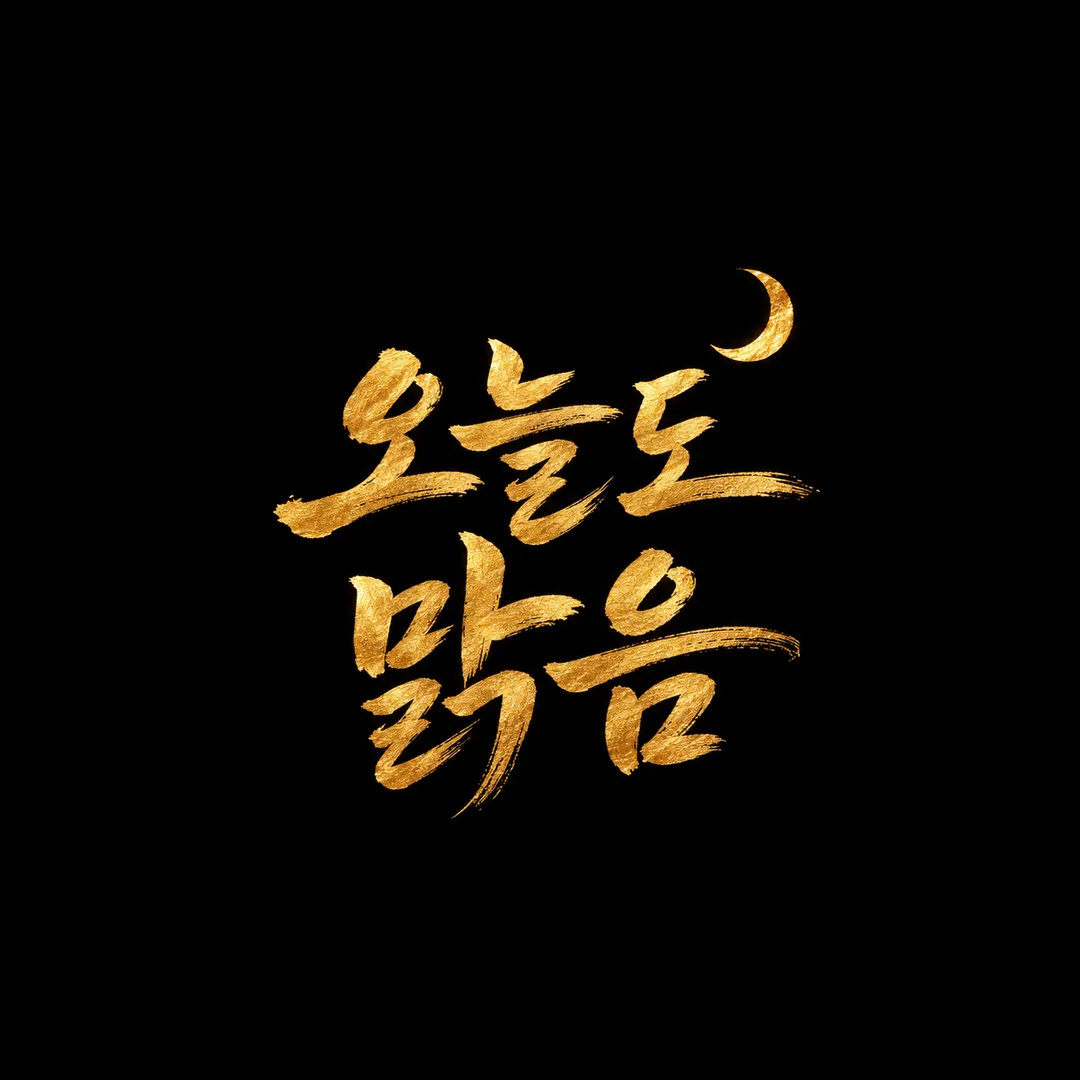
Your exact short phrase in large hand brushed lettering, safely inside a circular profile crop.
Fill in the fields
- 1Fill in the fields
- 2Copy the prompt
- 3Paste it into a GPT chat
- 4Send it as is and you get an image like the thumbnail example
- 5Attach a real photo that fits the card and it is used in the result: a background photo for background cards, a person or food photo for those cards Optional
Full prompt 3,251 characters
Generate this image now. Draw it directly - do not describe it, explain it, or ask questions.
Output size 1080x1080 pixels, 1:1 square post. Keep all text fully readable.
Create ONE finished hand brushed calligraphy profile artwork, square 1:1 by default. Full bleed background, no mockup, border, contact sheet or explanatory labels.
PHRASE: "【Phrase】". Render this supplied text verbatim: every character, final consonant, punctuation mark and space. Never translate, polish, shorten or add words. If blank or the choose-for-me option is selected, use "Clear skies". Use 1–10 characters as the target length; preserve an already supplied longer phrase instead of truncating it.
ILLUSTRATION: "【Small illustration】". Automatic: choose exactly one tiny generic flower, moon or cloud. None: no illustration. Custom: use "【Custom illustration】" as a small secondary motif; if that input is blank, omit it. Default to Automatic. Ignore the custom input for other choices.
MOOD: "【Mood】". Apply ONLY the selected mood:
- Ink brush on hanji: warm ivory hanji fibers, deep black dry brush, ink-pressure variation.
- Pastel watercolor bleed: pastel blush, lavender and sky-blue watercolor bleed on paper, dark plum readable brush lettering.
- Gold leaf on black: matte deep black background with warm metallic gold leaf brush lettering, subtle irregular foil texture.
Default to Ink brush on hanji. All choices remain the same product: one handmade brush-lettered phrase avatar.
SEAL: "【Add seal】". Only Yes adds one small red decorative square name seal, exact text "【Seal text】"; if seal text is blank use "Haru". No omits the seal regardless of supplied name. Default Yes. Preserve the full supplied name; recommend one or two characters but never silently truncate it. This is a decorative name stamp, not an artist signature.
COMPOSITION: lettering is the hero, generous thick-thin brush strokes, readable letter structures rather than tangled flourishes. Put EVERY lettering stroke and the whole seal inside an invisible centered safe circle whose diameter is 80% of the shorter canvas dimension; do not draw this circle. Keep every lettering stroke and seal inside x=25%..75%, y=25%..75% of the centered square defined by the shorter canvas dimension, guaranteeing extra inner margin. Motif is much smaller than the lettering and does not overlap it. For long phrases, wrap only at existing word spaces, representing each space by a line break; never split a word or alter character order. On other ratios keep the same central safe circle and extend the background naturally.
TEXT QA before finishing: enlarge and compare each character with the input including complex final consonants and spaces; correct any missing or merged strokes. Check the tiny seal too. Output only the final single image, no QA annotations.
No real logos, brand marks, copied signatures, famous characters, real people or watermark. No additional text. No photo is needed.

[Final output format]
Output size 1080x1080 pixels, 1:1 square post. Keep all text fully readable.
This selected output format takes priority over any fixed canvas size or aspect ratio elsewhere in this template. Adapt the composition, text zones and margins to the selected canvas without stretching or cropping essential content. Device safe areas apply only when a device is selected. Never print these format instructions on the image.
How did it turn out?
You may also like
How to use it · FAQ
A short phrase for your profile
Make one hand brushed image for a messaging or photo profile. Large readable lettering leads the composition; the small illustration stays secondary. The background fills the canvas, without a phone mockup or promotional labels.
Fill the fields
Phrase is the only required field. Enter 1–10 characters, keeping the spaces exactly as you want them. Use Clear skies or a name such as Haru. If empty or Choose for me, use Clear skies. Never rewrite or translate supplied wording. Automatic chooses one flower, moon or cloud. None removes the illustration. Custom uses Custom illustration; if that field is empty, omit the illustration. Choose one of the three moods; the default is Ink brush on hanji. Add seal defaults to Yes. When Yes, print Seal text, or Haru if empty. No removes the seal even when a name is supplied. One or two characters are easiest to read; preserve a supplied name without truncation.
Use and check
Keep the default 1:1, copy the prompt once into an image AI, and receive one finished image. Enlarge the phrase and seal to compare every letter, punctuation mark and space with your original. Check that a circular profile crop retains the entire text and seal. Other ratios still use a central safe circle. Longer phrases may wrap only at existing spaces; they must never be shortened. If a letter is wrong, identify it with the exact original text and request the same composition again. If too small, shorten your input or choose no illustration. No photo is required. The seal is a decorative name stamp, never an imitation of an artist signature. Use your own wording and generic motifs rather than real logos, signatures or people.