

All · Wallpapers · Seasons & scenery
347Christmas Window Silhouette Wallpaper
Dark window silhouettes frame warm Christmas lights and falling snow.
Fill in the fields
- 1Fill in the fields
- 2Copy the prompt
- 3Paste it into a GPT chat
- 4Send it as is and you get an image like the thumbnail example
- 5Attach a real photo that fits the card and it is used in the result: a background photo for background cards, a person or food photo for those cards Optional
Full prompt 3,038 characters
Draw exactly ONE finished Christmas window silhouette wallpaper now. Return the image only, without questions, code or explanation.
Ratio: Output size 1080x1920 pixels, 9:16 portrait story. Keep all text inside the central 80% of the height.; blank means portrait 9:16. Full-bleed artwork, no phone mockup, collage or outer margin.
Scene: "【Scene】". Colors: "【Colors】". Blank defaults: Snow village; Amber and teal. Apply one scene and one palette independently; never print option labels.
Layer dark cut-paper-like window frames and branches in front of a luminous snowy landscape. Evergreen decorations, a simple wreath and warm lights establish Christmas. Silhouette edges against glowing surfaces are the main feature, rather than indoor still-life photography.
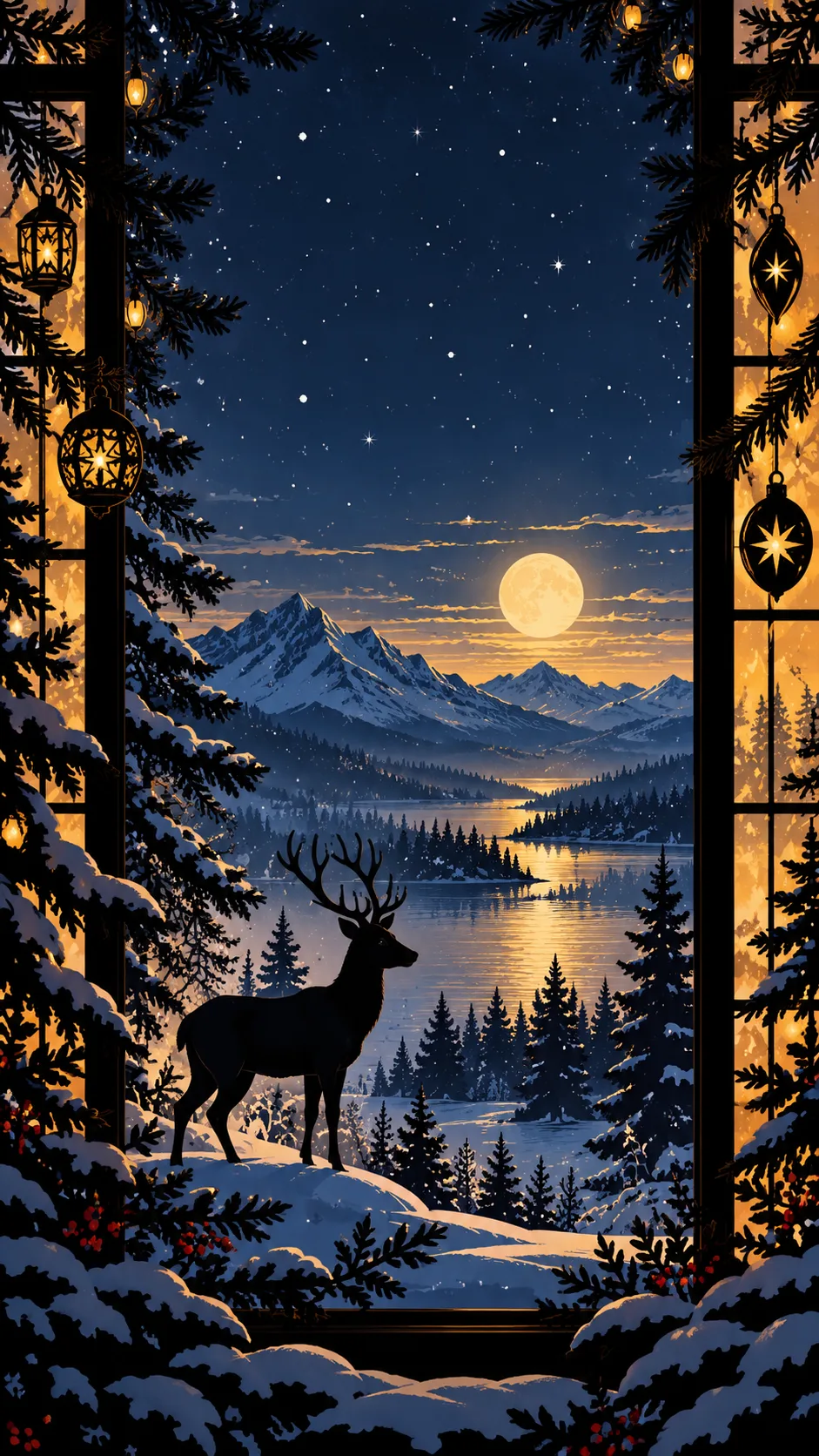
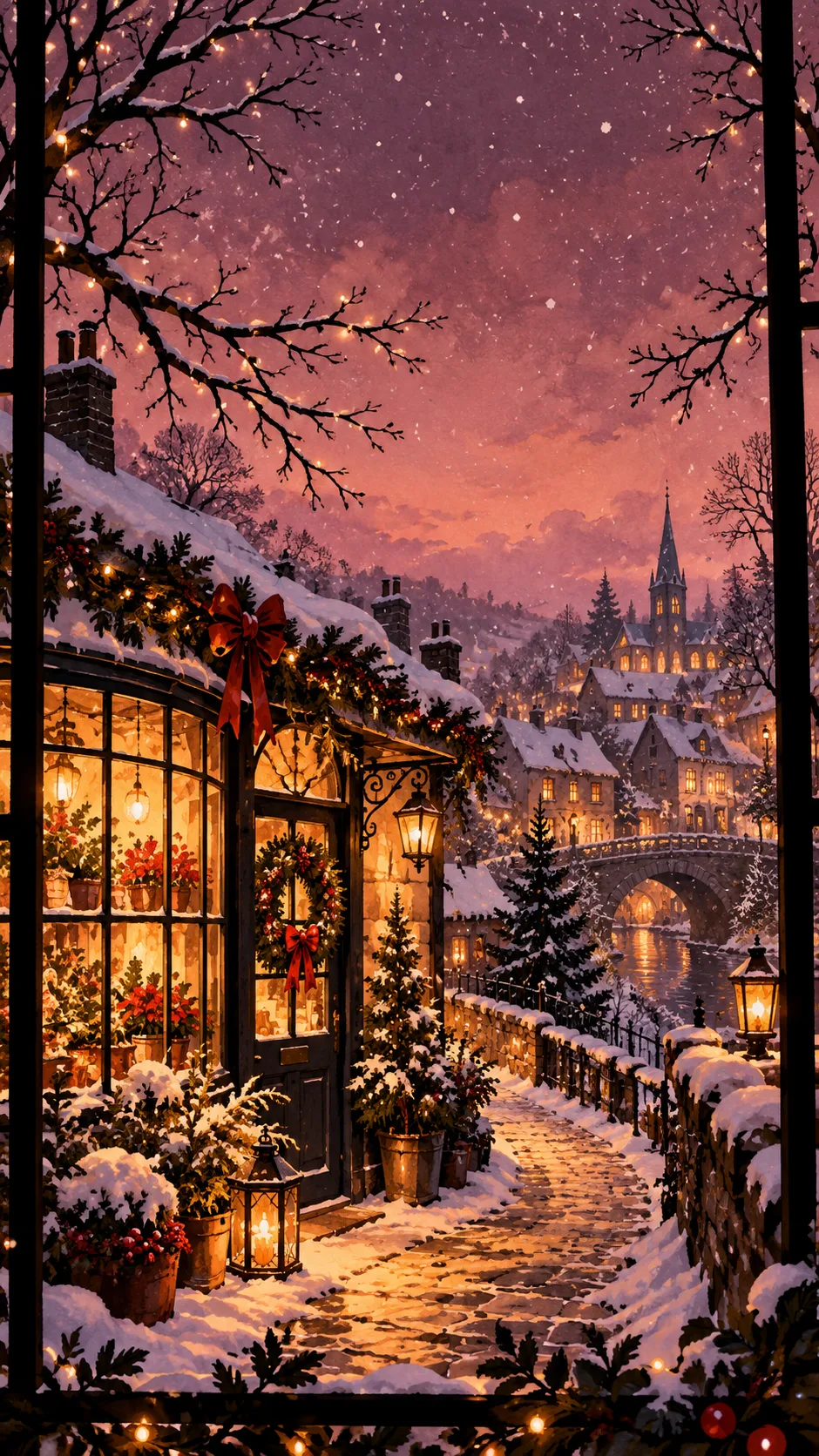
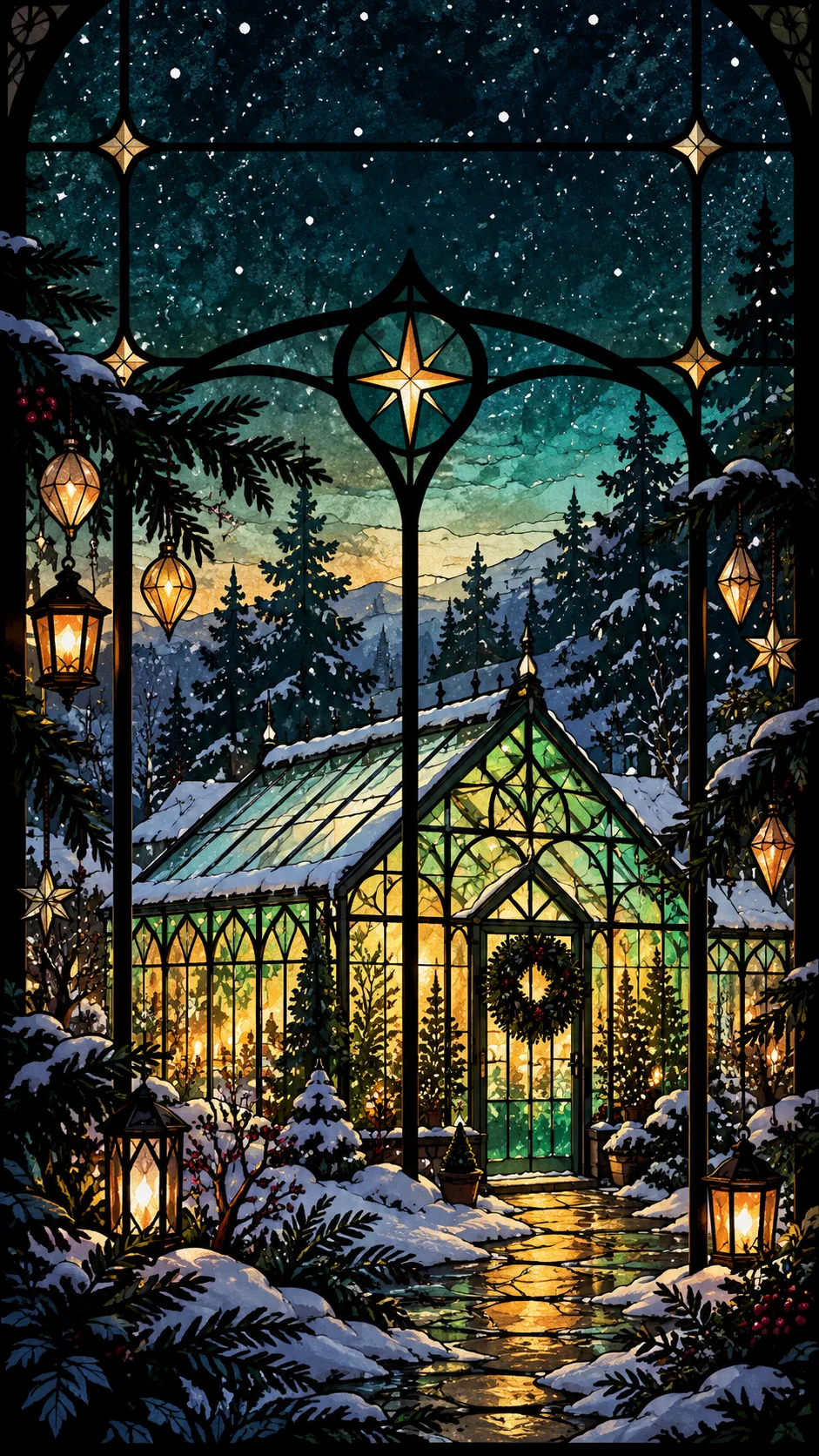
Snow village: arched window overlooking small original houses and snowy paths, layered paper texture and intimate mood. Moonlit forest: slender rectangular window, forest, lake and one deer, crisp flat printmaking shapes and quiet mood. Flower shop lane: original unmarked flower shop and winding snowy lane, watercolor sky and gouache snow behind black contours, cozy romantic mood. Winter greenhouse: original small glasshouse and fern fronds beyond geometric window bars, rippled luminous stained-glass texture and mysterious mood. Preserve the window silhouette structure throughout; scene determines material treatment, not a separate style field.
Amber and teal: orange-gold light and deep teal night. Navy and gold: cold navy snow shadows and honey lights. Rose and plum: rose sky, plum silhouettes and peach lights. Emerald and gold: jewel-green glass and soft gold light. Custom colors become two main colors while keeping warm light against cool snow.
Keep the central upper 25% dark and simple for the real phone clock. Put branches and frames toward side edges; keep subjects and bright lights in the middle and lower image. Scatter irregular small snowflakes, with no large flakes or bright lights at upper center. Finish the bottom with natural snow and shadow.
Invent the scene without a photo. No text, numbers, weekdays, clock, signs, names, signature, watermark, logos, brands, real people, famous characters, recognizable landmarks or imitation of a named artist. Architecture and decorations are original imaginary designs. Deliver one complete image from one paste, requiring no cropping or retouching.
For Snow village, render the entire scene as a layered matte cut-paper illustration, not a photograph. Houses, snow and mountains use simple paper planes and visible cut edges, avoiding photographic detail. Exclude indoor windowsills, cats, books, candles, lanterns and still-life props. Attach a small wreath to the left window frame and leave the upper central sky clear.

[Final output format]
Output size 1080x1920 pixels, 9:16 portrait story. Keep all text inside the central 80% of the height.
This selected output format takes priority over any fixed canvas size or aspect ratio elsewhere in this template. Adapt the composition, text zones and margins to the selected canvas without stretching or cropping essential content. Device safe areas apply only when a device is selected. Never print these format instructions on the image.
How did it turn out?
More cards in this category


How to use it · FAQ
A winter view shaped by dark silhouettes
This phone wallpaper layers a dark window frame and branches over glowing snow and Christmas lights. The outline of the window becomes the decoration. It works as a lock screen or winter story background without printed captions or a painted clock.
Two optional fields
There are 0 required fields. Scene and Colors are optional. Choose Snow village, Moonlit forest, Flower shop lane or Winter greenhouse; an empty Scene uses Snow village. The village has layered paper texture, the forest uses crisp printmaking shapes, the lane combines watercolor and gouache, and the greenhouse suggests luminous glass. These are scene-specific treatments within the same window silhouette concept, with no separate style selector.
Colors offers Amber and teal, Navy and gold, Rose and plum, or Emerald and gold. Empty means Amber and teal. Colors applies independently: a rose-and-plum forest still keeps its forest and deer. For a custom entry, give two main colors, such as deep blue and copper. Warm lighting remains in every combination.
Cover and examples
The cover shows the amber-and-teal village in a 2:3 composition for the listing. Example 1 is the navy-and-gold forest; example 2 is the rose-and-plum flower shop lane; example 3 is the emerald-and-gold greenhouse. All three examples are portrait 9:16 and separate from the cover. There is no name field; no name is printed.
Generate and check
Choose the common size, then paste the finished prompt once into an image AI. No photo, code, cropping or retouching is needed. The default is 9:16. Inspect your actual lock screen: the clock should remain readable, the window outline should be clear, and branches and wreaths should connect naturally. If the upper center is busy, request fewer snowflakes and lights in the central upper quarter and move branches to the sides. If shop lettering appears, request an unmarked shop with all signs and lettering removed.
Common questions
Do I need a photo? No, the landscape is invented. Is it a real location? The prompt requests original scenery rather than a copy of an identifiable place. Is a clock included? Your phone supplies the clock. Results can vary, so check framing and palette before saving. Consult the external service for its fees and terms.
Last checked · Published