
All · Social posts · Tips & facts
150First Video Hello
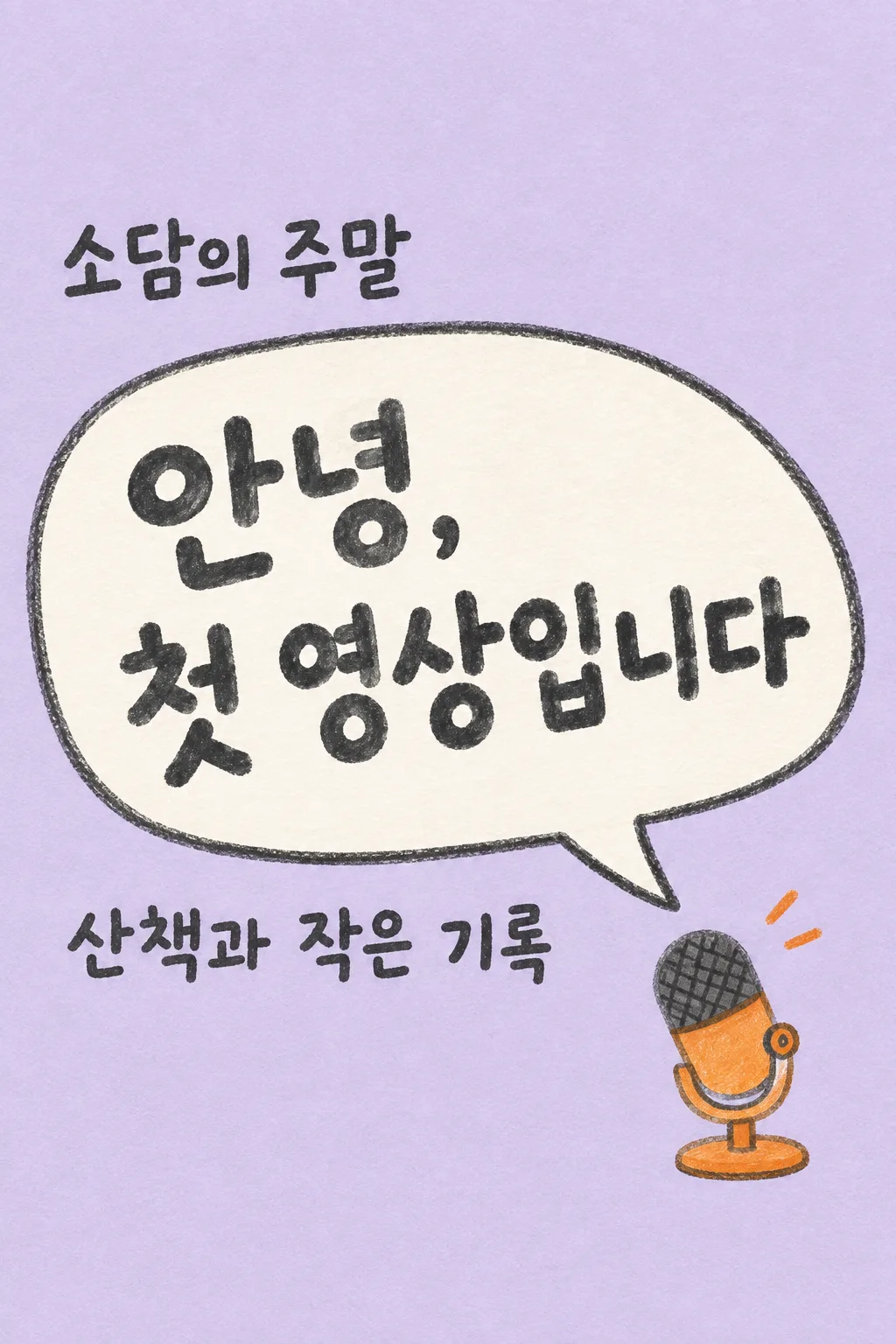
Introduce your new channel with one oversized greeting bubble and a hand-drawn microphone.
Fill in the fields
- 1Fill in the fields
- 2Copy the prompt
- 3Paste it into a GPT chat
- 4To use a photo, upload it together with the prompt Optional
Full prompt 3,941 characters
Generate this image now. Draw it directly - do not describe it, explain it, or ask questions.
Output one landscape A3 poster, 420 x 297 mm, aspect ratio 1.414:1. Use the largest supported resolution. Final print target: 4961x3508 pixels at 300dpi. Keep all text at least 10 mm inside the edges.

[Purpose]
Draw ONE complete English first-video greeting image for a real creator to share on Instagram or a video channel's community page. This is a friendly beginning announcement, not a scheduled next-video alert, an ending screen, subscription button sheet or channel banner. Produce the image directly. No code, multiple versions, cropping instructions or request for a second message. The format always stays a hand-drawn oversized speech bubble and ONE small tabletop microphone on a lavender paper ground.

[Content decisions]
Creator's exact channel name: "【Channel name】".
Topic supplied by the creator: "【What I share】".
Main greeting input: "【First greeting】".
If the greeting input is "Pick for me", write one original welcoming English sentence of 4–9 words about beginning to share this topic. Do not print the control phrase. If the creator entered an actual greeting, reproduce its wording exactly, allowing a line break at a sensible phrase boundary. Do not add a promised upload frequency, premiere date, episode number, achievements, audience size, event, giveaway, free gift, follow requirement or a claim that a video is already uploaded. Do not expand the topic into a list of promised content. The user controls the message; the composition stays fixed.

[Scene]
Use one flat, full-bleed warm-lavender paper canvas. Draw an enormous off-white irregular speech bubble diagonally across the center-left, with a thick charcoal pencil outline and a single tail pointing toward a small orange tabletop microphone in the lower right. Draw the microphone as a simple handmade illustration, not a real electronic brand. Its stand, grille and body are readable shapes with subtle wax-pencil texture. Add exactly two very small orange sound marks near the microphone, not extra speech bubbles. No person, avatar, attached photograph, camera lens, screen mockup, social-app interface or competing icons.

[Text layout]
Reserve the entire top 18% and bottom 18% as blank lavender paper, no words there. All essential text fits from 20% to 81% of the height. At 20–29%, place the entered channel name once in dark charcoal, left-aligned outside and above the speech bubble. At 31–61%, put the greeting in the speech bubble in very large, comfortably spaced hand-drawn English letters. Let the headline use two or three short lines while preserving whole words. Make the greeting the biggest element, readable at small catalog size. At 65–76%, put the creator's topic below the speech bubble as a single clearly legible sentence or at most two short lines. Do not print the field labels. The microphone occupies the bottom-right of the central zone, ending above 81%, and never covers text. Preserve the same layout when input wording changes.

[Style and hierarchy]
Use cheerful but restrained charcoal, pale lavender, off-white and one orange accent. The bubble edge is slightly imperfect and the paper shows fine tooth. Lettering is bold hand-drawn block lettering, neither tiny handwriting nor glossy 3D display type. Keep the topic noticeably smaller than the greeting but large enough for a phone. The channel name is the identity, the greeting is the hero, and the topic tells a reader what the channel is about. Leave actual breathing space rather than filling empty areas with decorative copy or icons.

[Text rules and avoid]
The image contains only the exact channel name, one greeting, and the exact entered topic. Spell every English syllable correctly. Avoid printing "Channel name", "What I share", "First greeting" or "Pick for me" as labels or decoration. No logo, watermark, hashtags, QR code, fake handle, platform name, date, timeline, like/subscribe/follow button, red play triangle or engagement numbers. Return only the finished single image; it should look like a personal hello from a beginning creator.
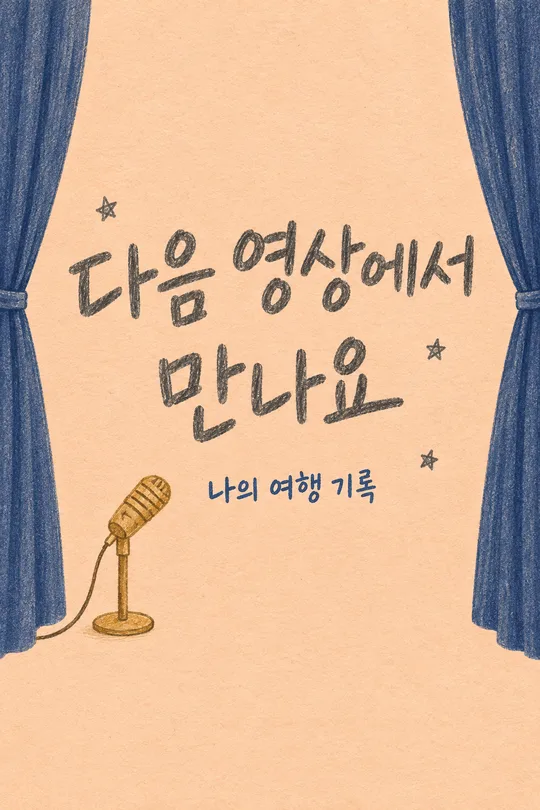
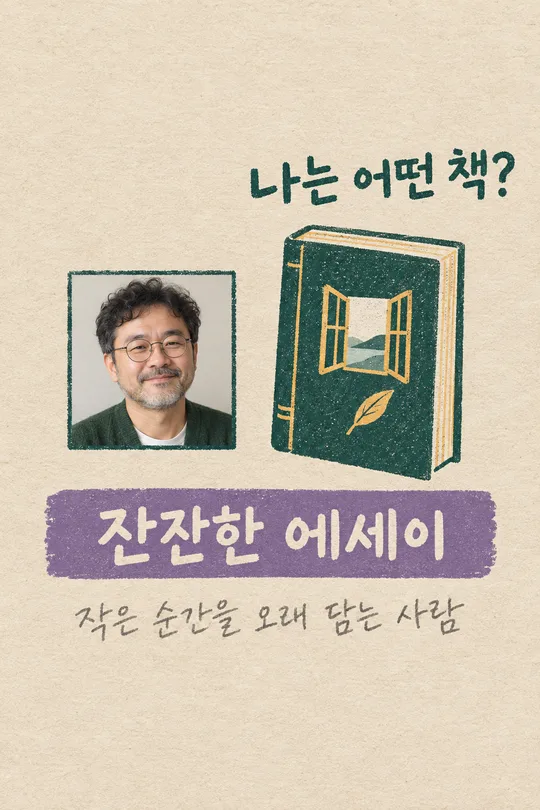
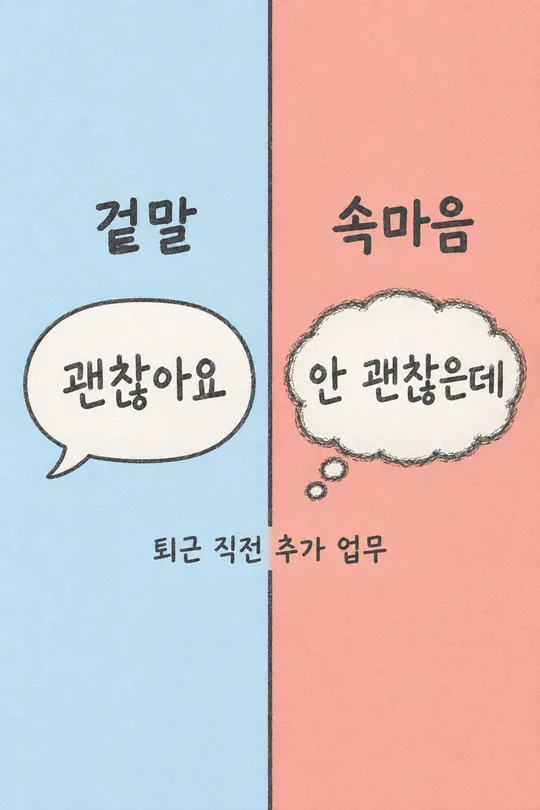
You may also like
How to use it · FAQ
Welcome your first viewers
Use this single image for a channel's first community post or an Instagram introduction. One big speech bubble carries your greeting, while a small illustrated microphone supports the idea of sharing your voice. This is an introduction rather than a scheduled next-video announcement.
Fill the three fields
Use your real channel name and one concise topic. A focused description such as “Home cooking for one” is easier to understand than a long list. Write your greeting or choose “Pick for me.” The automatic version welcomes people without inventing an upload schedule, subscriber count or giveaway.
Generate and review
Paste the filled prompt into GPT once; no photograph is needed. Save the complete single image and add it to your introduction. Check the name's spelling, natural line breaks in the bubble and the exact topic. Reject any added dates or promises. If the words become too crowded, shorten the greeting or topic, copy the updated prompt and generate one replacement image. The microphone does not have to match equipment you own.
- Does this make a video? It makes one greeting image, not an edited video or end screen.
- Where does the channel link go? Add your real link through the platform's post or profile tools.