
項目を入力
- 1項目を入力します
- 2コピーを押します
- 3GPTのチャットに貼り付けます
- 4写真を使う場合は写真とプロンプトを一緒に送ります 任意
プロンプト全文を見る 3,908文字
Generate this image now. Draw it directly - do not describe it, explain it, or ask questions.
A3横、420×297mm、縦横比1.414:1のポスターを1枚作成してください。生成できる最大解像度を使い、印刷用の最終目標は4961×3508ピクセル、300dpiです。文字は紙の端から10mm以上内側に置いてください。

[Purpose]
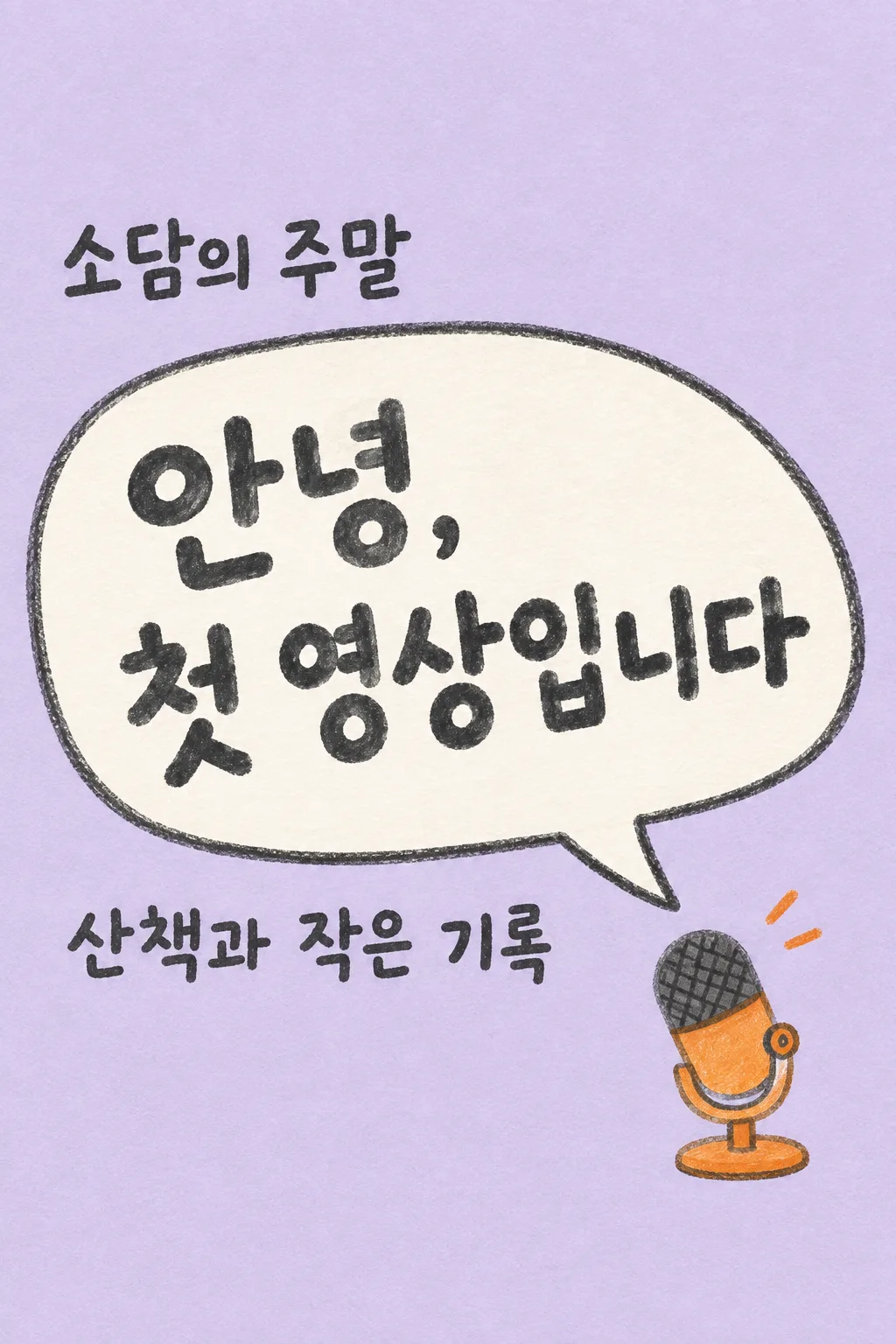
Draw ONE complete Japanese first-video greeting image for a real creator to share on Instagram or a video channel's community page. This is a friendly beginning announcement, not a scheduled next-video alert, an ending screen, subscription button sheet or channel banner. Produce the image directly. No code, multiple versions, cropping instructions or request for a second message. The format always stays a hand-drawn oversized speech bubble and ONE small tabletop microphone on a lavender paper ground.

[Content decisions]
Creator's exact channel name: "【チャンネル名】".
Topic supplied by the creator: "【発信すること】".
Main greeting input: "【最初のあいさつ】".
If the greeting input is "おまかせ", write one original welcoming Japanese sentence of 8–18 Japanese characters about beginning to share this topic. Do not print the control phrase. If the creator entered an actual greeting, reproduce its wording exactly, allowing a line break at a sensible phrase boundary. Do not add a promised upload frequency, premiere date, episode number, achievements, audience size, event, giveaway, free gift, follow requirement or a claim that a video is already uploaded. Do not expand the topic into a list of promised content. The user controls the message; the composition stays fixed.

[Scene]
Use one flat, full-bleed warm-lavender paper canvas. Draw an enormous off-white irregular speech bubble diagonally across the center-left, with a thick charcoal pencil outline and a single tail pointing toward a small orange tabletop microphone in the lower right. Draw the microphone as a simple handmade illustration, not a real electronic brand. Its stand, grille and body are readable shapes with subtle wax-pencil texture. Add exactly two very small orange sound marks near the microphone, not extra speech bubbles. No person, avatar, attached photograph, camera lens, screen mockup, social-app interface or competing icons.

[Text layout]
Reserve the entire top 18% and bottom 18% as blank lavender paper, no words there. All essential text fits from 20% to 81% of the height. At 20–29%, place the entered channel name once in dark charcoal, left-aligned outside and above the speech bubble. At 31–61%, put the greeting in the speech bubble in very large, comfortably spaced hand-drawn Japanese letters. Let the headline use two or three short lines while preserving whole words. Make the greeting the biggest element, readable at small catalog size. At 65–76%, put the creator's topic below the speech bubble as a single clearly legible sentence or at most two short lines. Do not print the field labels. The microphone occupies the bottom-right of the central zone, ending above 81%, and never covers text. Preserve the same layout when input wording changes.

[Style and hierarchy]
Use cheerful but restrained charcoal, pale lavender, off-white and one orange accent. The bubble edge is slightly imperfect and the paper shows fine tooth. Lettering is bold hand-drawn block lettering, neither tiny handwriting nor glossy 3D display type. Keep the topic noticeably smaller than the greeting but large enough for a phone. The channel name is the identity, the greeting is the hero, and the topic tells a reader what the channel is about. Leave actual breathing space rather than filling empty areas with decorative copy or icons.

[Text rules and avoid]
The image contains only the exact channel name, one greeting, and the exact entered topic. Spell every Japanese syllable correctly. Avoid printing "チャンネル名", "発信すること", "最初のあいさつ" or "おまかせ" as labels or decoration. No logo, watermark, hashtags, QR code, fake handle, platform name, date, timeline, like/subscribe/follow button, red play triangle or engagement numbers. Return only the finished single image; it should look like a personal hello from a beginning creator.
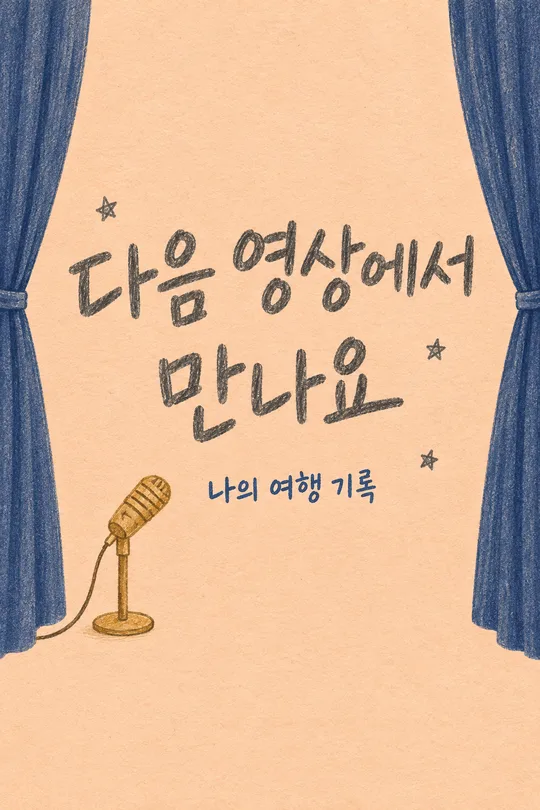
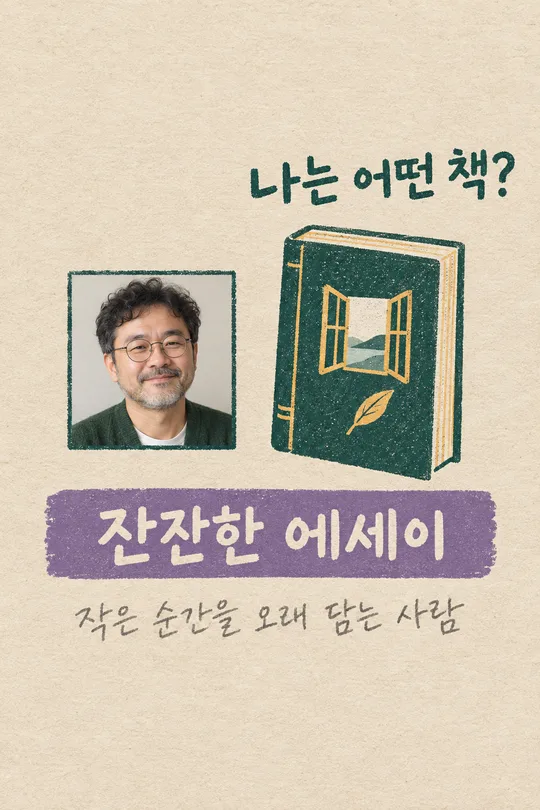
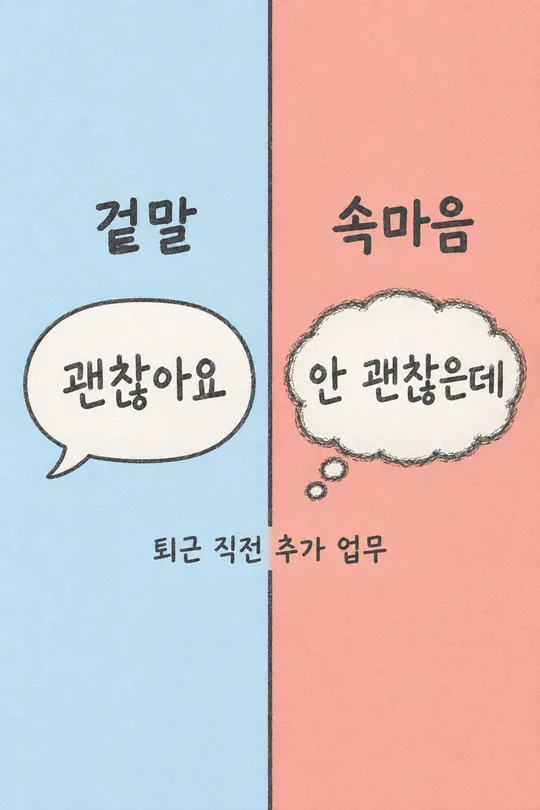
こちらのカードも人気です
使い方・よくある質問
初めての紹介に
動画チャンネルを始めるとき、Instagramやコミュニティの最初の投稿に使えます。大きな吹き出しのあいさつと、小さな手描きマイクだけの一枚です。次回の公開日時を知らせるカードとは用途が異なります。
三つの入力欄
実際のチャンネル名と、発信する内容一つを短く書きます。あいさつは自分の言葉でも「おまかせ」でも使えます。自動の文章に更新頻度や特典の約束は入りません。写真は不要です。完成したプロンプトをGPTに一度貼り付けて送ってください。
確認と直し方
名前のつづり、吹き出しの改行、下にある紹介文を確認します。日付や登録者数など、入力していない情報が出たら使わずに作り直します。文字が多すぎるときはあいさつを短くして、新しいプロンプトから一枚を生成してください。切り貼りする必要はありません。
- 動画も作れますか? このカードは紹介画像一枚を作ります。
- リンクはどこに書きますか? 投稿本文やプロフィールに実際のリンクを記載します。