

All · Ads & posters · New products
528Floating product photograph
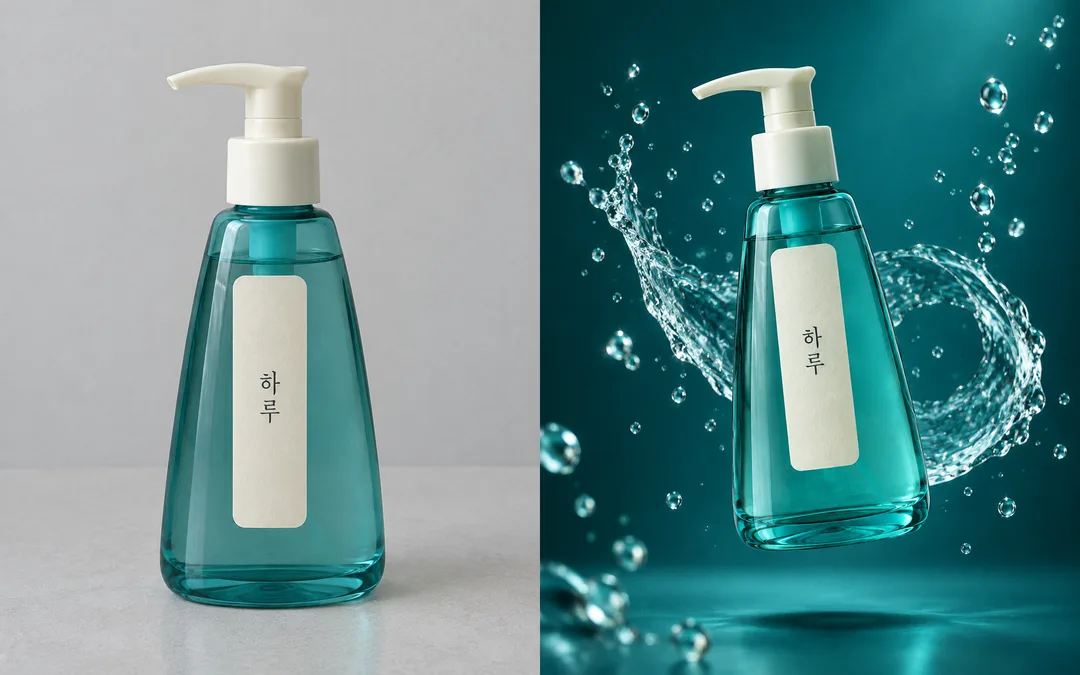
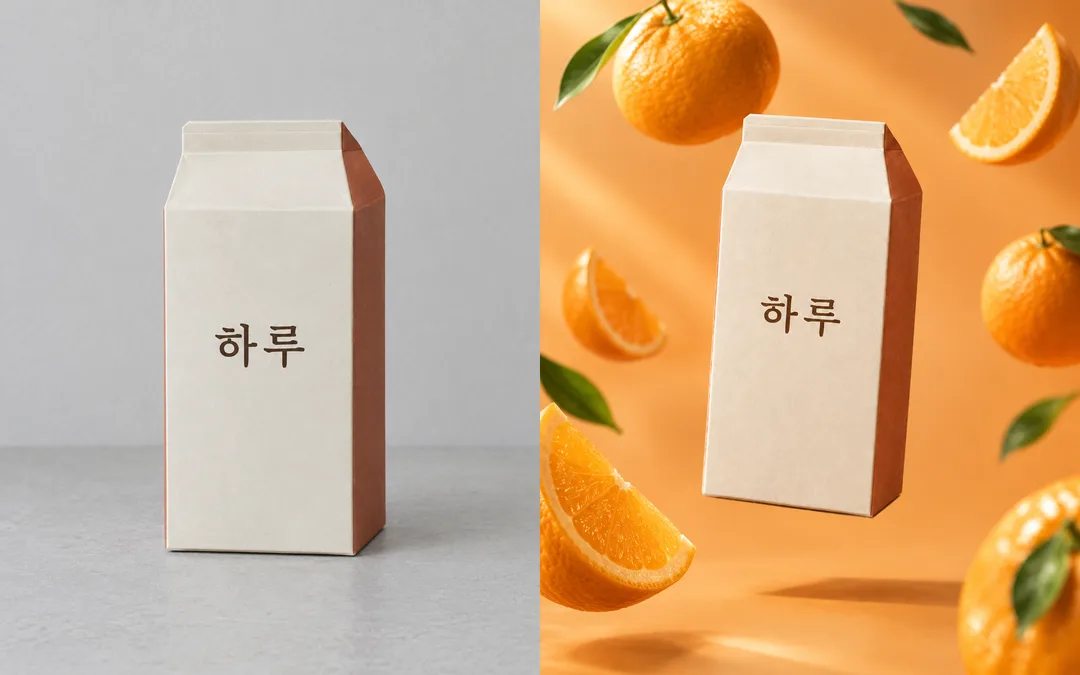
Turn your product photo into one surreal floating product advertisement with water droplets, flowers or fruit.
What you get
- One floating product advertising photograph
- Original package shape and label retained
Fill in the fields
- 1Fill in the fields
- 2Copy the prompt
- 3Paste it into a GPT chat
- 4Send it as is and you get an image like the thumbnail example
- 5Attach a real photo that fits the card and it is used in the result: a background photo for background cards, a person or food photo for those cards Optional
Full prompt 3,107 characters
Generate the image now.
Output size 1080x1350 pixels, 4:5 portrait, Instagram standard.
Photo note (not printed): 【Photo】
Create exactly ONE finished surreal studio product advertising photograph, full bleed, at the requested aspect ratio (default 4:5). No collage, frame, mockup or explanatory captions.
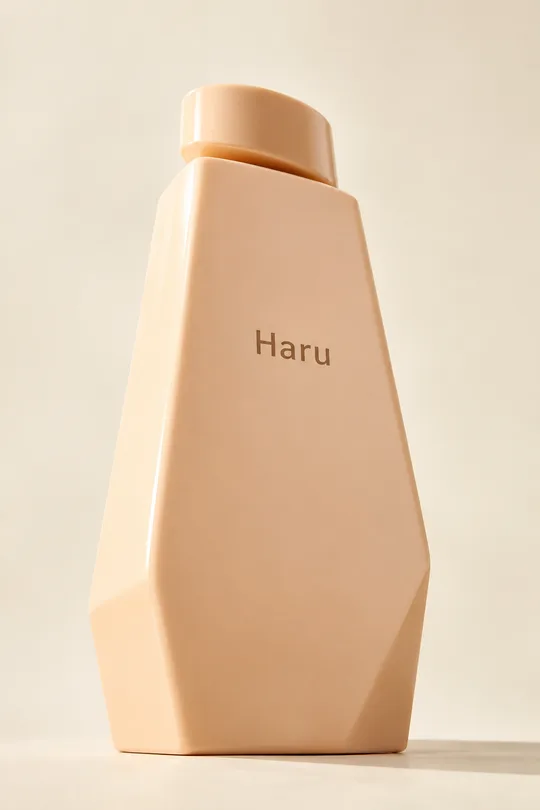
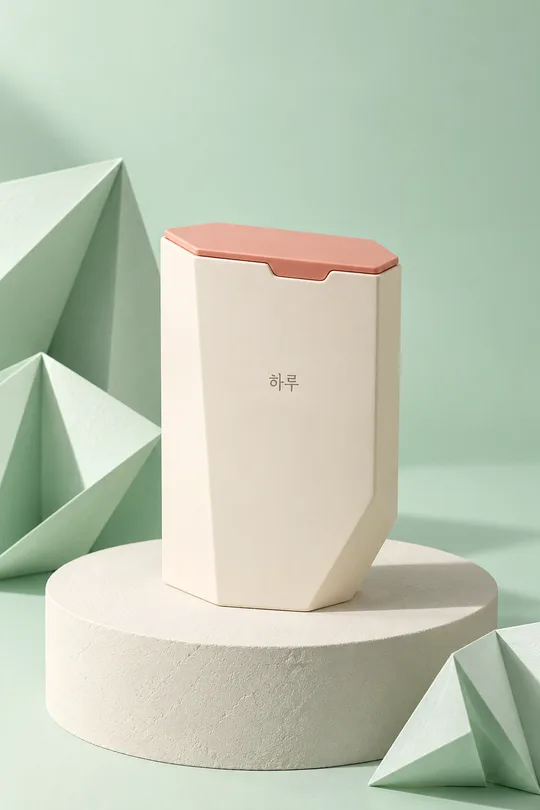
PHOTO RULE: Use the attached product photo if supplied. Preserve the exact silhouette, proportions, cap, seams, material, colors, label placement and every visible character and numeral. Do not redesign or duplicate the product. Keep its front label facing the camera with only a modest tilt. If no photo is supplied, finish without questions using an original fictional lavender hexagonal cosmetic container with a sloped ivory cap and the single name "Haru"; no other text or numerals. Never imitate a real product, brand, logo, celebrity or named artist.
BACKGROUND: "【Background color】". If blank, use deep teal. Build a seamless tonal studio environment in this color, with a subtle luminous gradient and detailed material reflections.
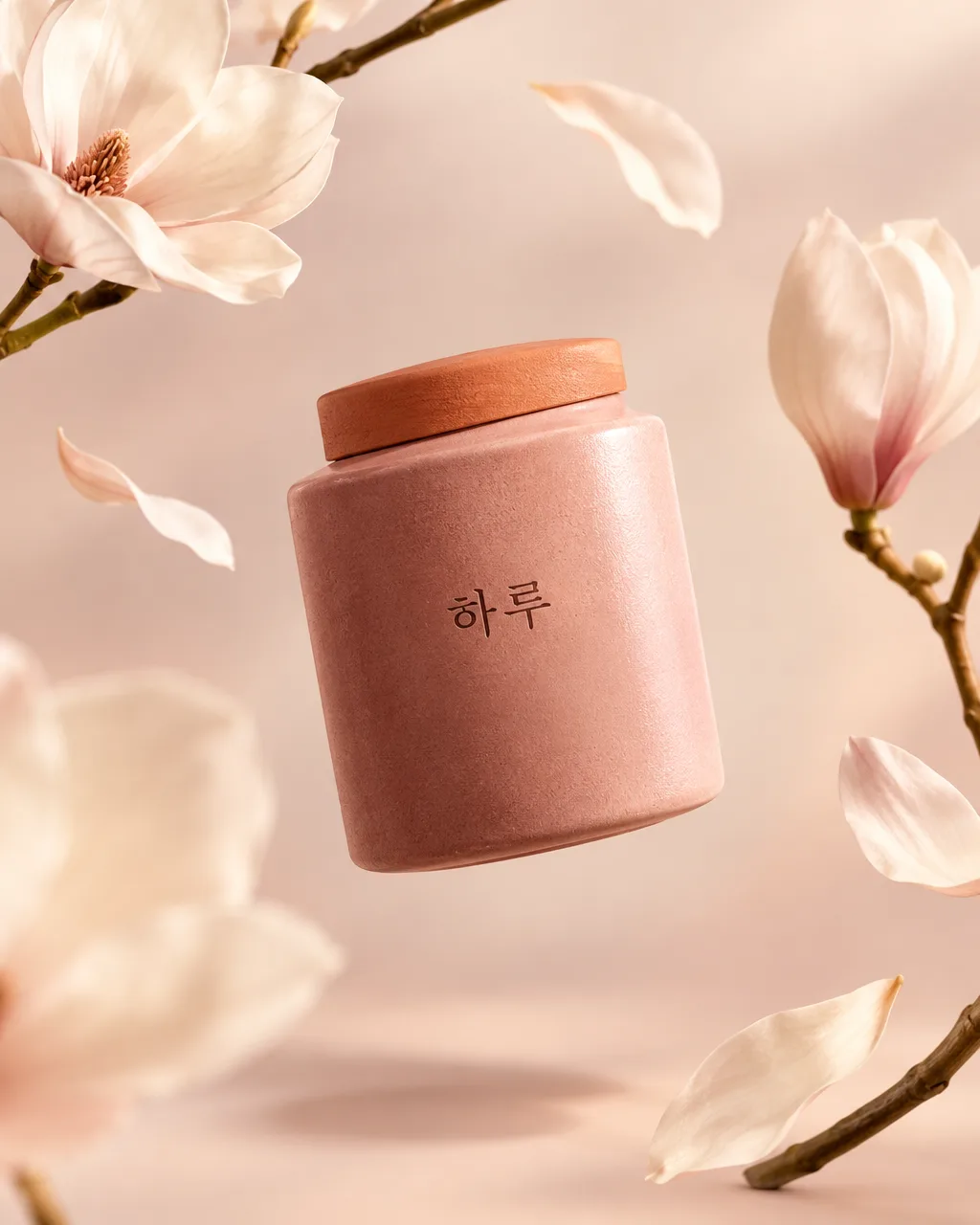
【Prop】: "【Prop】". If blank, use Water droplets. Water droplets means irregular crisp suspended water droplets and one curved transparent splash behind the product; Flowers means a few asymmetrically suspended blossoms, petals and slender curved stems; Fruit means a few varied citrus wedges and whole small citrus fruits with credible rind and translucent pulp. Use only the selected prop family. Props communicate atmosphere, never an ingredient or efficacy claim. Keep them clear of all product lettering and do not repeat identical shapes.
Suspend ONE hero product visibly above the floor, 10–15 degrees off vertical, occupying about 60 percent of the image height. Add a detached soft cast shadow below it so the air gap is unmistakable. Compose an asymmetric diagonal flow with depth through foreground, hero and background; some peripheral props may extend beyond the edges, but retain the whole product. Keep the important label in the middle 70 percent of the canvas. Rich controlled rim lighting, large soft key light, realistic reflections, optically plausible refraction, tactile surfaces, crisp label and shallow but sufficient depth of field. Premium photographic realism, not illustration or plastic-looking CGI.
Do not add headings, prices, claims, ingredients, dosage, badges, extra logos, watermarks or people. Do not invent unreadable label details; retain the supplied visible lettering. Before finishing, inspect the label closely character by character and compare all visible letters and numbers with the source. Correct discrepancies without changing the package. For a regulated product, verify and include any legally required local advertising warning text; do not invent the wording. Output only the finished photograph.

[Final output format]
Output size 1080x1350 pixels, 4:5 portrait, Instagram standard.
This selected output format takes priority over any fixed canvas size or aspect ratio elsewhere in this template. Adapt the composition, text zones and margins to the selected canvas without stretching or cropping essential content. Device safe areas apply only when a device is selected. Never print these format instructions on the image.
How did it turn out?
You may also like
How to use it · FAQ
Use and inputs
Create one full-bleed product photograph for a new-product social post or promotional poster, default 4:5. All three fields are optional. The Photo field is a reminder, not a file upload. Attach a sharp front-facing product photo to your image AI, paste the copied prompt in the same message and send once. The actual attachment takes priority even if the Photo field is empty. Without an attachment, the prompt invents an original container marked Haru. Empty background defaults to deep teal; empty prop defaults to water droplets. Flowers feel soft and airy, while fruit feels bright and fresh. Props must never imply ingredients or product benefits.
Read the examples
The cover is a separate violet floral scene made without a photo. Each comparison shows a fictional source product on the left and its transformed photograph on the right. Compare the teal water scene and the apricot citrus scene. The standalone gallery result uses another product; no result is repeated from a comparison.
Check before publishing
Zoom in and compare every letter of Haru and every visible numeral and small label character with the source. Check cap, corners, proportions and label position as well as the detached shadow that makes the product float. If lettering changes, use a clearer front-facing source photo and run the same prompt again. Letter preservation is an instruction, not a guarantee. Use photos and packaging you have permission to use, without imitating real brands or famous product designs. Check the external service for its fees and usage terms.