
All · Social posts · Tips & facts · Business stories
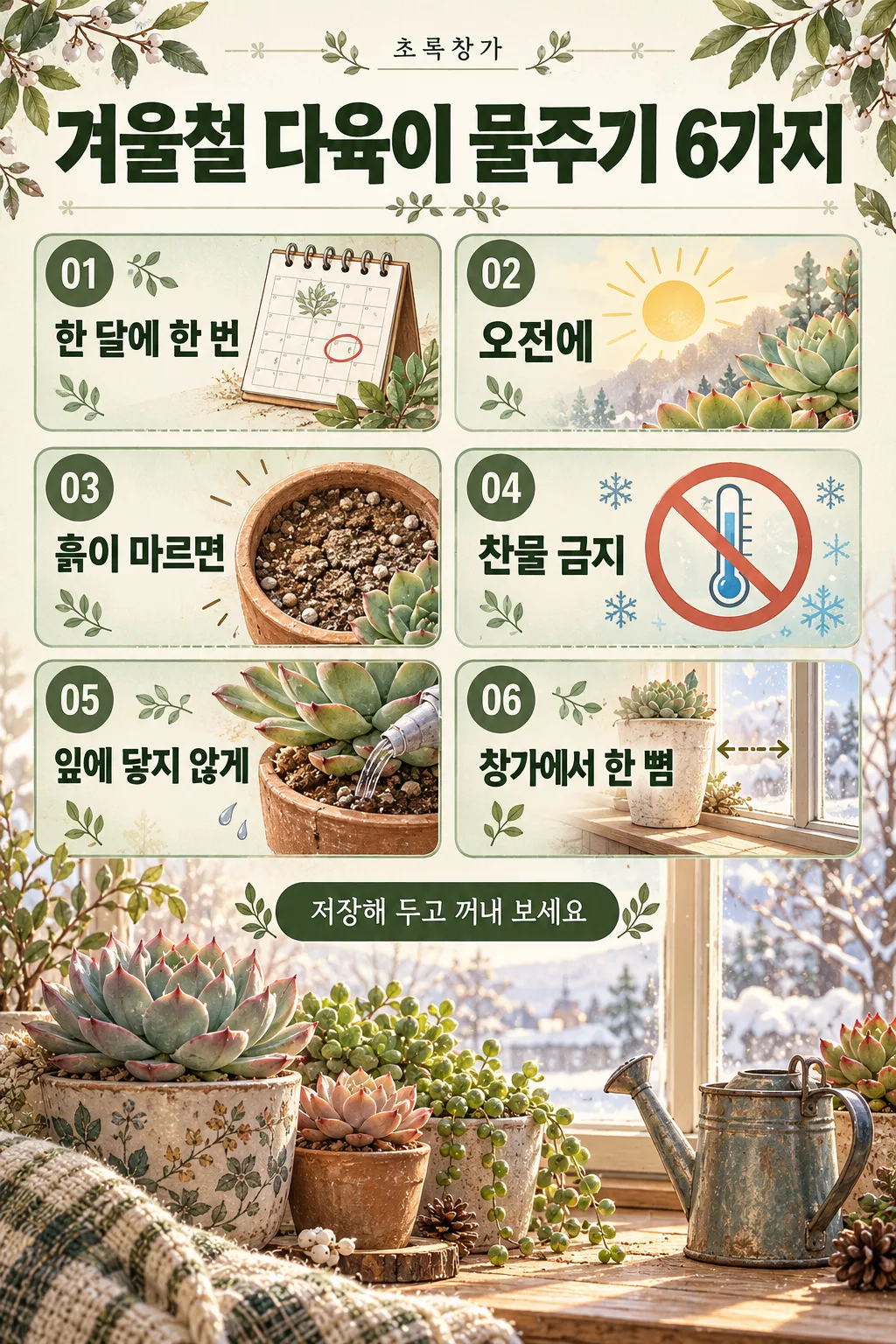
318Instagram tips post — six tips in numbered boxes, made to be saved
Write a title and six items to get a saveable Instagram info post with a big title, six numbered boxes, icons and short notes.
What you get
- One info post with six tips
- Six numbered boxes with icons
- A bottom line and a small illustration
ChatGPT Free OK
Fill in the fields
- 1Fill in the fields
- 2Copy the prompt
- 3Paste it into a GPT chat
- 4Send it as is and you get an image like the thumbnail example
- 5Attach a real photo that fits the card and it is used in the result: a background photo for background cards, a person or food photo for those cards Optional
Full prompt 3,678 characters
Generate this image now. Draw it directly - do not describe it, explain it, or ask questions.
Output size 1080x1350 pixels, 4:5 portrait, Instagram standard.

Create one complete Instagram educational infographic with a small top header, a large headline, six numbered information cards, an optional bottom line, and a detailed supporting illustration. If no size is supplied, use portrait 4:5. Maintain the visual density and finish of a commercial information poster.

TITLE text: "【Title】"
Print the quoted title exactly as supplied, including punctuation and every English letter. Use it as the large headline, with line breaks only where needed for readability.
If this text line is missing or empty, omit the headline lettering and rebalance the layout; do not invent a title or print a placeholder.

ITEMS text: "【Items】"
Split the quoted input at commas into six items in their original order. Trim only separator whitespace. Print each item's wording exactly, preserving all characters and punctuation within the item. Place one item in each numbered card.
If this text line is missing or empty, keep six illustrated numbered cards without item wording; do not invent tips, descriptions, or placeholder text.
If fewer than six items are supplied, leave the remaining cards without item wording. If more than six are supplied, use the first six only. Never invent missing items.

BOTTOM text: "【Bottom line】"
Print the quoted text exactly as the bottom line.
If this text line is missing or empty, omit the bottom lettering and use the space for the supporting illustration; do not invent a slogan.

SHOP HEADER text: "【Shop name】"
Print the quoted text exactly in a small, refined header position above the headline.
If this text line is missing or empty, omit the header lettering; do not invent a shop name, brand name, or decorative microcopy.

PALETTE selected: "【Colors】"
Interpret only the selected choice:
- Sage green: Use warm ivory, sage-green card surfaces, forest-green headings, and muted olive accents.
- Navy and yellow: Use deep navy, warm yellow highlights, ivory card surfaces, and crisp high-contrast text.
- Pink and burgundy: Use pale blush, burgundy headings, muted rose accents, and warm cream card surfaces.
- Black and white: Use ivory or white, charcoal, black, and light-gray panels with clear tonal separation.
If this selection line is missing or empty, use Sage green only.

Use a balanced two-column by three-row grid. Give each card a clear 01–06 number badge, a relevant illustrated icon, and the supplied item text in a readable typographic hierarchy. If an item contains both a heading and an explanation, differentiate them using the supplied wording only. Never add explanatory copy.

Create a detailed bottom illustration based on the title and items: relevant objects, a small environment, and tasteful decorative motifs. Fill the poster with structured panels, fine dividers, coordinated accents, and illustration detail while keeping every text area readable. Adapt font size and line wrapping to the actual text length; never replace text with illegible marks.

Only the supplied text and the fixed card numbers may appear as lettering. No additional headings, labels, captions, signatures, logos, watermarks, or fabricated text.
The choice names in this prompt are internal labels only; never print them as text.

[Final output format]
Output size 1080x1350 pixels, 4:5 portrait, Instagram standard.
This selected output format takes priority over any fixed canvas size or aspect ratio elsewhere in this template. Adapt the composition, text zones and margins to the selected canvas without stretching or cropping essential content. Device safe areas apply only when a device is selected. Never print these format instructions on the image.
How did it turn out?
You may also like
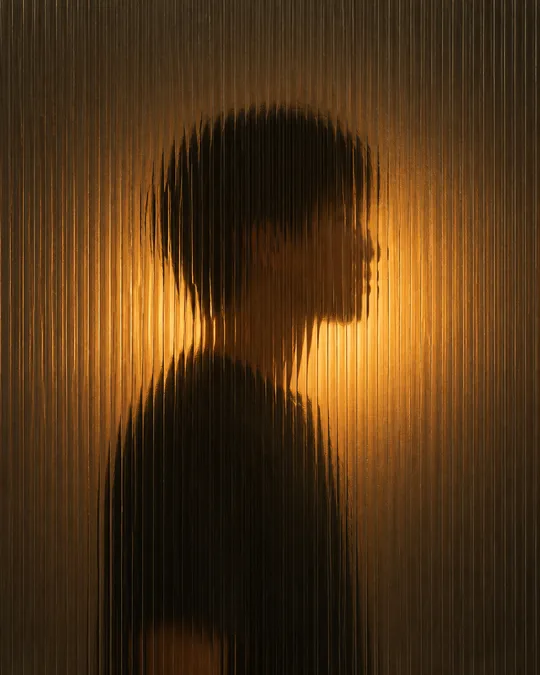
- 342Silhouette behind fluted glass — a softly blurred figure and warm light
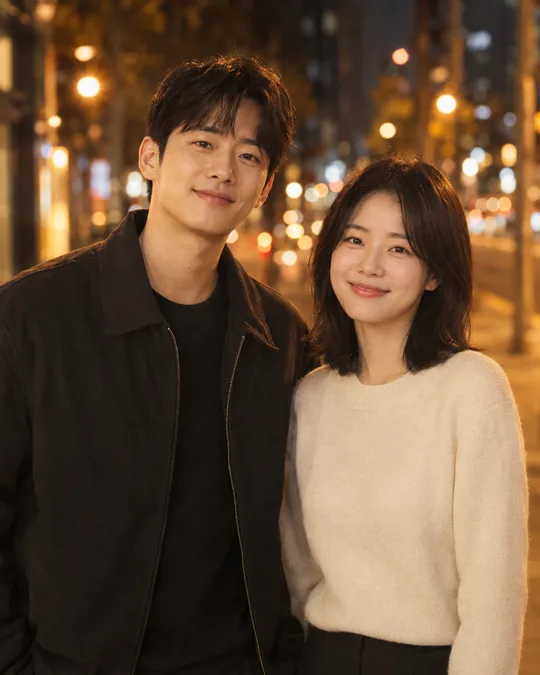
- 341Cinematic couple photo — two photos become a movie-like portrait together
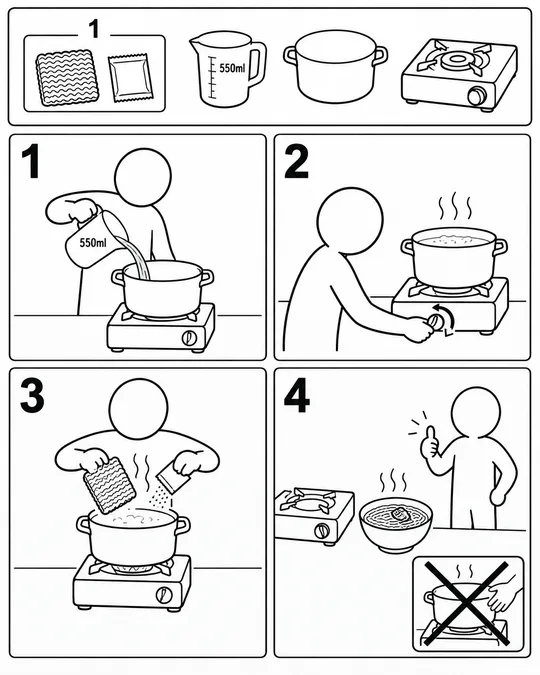
- 337Assembly manual illustrations — cooking ramen or getting ready for work, furniture-manual style
- 335Photo doodles — crayon crowns, stars and hearts over your original photo
- 330Emotion vial photo — bottle a feeling like 'pre-clock-out joy' with a label
- 329Out-of-bounds type poster — a giant vertical word that frames a photo scene
How to use it · FAQ
When to use it
Make an info post worth saving: a small kicker and big title, six numbered boxes with icons and your item text, a bottom line and a small illustration. Great for shops, tutors and bloggers building regulars.
Filling in the fields
Title and six items separated by commas; shorter items render more accurately. Each box shows only the text you wrote; GPT does not add notes. To include a short explanation, write it into the item, e.g. "No cold water - use lukewarm".
Check the result
- Read every box. Only share facts you have checked.