
すべて · SNS投稿 · 情報・ヒント · お店のストーリー
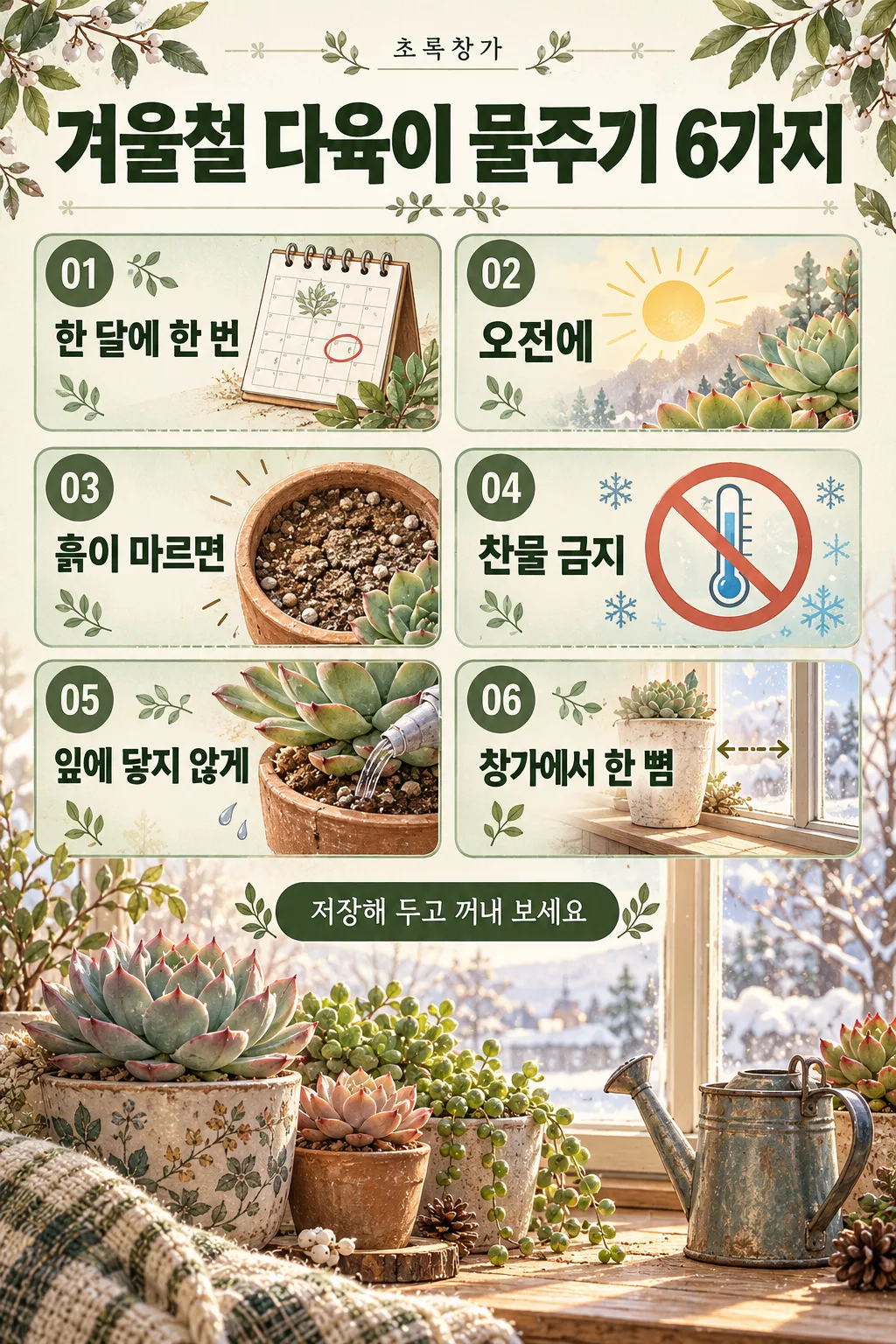
318インスタの情報投稿 — コツ6つを番号ボックスで整理した保存されるカード
タイトルと項目6つで、大きなタイトル・番号付き6マス・アイコンと短い説明のインスタ情報投稿になります。
受け取れるもの
- コツ6つを整理した情報投稿一枚
- 番号付き6マスとアイコン
- 一番下の一行と小さなイラスト
ChatGPT 無料 OK
項目を入力
- 1項目を入力します
- 2コピーを押します
- 3GPTのチャットに貼り付けます
- 4そのまま送ると、サムネイルの例のような画像になります
- 5カードに合う実際の写真を一緒に入れると反映されます。背景カードなら背景の写真、人物・料理カードならその写真 任意
プロンプト全文を見る 3,651文字
Generate this image now. Draw it directly - do not describe it, explain it, or ask questions.
出力サイズは1080×1350ピクセル、4:5の縦型Instagram投稿にしてください。

Create one complete Instagram educational infographic with a small top header, a large headline, six numbered information cards, an optional bottom line, and a detailed supporting illustration. If no size is supplied, use portrait 4:5. Maintain the visual density and finish of a commercial information poster.

TITLE text: "【タイトル】"
Print the quoted title exactly as supplied, including punctuation and every Japanese character (hiragana, katakana, kanji). Use it as the large headline, with line breaks only where needed for readability.
If this text line is missing or empty, omit the headline lettering and rebalance the layout; do not invent a title or print a placeholder.

ITEMS text: "【項目】"
Split the quoted input at commas into six items in their original order. Trim only separator whitespace. Print each item's wording exactly, preserving all characters and punctuation within the item. Place one item in each numbered card.
If this text line is missing or empty, keep six illustrated numbered cards without item wording; do not invent tips, descriptions, or placeholder text.
If fewer than six items are supplied, leave the remaining cards without item wording. If more than six are supplied, use the first six only. Never invent missing items.

BOTTOM text: "【一番下の一行】"
Print the quoted text exactly as the bottom line.
If this text line is missing or empty, omit the bottom lettering and use the space for the supporting illustration; do not invent a slogan.

SHOP HEADER text: "【店名】"
Print the quoted text exactly in a small, refined header position above the headline.
If this text line is missing or empty, omit the header lettering; do not invent a shop name, brand name, or decorative microcopy.

PALETTE selected: "【色】"
Interpret only the selected choice:
- セージグリーン: Use warm ivory, sage-green card surfaces, forest-green headings, and muted olive accents.
- 紺・黄: Use deep navy, warm yellow highlights, ivory card surfaces, and crisp high-contrast text.
- ピンク・バーガンディ: Use pale blush, burgundy headings, muted rose accents, and warm cream card surfaces.
- 白黒: Use ivory or white, charcoal, black, and light-gray panels with clear tonal separation.
If this selection line is missing or empty, use セージグリーン only.

Use a balanced two-column by three-row grid. Give each card a clear 01–06 number badge, a relevant illustrated icon, and the supplied item text in a readable typographic hierarchy. If an item contains both a heading and an explanation, differentiate them using the supplied wording only. Never add explanatory copy.

Create a detailed bottom illustration based on the title and items: relevant objects, a small environment, and tasteful decorative motifs. Fill the poster with structured panels, fine dividers, coordinated accents, and illustration detail while keeping every text area readable. Adapt font size and line wrapping to the actual text length; never replace text with illegible marks.

Only the supplied text and the fixed card numbers may appear as lettering. No additional headings, labels, captions, signatures, logos, watermarks, or fabricated text.
The choice names in this prompt are internal labels only; never print them as text.

[Final output format]
出力サイズは1080×1350ピクセル、4:5の縦型Instagram投稿にしてください。
This selected output format takes priority over any fixed canvas size or aspect ratio elsewhere in this template. Adapt the composition, text zones and margins to the selected canvas without stretching or cropping essential content. Device safe areas apply only when a device is selected. Never print these format instructions on the image.
結果はどうでしたか?
こちらのカードも人気です

使い方・よくある質問
こんなときに
インスタで保存したくなる「情報まとめ」投稿を一枚で作りたいときに。小さな見出しと大きなタイトル、番号付きの6マスにアイコンと項目の文字、一番下の一行とイラスト。
欄の埋め方
タイトルと項目6つをカンマで。短いほど文字が正確です。マスには書いた項目だけが入り、GPTが説明を足すことはありません。
出てきたら確認すること
- 6マスを一つずつ読んでください。確かな情報だけを。
色のボタンで変わること
- セージグリーン: 植物や暮らしの話題に落ち着いて合います。
- 紺・黄: コントラストが強く、勉強法や仕事のコツに。
- 白黒: いちばんすっきりして、税金など真面目な話題に。