
All · Social posts · Seasons & holidays · Memes
259My Photo as a Halloween Costume 3D Character — Witch, Vampire or Pumpkin Prince
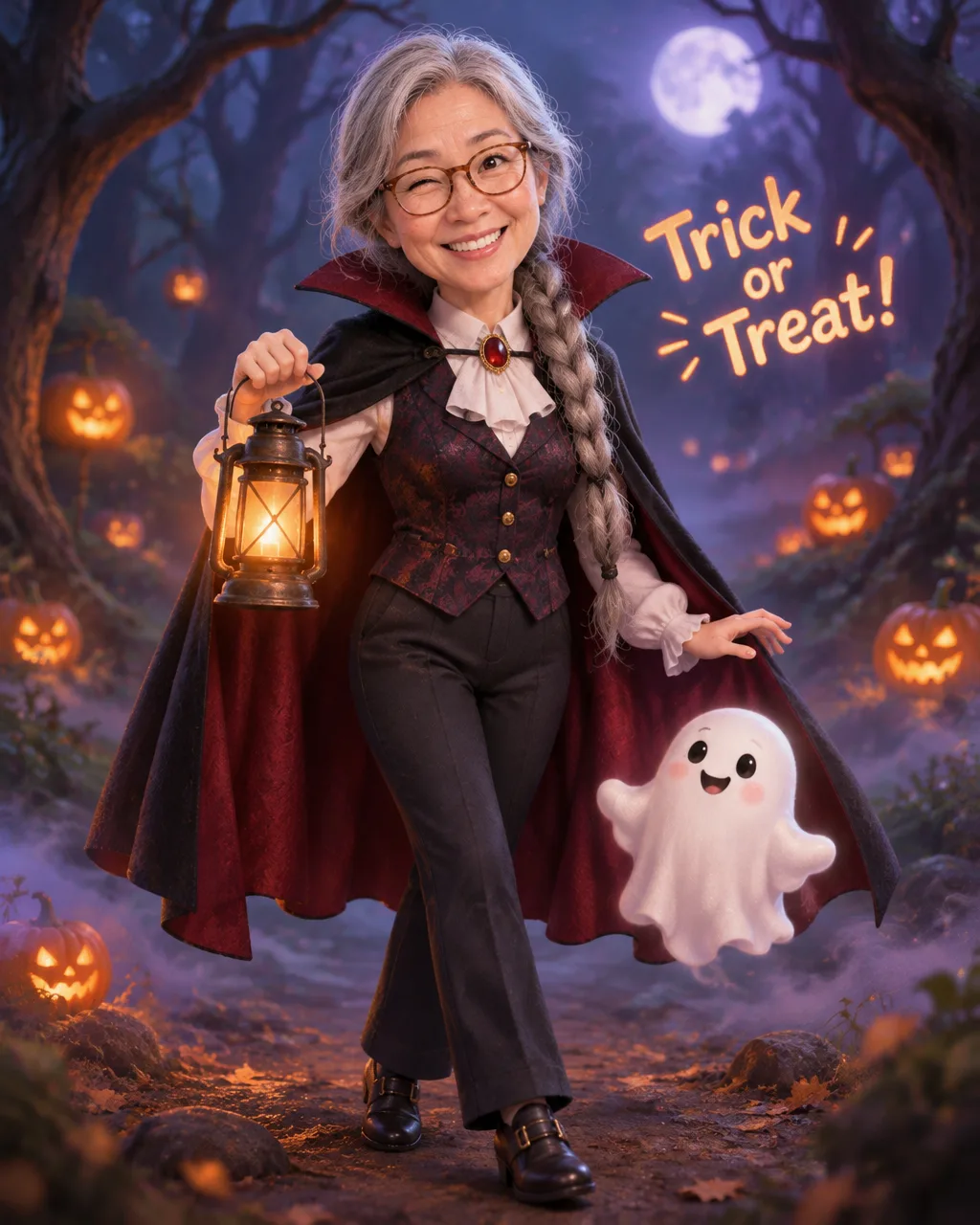
Your photo becomes a cute 3D character in a Halloween costume. Pick a costume and get a pumpkin candy basket and a little ghost friend in the same picture.
ChatGPT Free OK
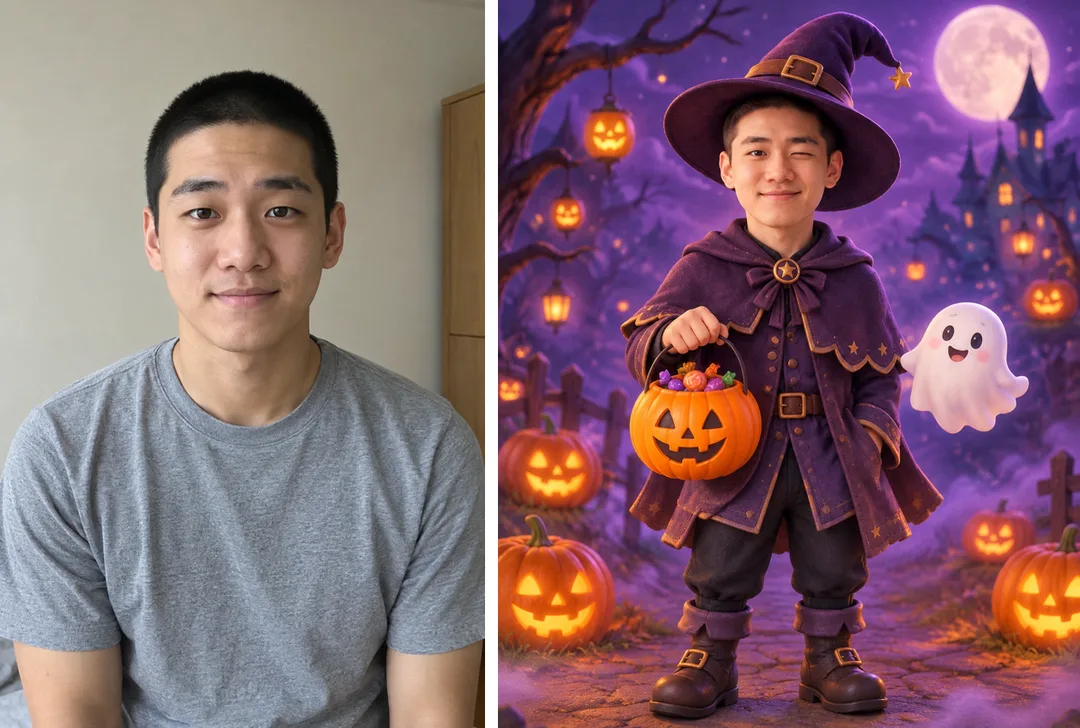
Fill in the fields
- 1Fill in the fields
- 2Copy the prompt
- 3Paste it into a GPT chat
- 4Send it as is and you get an image like the thumbnail example
- 5Attach one photo of yourself with the prompt and your photo is used in the result Optional
Full prompt 8,907 characters
Generate this image now. Draw it directly - do not describe it, explain it, or ask questions.
Output size 1080x1350 pixels, 4:5 portrait, Instagram standard.
PHOTO RULE (this overrides any other line in this prompt, before or after it, that calls the photo required or mandatory or says to ask for it): if a photo is attached, use it exactly as the instructions below describe. If no photo is attached, never ask for one and never stop — invent a fitting fictional subject (person, pet, food, product or place, whatever this card is about) in the spirit of the card's example image, and finish the image.

[Resolve the costume first]
Create ONE finished cute, original 3D animated Halloween character portrait. The uploaded person becomes the recognizable protagonist, shown full-length or from the knees upward in a complete chosen costume. The size on line two is authoritative; default to portrait 4:5. Deliver one polished image, not a before/after, character turntable, several costume options, phone mockup or printed greeting card lying on a table.
COSTUME = "【Costume】". This required visual selection defines ALL wardrobe, headwear, shoes and costume accessories before any scene is built. The person's original everyday clothing is replaced by this costume; no later sentence may restore a different costume.
EXPRESSION = "【Expression】". If absent or photo-unchanged, retain the reference expression. A playful wink closes one eye with a mischievous smile; pretending to growl is a funny puffed-cheek theatrical face, never aggression; surprised means raised brows and a small rounded mouth.
HAND_PROP = "【Holding】". If absent, use one pumpkin candy basket. A broom, lantern or lollipop selection replaces the held basket completely; never force both selected and default handheld objects into the hands.
BACKGROUND = "【Background】". If absent, use purple night sky with pumpkin lanterns. The selected setting controls the whole environment, not an added miniature panel.
GREETING = "【Greeting】". If absent, print no words. If automatic, choose one short friendly Halloween greeting. Otherwise print this input verbatim once, without translating or adding a second slogan.

[Fallbacks for absent input lines]
When an optional named input line is absent, resolve EXPRESSION to the reference expression (or the fictional subject's natural friendly expression), HAND_PROP to one pumpkin candy basket and BACKGROUND to purple night sky with pumpkin lanterns. GREETING is absent unless its own line is supplied. Active lines above always take precedence over this fallback map.

[Input priority]
Resolve the named inputs BEFORE planning the image. An optional input exists only when its own input line is supplied; blank values and "None selected" mean absent. "Choose for me" are automatic-choice MENU COMMANDS, never visible copy: choose a fitting concrete result yourself. Never print a selector, field label, these commands, or placeholder braces. Defaults apply only to absent inputs. A supplied choice replaces its corresponding default everywhere; subsequent scene descriptions refer to the resolved named value, never to a competing fixed default.
Use the following costume interpretations only for the resolved COSTUME. Do not draw the menu, name of the costume or a list of options. A costume may have its own worn accessories, but the only held object is HAND_PROP.

[Costume construction]
Cute witch: an original soft pointed hat with a bent tip, a plum tailored coat or tunic, a short scalloped cape and rounded ankle boots; no broom unless HAND_PROP selects it. Vampire count: an original high-collar cape with deep wine lining, a formal dark vest, a pale shirt and fitted trousers or a simple formal skirt consistent with the person's presentation; no pointed witch hat. Pumpkin prince/princess: a small leaf-shaped crown, a rounded pumpkin-orange royal tunic or dress with ribbed fabric panels, a green collar and soft boots; select an appropriate royal presentation without changing the person's identity, and never reuse witch clothing. Little ghost: a soft rounded white ghost poncho with the person's entire face visible, gentle hem folds and simple shoes; no covered eyes or replaced face. Black cat: a charcoal cat-ear hood or headband, soft textured fitted costume, rounded paw-like gloves and an attached curved costume tail; preserve a human face rather than replacing it with an animal. Mummy: clean ivory costume bandages over a modest base garment, wrapped limbs and a loose end at one shoulder, with the face and eyes uncovered; no wounds or decay. Ghost pirate: an original weathered tricorne, a sea-green coat with a translucent ghostly cape edge, a plain sash and soft boots; no weapon, logo or existing pirate-character outfit. In every selection retain the photographed subject's age and use comfortable, nonsexualized clothing.

[Identity source]
An attached photograph supplies facial identity, age, gender presentation, skin tone, eye shape and spacing, nose, mouth, facial outline, hairstyle, glasses, freckles, facial hair and any disability aids. Preserve these recognizable features through stylization. Round the shapes gently and slightly enlarge expressive eyes while keeping their relative placement; do not replace the subject with a generic baby, doll, famous performer or stock animation face. Preserve eyewear even under a hat, and let the real hairstyle emerge naturally. If a photo contains several people, use the most prominent clearly visible person, chosen by central placement and visible facial detail, without adding the others. Without a photo, follow PHOTO RULE and invent a fitting fictional subject immediately. Identity comes from the photo; wardrobe comes only from COSTUME.

[Composition and environment]
The protagonist occupies around 65-75% of the frame height with a readable costume silhouette, comfortably separated hands and room around the hat. A full-body composition includes complete feet; knee-up framing includes the costume's distinguishing lower-body details without awkward joint crops. Place one small friendly original ghost companion floating beside the protagonist's lower shoulder or hip, at less than one fifth of the protagonist's height. It has a simple expressive face and rounded cloth-like body, no accessory or speech bubble. HAND_PROP is held naturally in one hand with believable fingers, a working handle or grip and appropriate scale. If a pumpkin basket is selected, show sculpted ribs and a few plain unbranded sweets inside, with no package lettering.

For a purple-sky setting, make a gently layered violet night, a few softly blurred orange pumpkin lanterns and low curling ground mist. A spooky forest instead uses friendly bent trees, cool moon shafts, a soft leafy floor and gentle haze. A candy-filled room instead uses a whimsical interior with shelves of loose, unbranded sweets and soft warm bounce light, no outdoor sky. Solid orange means a clean orange studio backdrop with a subtle ground shadow, not an outdoor scene imposed over it. The small ghost remains in every setting. Background objects support the protagonist and never block the face, selected costume or greeting.

[3D art direction and lettering]
Use polished feature-animation-quality rendering with original character design, soft subsurface skin shading, individually shaped hair clumps, tactile fabric seams, softly worn hat felt, warm bounce light and coherent contact shadows. The result is a rendered character, not a photoreal person or a flat vector mascot. Keep the face the sharpest area, followed by costume textures and the held object, with tasteful environmental depth. Render GREETING only if supplied, in a short softly rounded lettering line around 76-83% height on a calm background area; keep top 12% and bottom 15% free of essential lettering. Use high contrast, exact capitalization and punctuation, and no text panel covering the costume. Never render EXPRESSION, BACKGROUND or HAND_PROP as labels.

[Final consistency]
Check that the resolved costume has the correct hat, cape, garment and footwear and that no accessories from another menu choice remain. Keep the reference identity, age and original skin tone; use natural hand anatomy and no extra fingers or duplicated limbs. All ghosts, garments and props are newly designed, without imitating a real film, famous monster, animation studio character, franchise costume or brand. No blood, wounds, injury, frightening teeth, weapons, candy logos, watermarks or extra captions. Return the single complete Halloween 3D illustration now.

[Final output format]
Output size 1080x1350 pixels, 4:5 portrait, Instagram standard.
This selected output format takes priority over any fixed canvas size or aspect ratio elsewhere in this template. Adapt the composition, text zones and margins to the selected canvas without stretching or cropping essential content. Device safe areas apply only when a device is selected. Never print these format instructions on the image.
How did it turn out?
You may also like
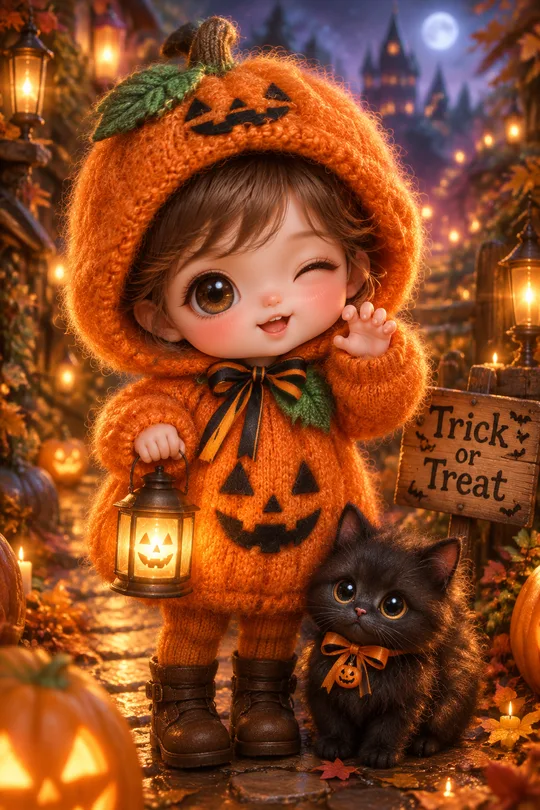
- 273My Child's Halloween Photoshoot — Knitted Pumpkin, Little Ghost or Black Cat Costume
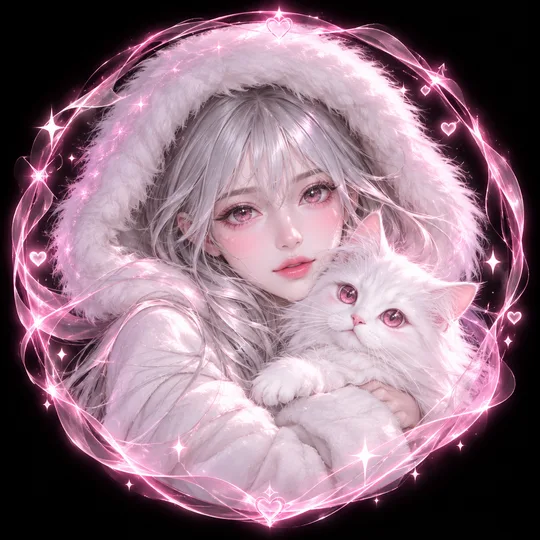
- 270Me and My Pet Neon Circle Profile — Fur Hood, Pet and One Color Theme
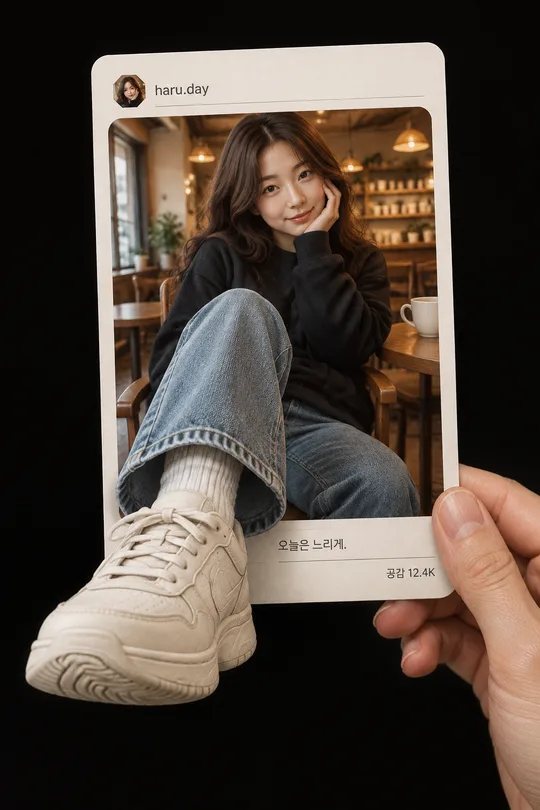
- 267My Sneaker Bursting Out of a Post — 3D Illusion of a Printed Card in Hand
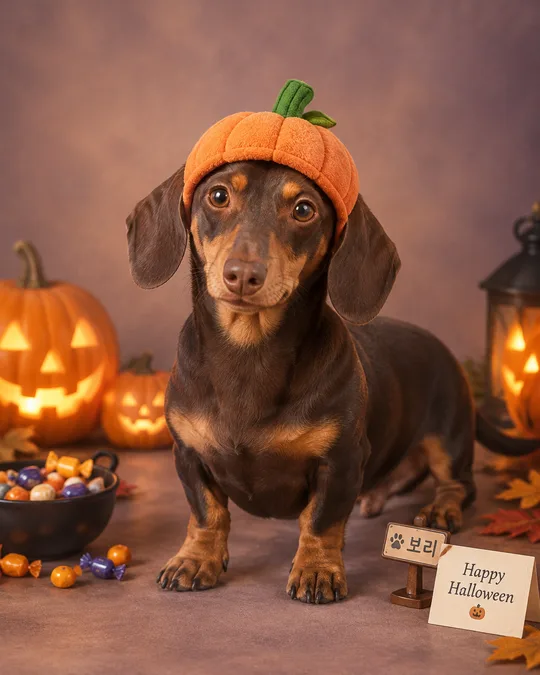
- 260My Pet's Halloween Costume Photo — Pumpkin Hat, Witch Cape or Bat Wings
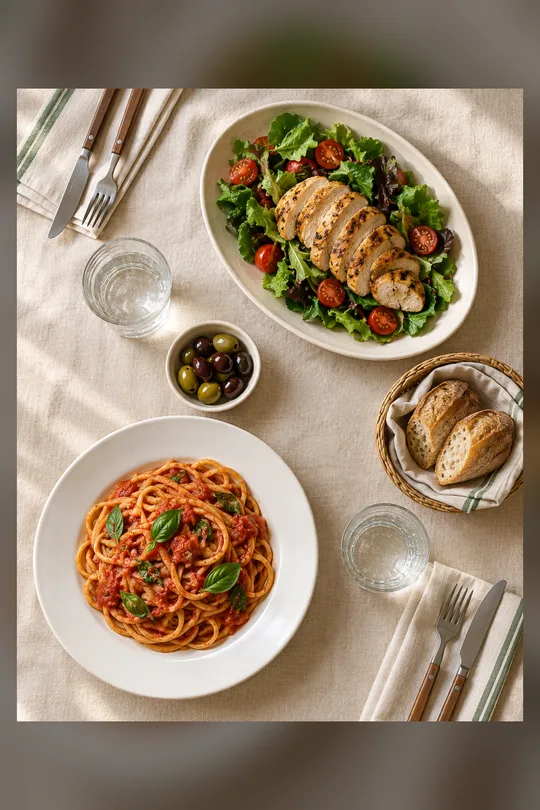
- 245Two-Person Table Flat Lay
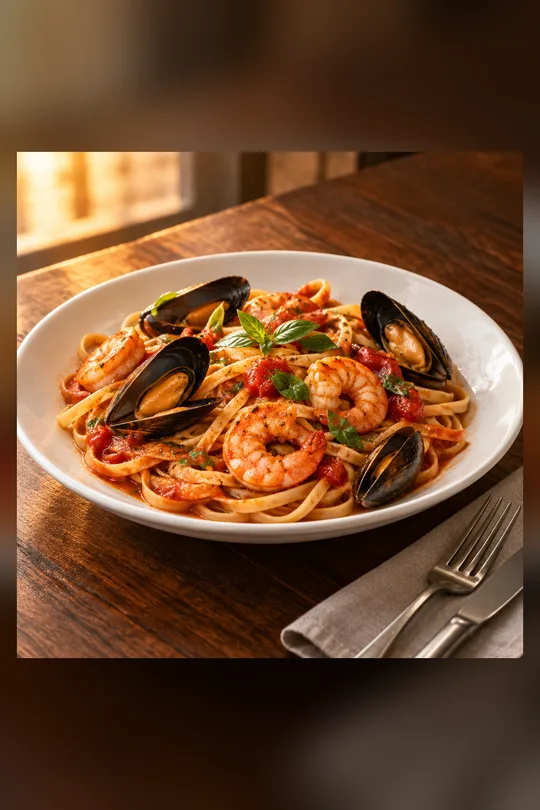
- 244Textless Food Magazine Photo
How to use it · FAQ
When to use it
Use it when you want a Halloween costume but can't buy one or go out. Your photo becomes a cute 3D animated character dressed as a witch, a vampire count or a pumpkin prince, with a pumpkin candy basket and a little ghost friend beside you. Perfect as an October profile picture, an Instagram story or a Halloween hello in group chats.
Filling in the fields
Just pick one costume. Leave the rest empty for your photo's expression, a pumpkin candy basket and a purple night sky with pumpkin lanterns. The greeting appears small at the bottom; short English lines render most accurately.
Adding your photo
- Upload a photo where the face is clear — don't send yet
- Paste the copied prompt into the same message box
- Check that both are there, then send
What to check
- Does the face look like you? Hairstyle, glasses and moles should carry over
- Is it the costume you chose, with the right cape, hat and props?
- Is the greeting spelled correctly?
Fixing what's off
Ask in the same chat, one thing at a time: "Make the face look more like the photo", "Make the hat bigger", "Change only the background to a spooky forest".
FAQ
- Does it work without a photo? Yes, a new fictional character is drawn.
- Can I use my child's photo? Yes, but we recommend sharing children's pictures in family chats rather than public social media.