
All · Social posts · Memes
267My Sneaker Bursting Out of a Post — 3D Illusion of a Printed Card in Hand
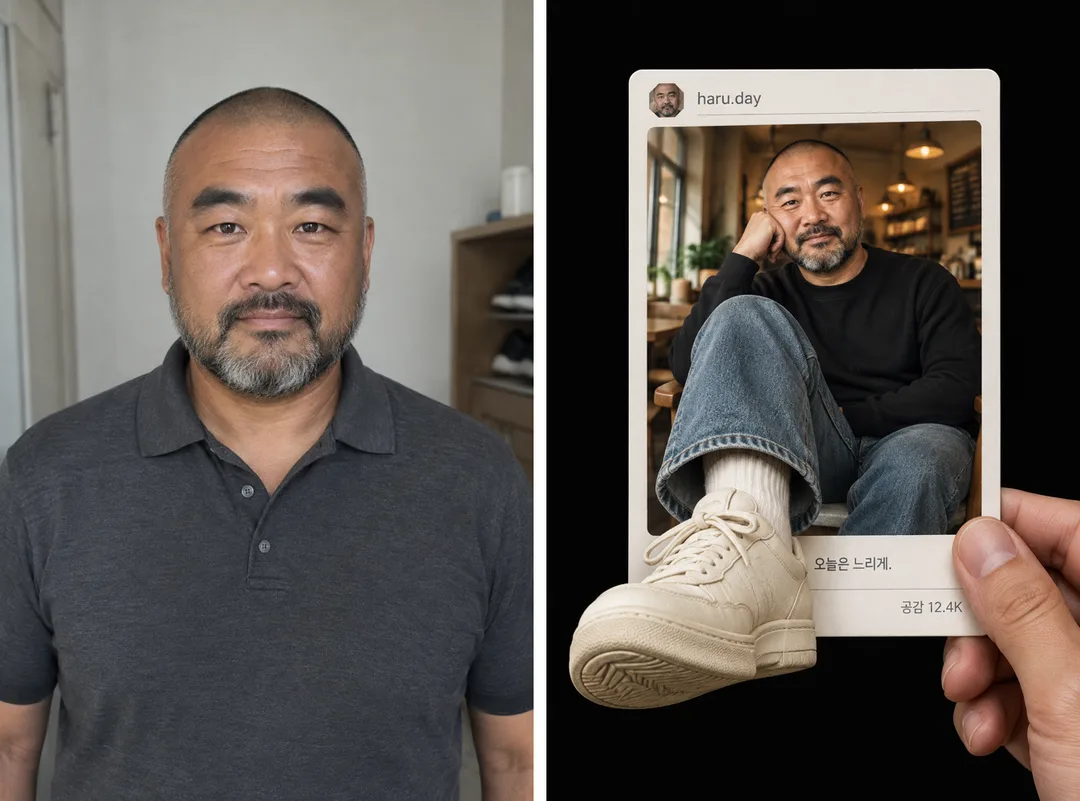
A white post card held in a hand, and your sneaker pops right out of it toward the viewer. Add your ID and a one-line caption; upload a photo to make it you.
ChatGPT Free OK
Fill in the fields
- 1Fill in the fields
- 2Copy the prompt
- 3Paste it into a GPT chat
- 4Send it as is and you get an image like the thumbnail example
- 5Attach one photo of yourself (optional) with the prompt and your photo is used in the result Optional
Full prompt 7,741 characters
Generate this image now. Return exactly one finished photorealistic paper-post sneaker pop-out illusion; draw the image directly without explanations, code, plans, or questions.
Output exactly one finished 2:3 portrait image, 1024x1536 pixels. Leave the top 12% and bottom 15% free of essential text.
PHOTO RULE (this overrides any other line in this prompt, before or after it, that calls the photo required or mandatory or says to ask for it): if a photo is attached, use it exactly as the instructions below describe. If no photo is attached, never ask for one and never stop — invent a fitting fictional subject (person, pet, food, product or place, whatever this card is about) in the spirit of the card's example image, and finish the image.

[Resolve all changing values before composing]
HANDLE = "【ID】".
CAPTION = "【Caption】".
APPRECIATION_COUNT = "【Likes】".
CAFE = "【Place】".
CLOTHING = "【Outfit】".
SNEAKER_COLOR = "【Sneaker color】".
PHOTO_MODE = "【My photo】".
Interpret Korean menu values by meaning. Empty or absent optional values resolve to CAPTION "Taking it slow today.", APPRECIATION_COUNT "12.4K", CAFE a warm cafe, CLOTHING a black crewneck sweatshirt, SNEAKER_COLOR ivory, and PHOTO_MODE no photo. An empty HANDLE resolves to the fictional handle "haru.day". Any "Choose for me", "Choose for me", or choose-for-me value is a menu command, never printable text: select one concrete choice before drawing. For an automatic caption select "Walking at my own pace."; for an automatic count select "12.4K". Copy a supplied handle and caption exactly in their original script and case, without translating them or adding an at-sign the user did not enter. PHOTO_MODE is an attachment instruction, never a label to print. An attached personal portrait takes priority over the no-photo menu value; a photo-selected value with no attachment still finishes with a fictional person under PHOTO RULE.

[Identity references and original design]
Use a personal human photograph only to preserve the pictured person's recognizable face shape, eye spacing, brows, nose, lips, skin tone, hair shape, facial hair, glasses, distinctive marks and apparent age. Rebuild the cafe pose and selected clothes around that identity; do not copy the photograph's background. If several people appear, use the clearly most prominent person and depict only one. Without a personal portrait invent one distinctive fictional adult. A supplied style-reference screenshot is only a source for rendering, warm light, paper construction, perspective and material language; never take its person's identity, username, caption, signature, application design or shoe brand. Create a fresh scene that could belong to the same visual series rather than reconstructing a reference frame.

[One physical paper post against black]
Photograph a single thick matte-white rounded rectangular card held nearly upright in a human hand against a clean deep-black studio background. The hand enters from the lower right, its thumb pressing the front edge and its other visible fingers supporting the back, with credible joints and pressure on the paper. Show only this holding hand outside the card. The paper has a real thin edge, subtle fibers, gentle curvature and a soft shadow. Its top edge and corners must be visible with breathing room. The printed scene shows one fully clothed person sitting casually in a cafe, one knee raised towards the camera, the other leg resting naturally within the picture. The person may rest their cheek lightly on a hand; the face remains large, clear and independent of the shoe. The selected opaque long-sleeved sweatshirt, closed-neck knit or hooded top covers the shoulders, chest, abdomen and upper arms. Wear loose full-length washed denim and plain ribbed socks without lettering. No bare torso, low neckline, lingerie or suggestive pose.

[Continuous leg and convincing frame break]
The nearest denim-clad leg begins inside the printed cafe photograph, crosses the lower boundary of that photograph and continues into a dimensional sock and oversized sneaker in front of the lower paper edge. Keep the knee, calf, ankle and shoe connected as one anatomically continuous leg: exactly one projected foot, never a detached shoe pasted over a print or a second unrelated person. Use strong but credible foreshortening so the shoe occupies the lower-left foreground and points diagonally towards the viewer. Show the rounded toe, layered stitched panels, ordinary laces and part of the rubber outsole with invented geometric tread. Both shoes match SNEAKER_COLOR. Design them from generic practical footwear construction, with no recognizable branded panel silhouette, swoosh, initial, stripes, monogram, heel emblem, tongue label or sock logo. The projected shoe occludes the print boundary and casts a soft contact shadow across the paper and its bottom edge; its lighting must connect to the cafe light while allowing subtle studio fill. Preserve space to read the caption at the lower right of the card. Fit the complete projected toe and sole inside the canvas; do not crop the focal shoe.

[Invented neutral social layout and exact short text]
The printed border contains a deliberately invented, unbranded social-post layout. Use charcoal text, warm-gray fine rules and white paper only, without any real app's logo, interface structure, distinctive icon family or accent palette. A small octagonal portrait thumbnail derived from this same person's face sits in the upper margin beside HANDLE. Below it is one large rounded cafe photograph. Under the picture print CAPTION once in clean readable type and the neutral word "Likes" followed by APPRECIATION_COUNT once in a compact right-aligned line. This count is fictional decoration within the invented card, not a statement of real engagement. Use only restrained abstract geometric markers if needed for balance; no familiar heart, thumbs-up, share arrow, play button, verification badge, save button, subscription button or navigation bar. Print no platform name, timestamps, comments, extra counts, invented biography or extra slogan. HANDLE, CAPTION and the appreciation count are the only user-specific lettering. Their baselines must remain on paper rather than floating over the real hand or foreground shoe. Do not reproduce a screenshot's search box, carousel dots, browser frame or watermark.

[Cafe light, materials and final hierarchy]
For a warm cafe use amber hanging lights, dark wooden furniture and gently blurred shelves; for a book-lined cafe emphasize soft stacks and shelving; for a window cafe use mellow daylight from one side with warm interior fill. Keep all settings within the same intimate cafe photography style. Use photorealistic skin with natural pores, separated loose hair strands, denim weave, knit fibers, sock ribbing, tiny lace shadows, scuffed matte rubber and paper grain. The printed cafe has believable photographic depth, while the physical card and emerging shoe have sharper tactile edges. Focus first on the person's eyes and the projected sneaker, allowing the cafe background to fall into soft bokeh. Balance the black surrounding space, tall white card, warm portrait and large diagonal shoe as a single clean image. Keep the result an original completed illusion photograph, not a promotion panel, before-and-after comparison, collection of cards, tutorial or phone screen. No title banner, copied face, existing character, branded footwear, signature or watermark.

[Final output format]
Output exactly one finished 2:3 portrait image, 1024x1536 pixels. Leave the top 12% and bottom 15% free of essential text.
This selected output format takes priority over any fixed canvas size or aspect ratio elsewhere in this template. Adapt the composition, text zones and margins to the selected canvas without stretching or cropping essential content. Device safe areas apply only when a device is selected. Never print these format instructions on the image.
How did it turn out?
You may also like
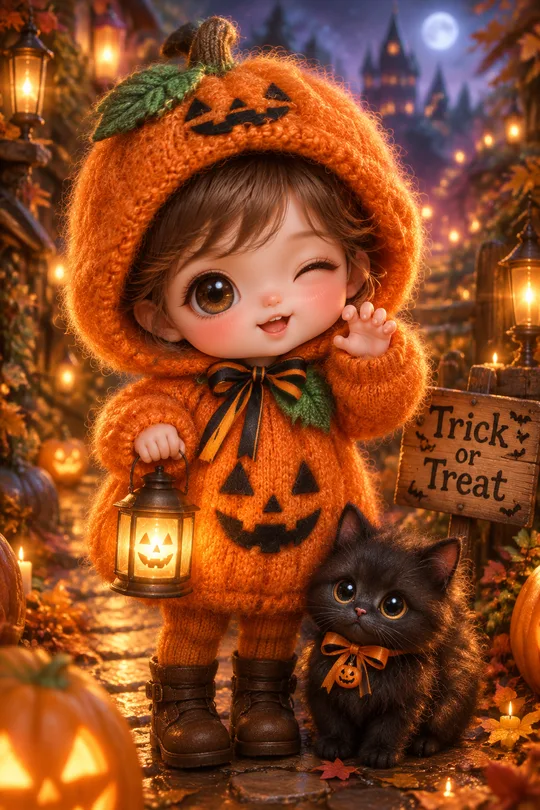
- 273My Child's Halloween Photoshoot — Knitted Pumpkin, Little Ghost or Black Cat Costume
- 270Me and My Pet Neon Circle Profile — Fur Hood, Pet and One Color Theme

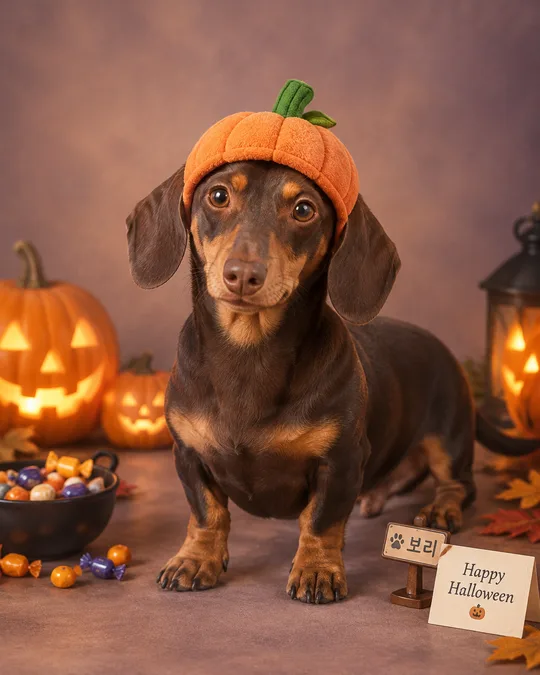
- 260My Pet's Halloween Costume Photo — Pumpkin Hat, Witch Cape or Bat Wings
- 259My Photo as a Halloween Costume 3D Character — Witch, Vampire or Pumpkin Prince

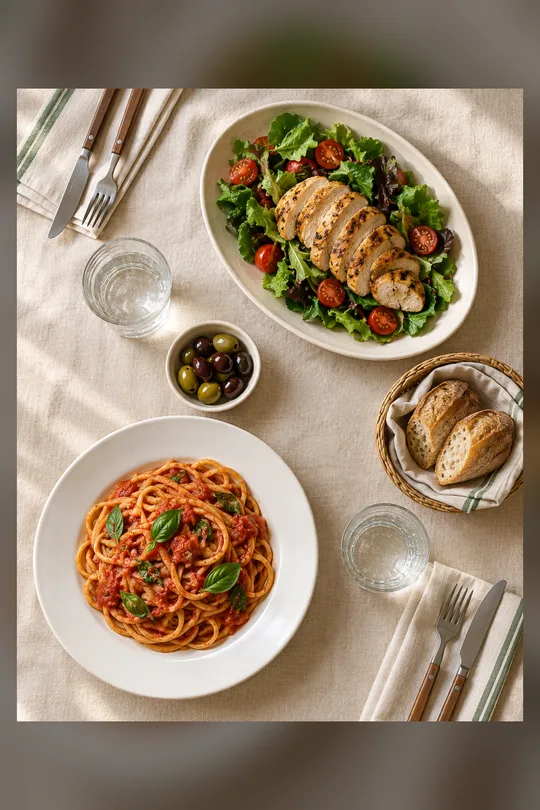
- 245Two-Person Table Flat Lay
- 244Textless Food Magazine Photo
How to use it · FAQ
When to use it
Inside a white post card held in a hand, you stretch your leg and your sneaker bursts out of the card toward the viewer. With your ID, caption and like count on it, it looks like you printed your own post and are holding it up. It's the kind of picture that makes people ask "how did you make this?", great as a first feed post.
Filling in the fields
Just enter your ID. Leave the rest empty for the example caption, likes, place, outfit and sneaker color. The post design is neutral and doesn't imitate any real app, and the sneakers carry no brand logos.
Adding your photo (optional)
Without a photo, a fictional person is drawn, like the cover. To make it look like you:
- Upload a clear photo — don't send yet
- Paste the copied prompt into the same message box
- Check that both are there, then send
What to check
- Are the ID, caption and like count exact?
- Does the sneaker clearly break out of the card's edge?
- No brand logos on shoes or clothes?
Fixing what's off
Ask in the same chat: "Bring the sneaker further forward", "Change only the caption".