
All · Social posts · Memes
089Photo Drawing Diary
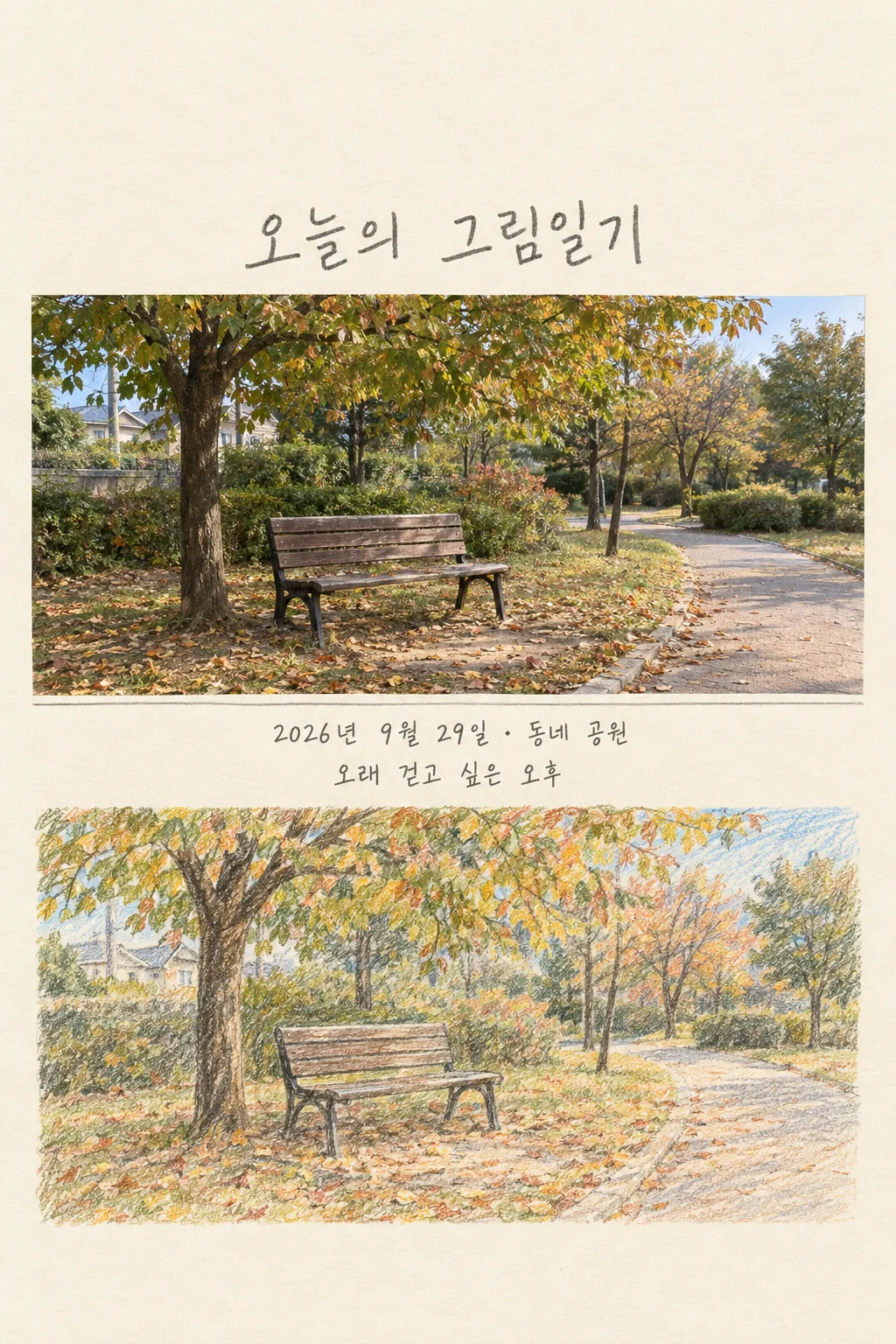
Turn one personal photo into a single post with the real moment above and its colored-pencil drawing below.
Fill in the fields
- 1Fill in the fields
- 2Copy the prompt
- 3Paste it into a GPT chat
- 4To use a photo, upload it together with the prompt Optional
Full prompt 1,814 characters
Generate this image now. Draw it directly; do not describe it or ask for another step.
Output size 2480x3508 pixels, A4 portrait, 300dpi, print-ready poster.
Create exactly ONE complete English photo drawing diary page for an Instagram or Threads post. The user attaches ONE photo and this prompt in the same message. The photo date is "【Photo date】", the diary place is "【Place】", and the caption is "【One-line caption】". If no photo is attached, request it instead of inventing a memory. Use the uploaded image as the only visual source for people, clothing, objects, buildings and weather. Preserve recognizable faces and the number of people. The user's place is a label, not a reason to replace the photographed scene.

Make a single vertical, full-bleed ivory paper page. In its upper middle, render the supplied photo faithfully. Below it, draw THE SAME scene by hand with imperfect colored-pencil strokes, crayon texture and paper grain. The two regions form one finished image, not two files or a collage of unrelated scenes. Leave the entire top 20% blank and place the large readable handwritten title "A day in pictures" below that margin. Put "【Photo date】 · 【Place】" and the one-line caption, once each, in a quiet cream band BETWEEN the photo and colored-pencil drawing. Never place any text below the drawing. If the caption is "Choose for me", silently choose a short sentence grounded only in visible details; do not print those instruction words. Keep all lettering away from the top 12% and bottom 15% reserved for site overlays. Use gentle colors from the actual source photo and graphite-like handwriting that remains readable on a phone. No invented people, pets, action, emotion, quotation, landmark, logo, date, weekday or weather claim. No phone mockup, code, crop instructions, second slide or extra image. Deliver the ready-to-share single image now.
You may also like


How to use it · FAQ
Upload a photo first without sending it, paste the prompt into the same message, then send both together. Check the result before publishing, especially if another person appears in the image.