
All · Social posts · Tips & facts
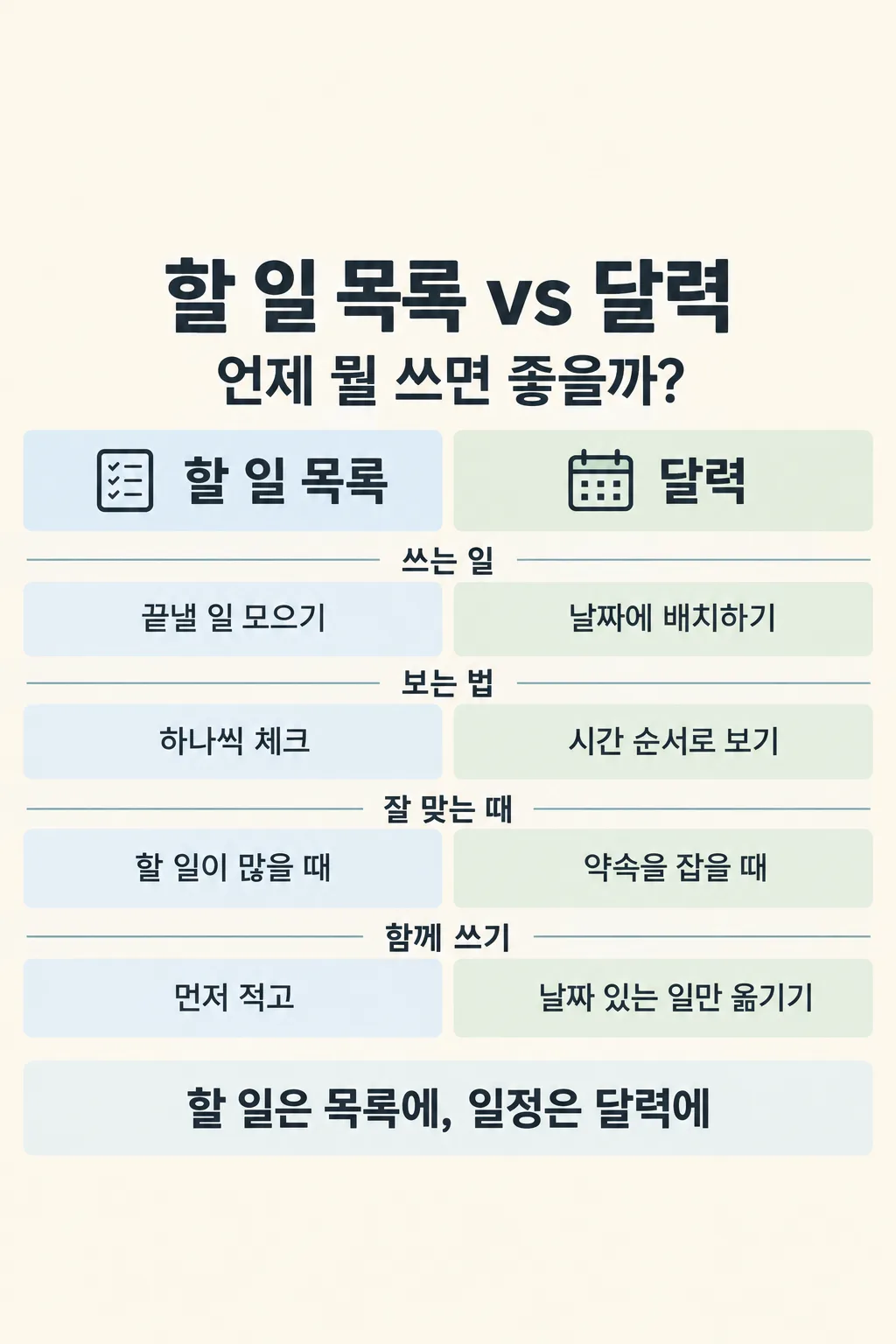
084Side-by-Side Choice Card
Put two real alternatives in matching columns on one useful image for a social post.
Fill in the fields
- 1Fill in the fields
- 2Copy the prompt
- 3Paste it into a GPT chat
- 4To use a photo, upload it together with the prompt Optional
Full prompt 1,485 characters
Generate exactly ONE finished vertical side-by-side comparison image now. Draw it directly; no code, slides, crop plan or follow-up step.
Output size 2480x3508 pixels, A4 portrait, 300dpi, print-ready poster.
Compare "【Option A】" and "【Option B】" for "【Audience】". Question: "【Comparison question】". Account signature: "【Account name】". If the question is "Choose for me", write one concise useful question without printing those instruction words. If the audience or account is blank, omit that detail.
Quietly choose 4 to 6 criteria that genuinely apply to BOTH alternatives. For factual, technical, current, health, money or legal claims, browse and open authoritative original sources. Verify scope, date, place and conditions. Do not invent data or imply a universal winner. If the two items work together, say so. If verification is unavailable, do not draw misleading claims.
Make one complete 2:3 portrait editorial chart: large title naming both alternatives, a short question, equal-width A and B column headers, 4 to 6 paired horizontal rows, and one conditional takeaway. Each row compares the same criterion at the same level of detail. Put a small accurate source credit only for sources actually used and give direct links in chat after the image if research was needed. Keep essential text away from the top 12% and bottom 15%; use mobile-readable English, restrained subject-appropriate color, thin dividers and small original icons. No second image, logo, copied template, invented statistics, tiny text, phone mockup or watermark.
You may also like





How to use it · FAQ
Enter two alternatives a reader might genuinely choose between. Check both sides of every row and any cited conditions before posting.