

All · Ads & posters · Hours & closures
430Shop Closure Story
Share exact closure dates and reopening times in one finished story.
ChatGPT Free OK
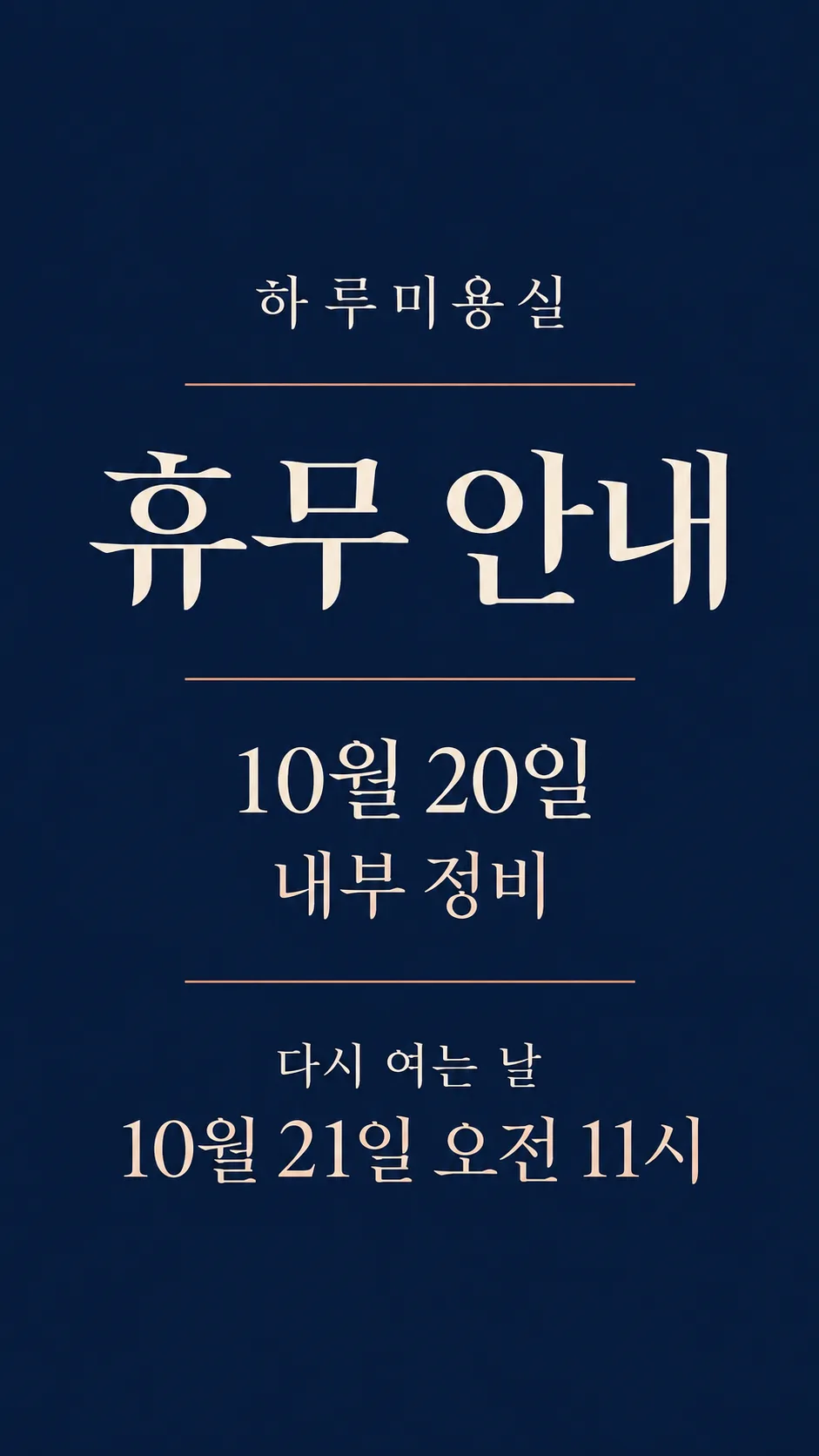
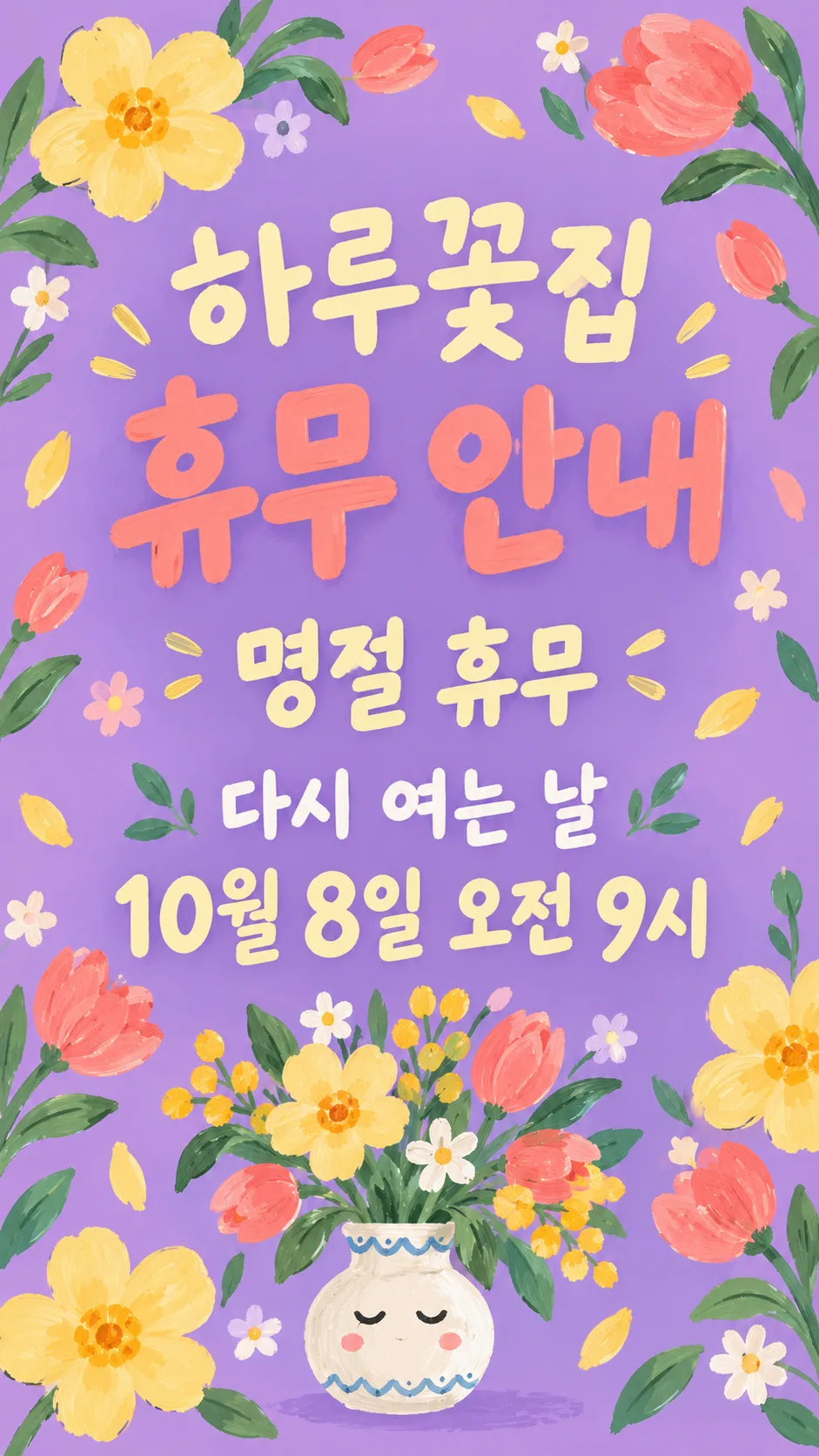
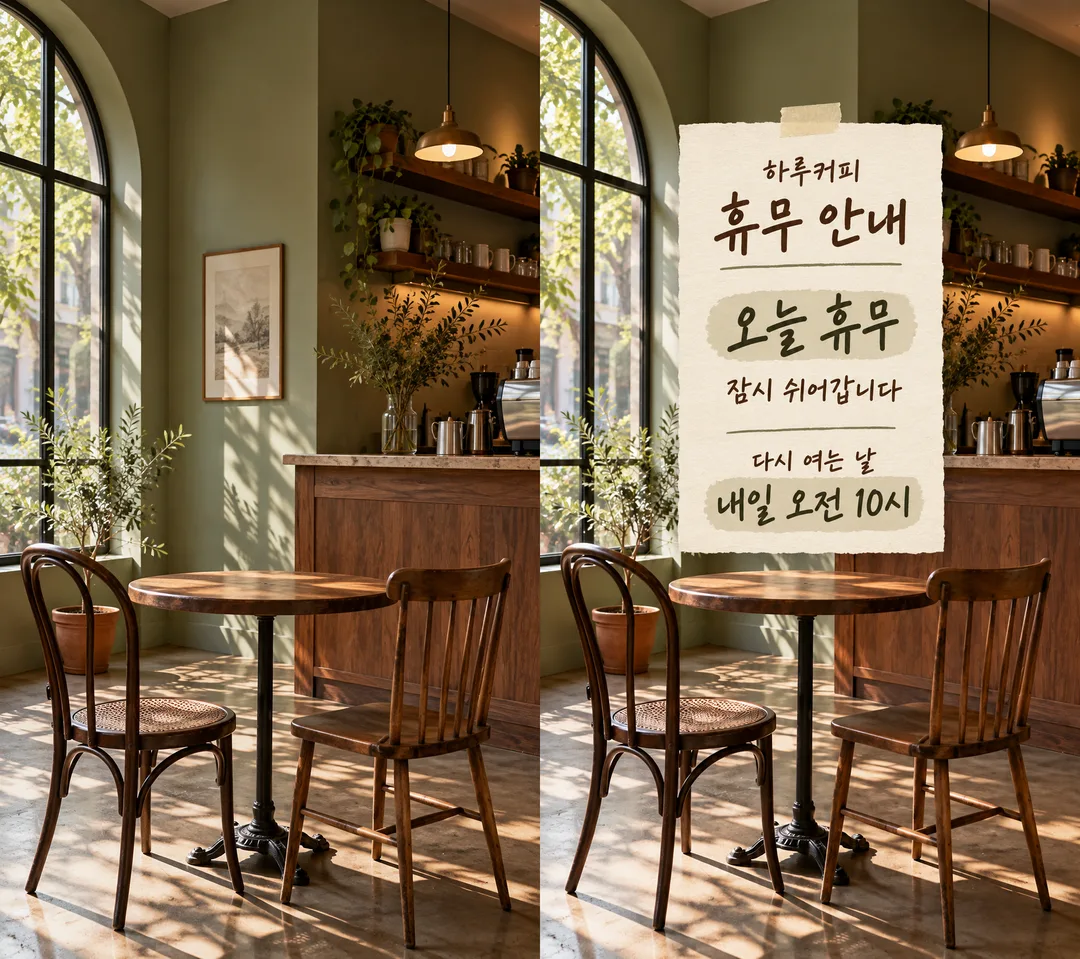
Fill in the fields
- 1Fill in the fields
- 2Copy the prompt
- 3Paste it into a GPT chat
- 4Send it as is and you get an image like the thumbnail example
- 5Attach Shop photo (optional) with the prompt and your photo is used in the result Optional
Full prompt 3,148 characters
Generate this image now. Draw it directly; do not explain or ask questions.
Output size 1080x1920 pixels, 9:16 portrait story. Keep all text inside the central 80% of the height.
Create ONE finished full-bleed store closure story; default portrait 9:16. No collage, phone mockup or instruction labels. Language of fixed labels: English.
Photo: use only the image attached in the same message, if any; never print text about it or fetch an image URL.
PHOTO RULE: With a photo attached, preserve the original photo framing, objects, colors and lighting unchanged wherever visible. Overlay the notice; do not redraw, restyle or retouch the photo. Keep recognizable shop details visible. With no photo, never ask or stop; make a finished background matching the mood, without inventing a photographic shop.
Shop name, verbatim: "【Shop name】"
Headline, exactly once: "Closure notice"
Closure dates, verbatim and prominent: "【Closure dates】"
Reason, verbatim: "【Reason】". If blank, omit its entire line and close the space; no replacement text.
Reopening label: "Reopening"
Reopening details, verbatim: "【Reopening】". This single field includes any supplied date and time. If blank, omit label and details together.
Never infer, calculate, translate or normalize a user date, weekday, holiday, relative date or time. Add a weekday ONLY when the user wrote it. Do not turn 'today' or 'tomorrow' into a calendar date. Do not invent opening hours. Optional empty shop name or closure dates must disappear, never invent replacements.
Mood: "【Mood】". Choose exactly the selected mood, default "Handwritten memo".
- Handwritten memo: warm cream textured handwritten stationery with dark olive ink and tiny tape; without a photo, paper fills the whole canvas, not a small card on a tabletop. With a photo, add a readable memo over it.
- Clean minimal: restrained navy and ivory typography with thin copper rules; without a photo, color fills canvas; with a photo use a compact opaque typographic panel.
- Cute illustration: cheerful lilac, butter-yellow and coral gouache botanical illustration and a small original expressive vase; without a photo fill canvas; with a photo confine decoration to the overlay.
Hierarchy: large headline; large closure dates; shop name; optional short reason; clearly readable reopening details. Keep essential text within 12–85% of canvas height, safe margins and generous line spacing. Decorations must not touch lettering. Adapt spacing to the chosen ratio while keeping all text.
Render only the stated fixed labels and supplied field values, each once. Inspect every letter and digit before finishing. No extra slogans, made-up dates, numbered calendars, logos, real brands, known characters, famous-person likenesses, branded product designs, watermark or verification notes. Use original abstract decoration. Output only the single finished image.

[Final output format]
Output size 1080x1920 pixels, 9:16 portrait story. Keep all text inside the central 80% of the height.
This selected output format takes priority over any fixed canvas size or aspect ratio elsewhere in this template. Adapt the composition, text zones and margins to the selected canvas without stretching or cropping essential content. Device safe areas apply only when a device is selected. Never print these format instructions on the image.
How did it turn out?
You may also like

How to use it · FAQ
Create one vertical story to tell customers when your shop is closed and when it reopens. The three required fields are Shop name, Closure dates and Reopening. Put both the day and time in Reopening when you know them. Leave Reason empty to remove that entire line. The photo is optional: attach it and paste the copied prompt into the same message in your image tool. The notice is placed over the original photograph, preserving its framing and colors. With no photo, the chosen mood supplies the finished background.
Choose Handwritten memo for a warm personal notice, Clean minimal for a restrained announcement, or Cute illustration for a friendly colorful story. Closure dates can be a phrase such as “Closed today”, “Temporary closure” or “Holiday closure”. The prompt keeps the exact wording and does not infer a date or weekday. If reopening is unknown, write “To be announced”; a missing time is never invented. Check every digit, a.m./p.m. and shop-name letter before posting. If a letter is wrong, request a new image using the exact corrected string.
The comparison shows a fictional cafe photograph on the left and its memo overlay on the right. The two photo-free examples show a minimal salon notice and an illustrated florist notice with no reason line. The cover is a separate bookshop design. Use a photograph without third-party logos or recognizable people. Check the image service’s own fees and terms.
More use cases
These images were made with the earlier cards. The copyable prompt above keeps this card’s default result. To try a variation, attach the example after generating and request the specific change.
Today’s shop story
One full-screen daily shop update with a large headline and safe story margins.