
전체 · 광고/포스터 · 신메뉴·신상품
339스마트스토어 대표 이미지 — 흰 배경 상품 + 특징 배지 3개 + 옵션 미리보기
상품 사진 한 장과 특징 세 가지를 적으면, 상품이 크게 보이고 옆에 특징 배지 3개, 아래 색상 · 구성품 미리보기가 붙은 대표 이미지가 돼요.
받는 것
- 1:1 상품 대표 이미지 한 장
- 특징 배지 3개(아이콘 + 짧은 글)
- 아래 색상 , 구성품 미리보기
ChatGPT 무료 OK
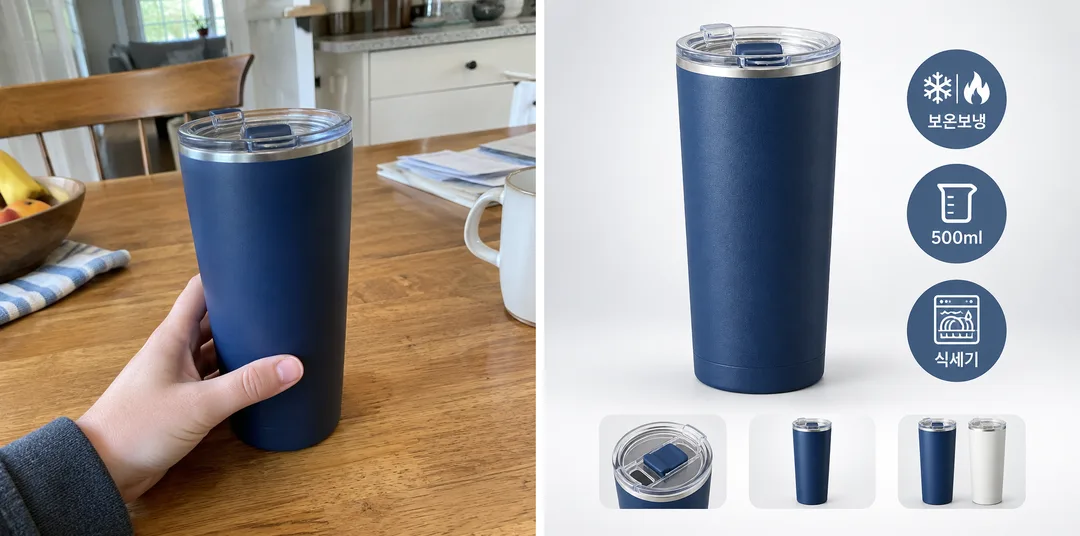
칸 채우기
- 1칸을 채워요
- 2복사 버튼을 눌러요
- 3GPT 채팅창에 붙여넣어요
- 4그대로 보내면 썸네일 예시처럼 나와요
- 5상품 사진 한 장 (선택)을 같이 넣으면 그 사진이 반영돼요 선택
프롬프트 원문 보기 3,124자
Generate this image now. Draw it directly - do not describe it, explain it, or ask questions.
Output size 1080x1080 pixels, 1:1 square card. Keep the same top-to-bottom order but compress the zones to fit the square: the illustration becomes smaller and every text line stays fully readable.
The intended card format is 1:1; use the requested canvas size.

Create one polished Smart Store product listing image with realistic studio product photography and compact ecommerce graphics. The hero product visibly fills roughly 60 percent of the canvas, with a large crisp silhouette. Use a bright light-gray gradient background and floor with a soft grounded contact shadow. Place exactly three round feature badges beside the product, each containing one simple icon and one short Korean label of 2–4 characters. Along the bottom, add 2–3 small unlabeled previews of included components and/or color options. These are supporting elements within one listing image; the hero stays dominant. Make the full composition balanced and readable at thumbnail size.

SELECTION selected: "【배치】"
Interpret only the selected choice:
- 상품 왼쪽: Hero product at left; three round badges in a vertical column at right; previews along the bottom.
- 상품 가운데: Hero centered slightly left of canvas center, leaving room for three round badges beside it; previews along the bottom.
- 상품 오른쪽: Hero product at right; three round badges in a vertical column at left; previews along the bottom.
If missing or empty, use 상품 왼쪽 only.

FEATURES written by the seller: "【특징】"
Split this line at · or , into exactly three short labels and print each label exactly as written, once, under a simple matching icon inside its round badge (e.g. 보온보냉 → snowflake and flame, 500ml → measuring cup, 식세기 → dishwasher). If the line is empty, use three unlabeled icon badges that match the product. No prices, ratings, sale stickers or certification marks. The three badge labels are the only visible words; no preview captions or product lettering.

[Attached photo]
Preserve the attached product geometry, color, texture, components and quantity. Preview only components and color options supported by the supplied photos. If no options or separate parts are supported, use 2–3 unlabeled detail previews of the same item instead. Never imply invented accessories or variants are included or available. Remove source lettering and logos. Without a photo, never ask or stop: use a generic unbranded tumbler, a common retail product. Show its fitted lid and two small fictional color-option previews of the same design as illustration examples.

Produce exactly one finished image. All artwork is original and unbranded. No company references, logos, recognizable commercial designs, existing fictional characters, watermarks or interface elements. Selection labels are instructions only. Render only the visible text explicitly authorized above. Keep hands, posture and animal anatomy natural.

[Final output format]
Output size 1080x1080 pixels, 1:1 square card. Keep the same top-to-bottom order but compress the zones to fit the square: the illustration becomes smaller and every text line stays fully readable.
This selected output format takes priority over any fixed canvas size or aspect ratio elsewhere in this template. Adapt the composition, text zones and margins to the selected canvas without stretching or cropping essential content. Device safe areas apply only when a device is selected. Never print these format instructions on the image.
결과 어땠어요?
이 카드도 많이 사용해요
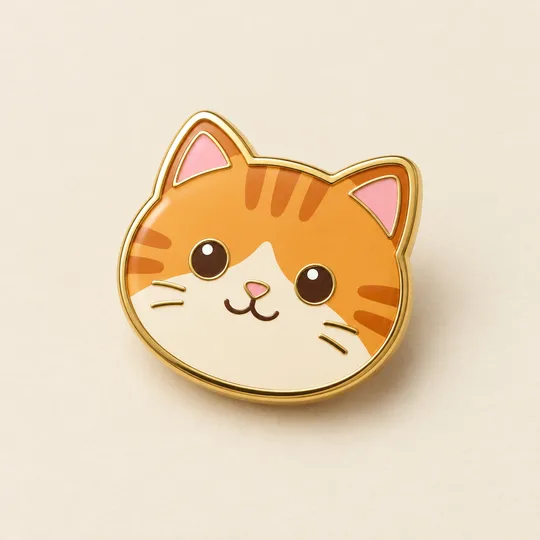
- 340에나멜 핀 굿즈 시안 — 우리 캐릭터 · 반려동물을 금테 핀으로
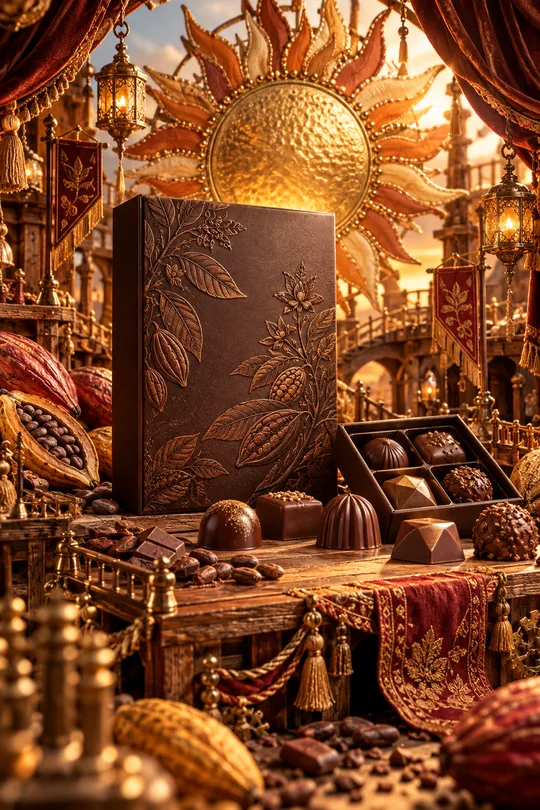
- 331미니어처 공방 상품 광고 — 우리 상품이 금속 장식 · 직물 · 작은 무대로 만든 수공예 세상 한가운데
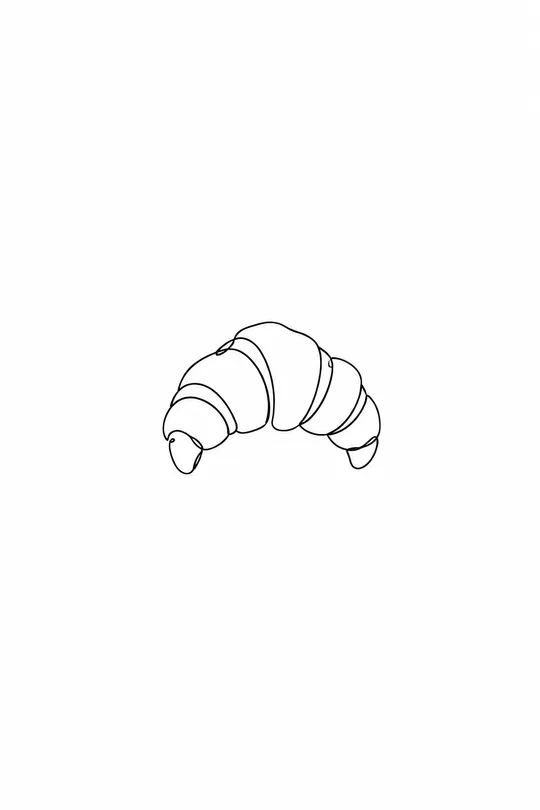
- 325음식 라인 아이콘 — 메뉴판 · 스티커 · 간판에 쓰는 깔끔한 선 아이콘
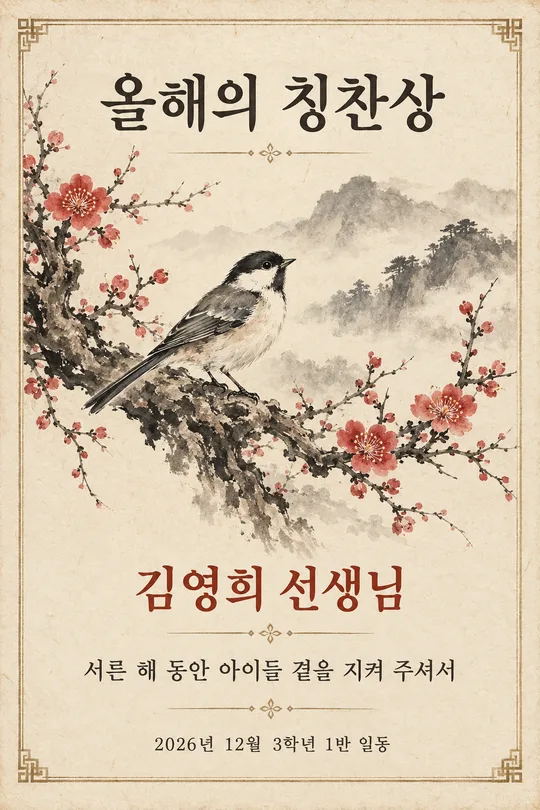
- 320수묵화 감사패 · 상장 — 매화 · 대나무 · 학 그림과 이름이 들어간 인쇄용 기념장 (스승의 날 · 퇴임 · 가족)
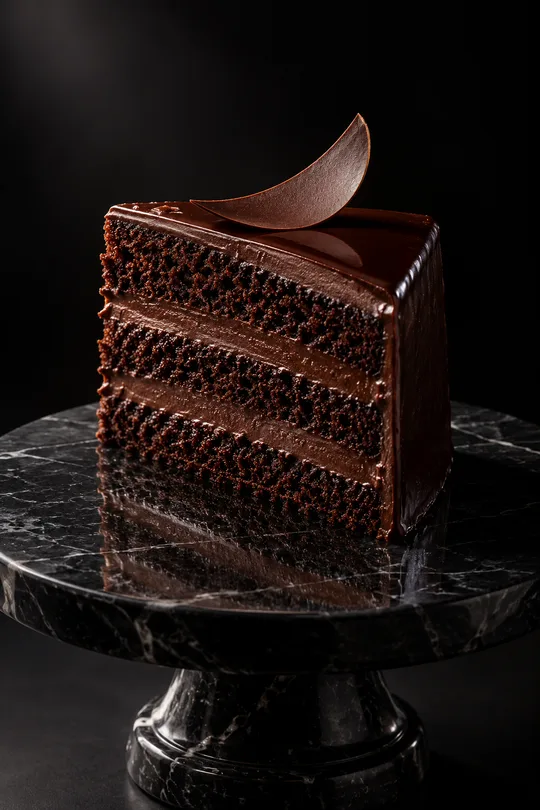
- 319다크 럭셔리 상품 사진 — 검은 스튜디오에서 한 줄기 빛을 받는 디저트 · 와인 · 향수 광고컷
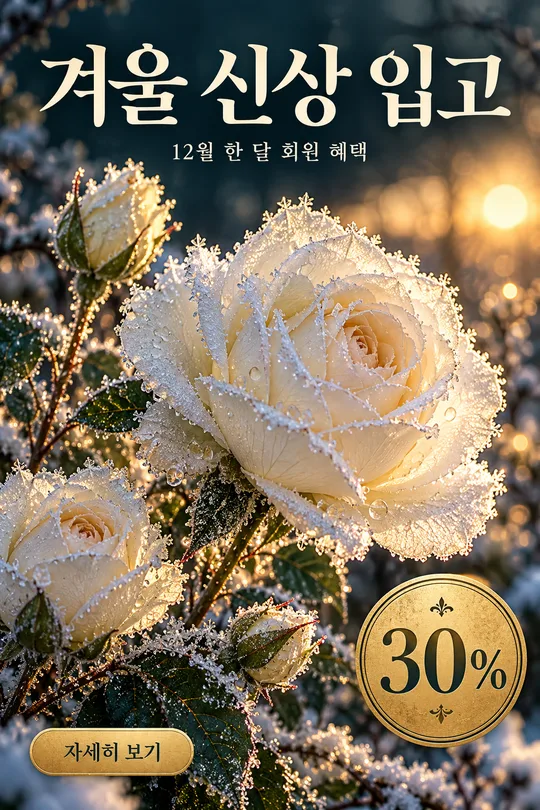
- 316겨울 꽃 홍보 포스터 — 서리 내린 꽃 클로즈업 위 가게 신상 · 회원 혜택 안내
쓰는 법 · 자주 묻는 것
이런 때 쓰세요
스마트스토어 · 쿠팡에 올릴 대표 이미지를 빨리 만들고 싶은 사장님께. 해외 프롬프트 판매 사이트의 쇼핑몰 상품 이미지 형식이에요.
칸 채우는 법
특징은 우리 상품에 맞는 사실만 짧게 세 개, 「·」로 나눠 적어요(예: 보온보냉 · 500ml · 식세기). 사실과 다른 특징은 허위 표시가 될 수 있어요. 2~5자일수록 글자가 깨끗해요.
내 사진을 넣을 때
① 상품 사진 한 장을 올립니다 — 아직 보내지 않아요
② 같은 칸에 복사한 프롬프트를 붙여넣어요
③ 둘 다 들어간 걸 확인하고 보내요
그림이 나오면 꼭 볼 것
- 상품 모양 · 색 · 구성품이 실제와 같은지 꼭 보세요. 없는 색상이나 구성품이 생겼으면 「사진에 있는 것만」이라고 말하세요.
예시 보는 법
목록 표지는 사진 없이 프롬프트만으로 낸 결과예요. 사진 없이도, 내 사진으로도 쓸 수 있어요.