
All · Infographics & guides · How-to guides · Store notices
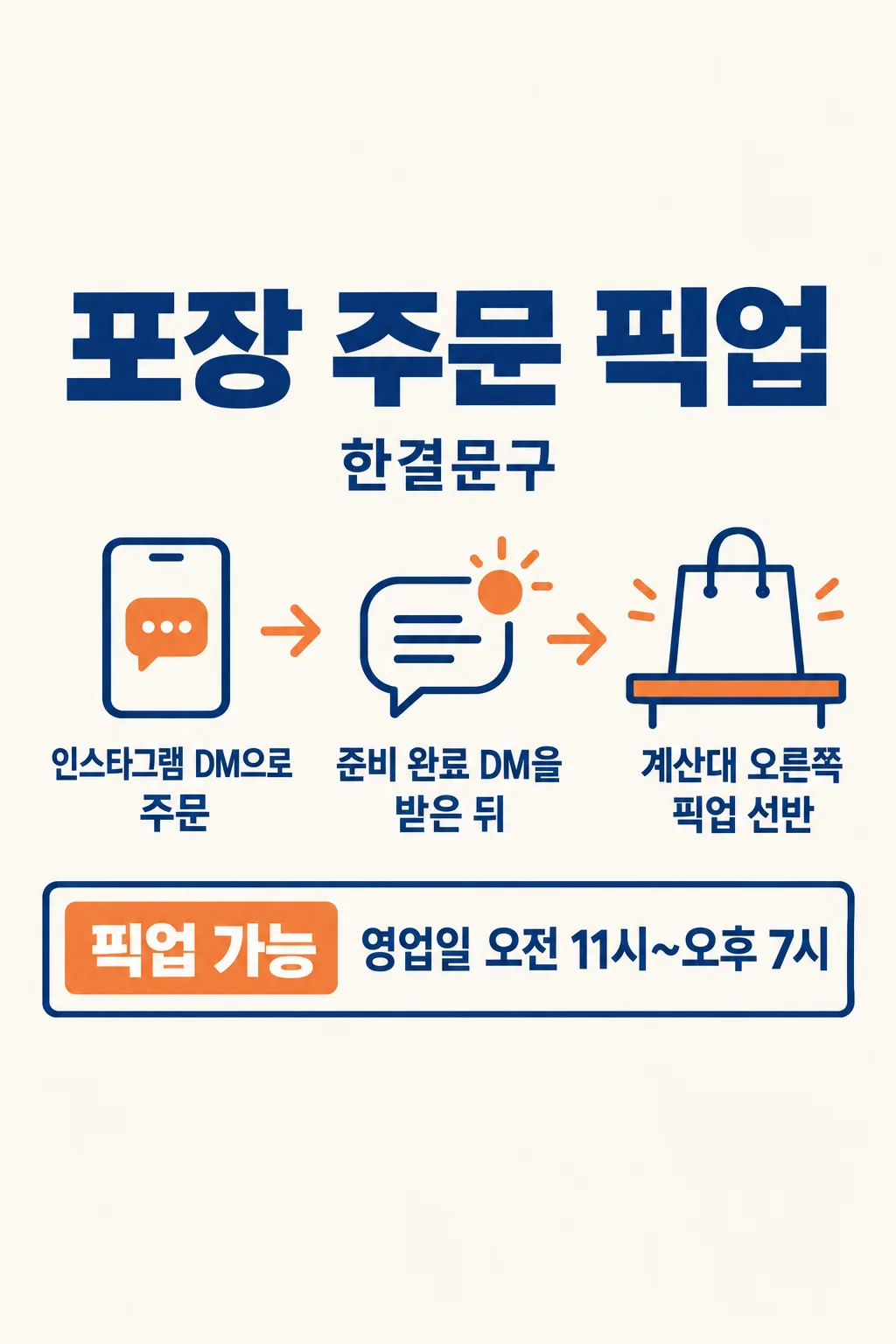
086Takeaway Pickup Guide
Show customers how to order, when to come and where to collect in one shop notice.
Fill in the fields
- 1Fill in the fields
- 2Copy the prompt
- 3Paste it into a GPT chat
- 4To use a photo, upload it together with the prompt Optional
Full prompt 1,201 characters
Generate exactly ONE finished vertical Korean-style shop pickup notice now, in English. Draw it directly without code, slides, crops or a follow-up step.
Output size 2480x3508 pixels, A4 portrait, 300dpi, print-ready poster.
Use only the owner's actual operating details. Shop: "【Shop name】". Ordering route: "【How to order】". Collection point: "【Pickup point】". Collection hours: "【Pickup hours】". Arrival cue: "【When to arrive】". Optional line: "【Short line】". If the short line is "Choose for me", write one neutral brief courtesy line without printing those instruction words. Omit it if blank.
Make a full-bleed 2:3 image with a large "Takeaway Pickup" heading, a simple order → arrive → collect visual route, and large separate lines for the actual ordering route, arrival cue, pickup point and hours. A generic unbranded paper shopping bag can mark the pickup shelf. Keep all essential text inside the central area, away from the top 12% and bottom 15%. Use warm white, deep navy and muted orange with crisp mobile-readable type. Never invent a handle, number, waiting time, prepayment, minimum order, delivery, discount, opening day, product or brand. No food photo, app logo, fake QR code, phone mockup or watermark. Return one complete ready-to-use image.
You may also like
How to use it · FAQ
Enter the actual shop process and check every contact detail and hour before printing or posting.