
項目を入力
- 1項目を入力します
- 2コピーを押します
- 3GPTのチャットに貼り付けます
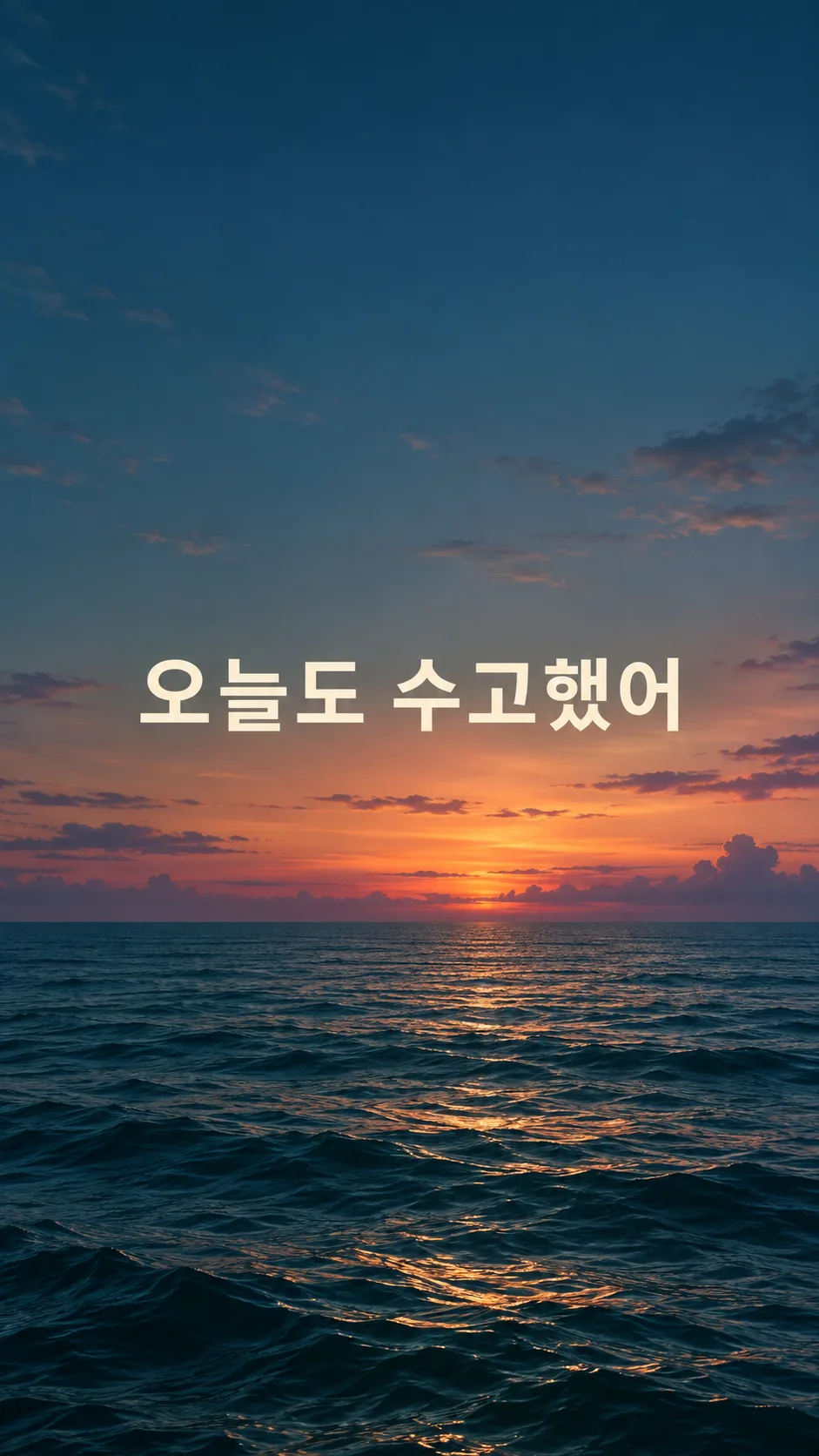
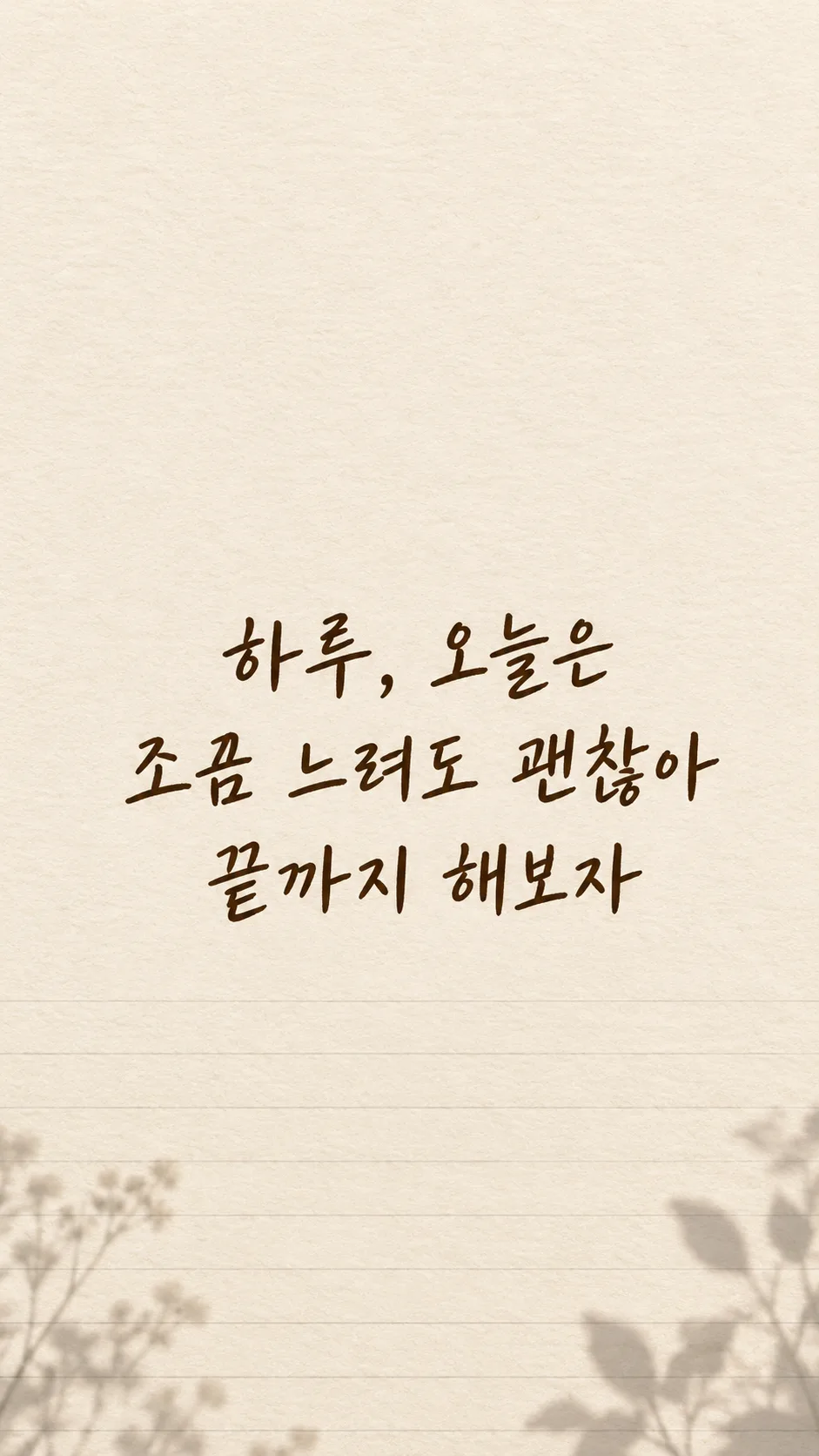
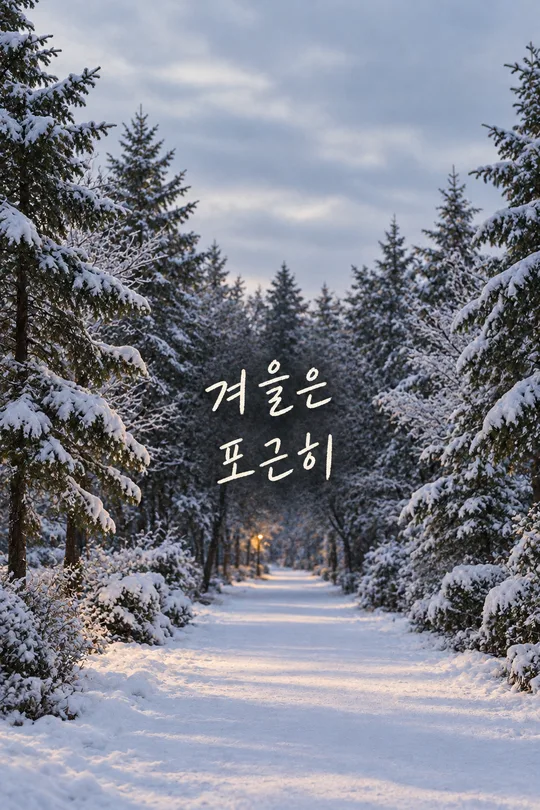
- 4そのまま送ると、サムネイルの例のような画像になります
- 5カードに合う実際の写真を一緒に入れると反映されます。背景カードなら背景の写真、人物・料理カードならその写真 任意
プロンプト全文を見る 3,591文字
Generate this image now. Draw it directly, without explanation or questions. Create exactly one finished personal-sentence phone lock-screen wallpaper at aspect ratio 出力サイズは1080×1920ピクセル、9:16の縦型にしてください。文字は中央の安全な範囲に収めてください。; default 9:16. The scene fills the entire flat canvas edge to edge. No phone, frame, app interface, mockup or collage.
Render the user's own sentence exactly once: "【自分の一文】". Preserve every character, space and punctuation mark. Do not translate, paraphrase, shorten, append a quote or invent an author. This is a personal sentence, never a famous-person quotation. If the required sentence is blank, request that sentence only; do not invent a replacement.
Lettering: "【文字】". Choose the selected family only: handwritten = friendly human handwriting with complete distinct strokes; brush lettering = graceful brush-pressure variation without obscuring characters; clean sans serif = open counters and balanced medium weight; flowing script = softly connected natural lettering, with all syllables and words still clearly distinguishable. These are lettering treatments of the same single wallpaper, not different result formats. If blank, use friendly handwriting.
Background: "【背景】". Use just the selected scene: clouds = airy blue and warm dawn clouds concentrated toward the lower edges; sea = quiet teal water in the lower third and subdued dusk sky; flowers = restrained soft original flower details near lower corners with open quiet center; notebook paper = full-canvas ivory paper fibers and subtle ruled lines near bottom, no separate sheet on a desk; stars = deep indigo night sky with sparse tiny stars away from the lettering and clock area. If blank, use clouds. Keep a calm unified soft matte atmosphere. Do not print the background or lettering labels.
Reserve the upper 25% entirely for a real lock-screen clock: continuous low-detail background, no text, no bright focal objects. Position the sentence centered across the middle-to-lower area, approximately 45–70% height. Keep bottom 16% free of text for controls and at least 9% side margins. Use strong clear contrast and generous spacing, without glowing text, outlines, opaque text boxes or heavy shadows. Avoid horizons, petals, stars or paper lines crossing glyphs.
The sentence is the dominant visual element. Keep individual characters large and legible on a phone. For a long sentence, arrange two to four balanced lines at natural phrase boundaries; line breaks may change but words and punctuation may not. Do not shrink into tiny type, clip letters or omit the end of the sentence. Adjust within the safe region to the chosen aspect ratio.
Before finishing, inspect the sentence character by character at enlarged size, including complex consonants, spaces, punctuation and any supplied numbers or weekdays. Correct damaged, duplicated, missing or substituted glyphs by regenerating before returning the image. Do not print verification notes. Render the supplied text in Japanese; do not add another language.
No extra title, subtitle, date, attribution, decorative quotation marks, signature, watermark, logo, trademark, real person, recognizable character or copied artwork. Use original backgrounds. No photo is needed. Return one complete wallpaper image only.

[Final output format]
出力サイズは1080×1920ピクセル、9:16の縦型にしてください。文字は中央の安全な範囲に収めてください。
This selected output format takes priority over any fixed canvas size or aspect ratio elsewhere in this template. Adapt the composition, text zones and margins to the selected canvas without stretching or cropping essential content. Device safe areas apply only when a device is selected. Never print these format instructions on the image.
結果はどうでしたか?
こちらのカードも人気です
使い方・よくある質問
自分の言葉を毎日の壁紙に
自分で書いた決意や、自分に伝えたい一文を大きく描くカードです。有名人の名言を探すのではなく、入力した言葉をそのまま残します。作者名や別の励ましを足しません。背景は画面の端まで広がり、スマホの模型や机に置いた小さなカードにはなりません。
欄の使い方
「自分の一文」だけが必須です。「ゆっくり、でも着実に」など、自分で選んだ言葉を書いてください。「Haru、今日は少し遅くても大丈夫。最後まで続けよう」のような長い一文も使えます。名前は文の中に書いた場合だけ表示します。空欄なら言葉を勝手に作らず、入力を求めます。
文字は手書き・筆文字・すっきりしたゴシック・流れる筆記体から選べます。手書きは親しみやすい線、筆文字は太さの変化、ゴシックは読みやすい形、筆記体は流れる線を使います。空欄なら手書きです。背景は雲・海・花・ノートの紙・星から一つ選びます。花や星は文字の周囲を避け、紙の質感は画面全体に描きます。空欄なら雲です。
共通のサイズ選択は9:16が初期値です。写真は不要です。完成したプロンプトを一度コピーして画像AIに貼り付けると、一枚の壁紙を作ります。外部サービスの料金や規約はそのサービスで確認してください。
保存する前の確認
文字を拡大し、入力した一文と一文字ずつ比べてください。句読点、空白、濁点、文の最後まで確認します。長い文は自然な区切りで二〜四行になりますが、言い換えや省略はしません。上25%は時計のために文字を入れず、下16%は操作ボタンのために空けます。時計や通知の位置は端末によって違うので、実際のロック画面で重なりを確認してください。
誤字があれば同じ会話で正しい一文を示し、その文字を直すよう頼んでください。通知と重なれば、下のボタンより上に残しながら文字を少し下へ動かすよう頼みます。直した画像も保存前にもう一度読みます。
よくある質問
名前を入れられますか。文にHaruを書けばその部分も描きます。名前専用の欄はありません。文を選んでもらえますか。このカードは自分の文を保つため、必須欄が空なら入力を求めます。長くても使えますか。自然に改行できますが、毎日読みやすい一つの思いにまとめると使いやすくなります。著者名、二つ目の文、時計、アプリ画面は足しません。