
All · Wallpapers · Quotes & mood
404My Daily Affirmation Wallpaper
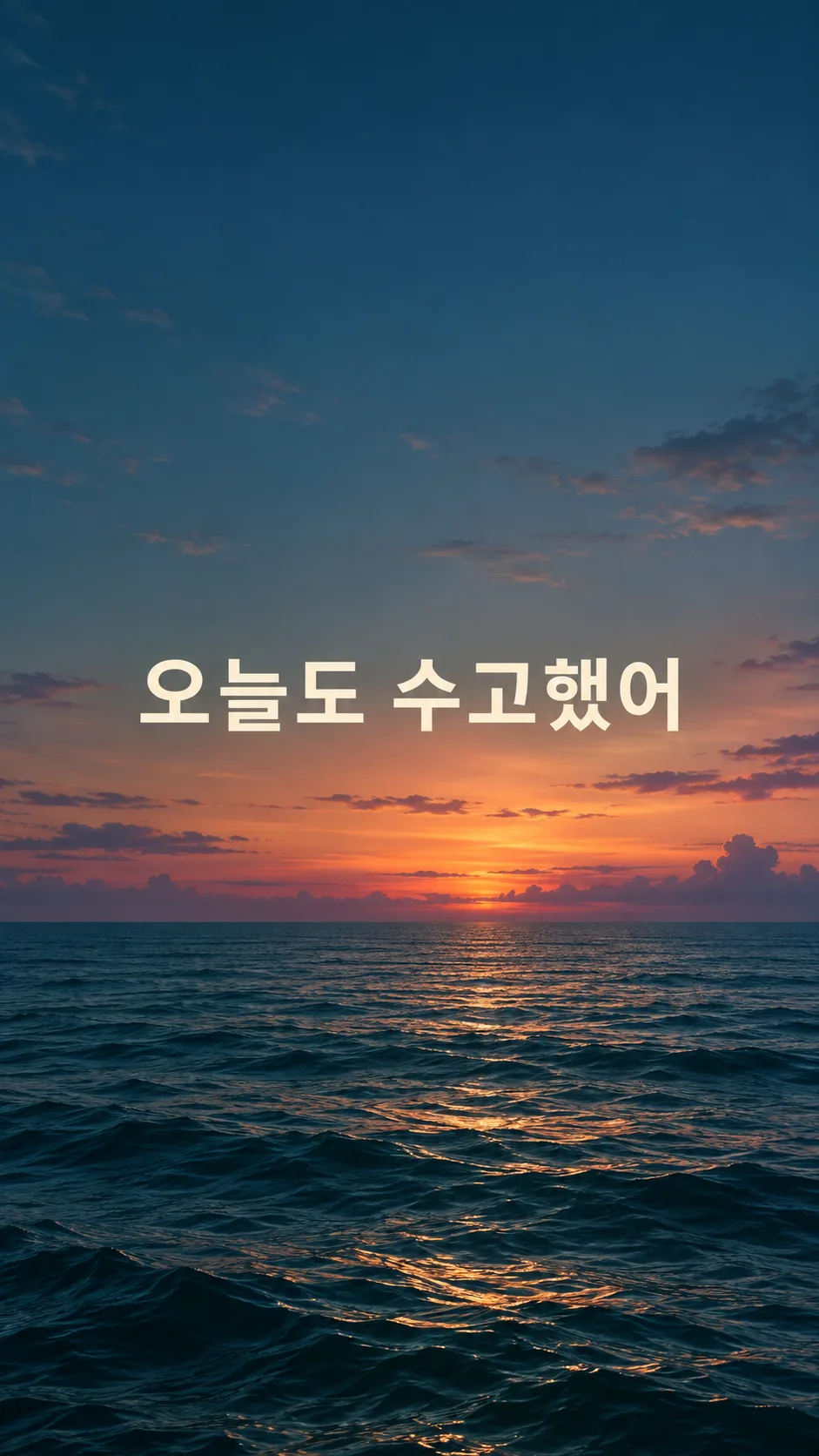
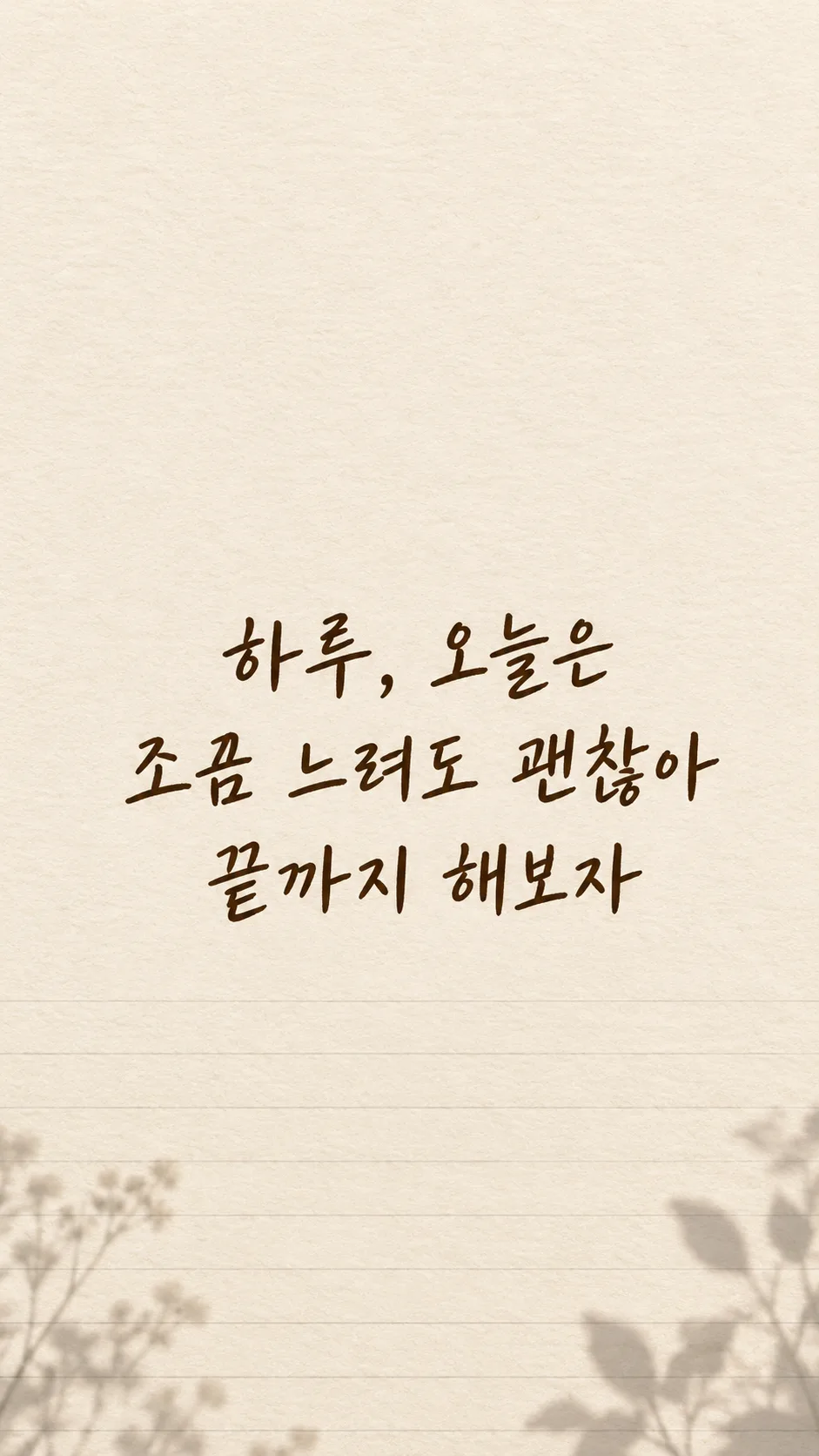
Turn your own sentence into a calm lock-screen wallpaper with large lettering and space for your clock.
Fill in the fields
- 1Fill in the fields
- 2Copy the prompt
- 3Paste it into a GPT chat
- 4Send it as is and you get an image like the thumbnail example
- 5Attach a real photo that fits the card and it is used in the result: a background photo for background cards, a person or food photo for those cards Optional
Full prompt 3,613 characters
Generate this image now. Draw it directly, without explanation or questions. Create exactly one finished personal-sentence phone lock-screen wallpaper at aspect ratio Output size 1080x1920 pixels, 9:16 portrait story. Keep all text inside the central 80% of the height.; default 9:16. The scene fills the entire flat canvas edge to edge. No phone, frame, app interface, mockup or collage.
Render the user's own sentence exactly once: "【Your sentence】". Preserve every character, space and punctuation mark. Do not translate, paraphrase, shorten, append a quote or invent an author. This is a personal sentence, never a famous-person quotation. If the required sentence is blank, request that sentence only; do not invent a replacement.
Lettering: "【Lettering】". Choose the selected family only: handwritten = friendly human handwriting with complete distinct strokes; brush lettering = graceful brush-pressure variation without obscuring characters; clean sans serif = open counters and balanced medium weight; flowing script = softly connected natural lettering, with all syllables and words still clearly distinguishable. These are lettering treatments of the same single wallpaper, not different result formats. If blank, use friendly handwriting.
Background: "【Background】". Use just the selected scene: clouds = airy blue and warm dawn clouds concentrated toward the lower edges; sea = quiet teal water in the lower third and subdued dusk sky; flowers = restrained soft original flower details near lower corners with open quiet center; notebook paper = full-canvas ivory paper fibers and subtle ruled lines near bottom, no separate sheet on a desk; stars = deep indigo night sky with sparse tiny stars away from the lettering and clock area. If blank, use clouds. Keep a calm unified soft matte atmosphere. Do not print the background or lettering labels.
Reserve the upper 25% entirely for a real lock-screen clock: continuous low-detail background, no text, no bright focal objects. Position the sentence centered across the middle-to-lower area, approximately 45–70% height. Keep bottom 16% free of text for controls and at least 9% side margins. Use strong clear contrast and generous spacing, without glowing text, outlines, opaque text boxes or heavy shadows. Avoid horizons, petals, stars or paper lines crossing glyphs.
The sentence is the dominant visual element. Keep individual characters large and legible on a phone. For a long sentence, arrange two to four balanced lines at natural phrase boundaries; line breaks may change but words and punctuation may not. Do not shrink into tiny type, clip letters or omit the end of the sentence. Adjust within the safe region to the chosen aspect ratio.
Before finishing, inspect the sentence character by character at enlarged size, including complex consonants, spaces, punctuation and any supplied numbers or weekdays. Correct damaged, duplicated, missing or substituted glyphs by regenerating before returning the image. Do not print verification notes. Render the supplied text in English; do not add another language.
No extra title, subtitle, date, attribution, decorative quotation marks, signature, watermark, logo, trademark, real person, recognizable character or copied artwork. Use original backgrounds. No photo is needed. Return one complete wallpaper image only.

[Final output format]
Output size 1080x1920 pixels, 9:16 portrait story. Keep all text inside the central 80% of the height.
This selected output format takes priority over any fixed canvas size or aspect ratio elsewhere in this template. Adapt the composition, text zones and margins to the selected canvas without stretching or cropping essential content. Device safe areas apply only when a device is selected. Never print these format instructions on the image.
How did it turn out?
You may also like
How to use it · FAQ
A reminder in your own words
Make a lock-screen wallpaper from a sentence you wrote yourself. This card preserves your wording instead of choosing a quotation or assigning an author. The scene fills the entire canvas, so the result is a flat image ready to save, with no phone mockup or separate poster on a desk.
Fill the fields
Your sentence is the only required field. Try “Slowly, but steadily” or a longer personal note such as “Haru, a slower day is okay. Keep going to the end.” A name appears only when it is part of your sentence. Leaving the sentence empty asks you for the missing words rather than inventing them.
Lettering offers handwriting, brush lettering, clean sans serif and flowing script. Choose how your own words should feel; the wallpaper format stays the same. An empty lettering field uses handwriting. Background offers clouds, sea, flowers, notebook paper and stars. Flowers and stars stay away from the text; paper texture fills the canvas rather than appearing as a separate sheet. An empty background field uses clouds.
The shared size selector defaults to 9:16. No photo is needed. Copy the filled prompt once into an image AI to receive one finished image. Check that service’s fees and terms there.
Check the result
Enlarge the sentence and compare every letter, space and punctuation mark with your input. Long sentences may wrap into two to four lines; wrapping must never delete or rewrite your words. Look especially at apostrophes, doubled letters and the final word. The upper 25% stays free of text for your clock, and the bottom 16% remains clear for controls. Preview the wallpaper on your actual phone because clocks and notifications vary.
If a letter is wrong, reply in the same conversation with the exact sentence and ask to correct the affected lettering while preserving the scene. If notifications cover the words, request a lower placement above the bottom controls. Save the corrected result and check it again.
Common questions
Can I add my name? Include Haru within your sentence; there is no separate name field. Can the card choose a quote? No: a missing sentence triggers a request for your own words. Can I use a long sentence? Yes, with natural wrapping and readable letters, though a single concise thought is easier to see each day. No author, second quote, clock or app interface is added to the image.