

전체 · SNS/카드뉴스 · 신메뉴 소개
461상품 특징 인포그래픽 — 사진 둘레에 핵심 특징
상품 사진은 그대로 두고, 적어 둔 특징을 아이콘과 짧은 문구로 한 장에 정리해요.
받는 것
- 상품 사진 중심의 인포그래픽 한 장
- 입력한 특징만 담은 아이콘과 설명
- 선택한 분위기에 맞춘 배경과 글자
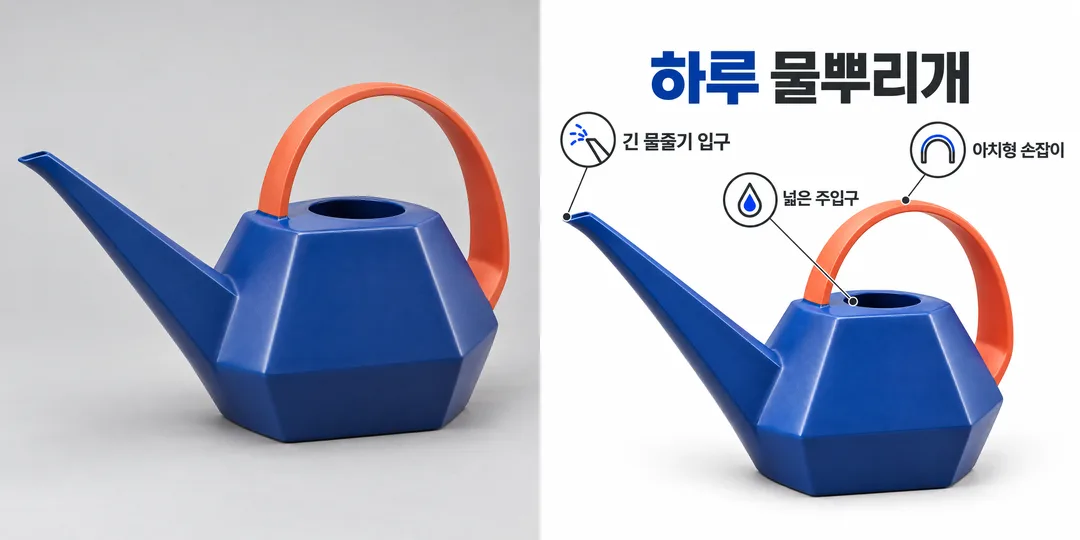
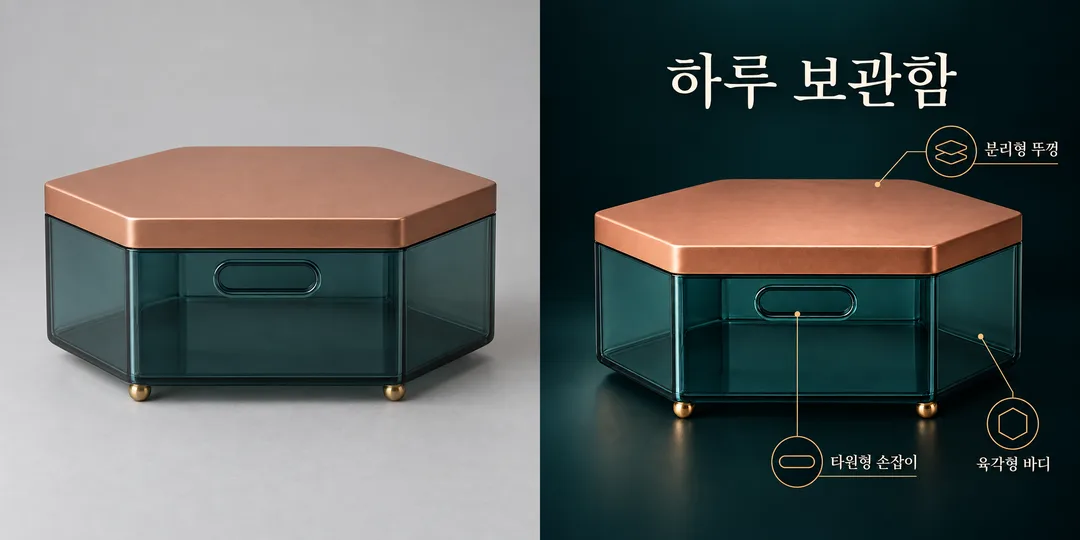
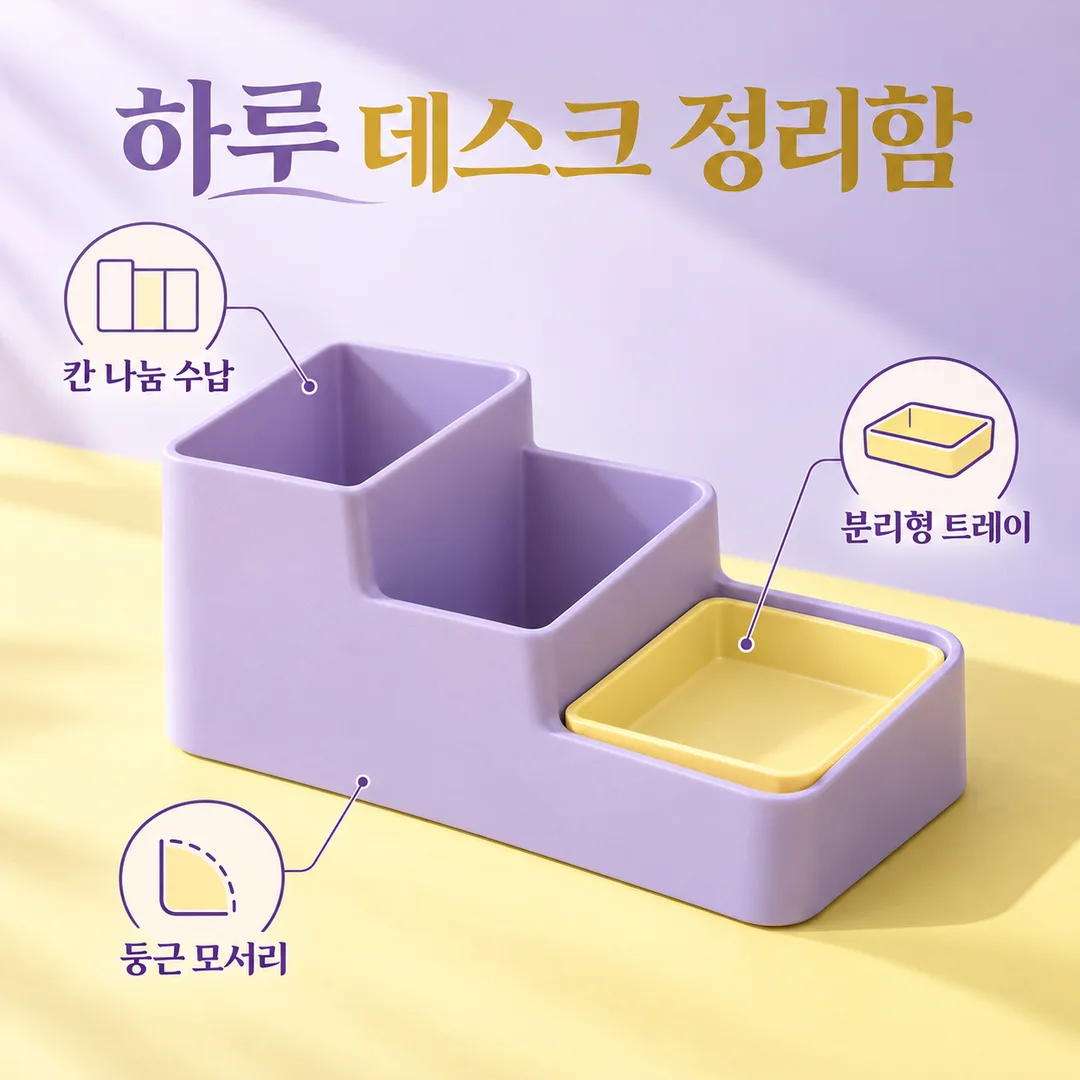
칸 채우기
- 1칸을 채워요
- 2복사 버튼을 눌러요
- 3GPT 채팅창에 붙여넣어요
- 4그대로 보내면 썸네일 예시처럼 나와요
- 5상품 사진 한 장 (선택, 프롬프트와 함께 첨부)을 같이 넣으면 그 사진이 반영돼요 선택
프롬프트 원문 보기 2,831자
Generate this image now. Draw it directly - do not describe it, explain it, or ask questions.
Output size 1080x1080 pixels, 1:1 square card. Keep the same top-to-bottom order but compress the zones to fit the square: the illustration becomes smaller and every text line stays fully readable.

Create ONE full-bleed product feature infographic for a social post. One large photorealistic product at the center occupies about half the canvas; arrange 3–5 small clear outline icons and short labels around it, with thin noncrossing leader lines. No collage, comparison panel, mockup frame or extra output. Keep every label readable and separated from the product.
Product name: "【상품 이름】"
Features, one per line (also accept slash-separated entries): "【특징】"
Mood: "【분위기】"
깔끔 화이트: white background and charcoal type; 다크 프리미엄: near-black background and ivory type, restrained brass lines; 파스텔: lilac and butter yellow with plum type. Empty mood defaults to 파스텔.

[Attached photo]
PHOTO RULE: if a photo is attached, use the product exactly as photographed: preserve silhouette, colors, material, details, orientation, proportions and existing label text. Do not redesign, invent a new angle or replace the object. Change only surrounding layout and background. Never conceal the product with icons or text. If no photo is attached, never ask for one: make a distinctive fictional unbranded product matching the name. If the name is also empty, use 하루 데스크 정리함. Never imitate a recognizable commercial product, logo, packaging or celebrity; include no people.

[Text and evidence]
Use the supplied product name once as the title. If empty, omit the title unless both photo and name are missing, in which case use 하루 데스크 정리함. Render each supplied feature verbatim, preserving spelling, numerals, units and punctuation; do not paraphrase, translate, add slogans or infer claims. For 3–5 nonempty lines, render every line once with a matching icon. For 1–2 lines, show only those lines without padding. For more than 5, use the first 5 lines only. If all features are empty, omit callouts rather than inventing features. Never add measurements, performance numbers, materials, certificates, efficacy claims, awards or discounts. Icons illustrate only supplied words, never imply additional benefits. Do not add verification notes, example labels, watermarks, brand marks or decorative numbers. Legibility and photographic fidelity come first. Use a clean consistent product-photography plus outline-icon visual language in every mood. Output text in Korean, except user-supplied text which stays exactly as entered. Review every letter and numeral before finalizing.

[Final output format]
Output size 1080x1080 pixels, 1:1 square card. Keep the same top-to-bottom order but compress the zones to fit the square: the illustration becomes smaller and every text line stays fully readable.
This selected output format takes priority over any fixed canvas size or aspect ratio elsewhere in this template. Adapt the composition, text zones and margins to the selected canvas without stretching or cropping essential content. Device safe areas apply only when a device is selected. Never print these format instructions on the image.
결과 어땠어요?
이 카드도 많이 사용해요
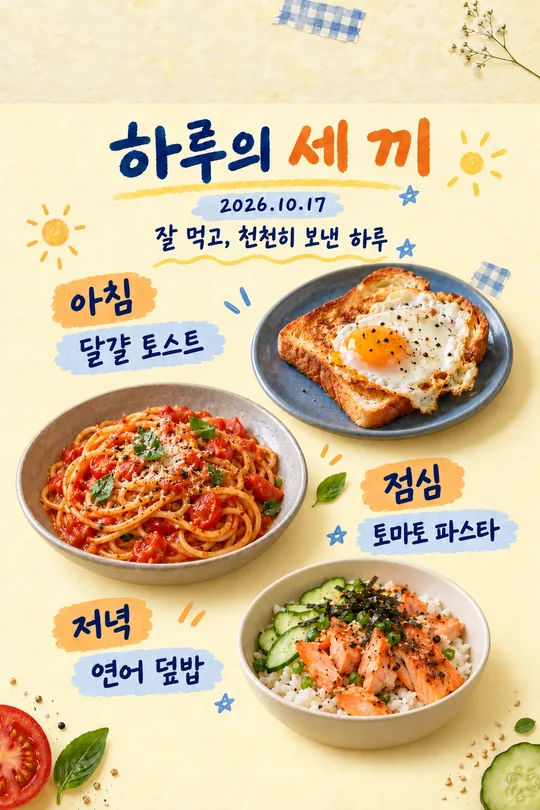
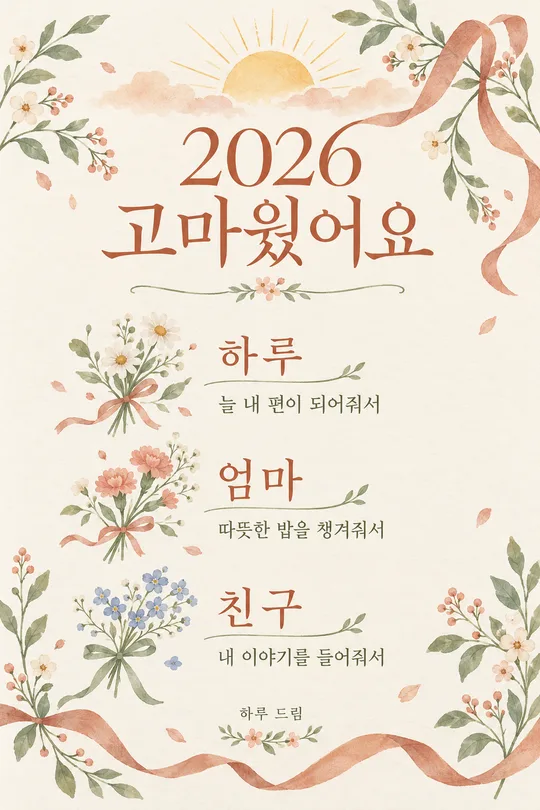
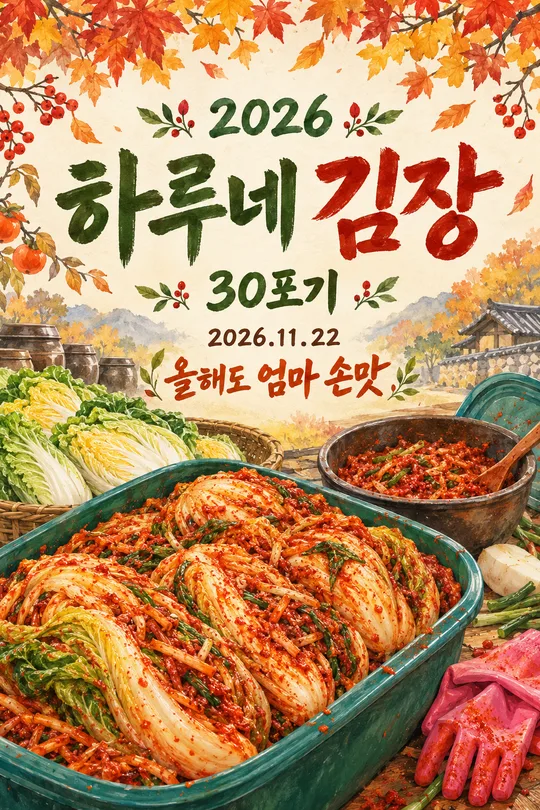
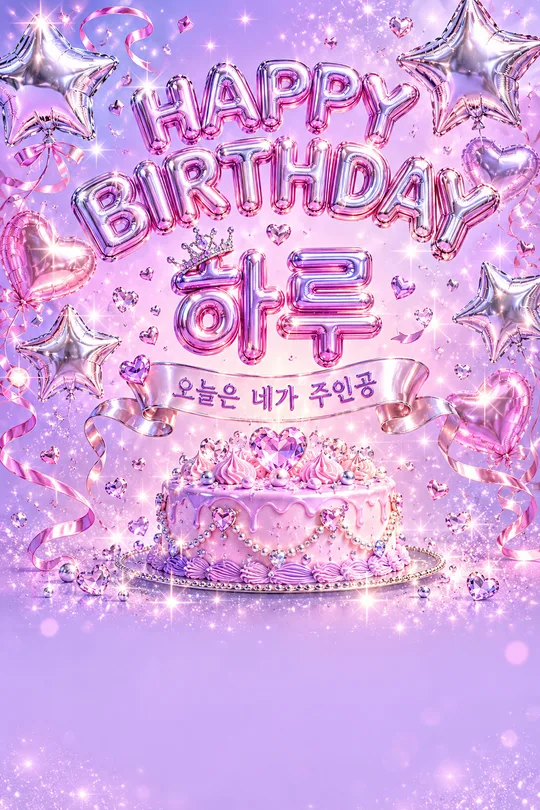

쓰는 법 · 자주 묻는 것
상품 소개를 한 장으로
신상품을 소개할 때 사진 옆에 핵심 특징을 짧게 정리하는 카드예요. 사진·상품 이름·특징·분위기를 정하고 복사한 프롬프트를 그림 AI에 붙여 넣으면 인포그래픽 한 장을 요청할 수 있어요. 외부 서비스의 요금과 약관은 해당 서비스에서 확인하세요.
칸 채우는 법
사진 칸은 첨부할 사진을 고르는 안내용이에요. 사진 파일은 그림 AI의 같은 메시지에 직접 첨부하세요. 상품 이름에는 화면에 넣을 이름만 쓰고, 특징에는 실제로 확인한 내용 3~5개를 줄마다 하나씩 적으세요. 예시의 빗금은 항목 구분이며 문장 안에 넣지 않아요. 예를 들어 ‘칸 나눔 수납’, ‘분리형 트레이’, ‘둥근 모서리’를 각각 한 줄로 쓰면 해당 문구와 아이콘이 배치돼요. 표현은 쓴 그대로 유지되므로 짧은 문장이 좋아요.
분위기는 깔끔 화이트·다크 프리미엄·파스텔 중 고르며 비우면 파스텔이에요. 사진을 비우면 상품 이름에 맞는 가상 디자인을 만들고, 사진과 이름이 모두 없으면 하루 데스크 정리함을 만들어요. 사진만 있으면 이름 없는 상품 이미지로 구성해요. 특징이 없으면 아이콘 설명을 생략하며, 한두 줄이면 그대로 쓰고 다섯 줄을 넘기면 앞의 다섯 줄만 사용해요. 상품 사진의 모양만 보고 성능·재질·인증을 추측하지 않아요.
사진과 함께 보내기
권리가 있는 상품 사진 한 장을 올리고 아직 보내지 마세요. 같은 메시지에 프롬프트를 붙여 넣은 다음 함께 보내세요. 가급적 배경이 단순하고 상품 전체가 보이는 사진을 골라요. 로고나 타사 디자인이 들어간 사진은 사용하지 마세요.
결과 확인과 수정
사진의 각도·색·손잡이·뚜껑 등 세부 형태를 원본과 비교하세요. 글자를 확대해 입력한 특징과 숫자·단위·띄어쓰기를 한 글자씩 확인하세요. 오탈자는 해당 문구를 짧게 고쳐 다시 요청하고, 사진 형태가 바뀌었다면 원본 유지 지시를 덧붙여 재생성하세요. 수치나 인증 문구는 근거를 확인한 경우에만 입력하세요. 예시는 가상 상품이며 실제 성능을 보증하지 않아요.