

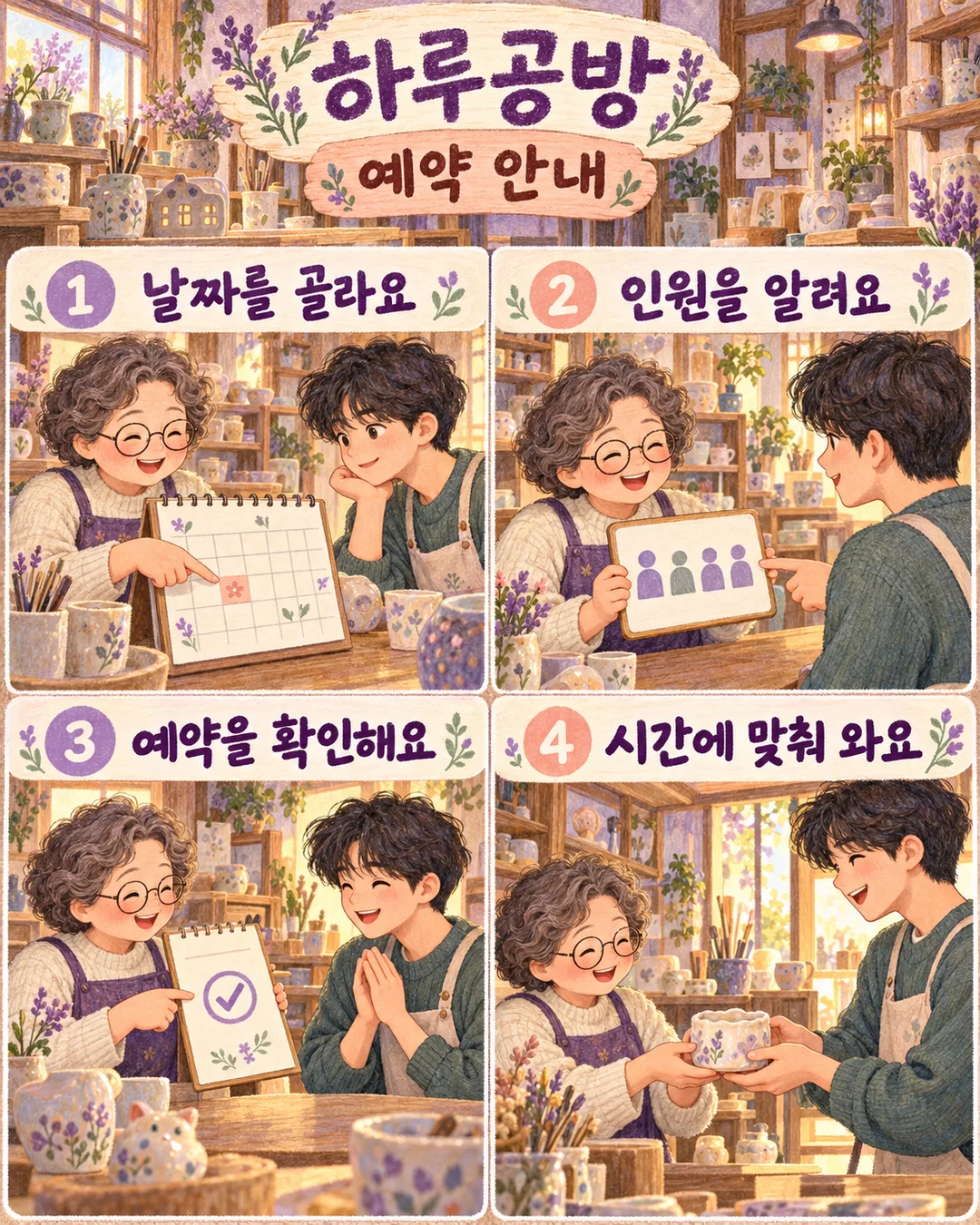
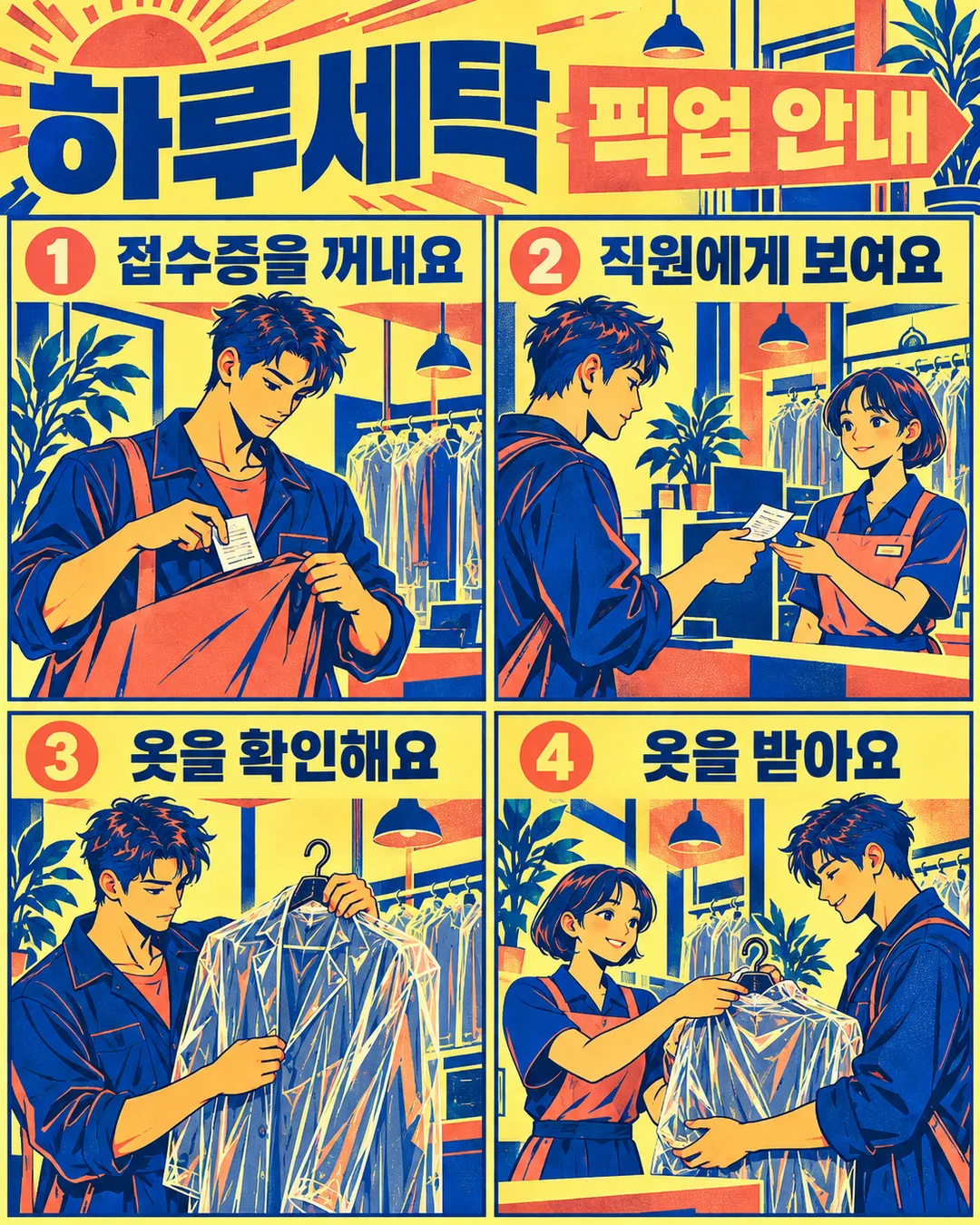
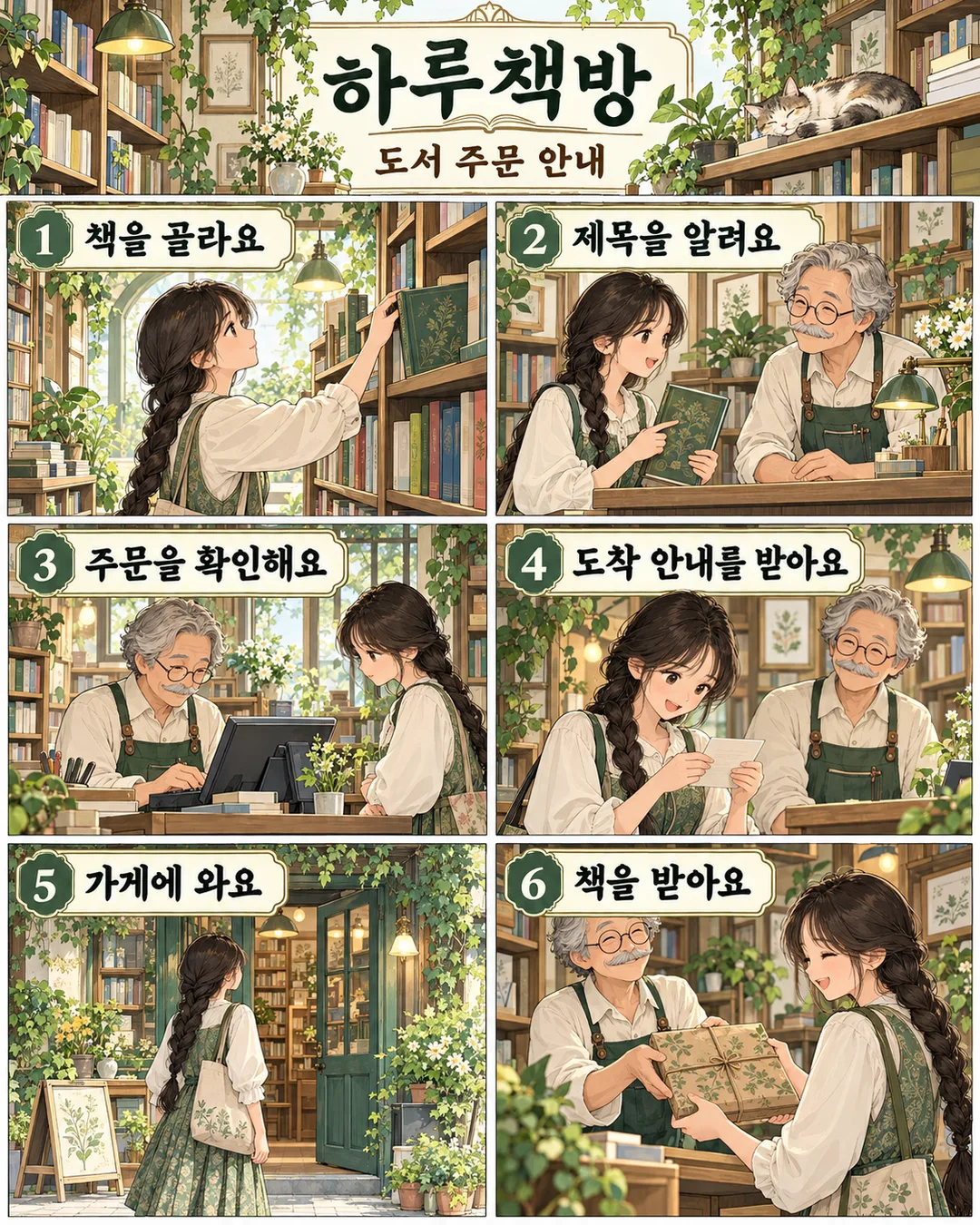
項目を入力
- 1項目を入力します
- 2コピーを押します
- 3GPTのチャットに貼り付けます
- 4そのまま送ると、サムネイルの例のような画像になります
- 5カードに合う実際の写真を一緒に入れると反映されます。背景カードなら背景の写真、人物・料理カードならその写真 任意
実際に試しました
- 試験日
- 2026-11-01
- ツール
- ChatGPT画像モデル(Codex経由で実行) — 無料版ChatGPTと同一モデル、制限のみ異なる
- 結果
- 合格
- できたこと
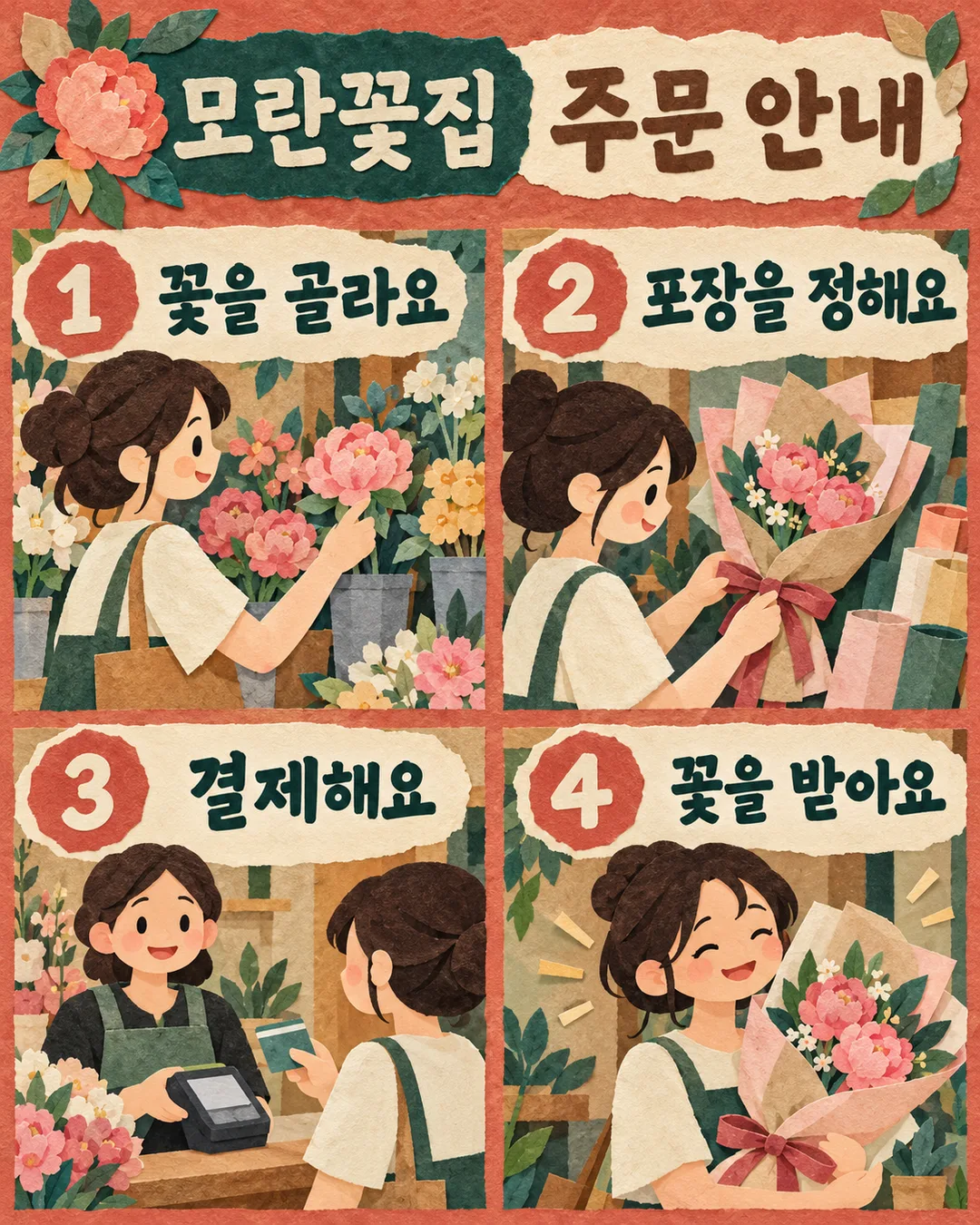
- 「牡丹生花店」「注文案内」と「花を選ぶ」「ラッピングを決める」「決済する」「花を受け取る」が入力のまま読み取られた。1〜4の番号が左上・右上・左下・右下の順で表示された。花選び、ラッピングとリボン、カード決済、花束を受け取るシーンがそれぞれあった。客の結んだ茶髪・クリーム色の服・緑のエプロンが維持され、レジ係は別人物として区別された。ちぎった色紙のコラージュ質感、テラコッタ・青緑・クリームの色彩、縦長画面が確認された。任意の価格・連絡先・セリフはない。
- できなかったこと
- なし(現在のサンプルの4つの段階に限定。日付・価格、異なる雰囲気、および3・5・6段階の入力は今回の試験に含まれない)
- 改善のヒント
- 同じ原文の再実行だけでは4段階の脱落は解決しなかった。実際に試験して合格した現在のカードの4つのコマの位置・4つの文の表示・紹介シーンの禁止文言を維持すること。
プロンプト全文を見る 3,037文字
Generate this image now. Draw it directly; do not explain or ask questions.
出力サイズは1080×1350ピクセル、4:5の縦型Instagram投稿にしてください。
Create ONE finished shop instruction comic, default portrait 4:5. Fill the canvas with the actual artwork, no photographed sheet, mockup or promotional overlay.
SHOP: "【店名】"
TITLE: "【案内タイトル】"
STEP INPUTS in order:
"【手順1】"
"【手順2】"
"【手順3】"
"【手順4】"
"【手順5】"
"【手順6】"
MOOD: "【雰囲気】"
First three actions are required. Remove empty optional actions and renumber remaining actions consecutively starting at 1. For three actions use four panels: an unnumbered shop-introduction scene labeled only with SHOP, then three numbered actions. For four actions use exactly four action panels in a 2x2 grid: top left = action 1, top right = action 2, bottom left = action 3, bottom right = action 4. All four supplied sentences must be visible in their own panels. In the four-action version the header is a text-only strip containing SHOP and TITLE, never a shop-introduction illustration. Do not merge, omit or replace action 4 with a header scene. For five use two top panels, two middle panels and a full-width last panel. For six use a 2x3 grid. Add no other panels. Read left to right, then down. Header contains SHOP and TITLE; avoid repeating SHOP in the three-action version's header.
Each action panel contains a large separate number badge, its exact supplied sentence and a substantial illustration that demonstrates that action. No new speech, fine print, invented labels, prices, contact information, deadlines or conditions. Preserve every supplied character, digit, punctuation mark and weekday verbatim. All visible text uses the language of the inputs. Never translate supplied text automatically.
Mood choices correspond in order to: layered flat cut-paper shapes in terracotta, teal and cream; soft colored-pencil textures in lavender, peach and warm ivory; bold two-ink screen-print shapes in cobalt, coral and pale yellow; fine crisp architectural ink lines with pale mint watercolor washes. Empty mood defaults to the first. Keep the same numbered instruction-comic output for all moods. Vary the scenes and props to fit the actual shop. Use consistent original fictional characters across the panels and clear handover directions. Large readable lettering, balanced tight gutters, rich illustrative detail. Keep critical text between 12% and 85% canvas height; decorative illustration may reach the edges. Check all lettering character by character before finishing.
No real brands, recognizable product designs, logos, existing characters, celebrity likenesses, named-artist imitation, signatures, watermarks or verification notes. Products and people must be wholly fictional.

[Final output format]
出力サイズは1080×1350ピクセル、4:5の縦型Instagram投稿にしてください。
This selected output format takes priority over any fixed canvas size or aspect ratio elsewhere in this template. Adapt the composition, text zones and margins to the selected canvas without stretching or cropping essential content. Device safe areas apply only when a device is selected. Never print these format instructions on the image.
結果はどうでしたか?
こちらのカードも人気です
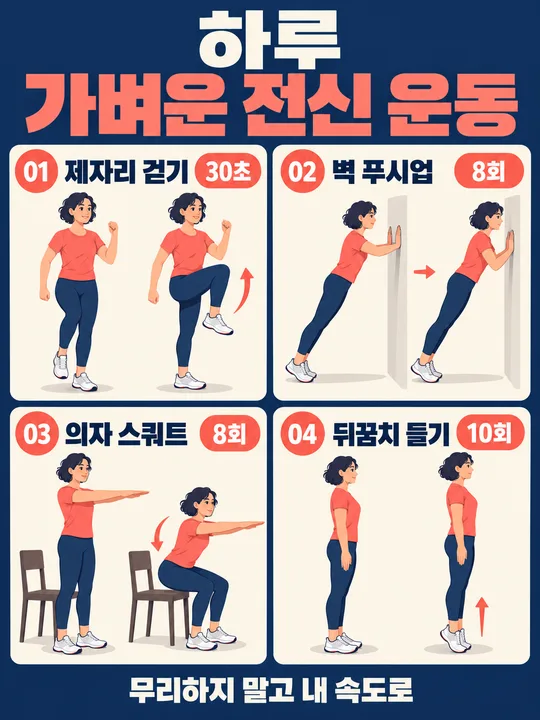
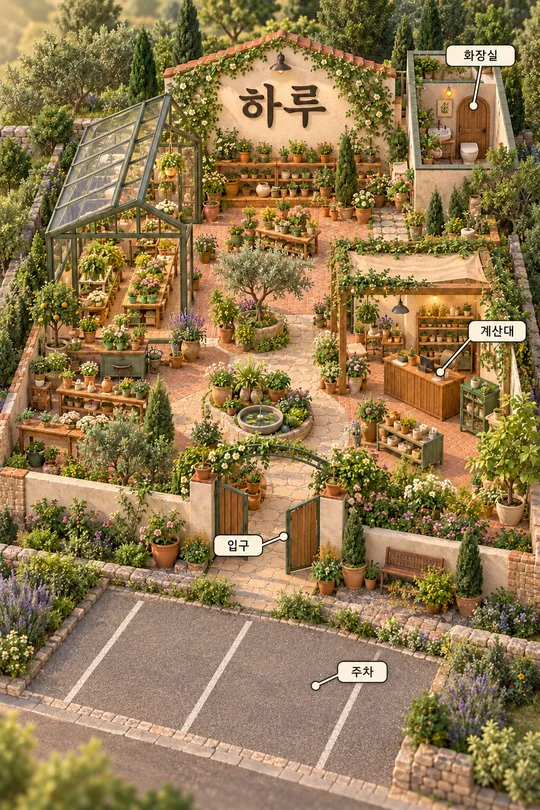
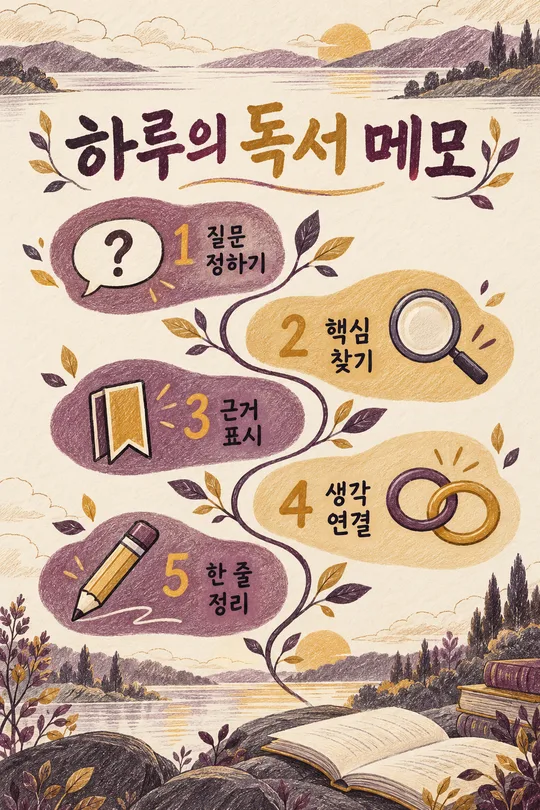
使い方・よくある質問
初めて来店するお客様が順番を追えるよう、店名と利用方法を一枚の縦長まんがにします。花の注文、工房の予約、クリーニング品の受け取りなど、動作がつながる案内に使えます。冗談の結末や新しいせりふは追加せず、入力された文章だけを場面と一緒に表示します。
店名、案内タイトル、手順1〜3は必須です。一つの手順に一つの動作を短い文で書いてください。手順4〜6は任意で、空欄は取り除き、残った順番に番号を付け直します。三つの手順なら店名だけの紹介コマを加えた四コマ、四〜六つなら手順と同じ数のコマになります。案内タイトルはコマの上に置きます。
雰囲気は紙のコラージュ、やさしい色鉛筆、軽快なシルクスクリーンから選べます。落ち着いた切り紙、柔らかな筆跡、大胆な版画表現にそれぞれ変わりますが、番号付きの利用案内という機能は同じです。空欄なら紙のコラージュを使います。基本の縦横比は4:5です。写真は不要で、人物や品物は架空のデザインとして描きます。
完成後は文字を拡大して店名、数字、曜日を一文字ずつ見比べてください。予約金、締切、連絡先など入力していない条件が出た場合は、許可する原文を再指定して作り直します。説明が長すぎるときは、意味を保った短い文に書き換えてから再生成してください。品物を預ける場面と受け取る場面の向きも確認します。
三段階だけでも作れますか? はい、店名の紹介コマを一つ足します。吹き出しの会話は作られますか? 追加の会話は作りません。予約条件を自動で決めますか? いいえ。確定した日時や条件だけを手順欄に記入してください。
透明なペン水彩は細い線と淡いミント色の水彩で、静かな書店などの空間を描きます。