

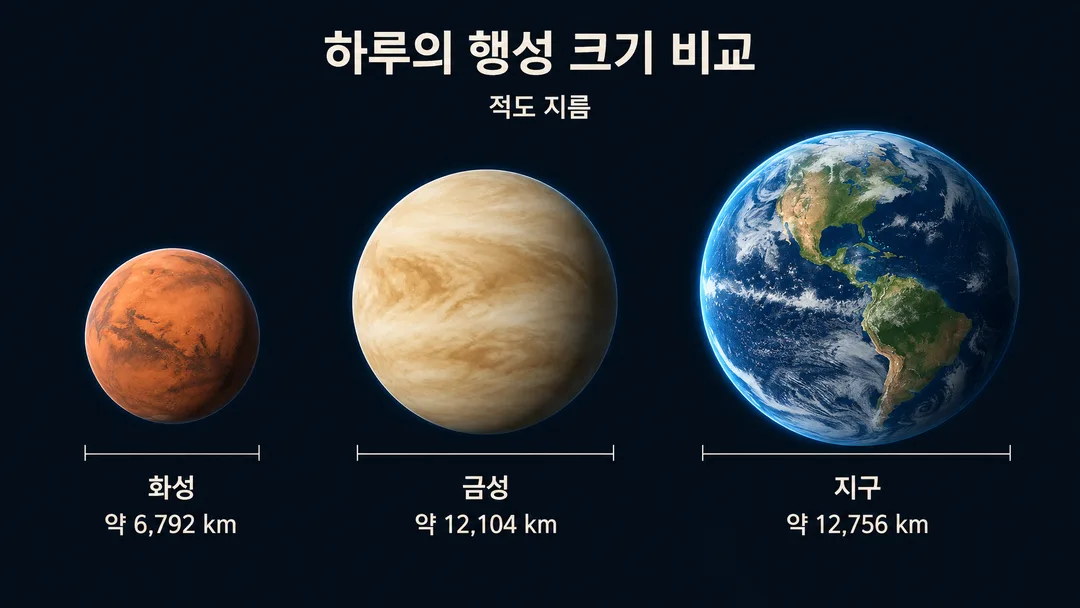
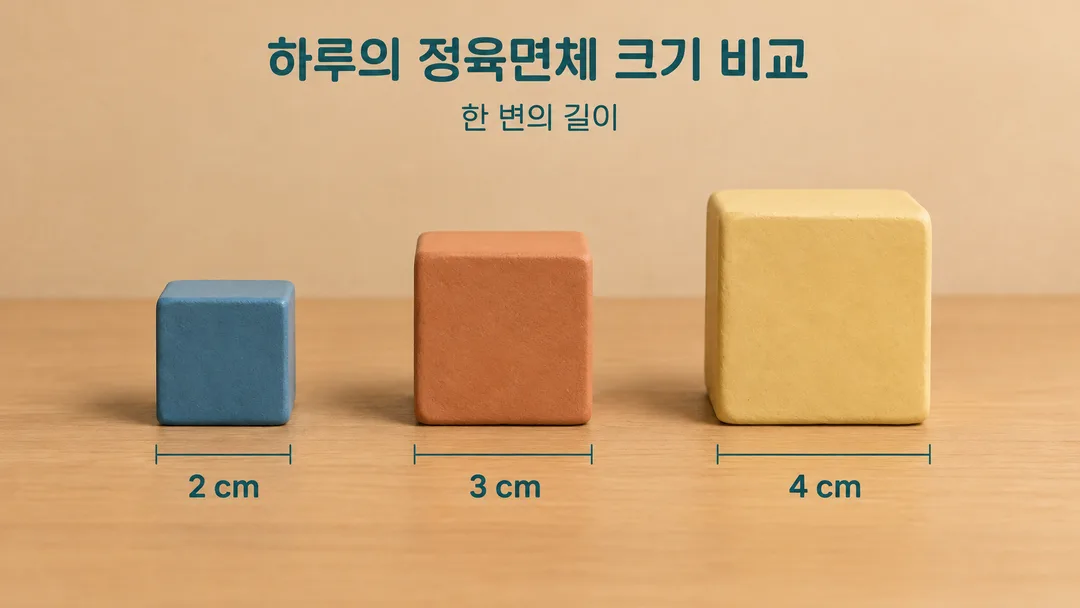
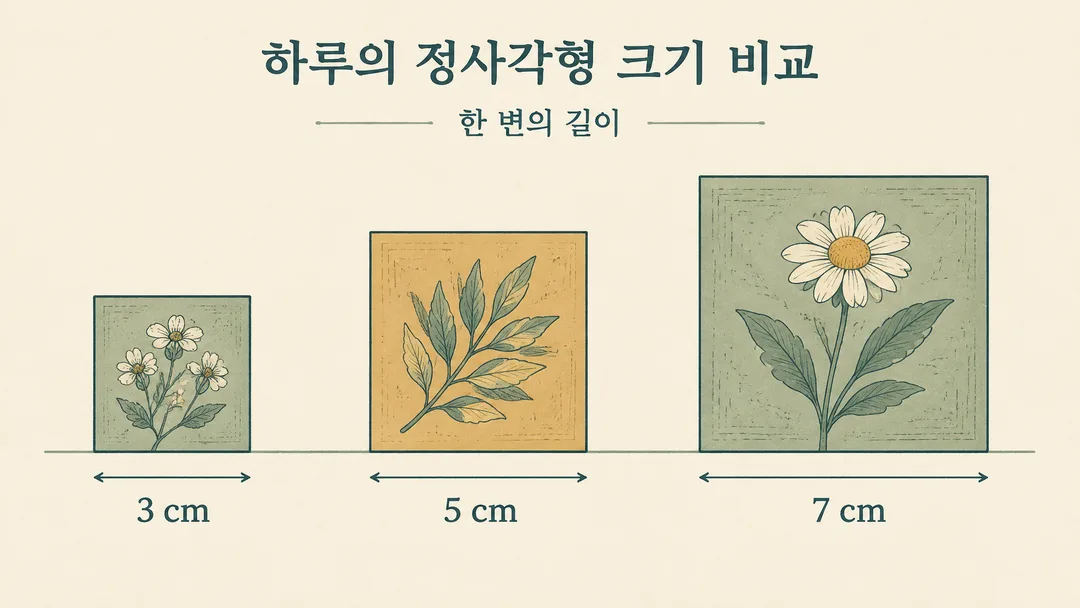
項目を入力
- 1項目を入力します
- 2コピーを押します
- 3GPTのチャットに貼り付けます
- 4そのまま送ると、サムネイルの例のような画像になります
- 5カードに合う実際の写真を一緒に入れると反映されます。背景カードなら背景の写真、人物・料理カードならその写真 任意
実際に試しました
- 試験日
- 2026-11-01
- ツール
- 組み込みの image_gen (API スクリプト不使用)
- 結果
- 合格
- できたこと
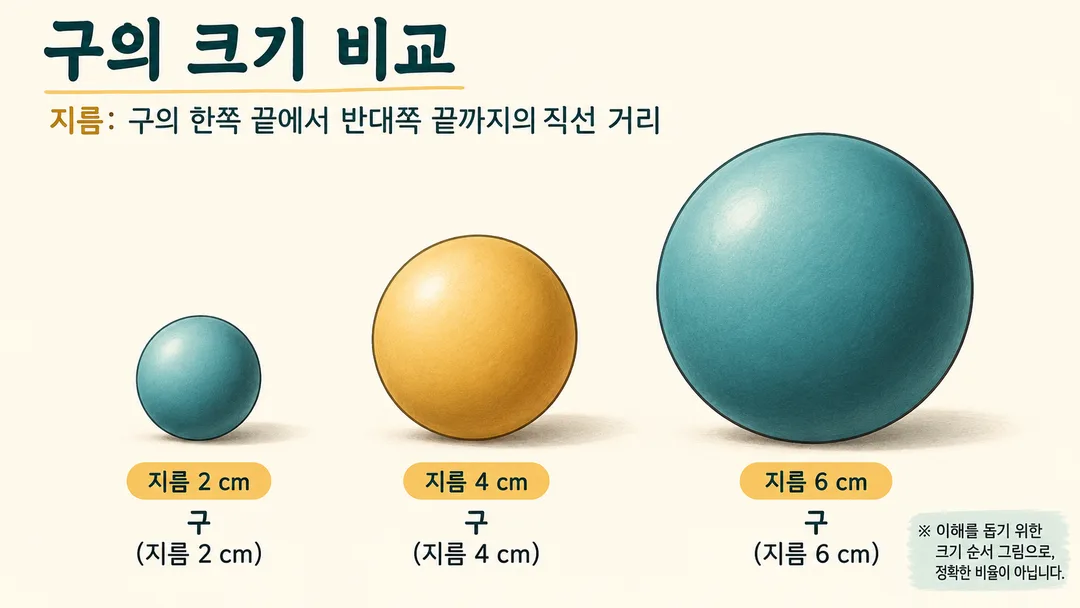
- 3つの球が左から小さい順に完全に表示されている。直径の定義、球の名前、2・4・6 cm が正しく、文字切れ・脱字・誤りがない。クリーム色の図鑑の雰囲気で、装飾用の球はない。正確な比率ではなく大きさの比較図であるという案内が読み取れる。
- できなかったこと
- 正確な直径 1:2:3 は保証されない。これは解決されたと主張せず、カードの約定から除外した。寸法ラベルが繰り返されるが、エラーや脱漏はない。
- 改善のヒント
- 大きさ比較の説明用に用渡し、正確な縮尺が必要な図解には使用しない。実寸値は同じ定義の資料で別途確認する。
プロンプト全文を見る 2,189文字
Generate one finished size-comparison infographic image.
Canvas: 出力サイズは1920×1080ピクセル、16:9の横型にしてください。小さな表示でも読める文字にしてください。. Default: 16:9.
Subject: 【テーマ】. Number of objects: 【個数】. Atmosphere: 【雰囲気】.
Show the requested objects in one clear left-to-right lineup, smallest to largest, on a common baseline. Make the size order obvious, keep every object complete and separate, and preserve its natural shape. Use only the requested number of objects, with no decorative specimens. Blank fields use spheres with diameters 2, 4, 6 cm, count 3, and field guide. For counts 4 and 5, extend the default diameters to 8 and 10 cm.
This is a visual comparison of size order, not an exact scale diagram. Do not claim exact ratios or add a graduated ruler. Include a short visible note in Japanese meaning “Illustrative size order; not to scale.” Numeric labels describe the subjects, not measured lengths on the image.
Use one measurement definition throughout, such as diameter or height. For real subjects use confirmed measurements from authoritative sources with consistent definitions; do not invent values. If they cannot be verified, use the default geometric spheres instead. User-defined geometric dimensions need no lookup.
Miniature: tactile matte models with warm light. Field guide: clean flat illustrations, cream background, fine contours, teal and ochre. Dark: dark background with subtle rim light. Apply only the selected style.
All visible writing must be Japanese. Add a short title, the measurement definition, and one name and dimension label below each object. Keep text readable, well spaced and fully inside the canvas. For portrait canvases keep the same single lineup with the title above. No brands, existing characters, real people, signatures or watermarks.
Check names, digits, units, object count and ascending order. Return only the finished image.

[Final output format]
出力サイズは1920×1080ピクセル、16:9の横型にしてください。小さな表示でも読める文字にしてください。
This selected output format takes priority over any fixed canvas size or aspect ratio elsewhere in this template. Adapt the composition, text zones and margins to the selected canvas without stretching or cropping essential content. Device safe areas apply only when a device is selected. Never print these format instructions on the image.
結果はどうでしたか?
こちらのカードも人気です
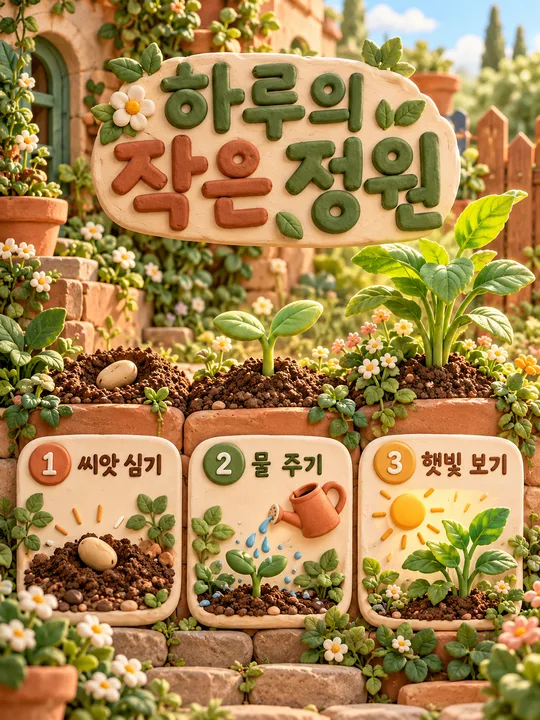
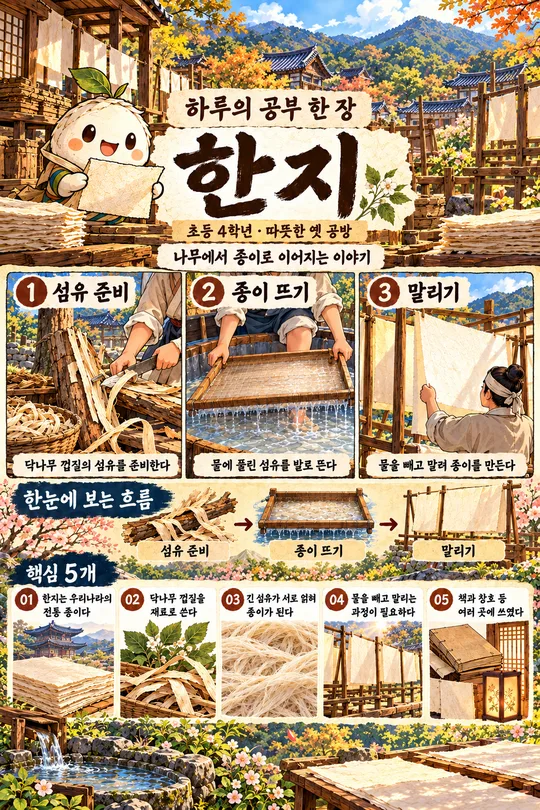
使い方・よくある質問
大きさの順序をひと目で
小さいものから大きいものへ一列に並べ、名前と寸法を添えた比較図を作ります。図の正確な倍率は保証しません。厳密な縮尺が必要な教材には使わないでください。
三つの欄を入力
テーマには比較対象と測定基準を書きます。個数は3・4・5、雰囲気はミニチュア・図鑑・ダークから選びます。例は直径2, 4, 6 cmの球 / 3 / 図鑑です。標準は16:9で、写真入力は不要です。
共有前に確認
名前・数字・単位・個数と、小さい順に並んでいるかを確認してください。実物の寸法は同じ測定基準の信頼できる資料で確認します。誤字は正しい文字を指定して再生成してください。外部サービスの料金と利用条件は各サービスで確認してください。