
전체 · 광고/포스터 · 신메뉴·신상품 · 카페·디저트
280하드 라이트 상품 사진 — 단색 배경 · 날카로운 그림자 광고컷 (잼 · 화장품 · 향초 · 소품)
폰으로 찍은 상품 사진 한 장이 강한 햇빛과 날카로운 그림자, 단색 배경의 잡지 광고컷이 돼요.
받는 것
- 상품이 주인공인 광고 사진 한 장
- 단색 배경과 한쪽으로 길게 떨어지는 그림자
- 유리, 금속의 반사와 비침까지
ChatGPT 무료 OK
칸 채우기
- 1칸을 채워요
- 2복사 버튼을 눌러요
- 3GPT 채팅창에 붙여넣어요
- 4그대로 보내면 썸네일 예시처럼 나와요
- 5상품 사진 한 장 (선택)을 같이 넣으면 그 사진이 반영돼요 선택
프롬프트 원문 보기 3,248자
Generate this image now. Draw it directly - do not describe it, explain it, or ask questions.
Output size 1080x1350 pixels, 4:5 portrait, Instagram standard.

Create one finished commercial hard-light product photograph.
PRODUCT: "【상품】"
Show the specified product as a substantial, realistic object with convincing material, shape, surface texture, and packaging construction. Keep the product fully visible and the entire principal cast shadow inside the image.

[Attached photo]
If a product photo is attached, use that product as the visual reference: preserve its silhouette, proportions, material, color, contents, and distinctive non-branded details. Replace the original setting with the studio scene below. Remove brand names, logos, watermarks, and existing characters; retain believable unbranded packaging. Do not paste a flat photo cutout.
PHOTO RULE: if a photo is attached, use it as described; if no photo is attached, never ask for one and never stop — invent a fitting fictional subject and finish the image.

BACKGROUND selected: "【배경색】"
Interpret only the selected choice:
- 살구: Warm matte apricot background and matching tabletop.
- 하늘: Clear pale sky-blue background and matching tabletop.
- 연두: Fresh pale lime-green background and matching tabletop.
- 버터 노랑: Soft butter-yellow background and matching tabletop.
- 연분홍: Warm pale pink background and matching tabletop.
- 회백: Light chalk-gray background and matching tabletop.
If this selection line is missing or empty, use 살구 only.

SHADOW selected: "【그림자 방향】"
Interpret only the selected choice:
- 오른쪽 아래: Hard light from the upper left; a crisp elongated shadow falls diagonally toward the lower right.
- 왼쪽 아래: Hard light from the upper right; a crisp elongated shadow falls diagonally toward the lower left.
- 뒤로 길게: Hard light from the front; a long crisp shadow recedes behind the product, visibly extending across the tabletop.
If this selection line is missing or empty, use 오른쪽 아래 only.

PROPS selected: "【소품】"
Interpret only the selected choice:
- 없음: Product alone; no decorative objects.
- 재료 한두 개: Add only one or two small raw ingredients directly related to the product, beside its base, without obscuring the product or its shadow.
- 작은 받침대: Place the product on one small plain geometric pedestal; preserve convincing contact and cast shadows.
If this selection line is missing or empty, use 없음 only.

Use one strong direct light with sharp shadow edges, concentrated highlights, deep but readable shadows, and realistic reflections or transmitted light appropriate to the material. Seamless single-color studio set, subtle camera elevation, premium advertising photograph. Let the product occupy roughly 40–55% of image height and leave room for the dramatic shadow.

Output only the final photograph. No layout, headings, captions, real-person likeness, trademarks, brands, existing characters, logos, or watermarks. Do not invent packaging text.

[Final output format]
Output size 1080x1350 pixels, 4:5 portrait, Instagram standard.
This selected output format takes priority over any fixed canvas size or aspect ratio elsewhere in this template. Adapt the composition, text zones and margins to the selected canvas without stretching or cropping essential content. Device safe areas apply only when a device is selected. Never print these format instructions on the image.
결과 어땠어요?
이 카드도 많이 사용해요
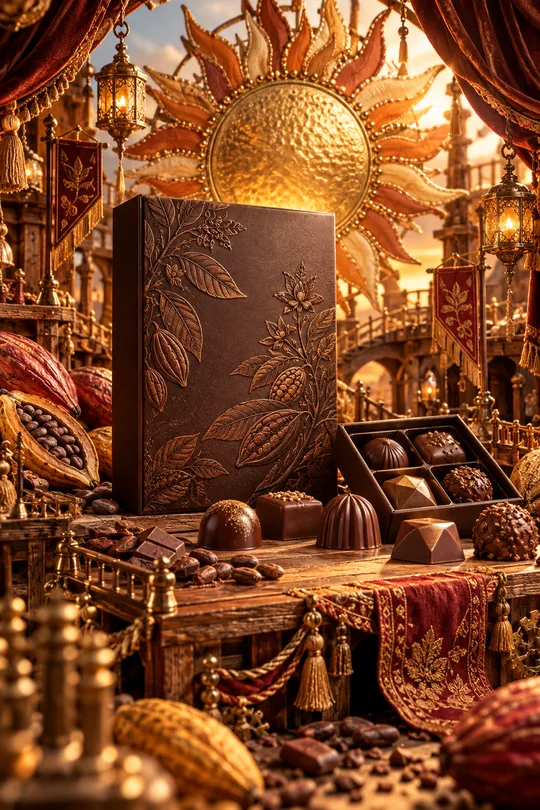
- 331미니어처 공방 상품 광고 — 우리 상품이 금속 장식 · 직물 · 작은 무대로 만든 수공예 세상 한가운데
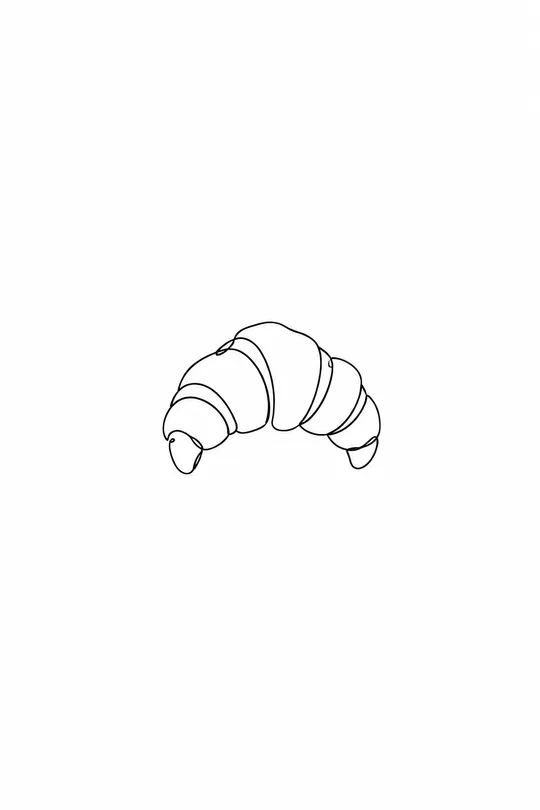
- 325음식 라인 아이콘 — 메뉴판 · 스티커 · 간판에 쓰는 깔끔한 선 아이콘
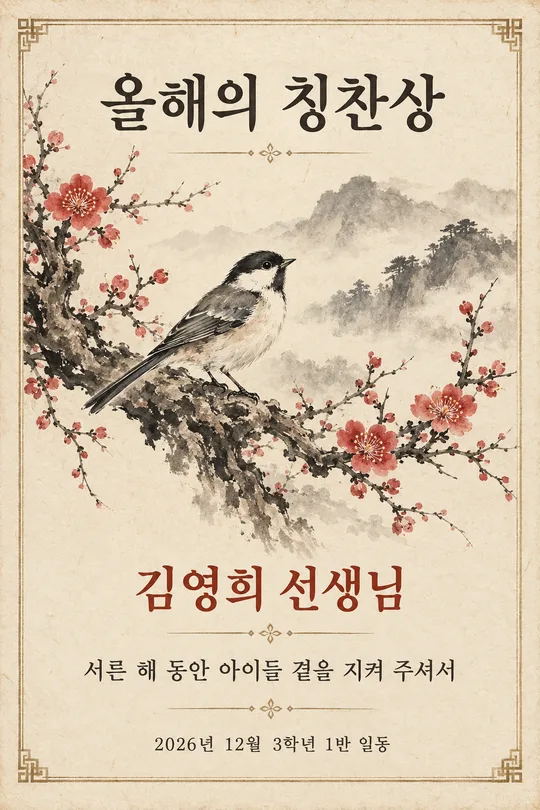
- 320수묵화 감사패 · 상장 — 매화 · 대나무 · 학 그림과 이름이 들어간 인쇄용 기념장 (스승의 날 · 퇴임 · 가족)
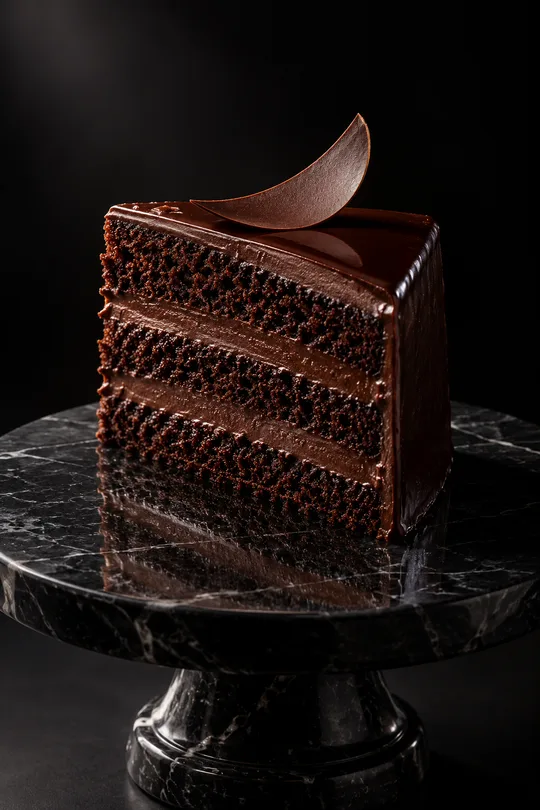
- 319다크 럭셔리 상품 사진 — 검은 스튜디오에서 한 줄기 빛을 받는 디저트 · 와인 · 향수 광고컷
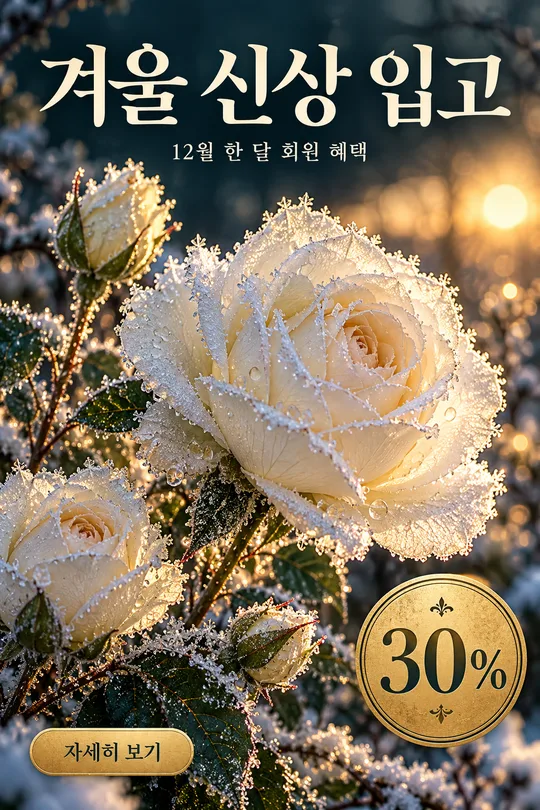
- 316겨울 꽃 홍보 포스터 — 서리 내린 꽃 클로즈업 위 가게 신상 · 회원 혜택 안내
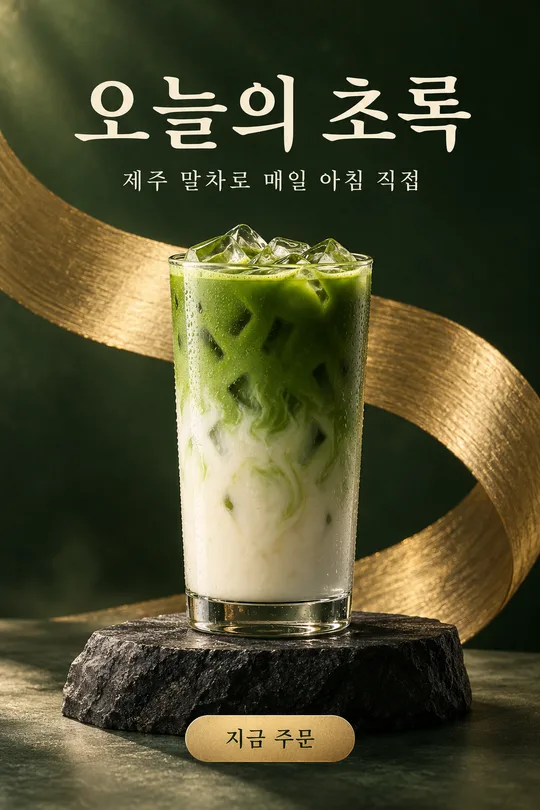
- 313메뉴 사진 헤드라인 광고 — 우리 메뉴 · 상품을 받침대 위 잡지 광고 포스터로 (카페 · 화장품 · 소품)
쓰는 법 · 자주 묻는 것
이런 때 쓰세요
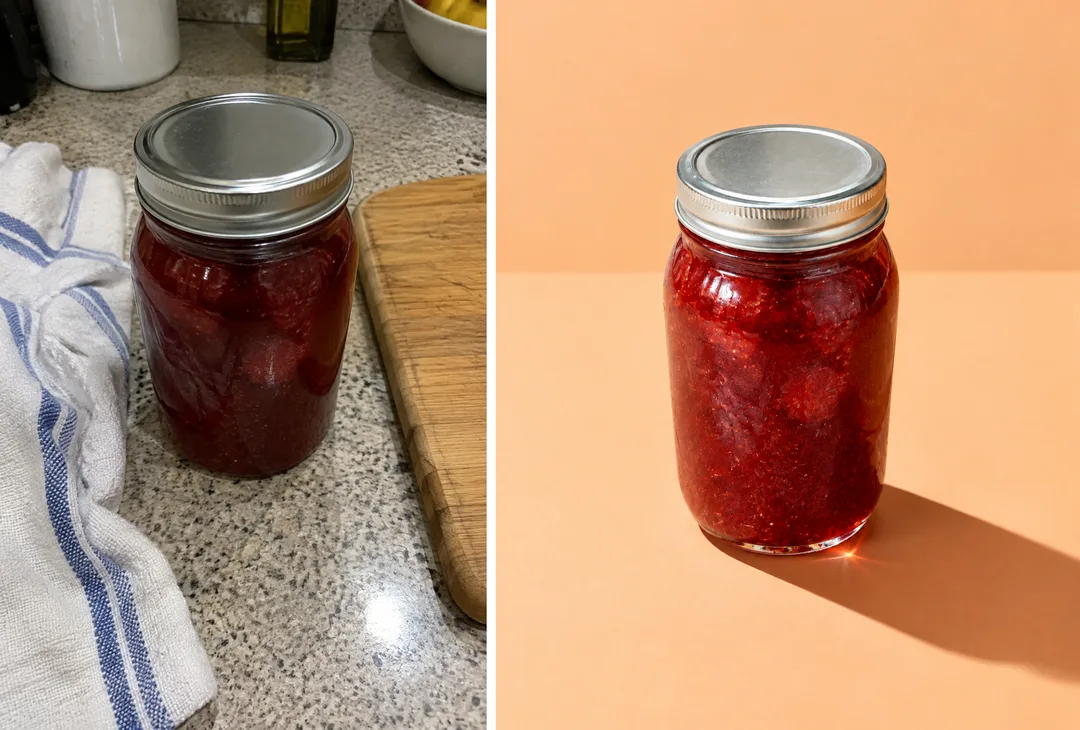
스마트스토어 · 인스타 · 당근 가게 소개에 올릴 상품 대표 사진이 필요한데, 조명도 스튜디오도 없을 때 쓰세요. 폰으로 대충 찍은 상품 사진 한 장을 넣으면, 한쪽에서 강한 햇빛이 들어와 날카로운 그림자가 길게 떨어지는 단색 배경 광고컷으로 바꿔 줘요. 유리병은 빛이 비쳐 바닥에 색이 번지고, 금속 뚜껑에는 반짝이는 반사가 생겨요.
해외 프롬프트 판매 사이트에서 돈을 받고 파는 「하드 라이트 상품 사진」과 같은 형식이에요. 상품 하나와 그림자만 있는 미니멀한 구성이 핵심이라, 오히려 상품이 가장 크게 보입니다.
칸 채우는 법
상품 이름만 적으면 됩니다. 「수제 딸기잼 유리병」, 「유리병 향초」처럼 무엇인지 짧게 적어 주세요. 배경색은 상품 색과 반대되는 색을 고르면 또렷해요(빨간 잼 → 살구 · 하늘, 초록 병 → 연분홍). 그림자 방향은 상세 페이지에서 글자를 넣을 쪽 반대로 고르세요. 소품은 「없음」이 기본이고, 딸기 · 원두처럼 재료를 한두 개 곁들이고 싶을 때만 바꾸세요.
우리 상품 사진을 넣을 때
① 상품이 잘 보이는 사진을 올립니다 — 아직 보내지 않아요
② 같은 칸에 복사한 프롬프트를 붙여넣어요
③ 둘 다 들어간 걸 확인하고 보내요
사진만 먼저 보냈다면 프롬프트 끝에 「위 사진으로 그려줘」를 붙여 보내세요. 사진 없이 보내면 표지처럼 가상의 상품으로 그려요. 카드 안 예시는 부엌에서 대충 찍은 잼 병 사진(왼쪽)을 넣은 결과(오른쪽)예요.
그림이 나오면 꼭 볼 것
- 상품 모양 · 뚜껑 색 · 라벨 위치가 실제와 같나요? 실제 판매 사진은 실물과 달라 보이면 안 돼요.
- 라벨 글자가 뭉개졌으면 「라벨 글자는 사진 그대로」라고 다시 말하세요.
- 그림자가 상품에 붙어 있나요? 떠 있으면 「그림자를 바닥에 붙여」라고 하세요.
자주 묻는 것
- 스마트스토어 대표 이미지로 써도 되나요? 실물과 같은지 꼭 확인하고 쓰세요. 다르게 보이면 반품 · 항의의 원인이 됩니다.
- 흰 배경이 필요해요. 배경색을 「회백」으로 고르고, 흰 배경 규정이 있는 곳에는 원래 누끼 사진을 쓰세요.
예시 보는 법
목록 표지는 사진 없이 프롬프트만으로 낸 결과예요. 카드 안 예시는 가상의 평범한 원본 사진(왼쪽)을 넣었을 때의 결과(오른쪽)예요. 사진 없이도, 내 사진으로도 쓸 수 있어요.