
전체 · 광고/포스터 · 할인·행사 · 편의점·마트
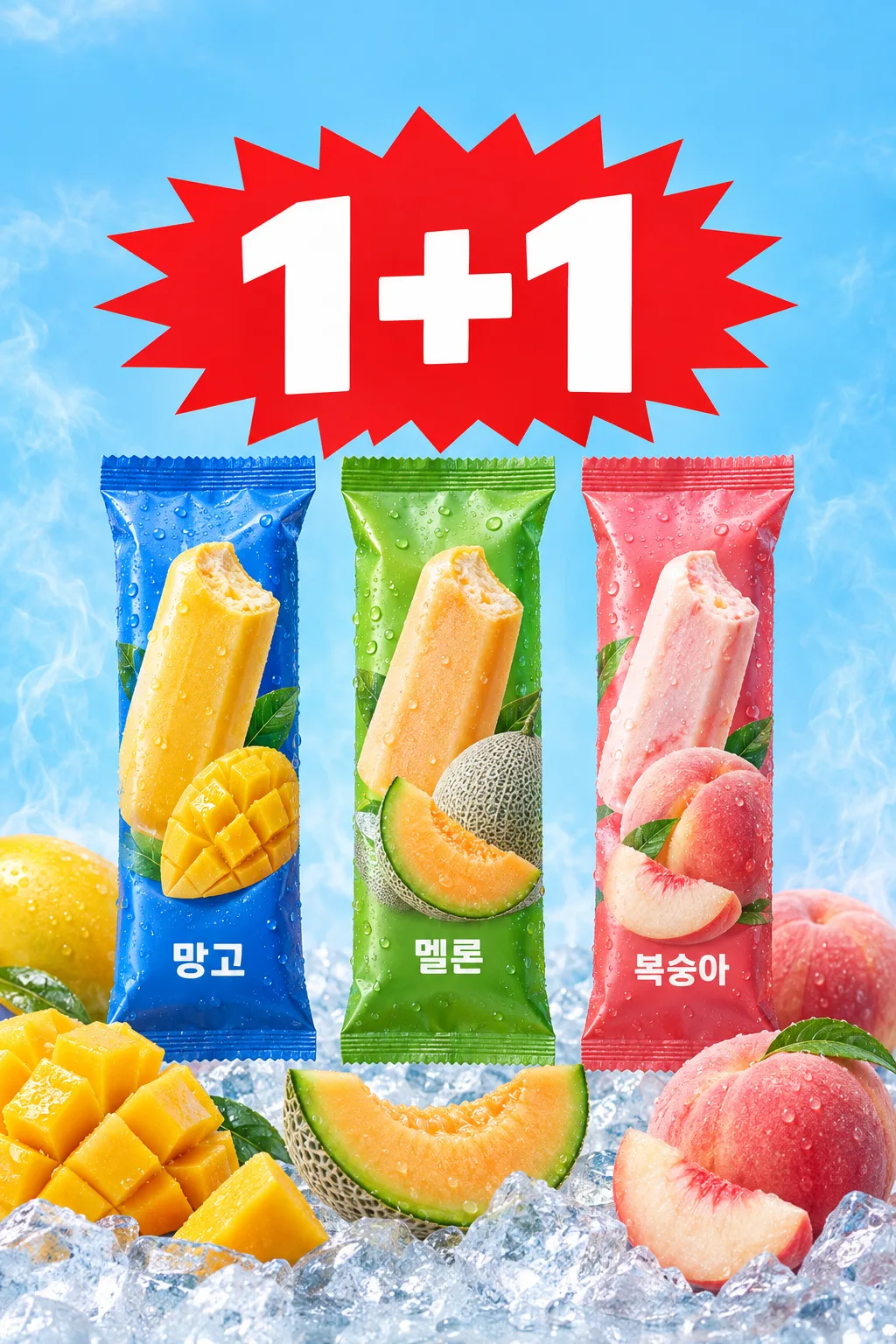
082아이스크림 과일 디자인 포스터
브랜드 이름과 행사 숫자, 실제 아이스크림 포장을 크게 보여주는 냉동고 앞 A4 포스터
칸 채우기
- 1칸을 채워요
- 2복사 버튼을 눌러요
- 3GPT 채팅창에 상품 사진을 올리고, 프롬프트를 같이 붙여넣어요
- 4상품 사진과 프롬프트가 둘 다 들어간 걸 보고 보내요
프롬프트 원문 보기 6,139자
Generate this image now. Draw it directly - do not describe it, explain it, or ask questions.
Output size 2480x3508 pixels, A4 portrait, 300dpi, print-ready poster.

[Purpose and owner inputs]
Make exactly one finished, print-ready Korean ice cream promotion poster for a convenience-store freezer or supermarket entrance, without a mockup or border. Use the attached real product photograph as the source of truth for the packages.
Brand name (required): "【브랜드 이름】".
Product name (optional): "【상품 이름】".
Flavor 1 (optional): "【맛 1】".
Flavor 2 (optional): "【맛 2】".
Flavor 3 (optional): "【맛 3】".
Offer (optional): "【행사】".
Short tagline (optional): "【한마디 문구】".
Regular price of one item (optional): "【1개 가격】".

[Decide the offer and tagline before drawing]
If the offer is blank or exactly "알아서 골라줘", choose a familiar convenience-store ice cream promotion, normally 1+1, and make the chosen offer large and unmistakable. Otherwise use the owner's offer exactly: 1+1, 2+1, 3+1, 20% 할인, or their entered wording. If the tagline is blank or exactly "알아서 골라줘", write one short Korean phrase that suits the photographed product or omit the tagline entirely. If the owner supplied another tagline, render it exactly once. Never print the literal words "알아서 골라줘", an empty input, a field label, or an instruction. Do not add conditions such as sale dates, purchase limits, or mix-and-match eligibility. When an offer was chosen automatically, it is a proposed promotion for the owner to verify against the store's actual sale before printing.

[Scene and hierarchy]
Follow the real freezer-front A4 poster reference: a large, clearly typeset owner-supplied brand name at the very top; a giant red jagged promotion burst with clean white offer numerals in the upper center; the actual photographed packs upright below; realistic fruit and ice in the foreground only where supported by entered flavors or visible packaging. Keep the brand prominent and the offer the largest, first-read element. Set the brand name in plain bold Korean type, not a newly invented logo or wordmark. If a product name was entered, show it once near the brand or packages, subordinate to the brand and offer; if blank, omit it. Show only filled flavors, in their entered order, next to matching packages or natural fruit zones. With no flavor entered, make the genuine packages the visual focus and do not invent flavor names or fruit varieties. Use one broad zone for one flavor, two balanced zones for two, and three coherent zones for three. Keep clear A4 print margins, and never repeat the offer headline.

[Attached photo and packaging]
Require a clear front-facing photograph of the actual ice cream product; if absent, ask for it before drawing. Cut out and place the genuine photographed packs, preserving wrapper silhouette, heat seals, colors, label artwork, every visible brand and product letter, fruit images, claims, and proportions exactly. Do not redraw, replace, retouch, or fabricate packaging or its text. Use the required brand input for the top headline; leave the lettering already printed on the photographed wrappers untouched. Never invent a logo, brand, nutritional claim, product variant, or wrapper. If more flavors were entered than photographed packages, show each photographed pack only for its actual variety and show any other entered flavor through its name and a restrained fruit or color cue. Do not clone one wrapper as another flavor. Match multiple photographed packs to the right flavors in input order.

[Real food]
Use the attached photograph as the primary reference for the specific product. Any exposed ice cream or fruit must have plausible real anatomy and texture. If the interior is not visible or known, show intact packages and supported fruit rather than inventing a cut bar. Mango has irregular juicy yellow-orange flesh, melon has natural rind and cut flesh, and peach has believable skin and slices. For other entered flavors, follow the real fruit or a restrained color cue. Fruit may suggest the named flavor, but must not claim an ingredient percentage or health benefit. Ice crystals, condensation, and restrained cold vapor must not hide text or labels.

[Visible text and price math]
Render "【브랜드 이름】" accurately at the top. Render the chosen offer with its exact numerals, plus sign, or percentage; use the selected wording in Korean. Render filled product, flavor, and tagline inputs accurately and only once each. Do not print blank fields. If a unit price was supplied, first decide the offer, then parse the price and calculate. For N+1, the group contains N+1 pieces, costs N times the regular unit price, and has an effective per-piece price equal to that group total divided by N+1. At 3,000원: 1+1 means two for 3,000원 and 1,500원 each; 2+1 means three for 6,000원 and 2,000원 each; 3+1 means four for 9,000원 and 2,250원 each. For 20% 할인 at 3,000원, the discounted price is 2,400원. These are examples only; recalculate from the actual input and selected offer. Show the regular price and verified promotional group total or effective per-piece price in a small secondary line. If division produces fractional won, mark the rounded per-piece amount "개당 약" and show the exact whole-won group total so the approximate amount cannot be mistaken for the checkout charge. If a percentage calculation produces fractional won, omit its calculated checkout price. If no unit price was supplied, omit the entire price line and every generated price number. Check every quantity, plus sign, percentage, comma, and currency unit.

[Final check]
Use sharp commercial food photography, a cool sky-blue background, strong red offer burst, natural fruit color, and thick legible Korean type. Keep all essential text away from trim edges. Never add an invented sale period, limit, store name, cross-flavor permission, extra discount, free gift, payment condition, price, health or calorie claim, logo, QR code, or watermark. Do not promote a claim visible only on a wrapper into a new headline. Before returning the single image, compare every visible word, number, package, fruit, and calculation against the inputs and photograph; the instruction "알아서 골라줘" must not appear in the image.
이 카드도 많이 사용해요
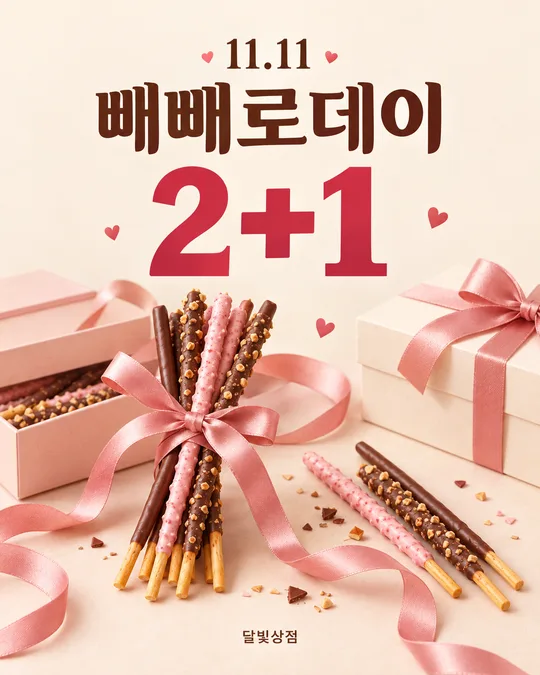
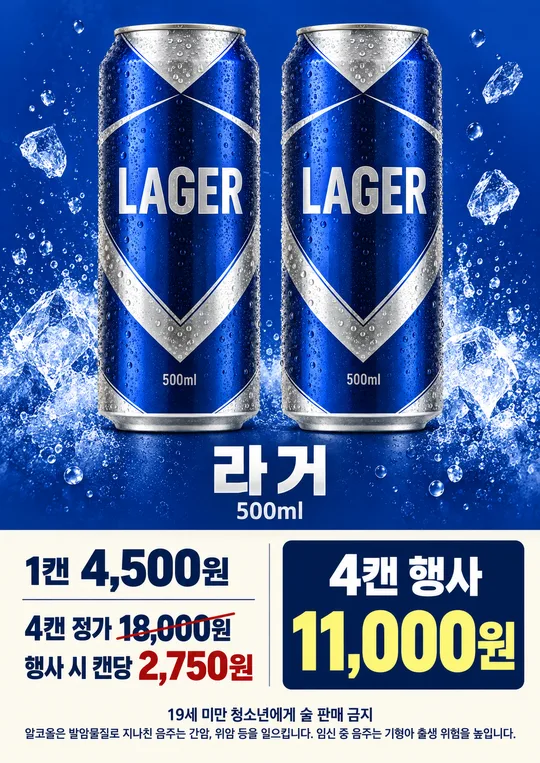
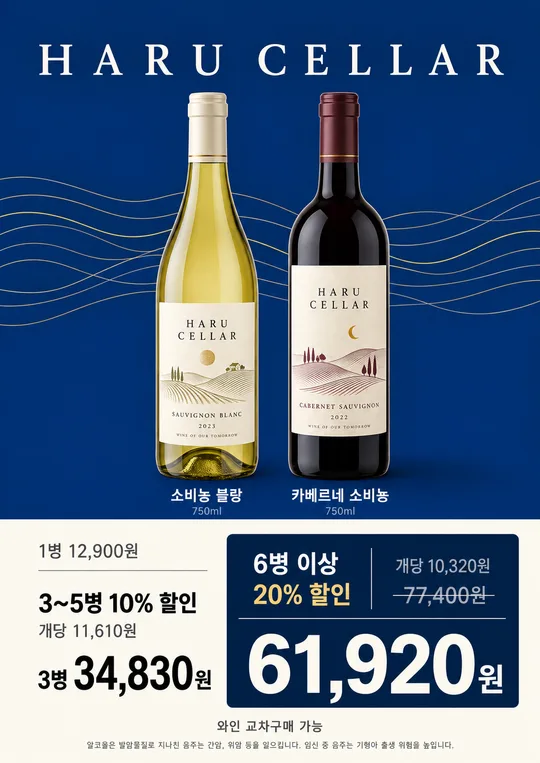
쓰는 법 · 자주 묻는 것
편의점 냉동고 앞이나 마트 출입문에 붙이는 A4 아이스크림 행사 포스터입니다. 본보기처럼 맨 위에 브랜드 이름을 크게 놓고, 행사 숫자와 실제 상품 포장을 한눈에 보여 줍니다. 상품 포장 정면이 선명한 사진을 함께 넣어야 합니다.
칸 채우는 법
브랜드 이름은 꼭 적으세요. 예를 들어 `라라스윗`처럼 실제 포장과 맞는 이름을 입력하면 포스터 맨 위에 큼직하게 표시합니다. 상품 이름과 맛 1~3은 선택입니다. 여러 맛을 적으면 입력한 순서대로 배치하고, 비운 맛은 새로 지어내지 않습니다. 행사와 한마디 문구도 선택입니다. 직접 적거나 보기 맨 앞의 `알아서 골라줘`를 고르면 됩니다. 행사 칸을 비우거나 자동 선택을 고르면 GPT가 편의점 아이스크림에 흔한 행사, 대개 `1+1`을 정해 크게 보여 줍니다. 문구를 비우거나 자동 선택을 고르면 짧게 쓰거나 생략합니다. `알아서 골라줘`라는 글자 자체는 포스터에 넣지 않습니다. 자동으로 고른 행사는 인쇄 전 매장의 실제 행사와 맞는지 확인하세요.
우리 상품 사진을 넣고 싶을 때
① 실제 판매할 상품 포장의 정면 사진을 올리세요. 맛이 여러 가지라면 각 맛의 포장이 보이는 사진을 올리면 좋습니다. 사진만 먼저 보내지 마세요. ② 같은 입력창에 이 카드에서 복사한 프롬프트를 붙여넣으세요. ③ 사진과 프롬프트가 모두 들어간 것을 확인한 뒤 보내세요. 이미 사진만 먼저 보냈다면 프롬프트 끝에 `위 사진으로 그려줘`를 덧붙이세요. 포장의 상표와 글자는 원본 그대로 두고, 사진이 없는 맛의 포장을 새로 만들지 않도록 했습니다.
가격을 넣으면
`1개 가격`은 선택입니다. 입력하면 선택된 행사를 적용한 묶음 합계와 개당 가격을 계산해 작은 가격 줄에 넣습니다. 예를 들어 3,000원짜리 `1+1`은 두 개에 3,000원, 개당 1,500원입니다. `2+1`은 세 개에 6,000원, 개당 2,000원입니다. 나눗셈 결과가 원 단위로 딱 떨어지지 않으면 개당 금액에 `약`을 붙이고 실제 묶음 합계를 따로 보여 줍니다. 가격을 비우면 숫자 가격을 지어내지 않습니다. 인쇄 전 계산된 금액을 매장 행사 설정과 대조하세요.
그림이 나오면 꼭 볼 것
브랜드가 맨 위에 크고 정확하게 보이는지, 행사 숫자가 가장 잘 읽히는지 확인하세요. 포장 사진의 상표·글자가 원본 그대로인지, 입력한 상품명과 맛만 나오는지 살펴보세요. 자동 선택을 썼다면 실제로 고른 행사와 문구를 확인하고 매장 행사에 맞게 고치세요. 포장에 없는 성분 문구나 가짜 로고, 행사 기간, 교차 구매 조건이 생기지 않았는지도 확인하세요. 가격을 썼다면 수량과 금액을 다시 계산하세요.
틀린 곳 고치는 법
틀린 글자나 숫자를 정확히 짚어 `포장 글자는 그대로 두고, 행사 숫자만 2+1로 고쳐줘`처럼 요청하세요. 포장을 새로 그린 듯 바꾸었다면 원본 상품 사진을 다시 올려 같은 프롬프트로 만드는 편이 안전합니다.
자주 묻는 것
- 브랜드 이름만 적어도 되나요? 네. 상품 이름과 맛을 비우면 사진 속 실제 포장과 브랜드를 중심으로 만듭니다.
- 행사를 꼭 정해야 하나요? 아니요. 비우거나 `알아서 골라줘`를 고르면 GPT가 흔한 행사를 정합니다. 인쇄 전 실제 매장 행사와 맞는지 확인하세요.
- 한마디 문구를 꼭 넣어야 하나요? 아니요. 비우거나 `알아서 골라줘`를 고르면 짧은 문구를 쓰거나 생략하며, 안내 문구 자체는 찍지 않습니다.
- 가격을 꼭 적어야 하나요? 아니요. 비우면 가격 숫자를 만들지 않습니다.
- 한 사진에 세 가지 포장이 꼭 있어야 하나요? 아니요. 다만 세 포장을 모두 보여 주려면 실제 사진을 모두 첨부하세요. 사진이 없는 맛의 포장은 만들지 않습니다.