
전체 · SNS/카드뉴스 · 밈·공감
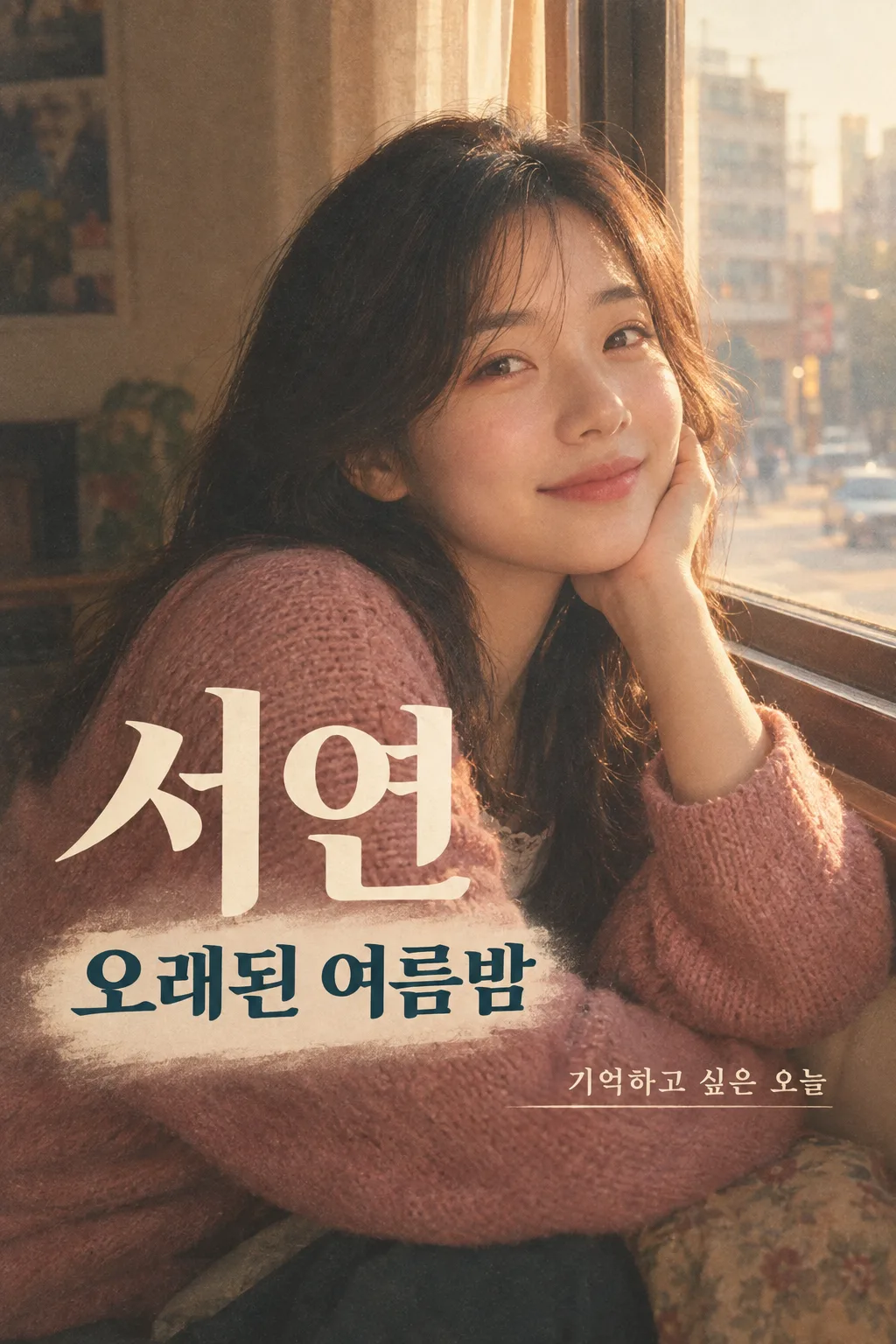
071내 사진 80년대 앨범 표지
내 사진과 이름·한 줄을 80년대 필름 감성의 가상 앨범 표지 한 장으로 만들어 인스타 피드나 스레드에 올려요.
칸 채우기
- 1칸을 채워요
- 2복사 버튼을 눌러요
- 3GPT 채팅창에 내 사진을 올리고, 프롬프트를 같이 붙여넣어요
- 4내 사진과 프롬프트가 둘 다 들어간 걸 보고 보내요
프롬프트 원문 보기 6,753자
Generate this image now. Draw it directly - do not describe it, explain it, or ask questions.
Output size 2480x3508 pixels, A4 portrait, 300dpi, print-ready poster.
Create exactly ONE finished 2:3 vertical Korean retro album-cover image from the photograph attached in this same message. Return the image itself, with no explanation, code, second page, crop plan, carousel, or request for another turn.

[Purpose]
The person in the attached photo wants a shareable, fictional 1980s-inspired album cover bearing their own chosen name. This is a personal social post for an Instagram feed or a Threads image, not a replica of a real record, singer, band, cover, or label. Print the name "【표지 이름】" as the artist name. Album-title input is "【앨범 제목】". One-line-copy input is "【한 줄 문구】". Emotional direction is "【사진의 기분】". This image has to feel like that person's one-off musical memory, not a generic retro portrait. Keep the photo's identifiable subject, and make one new composition around that real identity.

[Scene]
Design one complete 2:3 portrait album sleeve image, without drawing a vinyl record, cassette player, phone mockup, border of a social app, or a tilted paper product. The front cover itself fills the entire canvas edge to edge. Use one dominant photographic portrait occupying about 72% of the page, then a restrained typographic area integrated with the portrait. Choose an era-plausible setting and pose that fit "【사진의 기분】": an intimate indoor window for quiet longing, a sunlit ordinary street for warm excitement, or a simple colored studio backdrop for confident energy. These are directions, not extra facts about the user's life. Make the setting visually memorable but subordinate to the real face. A subtle film grain, gentle halation, imperfect analogue color and believable fabric create the retro feeling. Nothing should look like a current digital UI or a costume parody. There is only ONE person if the attachment shows one person; if the attachment genuinely shows more people, preserve the number of people and their relationships without inventing an extra companion.

[Attached photo]
The uploaded photo is mandatory, and is the sole source of each person's identity. Preserve the same recognizable face, facial proportions, eye and nose shapes, skin tone, apparent age, natural asymmetries, hairstyle identity, and distinctive details. A historical photo aesthetic may change light, clothing styling and background, but never replace the individual with a celebrity, idealized model, or different age. Do not guess a school, profession, birthplace, musical career, relationship status, or personal history. If the attached photograph is a portrait crop, it is acceptable to compose a portrait rather than inventing a full body. Keep glasses and facial hair when present. Do not artificially slim, whiten, sexualize, or beautify the subject. If there is no attached photograph, do not pretend the generated person is the user; instead request the photo without generating a fabricated likeness.

[Text layout]
Use approximately the central 12-84% height for the visual portrait and the text. Keep the top 12% and bottom 15% free of essential words so a website card overlay cannot obscure them. Print "【표지 이름】" large enough to read in a small card listing, in one quiet, high-contrast area around the upper-middle or center. Directly below or near it, print one large original album title. If "【앨범 제목】" is "알아서 골라줘", do not print those input words: create a short original Korean title of 2-5 words that fits the actual mood, photo and name. Otherwise print the provided title exactly. In a second, smaller but still readable area print exactly one line of personal copy. If "【한 줄 문구】" is "알아서 골라줘", do not print those words: write a warm original Korean line of at most 16 Korean characters suited to the actual image, without claiming a biographical fact. Otherwise print the provided line exactly. The emotional-direction input "【사진의 기분】" sets color and expression but is not a printed form label. No date, edition number, fabricated track list, barcode, record-company mark, review, rank, price, or claim of a real release.

[Style]
Make a carefully art-directed Korean personal album cover inspired by the broad visual language of late twentieth-century analogue portrait photography. This must not imitate an identifiable real album, performer, film character, brand, or copyrighted graphic. Let the emotional direction choose the palette: amber and muted terracotta for warmth, deep indigo and dusty rose for longing, crisp cobalt and soft cream for confidence, mellow apricot and sage for friendship. Use at most two to three harmonious colors plus natural skin tone. Typography may echo era-appropriate large album lettering, but it must be readable Korean, not fake English filler or illegible decorative glyphs. The image should be attractive even without an exterior caption. Avoid one-note brown sepia on every user input.

[Visual hierarchy]
At thumbnail size the viewer must see a real individual and immediately read the person's name and concise album title. At phone size the short one-line copy should read clearly. Reserve calm, low-detail space behind all lettering or add a subtle opaque color field that belongs to the design. The text must not run across eyes, nose, or mouth. Balance the face, lettering, and empty space as one finished cover rather than a portrait with random text pasted on top. All information belongs on this single image.

[Lighting and texture]
Use plausible camera optics, natural skin pores, believable hair strands and hands, fabric seams, and consistent analogue lighting. Film grain should feel light and organic, not mask the face or words. Keep facial detail clear despite retro texture. Use real contact shadows and a coherent light direction. The output should look like an art-directed photograph printed on a slightly worn album sleeve, not a synthetic cartoon, 3D doll, CGI, or a collage of repeated faces.

[Text rules]
Render the exact Korean name "【표지 이름】" once. Render the chosen or newly written album title once and the chosen or newly written one-line copy once. Check every Hangul character and spacing. Do not print "알아서 골라줘", "사진의 기분", form field labels, an explanatory note, English gibberish, brand logos, copyright notices, or an invented date. Use original copy if a copy input asks you to choose, but never invent real-world personal facts.

[Avoid]
No second image, multiple covers in a grid, before/after comparison, missing attached-photo identity, real singer likeness, existing album typography copied closely, logo, record label, fake facts, cropped name, unreadable tiny lettering, 1980s costume caricature, neon glare, plastic skin, extra fingers, AI watermark, mockup, or future editing instructions.
이 카드도 많이 사용해요
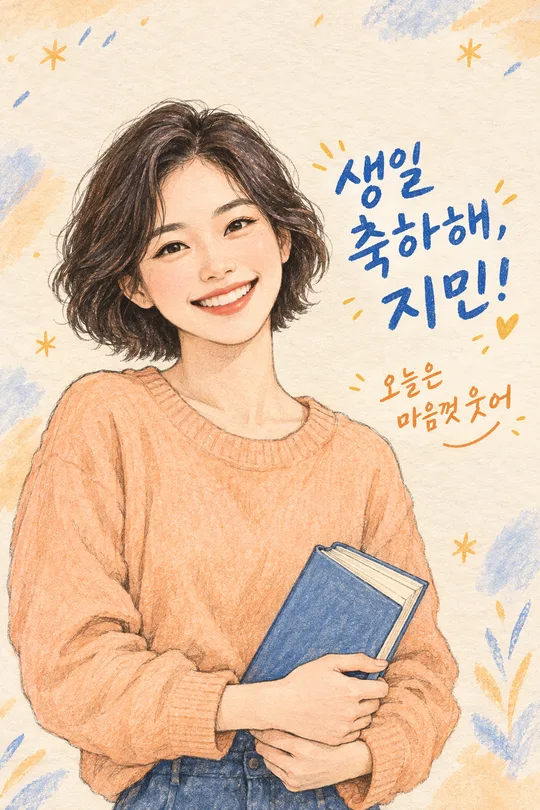
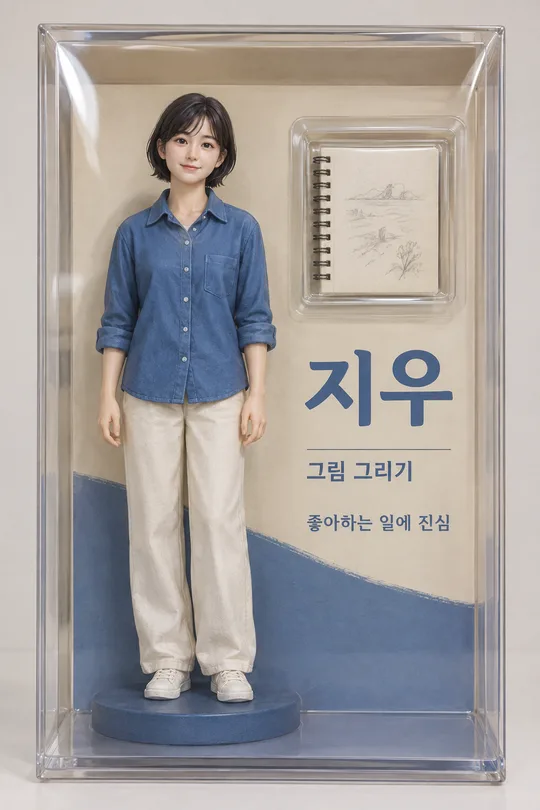
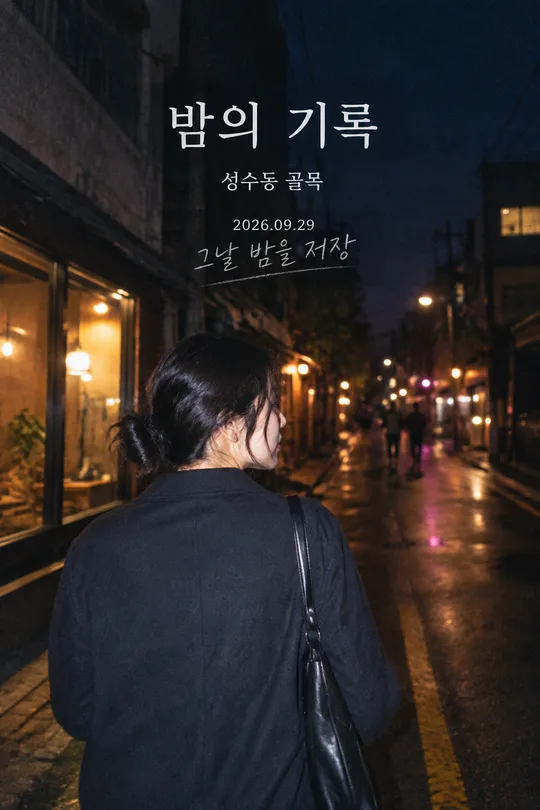
쓰는 법 · 자주 묻는 것
이런 때 쓰세요
내 사진을 평범한 보정 사진 말고 한 장의 가상 앨범 표지로 올리고 싶을 때 쓰세요. 얼굴이 크게 보이는 세로 사진에 내 이름, 앨범 제목, 짧은 한 줄이 함께 들어갑니다. 생일이나 여행처럼 기억하고 싶은 날의 사진을 고르면 개인적인 게시물이 됩니다. 특정 가수나 실제 음반을 따라 하는 카드가 아닙니다. 내 사진을 넣어 만든 한 장을 인스타그램 피드나 스레드에 그대로 올리는 용도입니다.
칸 채우는 법
- 표지 이름에는 그림에 실제로 찍힐 이름이나 별명을 적으세요. 공개 게시물이라면 본명이 부담스러울 수 있으니 별명을 써도 됩니다. 가상의 예시 이름은 고정하지 않았습니다.
- 앨범 제목에는 사진에 어울리는 짧은 제목을 적으세요. 떠오르는 말이 없으면 「알아서 골라줘」를 누르세요. GPT가 사진과 기분을 보고 새 제목을 정하도록 했습니다. 이 지시 문구 자체가 그림에 찍히면 안 됩니다.
- 한 줄 문구는 제목과 다른, 짧은 개인 문장입니다. 직접 적거나 「알아서 골라줘」를 누르세요. 앨범 제목과 같은 말을 두 번 반복하지 않도록 확인해 주세요.
- 사진의 기분은 사진의 빛과 색을 정하는 기준입니다. 이 단어를 그림에 큰 제목처럼 찍는 칸은 아닙니다. 사진이 실제로 밝은 날에 찍혔다면 따뜻한 느낌을, 조용한 밤을 담고 싶다면 그리움을 고르는 식으로 쓰면 됩니다.
사진을 넣는 순서
- GPT 채팅창에 본인 사진을 올리세요. 아직 보내지 마세요. 얼굴이 밝고 분명한 사진일수록 다른 사람처럼 바뀔 위험이 적습니다.
- 같은 입력 칸에 이 카드에서 복사한 프롬프트를 붙여넣으세요.
- 사진과 프롬프트가 둘 다 들어간 것을 본 뒤 한 번만 보내세요. 결과는 완성된 이미지 한 장이어야 합니다.
사진만 먼저 보냈다면 프롬프트 끝에 「위 사진으로 그려줘」를 덧붙여 보내세요. 친구의 사진을 쓸 때는 먼저 그 친구에게 허락을 받으세요. 여러 사람이 나온 사진은 이름 칸과 사진 속 인원이 서로 맞도록 적는 편이 자연스럽습니다.
그림이 나오면 꼭 볼 것
가장 먼저 얼굴이 원본 사진과 같은 사람인지 확인하세요. 그다음 이름과 직접 쓴 제목·문구의 철자, 띄어쓰기, 글자 크기를 보세요. 목록에서 작게 봐도 이름과 제목이 보여야 이 표지의 재미가 전달됩니다. 80년대 느낌은 빛과 인화 질감으로 만들되, 얼굴이 흐려지거나 옷이 과장된 코스튬처럼 되면 원하던 인상이 사라집니다. 필요하면 이 카드에서 기분과 문구를 다시 골라 새 이미지 한 장을 만드세요. 결과를 여러 장으로 나누거나 잘라 붙일 필요는 없습니다.
자주 묻는 것
- 사진 없이도 만들 수 있나요? 이 카드는 사진 속 본인을 표지의 주인공으로 쓰므로 사진 첨부가 필요합니다.
- 실제 음반으로 오해받나요? 그림에 날짜·음반사·발매 정보는 넣지 않습니다. 가상 앨범 표지로 SNS에서 재미있게 공유하는 이미지입니다.
- 앨범 제목을 못 정하면 어떡하나요? 「알아서 골라줘」를 고르면 사진의 기분에 맞는 새로운 짧은 제목을 그림에 넣도록 했습니다.
- 결과가 여러 장인가요? 아니요. 사진 한 장과 프롬프트를 같은 메시지로 보내면 완성 표지 한 장을 받는 구성입니다.