
전체 · SNS/카드뉴스 · 정보·꿀팁
090한 장 오답노트
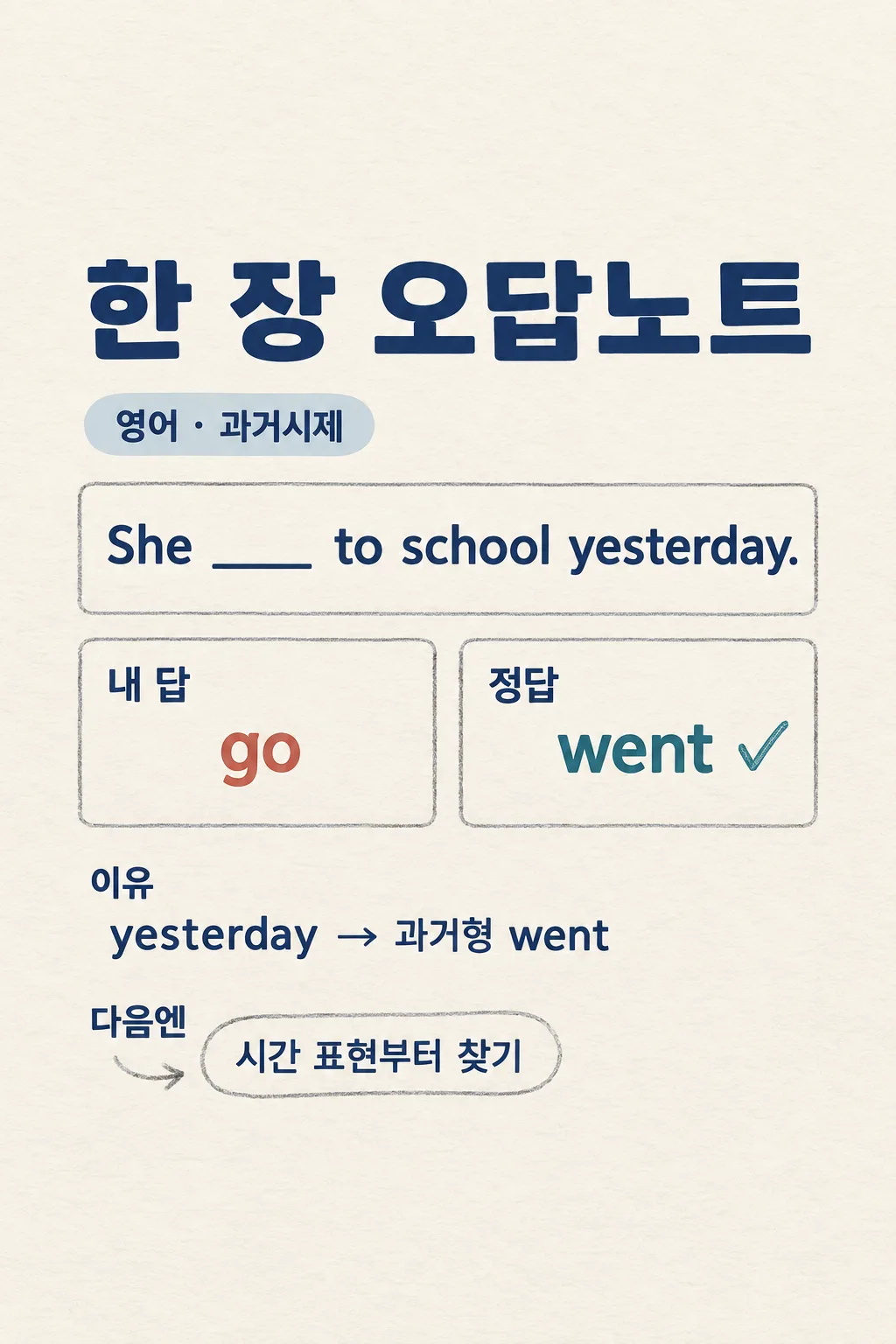
학생이 틀린 문제와 답을 넣어 왜 틀렸는지 한 장으로 정리해 공부 계정에 올리거나 저장해요.
칸 채우기
- 1칸을 채워요
- 2복사 버튼을 눌러요
- 3GPT 채팅창에 붙여넣어요
- 4제품·인물 사진을 쓰려면 사진과 프롬프트를 둘 다 넣은 뒤에 보내요 선택
프롬프트 원문 보기 5,573자
Generate this image now. Draw it directly - do not describe it, explain it, or ask questions.
Output size 2480x3508 pixels, A4 portrait, 300dpi, print-ready poster.

[Purpose]
Create exactly ONE complete Korean study-error note for a learner to save on a phone or share on a study Instagram account. The learner supplied one short problem, their own answer, and a checked answer key: subject "【과목】"; exact question "【문제 한 줄】"; their answer "【내가 쓴 답】"; verified answer "【확인한 정답】"; optional reason they suspect "【헷갈린 이유】". The output is a useful one-image explanation of THIS ONE mistake, not a generic lecture, exam plan, tutoring advertisement, carousel, worksheet pack, or code-based solution. This card does not infer a student's intelligence, personality or grade from one wrong answer.

[Reason before drawing]
First solve the supplied problem independently using the information actually given. Check whether the user's alleged correct answer follows from the question and whether the wrong answer is meaningfully different. For mathematics, show the shortest correct calculation and check arithmetic exactly. For language, check grammar and usage; for science and history, verify factual or time-sensitive statements from authoritative educational or original sources when possible. Do not assert a specific misunderstanding just because the learner guessed a reason: compare that guess with the two answers. If the problem is under-specified, the key contradicts a verifiable solution, or the error cannot be explained without missing context, explain the issue in chat rather than drawing a confident false teaching image. Never invent a missing diagram, exam year, chapter, answer choice, textbook rule or official grading rationale. Keep any copyrighted page or photographed worksheet out of the image; use the short user-entered problem wording or a faithful concise paraphrase, not a whole source page.

[Single-image content]
At the top, print a very large title "한 장 오답노트" and the exact subject "【과목】" as a small chip. Present the exact short question "【문제 한 줄】" in a clear high-contrast problem panel. Then use one unmistakable side-by-side answer comparison: left "내 답" with "【내가 쓴 답】" and right "정답" with "【확인한 정답】". Avoid a giant red X that mocks the learner; a thin rust line for the wrong path and a calm blue-green highlight for the confirmed answer are enough. Under that, write one short precise reason grounded in the actual error, ideally 1-2 sentences. If "【헷갈린 이유】" was supplied, use it only when it matches the evidence; if it is "어디서 틀렸는지 모르겠어", derive the explanation rather than printing that phrase. Add a compact "다음엔" action that tells the learner what to inspect on a similar problem. If a formula or a very short worked line is essential, place it between the reason and the action; otherwise leave it out. Do not add extra practice questions, a second page, invented scores, a study plan, a made-up citation, or a motivational slogan that crowds out the correction.

[Layout]
Use one fully painted 2:3 vertical canvas, with the top 12% and bottom 15% free of essential lettering for website overlays. Keep the title and subject within roughly 16-27%; the problem in 29-45%; the paired answer blocks in 46-62%; the specific reason or tiny working in 64-76%; and the next-time reminder in 77-83%. The problem should be a single sentence or compact expression. If the input is long, preserve its mathematical or grammatical meaning by line wrapping, not by omitting a crucial condition. Make one answer per block and keep them large enough to compare on a phone. Use original simple pencil-underlining and tidy ruled-paper cues, not a photographed classroom desk. The image must be complete and useful at normal phone size.

[Style and hierarchy]
Make the page look like a thoughtful learner's clean notebook: warm off-white paper, deep charcoal or navy Korean sans-serif for all key teaching text, restrained graphite pencil lines, pale blue-green for the verified answer and a quiet rust mark for the learner's answer. A short handwritten accent may look like neat pencil writing but must remain easily read. Use a true baseline for equations and intact Korean strokes. First read: the one mistake and corrected answer; second read: why; third read: what to check next time. Keep any decorative doodle minimal and subject-relevant. A tiny original book or pencil icon is enough. No school logo, real teacher name, score badge or patronizing emoji.

[Accuracy and text rules]
Render the user-supplied question and answers exactly, including numbers, units, punctuation and capitalization. Do not change an answer to make the teaching example easier. If the provided answer key is actually inconsistent, do not draw a false certainty. Do not treat a suspected reason as proven unless the question and two answers support it. A short English sentence in the user's input may appear exactly as supplied; all explanatory labels remain natural Korean. Never print form labels like "문제 한 줄" as literal instructions or placeholder braces. For health, legal or financial exam topics, explain only the educational problem with verified scope; do not turn it into personal advice. No fabricated sources, false theorem, copied illustration, QR code, watermark, extra sheet, phone mockup, code or crop instructions.

[Output]
Return one finished image directly. No extra page, "next", separate answer sheet or editing step. If an authoritative source was essential to verify a nontrivial claim, a compact direct link may appear in chat after the image, but all learning content must already be inside the one result.
이 카드도 많이 사용해요
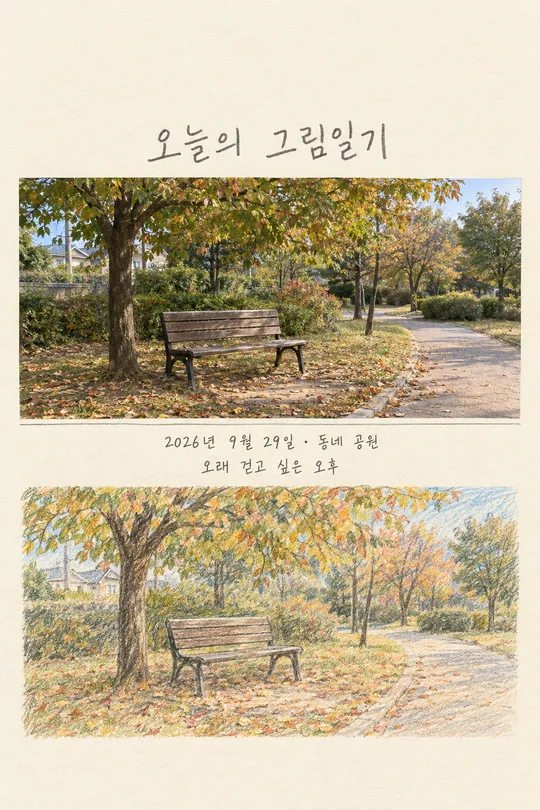
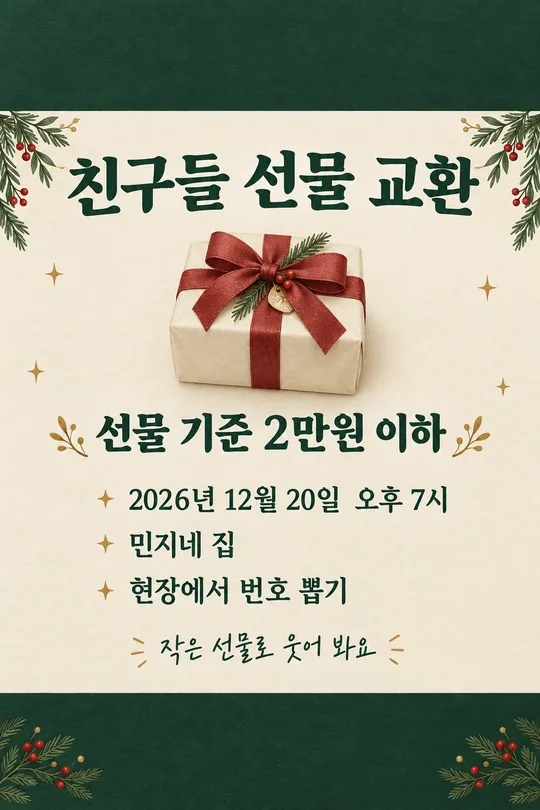
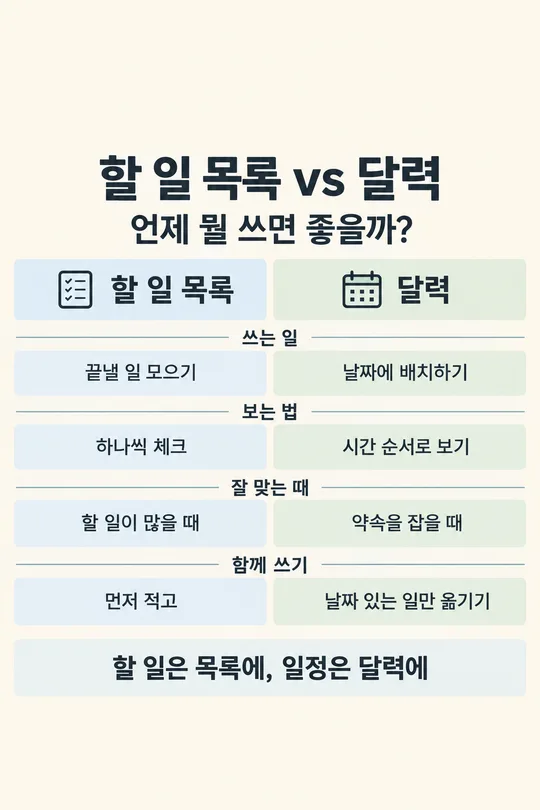

쓰는 법 · 자주 묻는 것
이런 때 쓰세요
한 문제를 틀린 뒤 답만 보고 넘어가지 않으려고 할 때 쓰세요. 문제 한 줄, 내가 쓴 답, 확인한 정답을 넣으면 어디서 갈렸는지를 한 장에 보이게 정리합니다. 휴대폰에 모아 두고 다시 보거나, 공부 계정을 운영한다면 오늘의 오답 기록으로 인스타에 올릴 수 있습니다. 시험 공부 계획표는 앞으로 할 일을 정하고, 일반 정보 카드는 주제의 여러 핵심을 소개합니다. 이 카드는 실제 틀린 문제 하나를 고치는 기록입니다.
칸 채우는 법
- 과목은 문제의 영역을 적으세요. 영어·수학뿐 아니라 과학이나 한국사처럼 사실을 확인해야 하는 과목도 가능합니다.
- 문제 한 줄에는 틀린 문제의 핵심 문장이나 계산식을 적으세요. 긴 지문 전체보다 오답이 나온 부분과 필요한 조건을 간결하게 적는 편이 읽기 좋습니다.
- 내가 쓴 답은 실제 적었던 답을 그대로 넣으세요. 틀린 이유를 찾으려면 원래 답이 필요합니다.
- 확인한 정답은 답안지나 교사가 확인해 준 답을 넣으세요. 정답을 모르는 상태에서 추측해 입력하지 마세요.
- 헷갈린 이유는 선택입니다. 본인이 느낀 이유가 있으면 적고, 모르겠다면 ‘어디서 틀렸는지 모르겠어’를 고르세요. GPT가 문제와 두 답을 비교해 설명합니다. 추측한 이유가 맞지 않으면 그림에 단정하지 않도록 했습니다.
한 번에 만드는 법
칸을 채운 뒤 프롬프트를 무료 GPT에 한 번 붙여넣으세요. 문제 사진이 없어도 됩니다. 결과는 문제, 내 답과 정답, 틀린 지점, 다음에 볼 포인트가 들어간 완성 이미지 한 장입니다. 여러 문제를 한꺼번에 넣기보다 한 번에 한 문제를 기록하면 글씨가 읽히고 복습할 때 찾기 쉽습니다. 수식이나 문법은 실제 문제 조건을 빼지 않고 적어야 합니다.
그림이 나오면 꼭 볼 것
문제의 숫자·기호·영어 철자와 두 답이 입력한 값과 같은지 확인하세요. 풀이가 맞는지 교과서나 답안지와 대조하고, “왜 틀렸나”가 실제 내 사고와 맞는지도 읽어 보세요. 자료가 부족한데 특정 실수로 단정한 그림이라면 그대로 외우면 안 됩니다. 학생의 나이나 점수, 시험 날짜를 임의로 적지 않았는지도 보세요. 다른 사람의 문제집 사진을 통째로 올리거나 공개할 때는 저작권에 유의하고, 핵심 조건만 짧게 적는 편이 좋습니다.
자주 묻는 것
- 정답 칸을 비워도 되나요? 이 카드는 확인한 정답을 기준으로 오답을 분석하므로 정답을 먼저 확인해 주세요.
- 한 장에 문제 몇 개가 들어가나요? 한 문제만 담습니다. 그래야 내 답과 고친 이유를 읽을 수 있습니다.
- 헷갈린 이유를 모르면 어떻게 하나요? 선택 칸에 모른다고 적거나 비우세요. GPT가 실제 문제와 두 답을 비교합니다.
- 풀이가 틀리면 어떻게 하나요? 정답과 조건을 다시 확인하고 틀린 설명을 공부 기록으로 남기지 마세요.