
전체 · 배경화면 · 폰 배경화면
131내 사진 영화 타이틀 배경화면
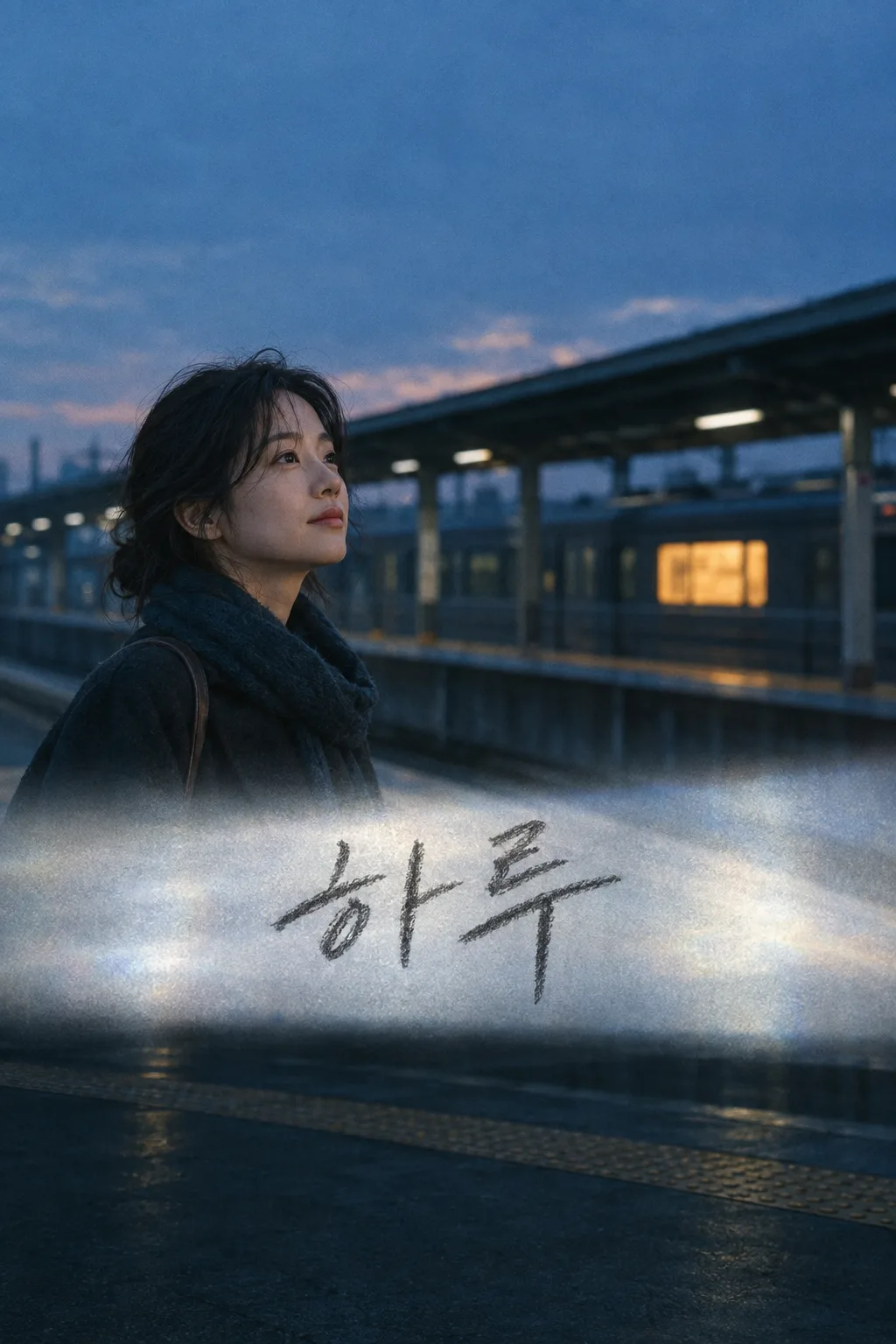
자기 사진을 가진 사람이 자기 이름이 연필 손글씨 타이틀로 들어간 영화 장면 배경 한 장을 휴대폰 잠금화면에 써요.
칸 채우기
- 1칸을 채워요
- 2복사 버튼을 눌러요
- 3GPT 채팅창에 내 사진 1장을 올리고, 프롬프트를 같이 붙여넣어요
- 4내 사진 1장과 프롬프트가 둘 다 들어간 걸 보고 보내요
프롬프트 원문 보기 3,346자
Generate this image now. Draw it directly - do not describe it, explain it, or ask questions.
Output size 2480x3508 pixels, A4 portrait, 300dpi, print-ready poster.

[Purpose]
Create exactly ONE complete PERSONAL FILM-TITLE PHONE LOCK-SCREEN WALLPAPER from ONE self portrait photo attached in this same message. The result is a fictional, original analog-film still: the photographed person on a quiet elevated train platform at blue hour, with their OWN name written across the picture in oversized hand-drawn graphite pencil. It is a single full-bleed wallpaper for the person's phone and can also be shared to a Story. This is not a real film advertisement, a known movie recreation, an actor impersonation, album cover, four-panel comic, phone mockup, app interface, poster collection or set of alternate titles. Preserve the source person's recognizable face and output one image directly without cropping or a next turn.

[Person and place]
The attached photo decides the person's face shape, approximate age, complexion, hair, glasses and visible clothing color. "【사진에서 살릴 특징】" is only a reminder of a real feature; do not paint it in if the photo contradicts it. Show the person once, about waist-up, on the LEFT of the middle zone, face visible in three-quarter view. Keep clothes everyday and unbranded, without inferring a job or identity. An empty unbranded train platform curves gently behind them, with one distant warm train window and no readable station sign. This is an invented place, not a depiction of a real route or schedule. Use analog 35mm film grain, cool deep teal shadows, muted amber practical light and soft silver-blue dusk. The person should look physically lit by the same light as the platform. No duplicate silhouette, famous landmark, cyberpunk billboard, copied movie character, crowd or fake train logo.

[Wallpaper composition]
Use one 9:16 portrait frame fitted for a lock screen. Leave the entire top 0–30% simple dark-to-blue sky and out-of-focus platform roof for the REAL phone clock and widgets. Do not draw a clock, status icons, notifications or phone frame. Place the person's head, shoulders and the single distant train window around 32–65%. Below them, a naturally pale silver projector-like wash of reflected light crosses the scene at 66–78%. On that light, print "【타이틀에 쓸 이름】" ONCE as extremely large dark-GRAPHITE HANDWRITTEN Korean pencil lettering, with human pressure variation, slightly uneven baseline and a visible dry graphite edge. This is the movie-title gesture. It must be readable at tiny website-list size and must not look like a digital block font, neon tube, logo or formal printed calligraphy. Keep the bottom 15% dark, uncluttered and free of all essential words for real lock-screen controls. No smaller subtitle, date or fake credits.

[Expression and finish]
"【표정】" controls only the face expression. If it says "알아서 골라줘", select a calm slightly hopeful expression that matches blue-hour quiet. It cannot change the subject count, style, train platform, title placement, colors or result type. Maintain a small amount of film grain and natural lens bloom without hiding the face or pencil name. Spell the supplied name exactly. No invented film title beyond the name, release year, rating, distributor, copyrighted type treatment, watermark, code, split image, extra output or request to edit. Return only the finished single wallpaper.
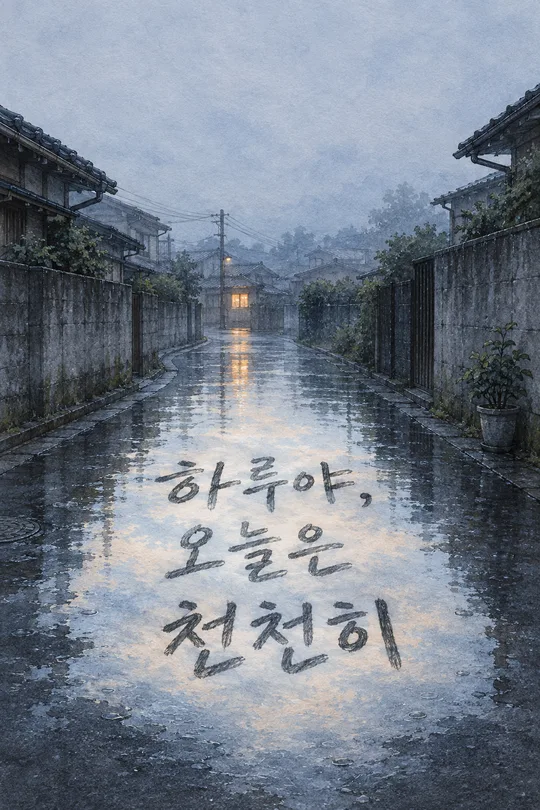
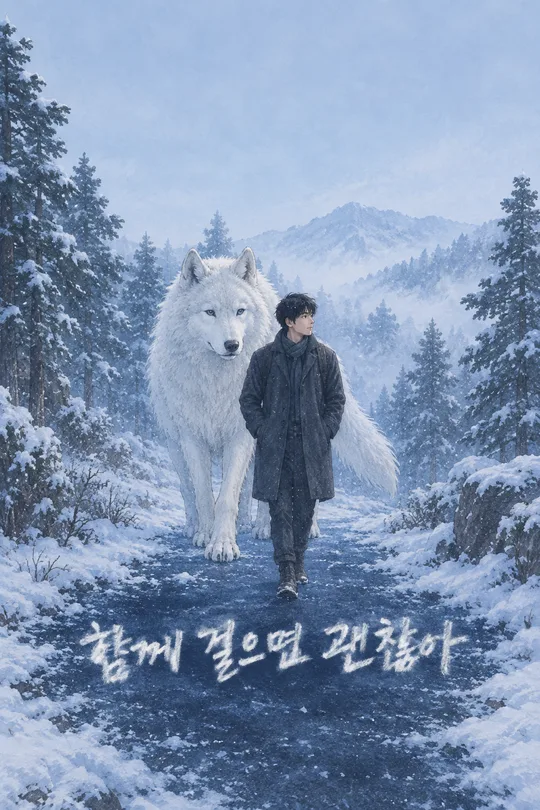
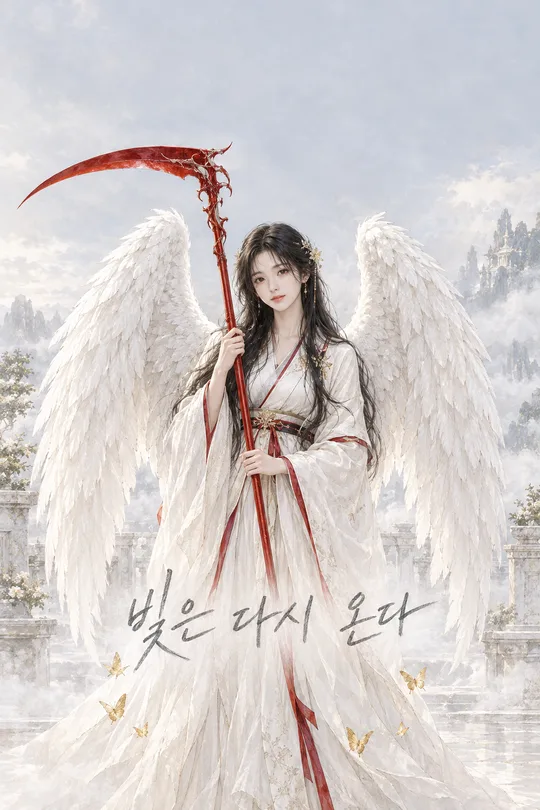
이 카드도 많이 사용해요
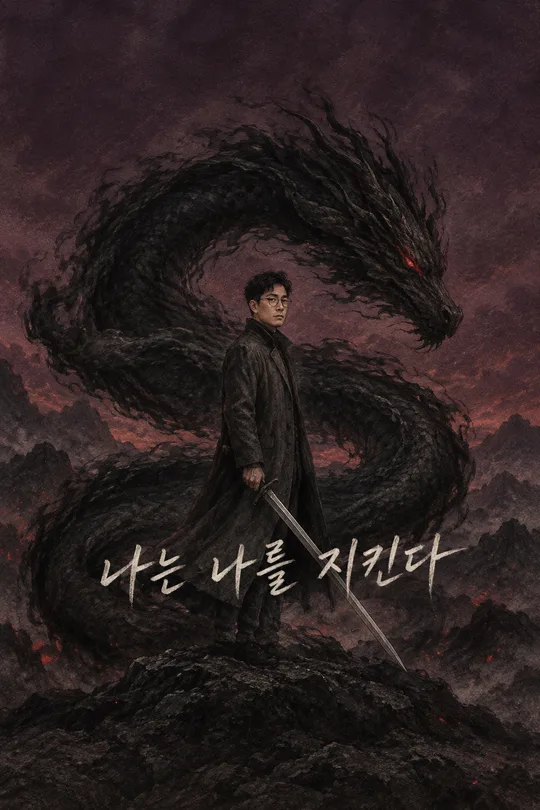
쓰는 법 · 자주 묻는 것
이런 때 쓰세요
내 사진을 드라마틱한 영화 한 장면처럼 보이게 하고, 그 위에 내 이름을 크게 얹은 잠금화면을 만들 때 쓰세요. 파란 저녁의 한적한 기차 플랫폼에 본인이 한 명 서 있고, 아래 은빛 빛줄기 위로 이름이 연필 손글씨로 지나갑니다. 시계가 들어갈 위쪽은 조용히 비워 둡니다. 특정 영화의 제목이나 배우 얼굴을 빌리지 않아 자기 사진으로 여러 번 만들 수 있습니다.
칸 채우는 법
이름은 잠금화면에 실제로 보이고 싶은 짧은 이름이나 별명으로 적으세요. 얼굴 특징에는 사진에서 확인되는 머리·안경·눈매만 넣습니다. 표정은 얼굴만 바꿉니다. 「알아서 골라줘」면 차분한 저녁 장면에 어울리는 표정을 고릅니다. 타이틀 글씨·아날로그 필름 질감·플랫폼 배경은 고정돼 있어서 결과의 모양을 고르는 칸이 없습니다.
사진을 넣는 순서
- 본인 또는 이용 허락을 받은 사람의 선명한 사진 한 장을 올리고 아직 보내지 마세요.
- 같은 입력창에 이 카드의 프롬프트를 붙여넣으세요.
- 사진과 글이 함께 들어간 것을 보고 한 번만 보내세요.
그림이 나오면 꼭 볼 것
얼굴이 원본과 닮았는지, 타이틀 이름 한글이 정확한지 보세요. 작은 목록에서도 이름을 읽을 수 있어야 합니다. 화면 위쪽에 실제 시계가 얹혀도 얼굴이나 글자가 가려지지 않아야 하고, 맨 아래 잠금화면 조작 자리에도 중요한 글씨가 없어야 합니다. 영화 평점·개봉일·가짜 역 이름이 생기면 이 카드의 결과와 다릅니다.
틀린 곳 고치는 법
이름이 틀렸으면 더 짧고 분명한 표기를 넣어 사진과 프롬프트를 다시 한 번에 보내세요. 얼굴이 잘 안 닮으면 표정이 보이는 밝은 원본 사진을 고르세요. 시계 자리가 복잡하면 결과를 잘라 맞추지 말고 새 완성 배경화면 한 장을 받으세요.
자주 묻는 것
- 실제 영화 포스터인가요? 아니요. 영화 타이틀 같은 구성을 빌린 개인 잠금화면입니다.
- 역 이름이 나오나요? 나오지 않습니다. 배경은 특정 역을 주장하지 않는 창작 장면입니다.