
전체 · SNS/카드뉴스 · 정보·꿀팁
403반려동물 동그라미 프로필 사진
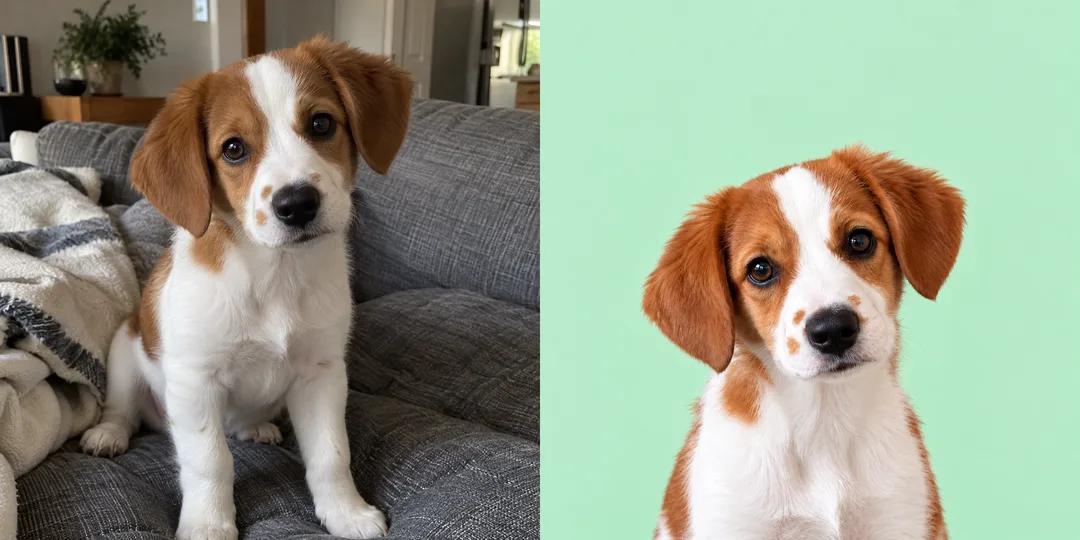
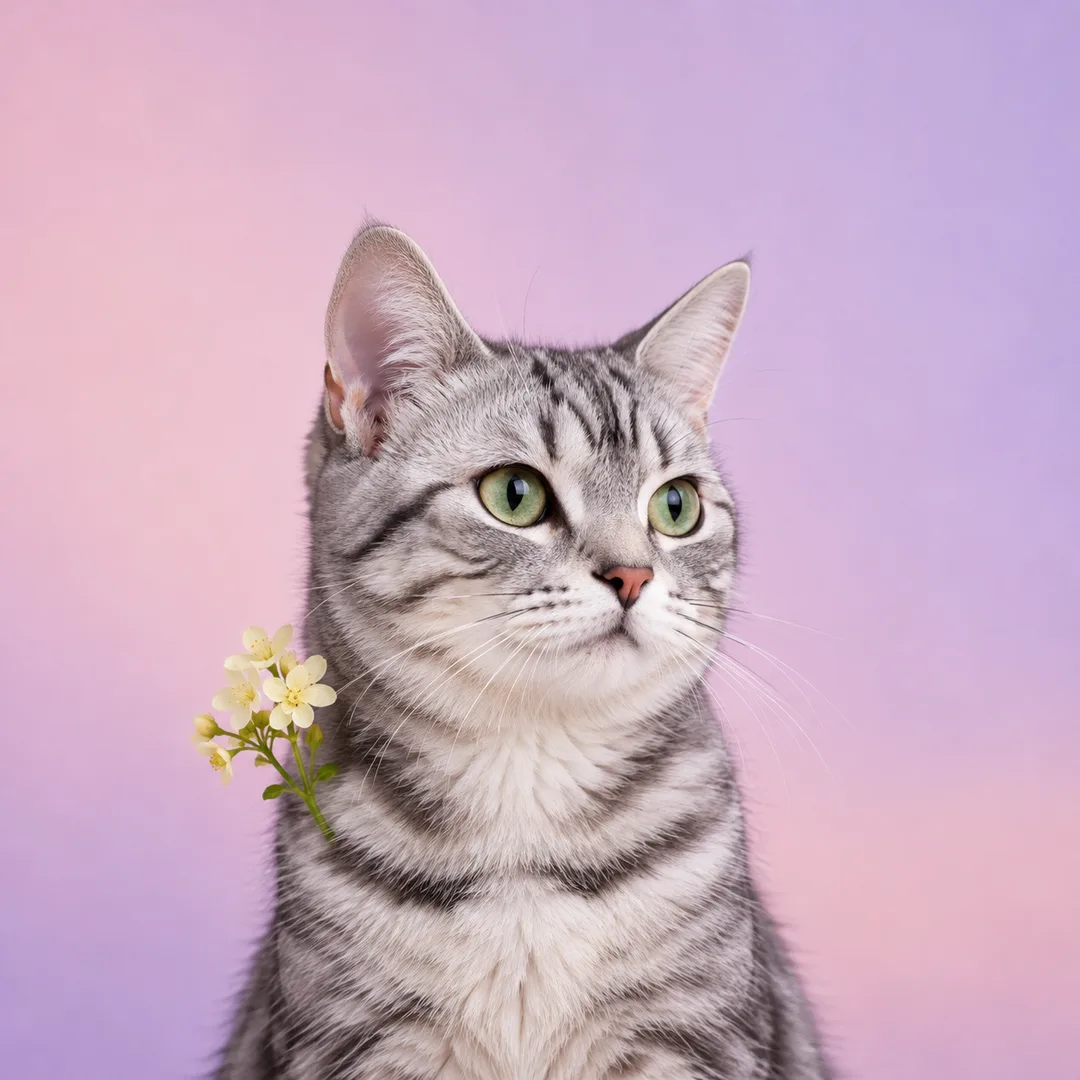
내 아이의 털 무늬는 그대로, 배경과 소품을 정리한 동그라미 프로필용 사진 한 장.
칸 채우기
- 1칸을 채워요
- 2복사 버튼을 눌러요
- 3GPT 채팅창에 붙여넣어요
- 4그대로 보내면 썸네일 예시처럼 나와요
- 5얼굴과 양쪽 귀가 선명한 반려동물 사진 한 장을 같이 넣으면 그 사진이 반영돼요 선택
프롬프트 원문 보기 2,748자
Generate this image now. Draw it directly - do not describe it, explain it, or ask questions.
Output size 1080x1080 pixels, 1:1 square card. Keep the same top-to-bottom order but compress the zones to fit the square: the illustration becomes smaller and every text line stays fully readable.
Create ONE full-bleed photographic pet profile portrait. Keep photography, never convert to painting, cartoon, figurine or illustration.
PHOTO RULE: If a photo is attached, use that exact pet. Preserve species, fur color, every visible marking's location and shape, ear silhouette, eye color, nose and muzzle proportions, head tilt and natural expression. Remove household clutter and correct exposure gently without changing identity. If no photo is attached, invent one fictional pet matching the pet description and complete the image without asking.
Pet description: 【반려동물 사진】. Use this as context only; an attached photo takes precedence for identity. Never print the description or pet name.
Background: 【배경】. 단색 파스텔 means a seamless mint background. 계절 소품 means a smooth blush-to-lilac pastel gradient. 스튜디오 means a seamless sky-blue studio background. 하늘 means a quiet pale-blue sky with soft clouds. Interpret custom background descriptions while keeping the background uncluttered.
Accessory: 【소품】. Empty or 없음 means no accessory. Add only the selected accessory, kept below or beside the face. Preserve ear visibility and all identifying markings. Never add an unrequested hat, collar, flowers or costume.
Center the face at the canvas center. The complete head, BOTH ears and any accessory must fit inside the central 70% rectangle: x15-85%, y15-85%. Reserve the top quarter as clear background. Aim for x20-80%, y25-75% for a safety margin. Show head and upper chest only, never legs or paws. Zoom out until every ear tip fits. Make the face prominent within this safe area; upper chest can extend to the bottom edge. For 1:1, also keep the complete head and ears inside an imaginary centered circle of diameter 90% of the image. Do not draw that circle or cut out the corners. Fill the entire canvas with the chosen background. Respect the requested aspect ratio, with 1:1 as default.
Use soft natural studio lighting, realistic individual fur strands, coherent anatomy and natural eye reflections. Do not enlarge eyes, shorten muzzle, recolor fur or replace the pet with a generic cute animal. No people, second pet, text, numerals, dates, logo, trademark, watermark, app interface, device mockup, border, comparison panel or labels. Return only one finished photo.

[Final output format]
Output size 1080x1080 pixels, 1:1 square card. Keep the same top-to-bottom order but compress the zones to fit the square: the illustration becomes smaller and every text line stays fully readable.
This selected output format takes priority over any fixed canvas size or aspect ratio elsewhere in this template. Adapt the composition, text zones and margins to the selected canvas without stretching or cropping essential content. Device safe areas apply only when a device is selected. Never print these format instructions on the image.
결과 어땠어요?
이 카드도 많이 사용해요
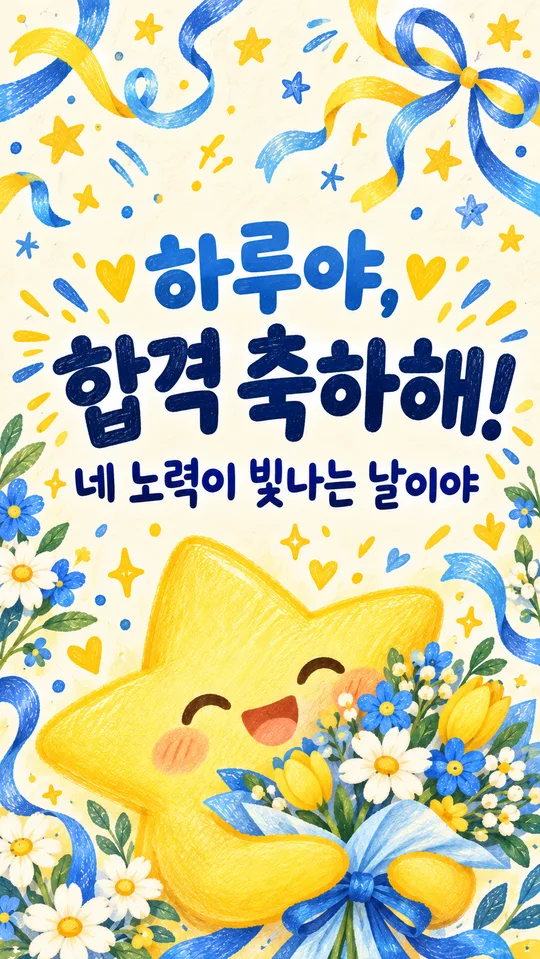
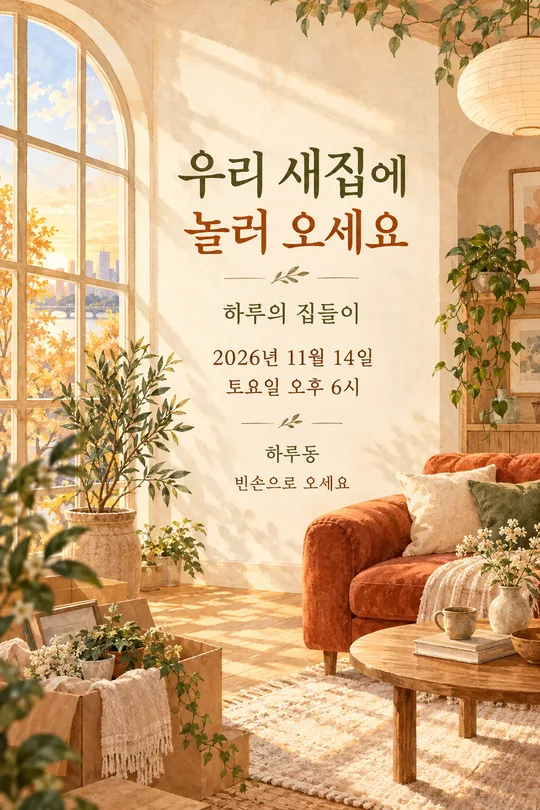
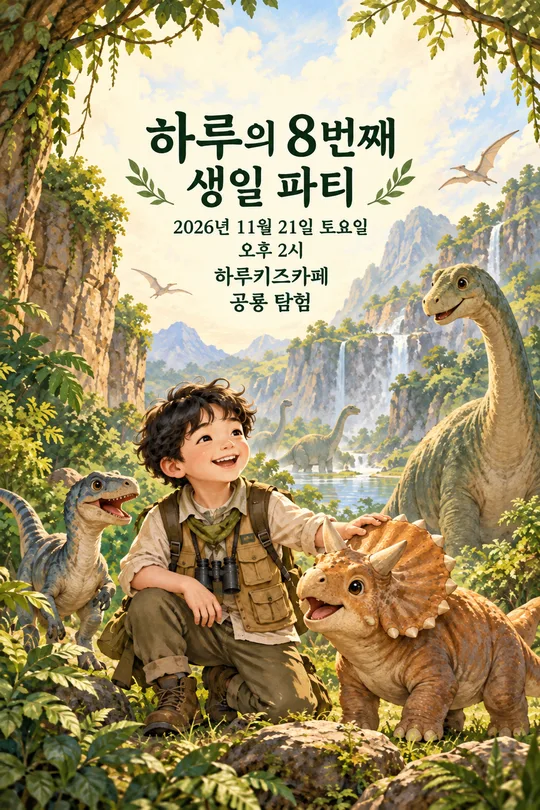
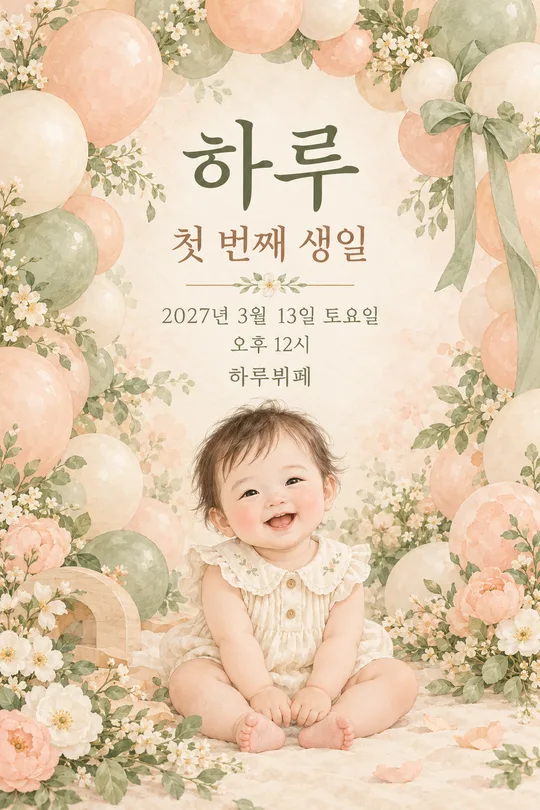
쓰는 법 · 자주 묻는 것
사진 그대로, 프로필에 맞게
집에서 찍은 반려동물 사진을 깔끔한 프로필 사진 한 장으로 정리해요. 그림체를 바꾸는 카드가 아니라 털의 색과 무늬를 남기고 배경과 조명, 얼굴의 위치를 다듬는 카드예요. 기본 비율은 1:1이며, 동그랗게 표시되는 프로필에서도 양쪽 귀와 얼굴이 잘 보이도록 가운데에 모아요.
칸 채우는 법
꼭 칸은 2개예요. 반려동물 사진 칸에는 하루처럼 반려동물의 이름과 생김새를 짧게 적고, 사진 파일은 그림 AI의 메시지에 함께 첨부해요. 사진 파일을 이 칸에 넣는 방식은 아니에요. 배경은 단색 파스텔, 계절 소품, 스튜디오, 하늘 중 고르거나 원하는 배경을 적어요. 계절 소품 보기는 분홍·보라 그라데이션 바탕이며 실제 장식은 소품 칸에서 정해요. 소품은 선택 사항으로 목도리, 꽃, 산타모자를 고를 수 있어요. 비우거나 없음으로 두면 아무 장식도 더하지 않아요.
사진과 프롬프트 보내기
얼굴과 양쪽 귀가 선명한 사진 한 장을 올린 뒤, 같은 메시지에 복사한 프롬프트를 붙여 넣고 함께 보내세요. 사진이 없으면 적은 생김새를 바탕으로 가상의 반려동물이 나와요. 실제 아이를 남기려면 사진을 함께 보내야 해요. 배경 속 사람이나 주소가 보이는 사진은 피하세요.
결과 확인과 수정
이마의 무늬, 코 옆의 점, 눈 색과 귀 끝을 원본과 대조하세요. 동그라미 미리보기에서 귀가 닿으면 “같은 아이의 무늬를 유지하고 머리와 소품을 조금 줄여 가운데 70% 안에 넣어 줘”라고 요청하세요. 이 요청은 결과가 어긋났을 때 쓰는 수정 방법이에요. 처음 요청에서는 사진과 프롬프트를 한 번에 보내면 결과 한 장이 나와요.
자주 묻는 질문
이름이 사진에 적히나요? 이름은 대상을 설명하는 정보로만 쓰고 결과에는 글자가 나오지 않아요. 꽃을 고르면 무늬가 가려지나요? 꽃은 목 옆에 작게 놓고 눈·코·귀와 특징적인 무늬를 가리지 않도록 지시해요. 원본이 흐리면 보이지 않는 무늬가 달라질 수 있으니 더 선명한 사진으로 다시 요청하세요.