

All · Wallpapers · Seasons & scenery · Cinematic
102City-pop Film Wallpaper
Turn a personal night-street photo into a printed city-pop illustration joined across two film windows.
What you get
- A vertical city-pop illustration with a pencil note
- Two film windows joined horizontally or vertically
Fill in the fields
- 1Fill in the fields
- 2Copy the prompt
- 3Paste it into a GPT chat
- 4Send it as is and you get an image like the thumbnail example
- 5Attach One personal photo, optional with the prompt and your photo is used in the result Optional
Full prompt 3,421 characters
Draw one finished 9:16 city-pop film illustration for a personal phone wallpaper. Its defining device is a SPLICED NIGHT MEMORY: two adjacent film windows reconstruct the SAME street scene across a dark film splice. This is a flat wallpaper, with no phone shell or interface.

SOURCE: If a personal photo is attached, trace its recognizable street, people, clothes and carried objects into the illustration. Preserve identity and the detail "【Trace to preserve】". Do not add companions or change expressions. Without an attachment, invent a fictional night street using "【Remembered alley】" and "【Trace to preserve】"; finish without asking for a photo. The fallback is an invented illustration, never evidence of a real person's appearance.

NIGHT MEMORY: "【Remembered alley】" describes visible surroundings and remembered light. Translate these into a late-1980s printed city-pop illustration: dusty peach lit windows, muted navy ink outlines, desaturated teal pavement, airbrushed dusk, fine film grain and paper tooth. Keep this illustrated print medium in both arrangements. No photographic rendering, glossy 3D, famous landmark, existing artwork, artist imitation or recognizable brand. Leave shop signs unlettered.

FILM SPLICE: "【Film splice】" selects the physical arrangement, not a color effect.
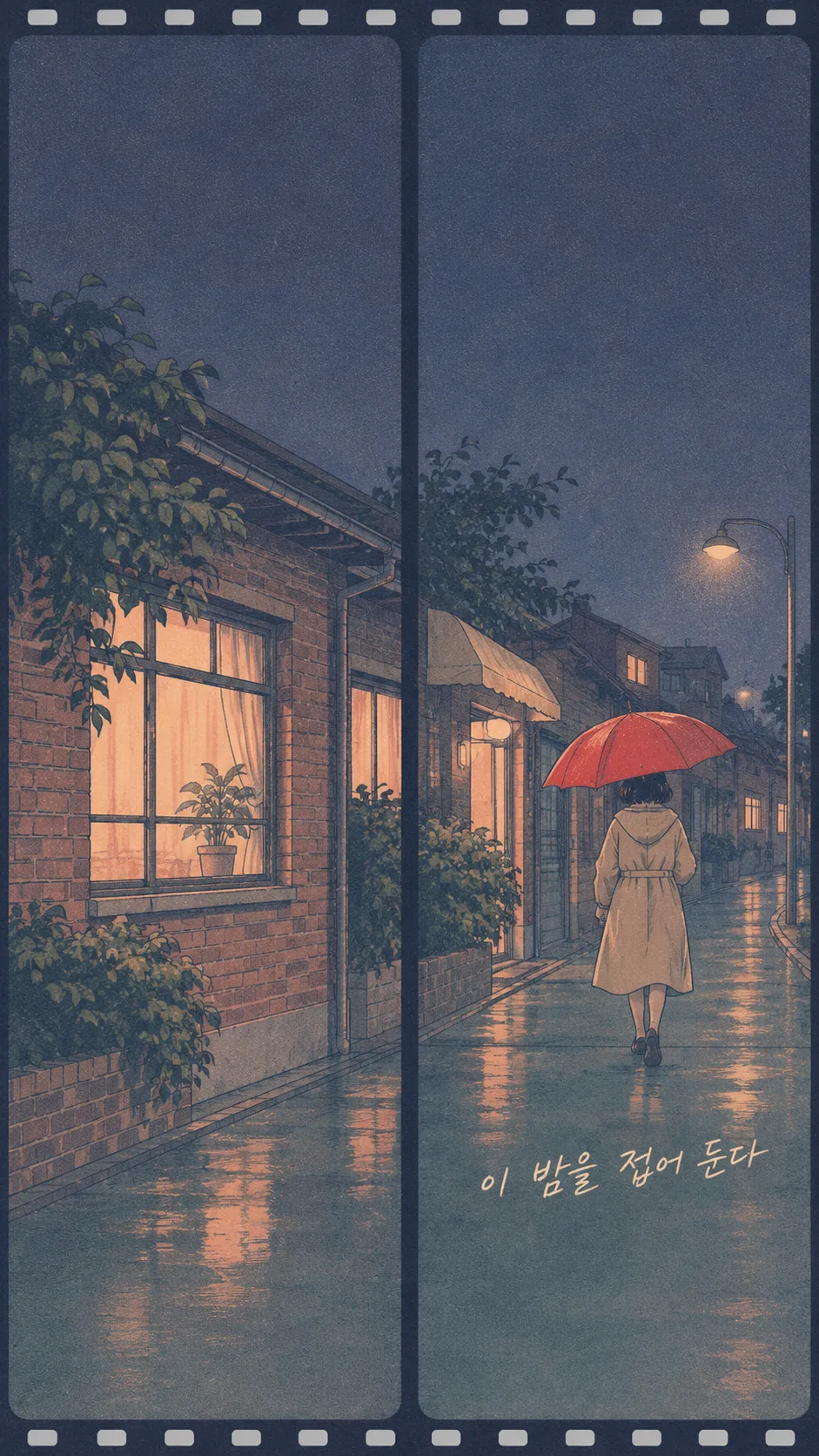
Horizontal splice: two landscape film windows stacked vertically, separated by a narrow horizontal navy splice at the middle of the canvas. Upper window carries the rooftops and sky; lower window carries the continuation of the street and its recognizable detail. The scene joins spatially across this seam, without repeating the person. Small unnumbered sprocket holes run down the LEFT and RIGHT outer film rails only.
Vertical splice: two tall film windows side by side, separated by a narrow vertical navy splice at the center. Left window carries the left part of the street; right window continues the right part. The scene joins spatially across this seam, without repeating the person. Small unnumbered sprocket holes run across the TOP and BOTTOM outer film rails only. There is NO horizontal divider.
Keep the person and named detail wholly inside one window; route the splice through background instead of splitting a face. Use one scene, never two alternate views, repeated portraits or a before/after comparison. Each window reaches its outer film rails; the splice is a visible material interruption in the printed scene.

PENCIL MEMORY: Copy "【Note on film】" exactly once as legible cream pencil handwriting at about 72% canvas height, inside one window and away from the seam. Do not print any other words, frame numbers, dates, labels or signatures. Empty means no note. Use quiet low-detail sky across the upper quarter and subdued pavement in the bottom sixth, reserving visual breathing room for a real lock-screen clock and controls without drawing them. Keep faces, bright details and the note between these areas. Film rails stay narrow, with the scene occupying almost the entire canvas. Return only the complete artwork.

[Final output format]
Output size 1080x1920 pixels, 9:16 portrait story. Keep all text inside the central 80% of the height.
This selected output format takes priority over any fixed canvas size or aspect ratio elsewhere in this template. Adapt the composition, text zones and margins to the selected canvas without stretching or cropping essential content. Device safe areas apply only when a device is selected. Never print these format instructions on the image.
How did it turn out?
More cards in this category



How to use it · FAQ
The umbrella stayed inside the lower window
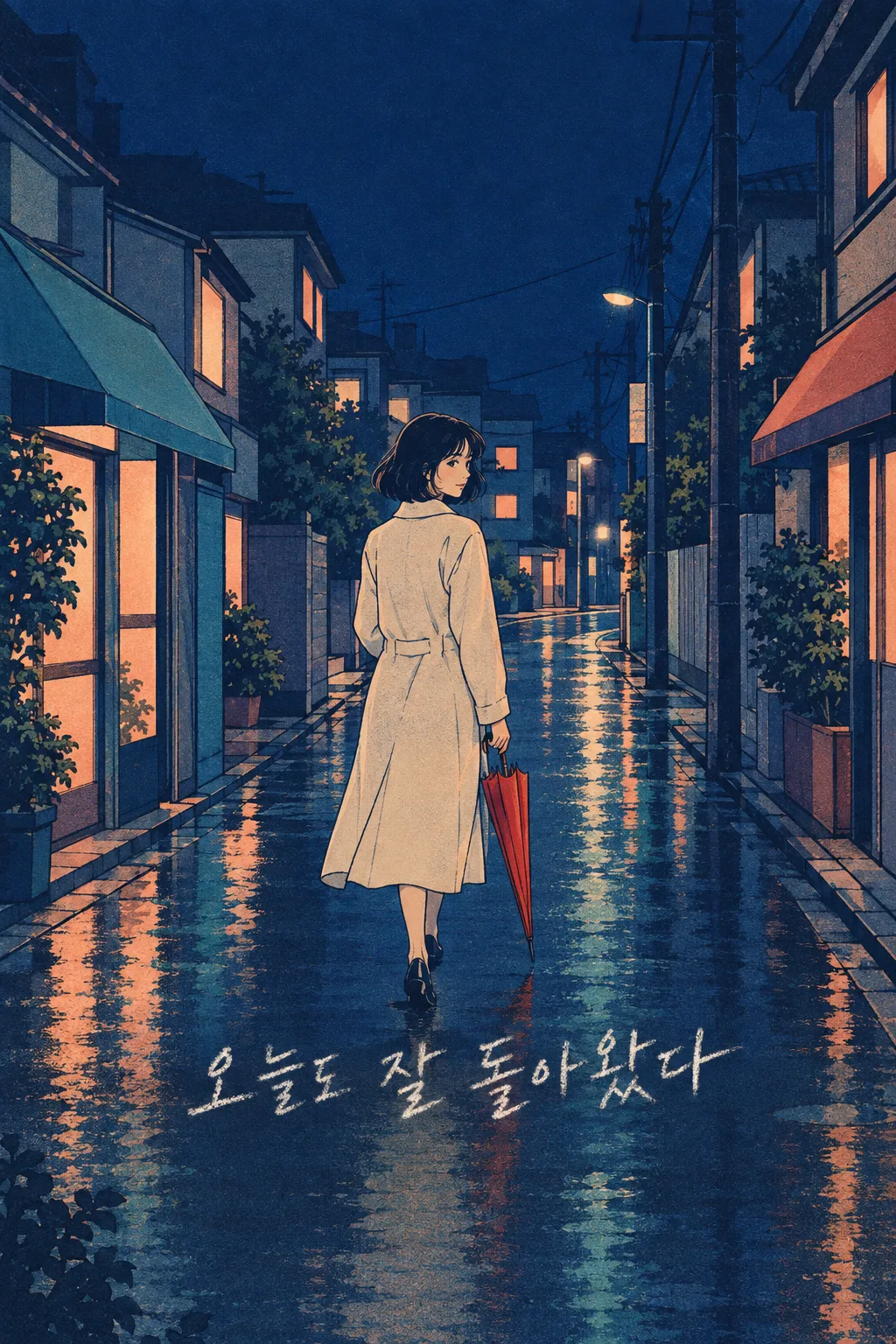
Both runs with the same examples produced a horizontal join through the middle. Brick walls and windows continued across it, while the red umbrella and beige-coated figure remained intact below. Neither run duplicated the person or cut the umbrella. Both rendered the supplied Korean pencil sentence once and correctly. These tests used the Korean card; localized lettering was not tested.
Turning the splice also moved the perforations
Changing only the splice made the divider vertical and moved the film holes from the sides to the top and bottom. A large window occupied the left section and the umbrella carrier the right. The navy night and peach windows stayed, but the eye moved sideways through the scene instead of down from roof to pavement.
The join is a visible dark line. Choose a trace that can fit inside one window, such as an umbrella or bag. If a face is cut, ask: “Move the whole person into one window and route the join through the background.”
The note sat lower than requested
The figure switched sides between the two default runs. The note appeared near 80% of image height rather than the requested 72%. Exact placement is therefore variable. If the note meets the phone controls in the wallpaper preview, ask to move only the note a little upward.
All three tests invented a street without a photo. Preservation of real faces and buildings was not tested. With a personal photo, compare the coat, umbrella and companions against the original. The card keeps the city-pop print illustration and pencil note while rebuilding the scene as joined film windows.
Last checked · Published