
All · Wallpapers · Quotes & mood
427Finger-written fogged window wallpaper
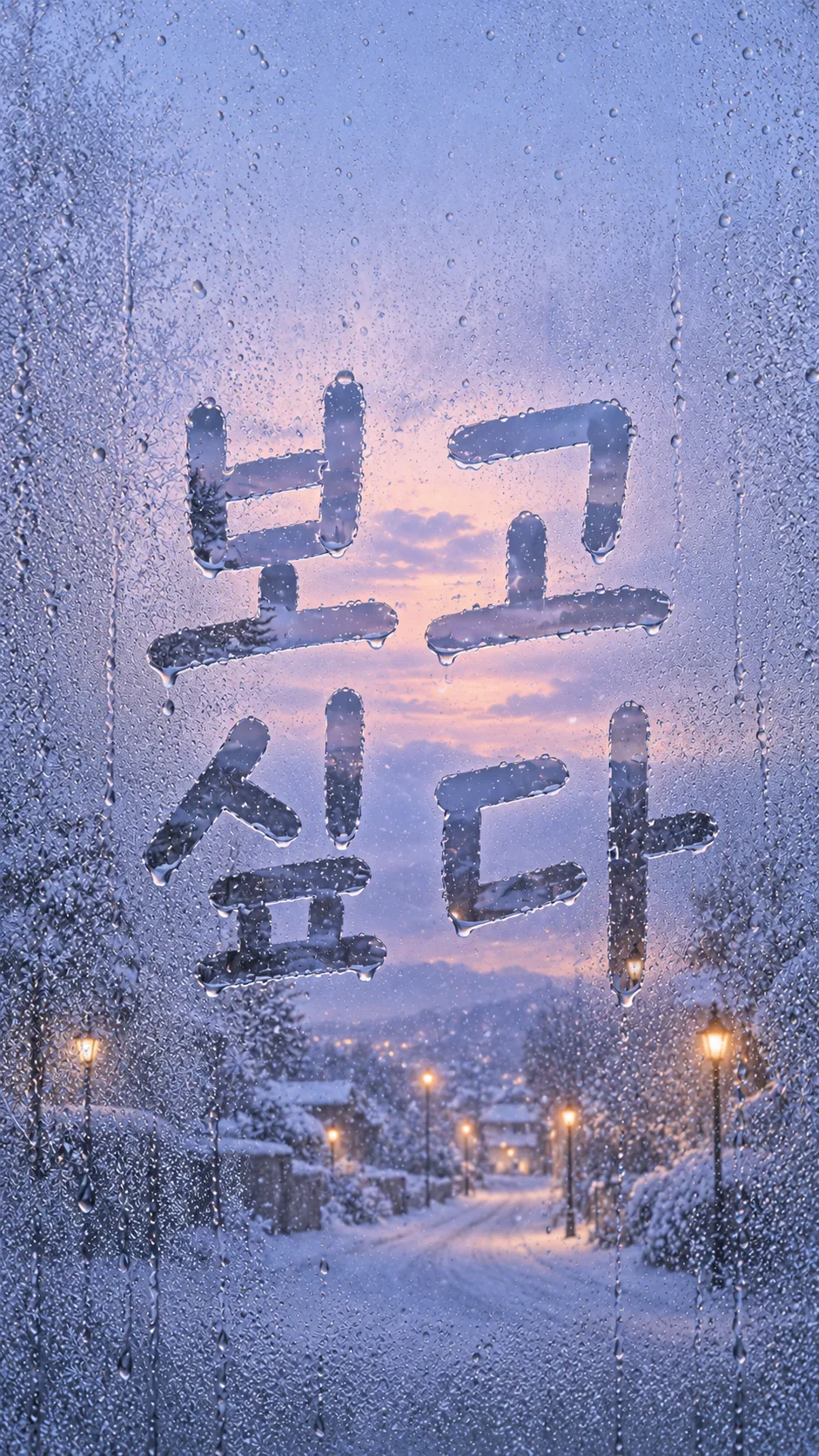
A short finger-wiped message reveals a clear winter view through a misted window, with droplets and quiet space for your clock.
What you get
- One finger-written fogged window wallpaper
- A clear outside view through the wiped strokes
- Droplets, flowing trails and a quiet clock area
Fill in the fields
- 1Fill in the fields
- 2Copy the prompt
- 3Paste it into a GPT chat
- 4Send it as is and you get an image like the thumbnail example
- 5Attach a real photo that fits the card and it is used in the result: a background photo for background cards, a person or food photo for those cards Optional
Full prompt 2,769 characters
Generate one finished wallpaper image now, without explanations, questions or code.
Aspect ratio: Output size 1080x1920 pixels, 9:16 portrait story. Keep all text inside the central 80% of the height.. Default to vertical 9:16. Full bleed pure wallpaper, no mockup, frame or collage.
Writing: "【Writing】". Outside view: "【Outside view】". Time: "【Time】".
Create a premium emotional close-up photograph of a winter window fogged with condensation. Show fine mist, uneven water beads and irregular gravity-driven droplet trails.
The writing consists of clear finger-wiped strokes, never ink, paint or printed type. Use rounded slightly uneven fingertip-width strokes with tiny moisture ridges. The same outside scene is sharper through the cleared strokes and blurred by the surrounding condensation. No hands or people.
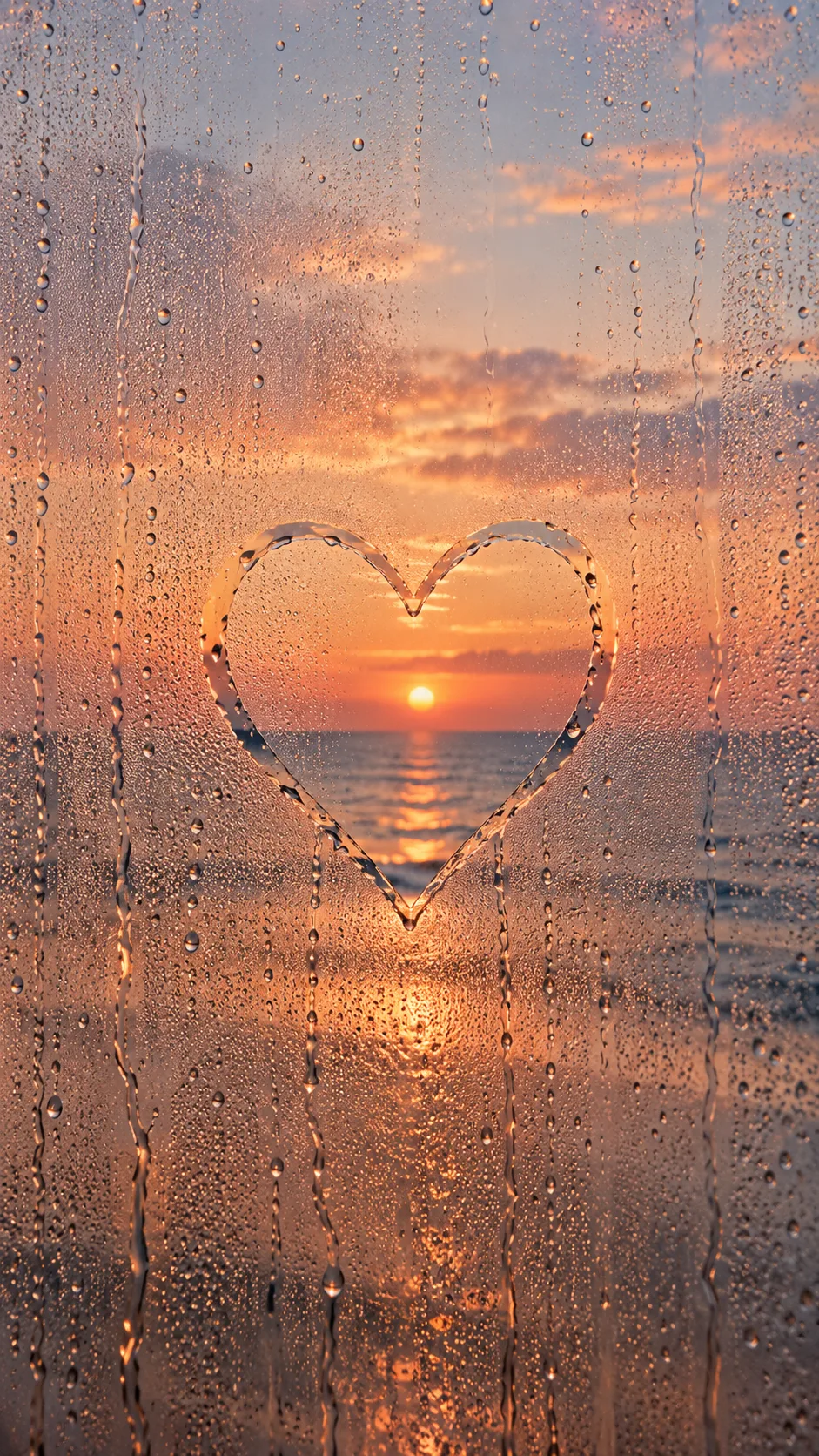
Trim outer whitespace only; render the supplied 1–8 characters or symbols exactly once, preserving their order, spelling and script. Fit longer writing by adjusting strokes and spacing; never shorten or translate it. If empty or 'Choose for me', render only ♡. This is a wiped heart outline with its interior still fogged. Compare each character, digit and symbol before finishing.
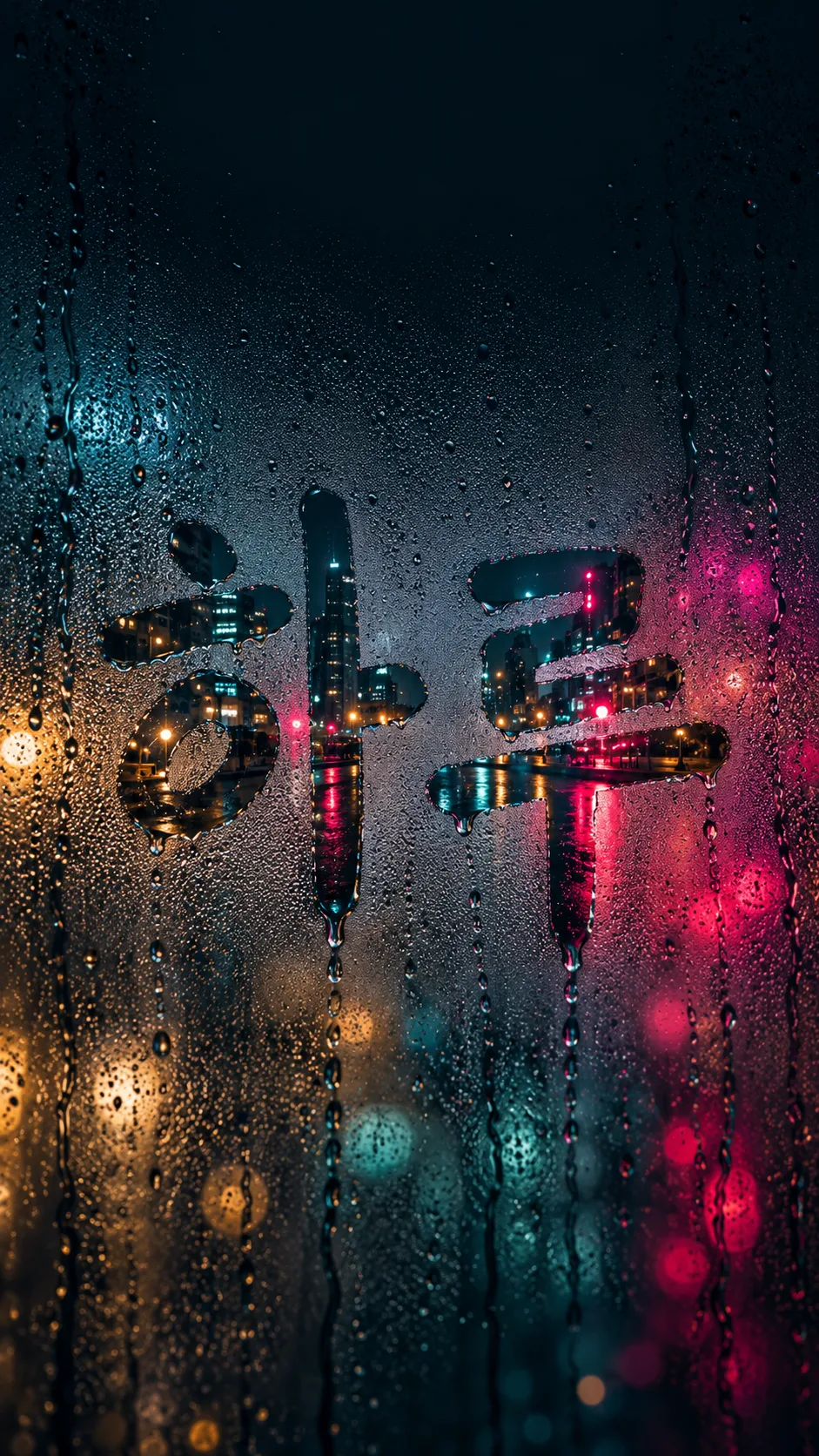
Use only the selected outside view: Snowy street = a quiet snow-covered street with lamps; Rainy city lights = teal and magenta city lights reflected on wet pavement; Sea = a distant horizon and calm water. Default to Snowy street if empty. A snowy street at Dawn has pale lavender and pearly snow with a hushed film-photo mood; a city at Night has deep teal and vivid magenta cinematic light; the sea at Sunset has warm apricot and rose light with an airy calm mood. For other combinations preserve both selected view and time.
Apply only the selected time: Night / Sunset / Dawn. Night has a dark sky and small artificial lights; Sunset has low warm evening light; Dawn has cool light just before sunrise. Default to Night if empty. Sea plus Sunset produces a sunset seascape.
Center the writing near 52% of image height with side margins. Keep the upper 25% for a clock and lower 15% for a dock quiet, with only soft condensation and droplets. Do not draw an actual clock, date, weekday, notification, icon or extra caption. Never print choice labels.
No real brands, logos, trademarks, readable shop signs, public figures, products, signatures or watermarks. Use an invented anonymous scene. Check exact writing, clear wiped strokes, selected view and time, and quiet upper and lower areas.

[Final output format]
Output size 1080x1920 pixels, 9:16 portrait story. Keep all text inside the central 80% of the height.
This selected output format takes priority over any fixed canvas size or aspect ratio elsewhere in this template. Adapt the composition, text zones and margins to the selected canvas without stretching or cropping essential content. Device safe areas apply only when a device is selected. Never print these format instructions on the image.
How did it turn out?
You may also like

How to use it · FAQ
Use this card to leave a short personal message on your phone lock screen. It creates a close-up of a winter condensation-covered window: the writing is wiped clear by a finger, and the outside scene appears sharper through the strokes. Uneven water beads and flowing trails make the glass feel tactile. Paste the prompt once into an image tool to create one finished wallpaper; no photo is needed.
There is one required field: Writing. Use 1–8 characters or symbols, such as Haru, Miss you or ♡. Choose for me, or an empty writing field, produces one outlined heart. Your writing keeps its spelling and script, without translation or an extra caption. Longer writing uses smaller strokes and adjusted spacing, so short messages are easier to read on a phone.
Outside view offers Snowy street, Rainy city lights and Sea. Snow gives a quiet winter scene; the city adds wet reflections and vivid light; the sea opens up a calm horizon. An empty view defaults to Snowy street. Time offers Night, Sunset and Dawn, defaulting to Night if empty. Sea with Sunset gives a sunset seascape. Both selections affect the finished image.
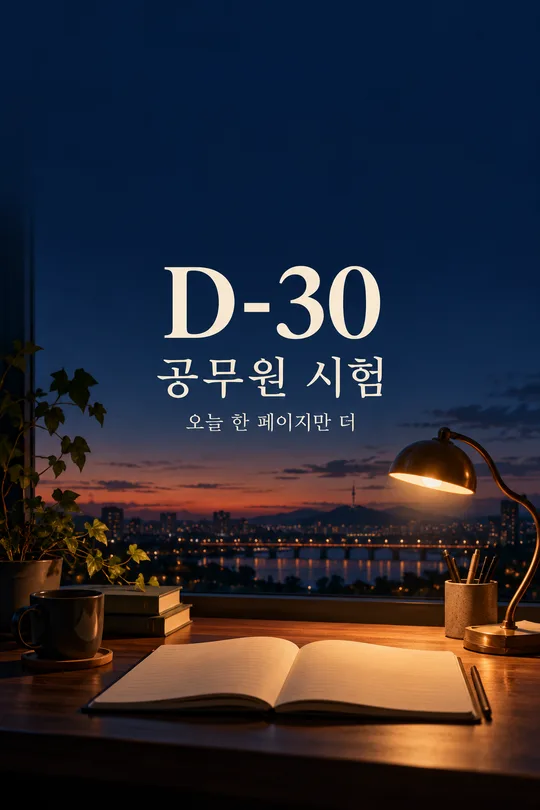
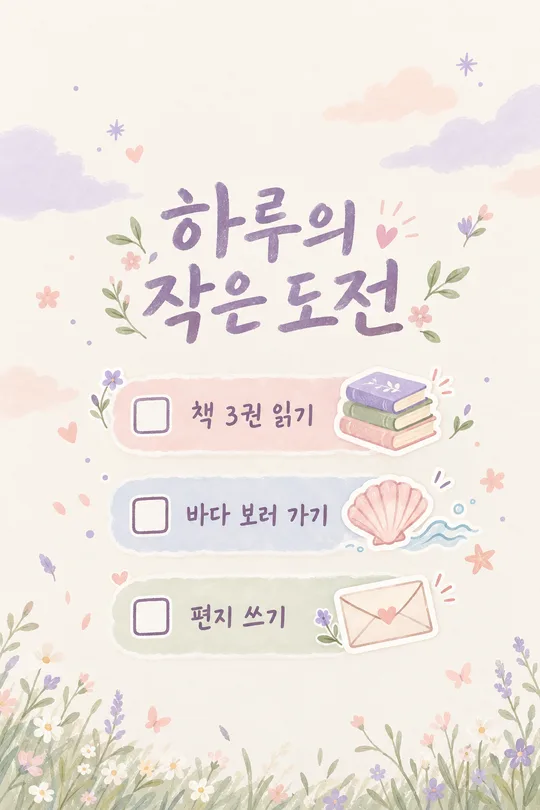
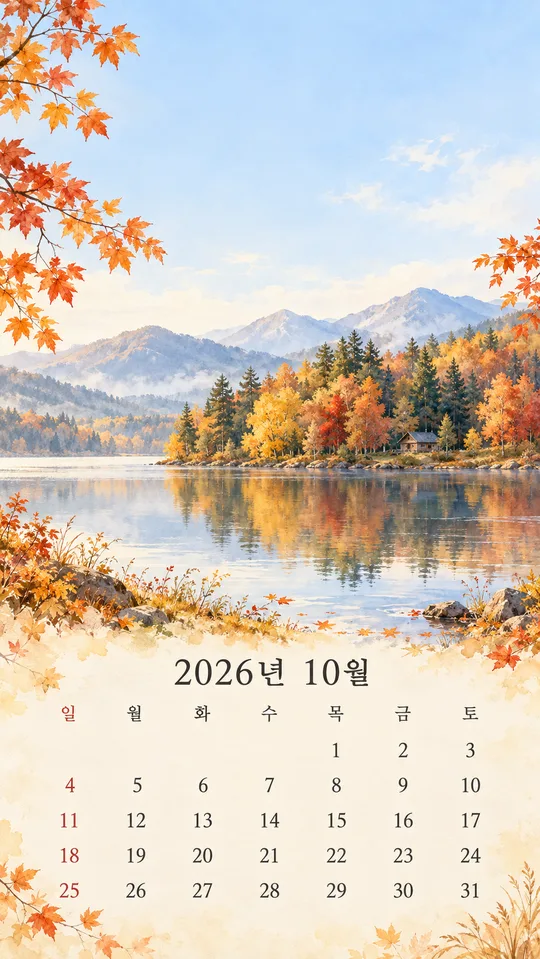
The gallery shows three different combinations: a short longing message on a snowy street at Dawn, Haru against rainy city lights at Night, and ♡ above the sea at Sunset. The Korean gallery lettering is shown as generated; use the English field values for English writing in your own result. The separately generated cover is a name against a snowy night street.
The default ratio is 9:16. Change it with the site's shared aspect-ratio control. The writing sits in the middle, while the upper 25% and lower 15% remain quiet for your clock and dock. The image does not include actual clocks or app icons. Zoom in and check every character, symbol and cleared stroke before saving. If the writing is wrong, repeat the exact phrase and ask for it to be redrawn unchanged. If your device's clock overlaps, ask to move the writing slightly down. No extra sentimental subtitle is added: your short writing supplies the message.