
All · Wallpapers · Quotes & mood
420Exam Countdown Study Wallpaper
A large countdown, your exam name and an optional pledge, with clear space for the lock-screen clock and bottom dock.
ChatGPT Free OK
Fill in the fields
- 1Fill in the fields
- 2Copy the prompt
- 3Paste it into a GPT chat
- 4Send it as is and you get an image like the thumbnail example
- 5Attach a real photo that fits the card and it is used in the result: a background photo for background cards, a person or food photo for those cards Optional
Full prompt 3,471 characters
Create exactly one finished full-bleed study countdown wallpaper now, without code, explanations, mockups or a collage.
Output size 1080x1920 pixels, 9:16 portrait story. Keep all text inside the central 80% of the height.
Use 9:16 by default. Fill the canvas with the finished background, no paper surround or phone frame.
COUNTDOWN = "【Countdown】". EXAM = "【Exam name】". PLEDGE = "【One-line pledge】". SCENE = "【Scene】". MOOD = "【Mood】".
Copy COUNTDOWN verbatim, including D, hyphen, leading zeros and digits. Never calculate from dates, use today's date, decrement it, translate it or normalize it. If COUNTDOWN is empty, omit it; do not invent a number. Copy EXAM and PLEDGE verbatim in their supplied script; do not translate user wording. Empty EXAM omits the exam line. Empty PLEDGE removes its entire line and closes the gap. Never add an invented slogan, name, date, signature or labels.
Resolve optional menu commands before drawing. A blank scene uses the dawn desk; a blank mood uses calm illustration. Choose for me means choose a fitting option and never print the command. Use one scene and one mood only.
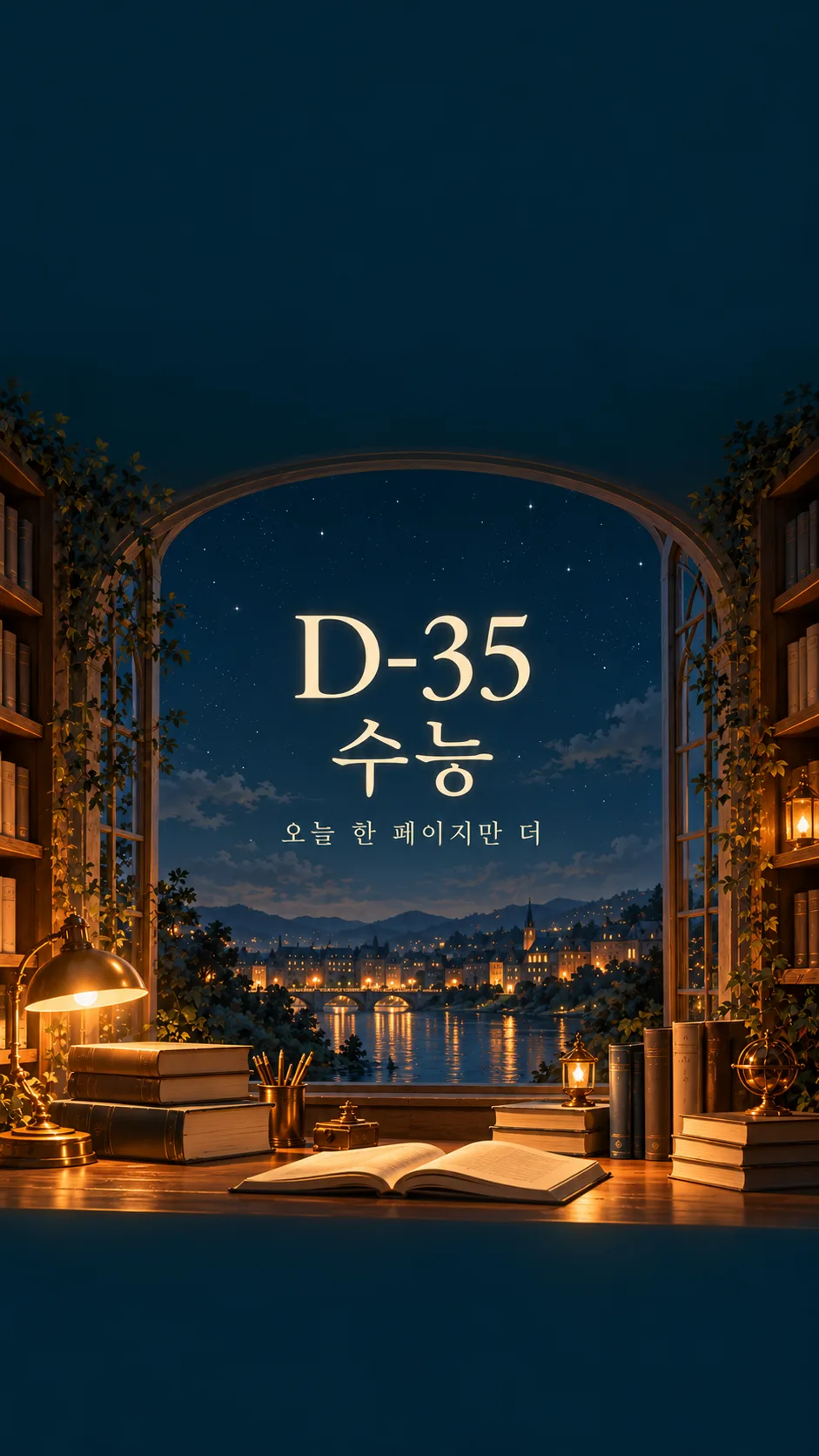
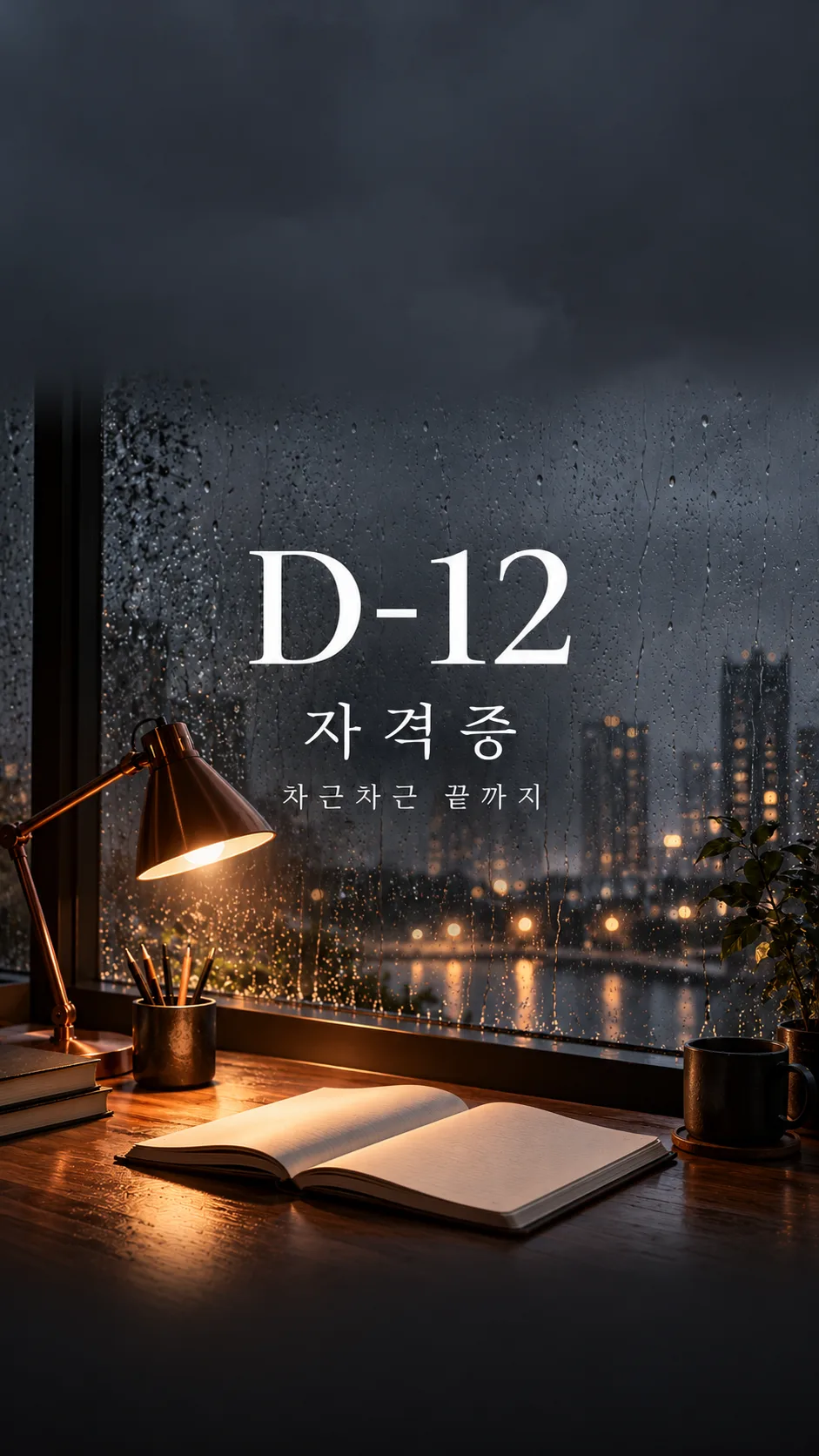
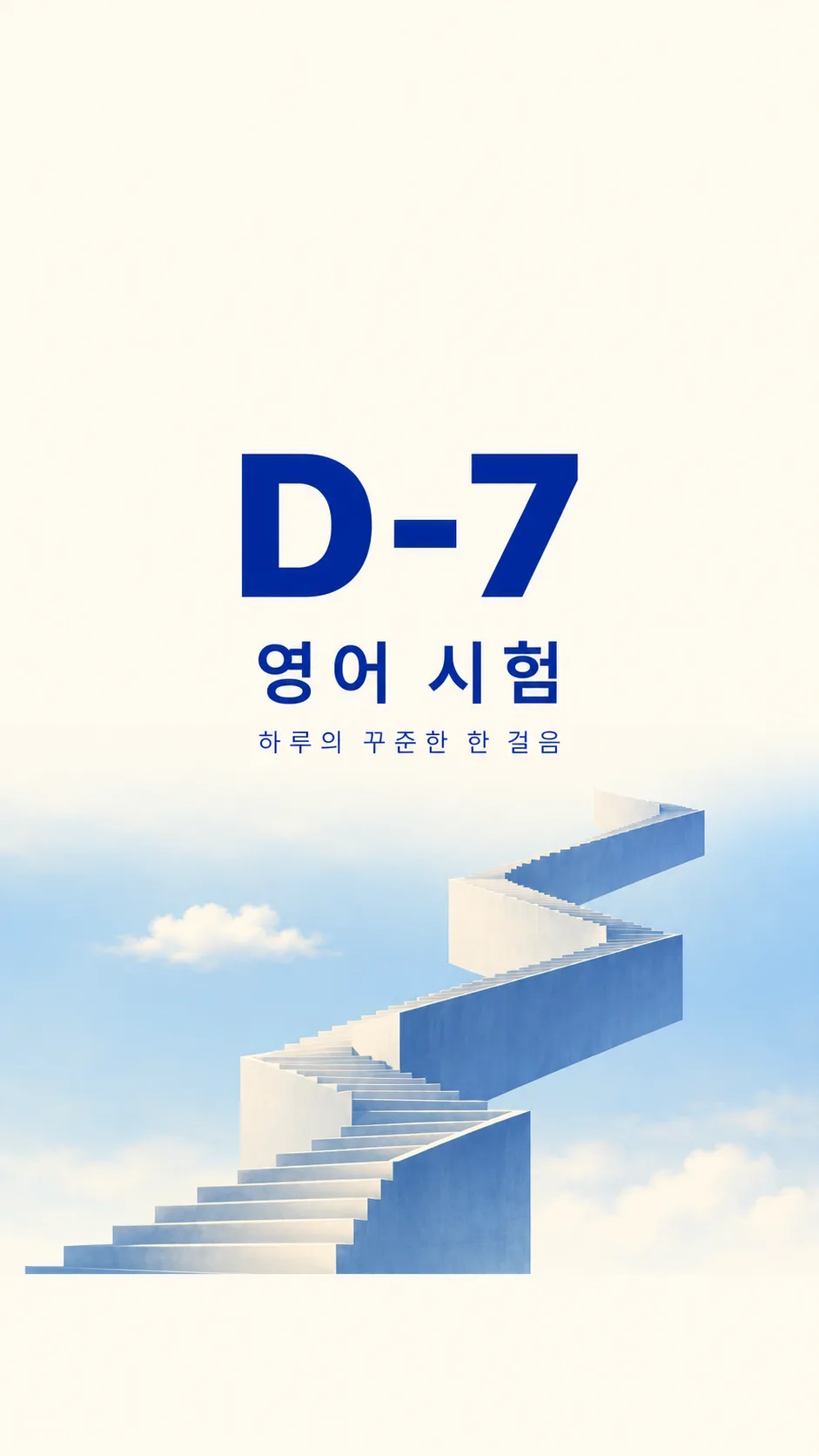
Scene meanings in order: Dawn desk lamp = a quiet dawn desk with one warm original lamp and plain open notebook; Rainy window study room = a rainy window study room with a copper lamp and plain notebook; Starry night library = a fictional simple night library with stars below the clear clock zone; Stairway in the sky = one original geometric staircase rising through pale blue sky.
Mood meanings: Calm illustration = refined quiet editorial illustration with restrained grain and amber highlights; Emotional photography = cinematic natural photography with tactile paper and realistic rain; Minimal typography = ivory and cobalt editorial typography with simplified geometric scene.
For every scene and mood, reserve the entire top 25 percent for a quiet low-detail background with absolutely no text, stars, shelves, foliage, lamps or people. Reserve the entire bottom 10 percent for the same quiet background with no objects or lettering. These are usable clock and dock zones, not outlined boxes. Position all writing between 32 and 58 percent of image height; large COUNTDOWN first, EXAM next, PLEDGE smallest. Keep generous side margins, strong contrast and readable letterforms. Fit long text by reducing its size while preserving exact characters; do not truncate. The scene occupies 60 to 89 percent, blending naturally into the plain bottom zone. The background reaches every edge.
Use original fictional architecture, plain notebooks, unlettered books and original lamp designs. No actual schools, academies, textbook publishers, logos, trademarks, recognizable branded products or existing characters. Do not depict a person unless explicitly requested in the scene; then show only anonymous hands or a back view with no face, reflection or recognizable identity. No famous-person likeness. No UI, clock, calendar, watermark or verification notes. Before returning the one image, compare every letter and digit against the supplied text and inspect both clear zones. Regenerate incorrect lettering inside image generation rather than adding a separate text layer.

[Final output format]
Output size 1080x1920 pixels, 9:16 portrait story. Keep all text inside the central 80% of the height.
This selected output format takes priority over any fixed canvas size or aspect ratio elsewhere in this template. Adapt the composition, text zones and margins to the selected canvas without stretching or cropping essential content. Device safe areas apply only when a device is selected. Never print these format instructions on the image.
How did it turn out?
You may also like
How to use it · FAQ
A reminder you see every day
Create one finished study wallpaper with a large countdown, an exam name and an optional personal pledge. The top 25% stays clear for the clock and the bottom 10% for the dock. There is no phone frame or simulated clock.
Fill the five fields
There are 2 required fields: Countdown and Exam name. Write the complete countdown, such as D-30 or D-007. The exact characters remain unchanged; no date calculation or daily update occurs. Use a short exam name. An empty pledge removes its whole line. Choose one of four scenes and three moods. A blank scene uses Dawn desk lamp; a blank mood uses Calm illustration. Choose for me resolves only that field and never appears as lettering.
Generate and check
Keep the default 9:16 ratio and paste the completed prompt once into an image AI. No photo is needed. Each gallery picture is a different result, showing a night library illustration, rainy study-room photography and a minimal sky staircase. All architecture and objects are fictional and unbranded. Inspect every digit, hyphen and small word at full size before setting the wallpaper. If your device zooms the image, reduce wallpaper zoom to keep the clear zones. Ask to move all lettering into 40–55% of image height if the clock overlaps it. For a typo, provide the complete correct line and ask for it to be redrawn exactly. Change the Countdown field to make a new wallpaper; this is a static image.