
All · Wallpapers · Quotes & mood
413Bucket List Checklist Wallpaper
Turn your own goals into a phone wallpaper with optional completion marks.
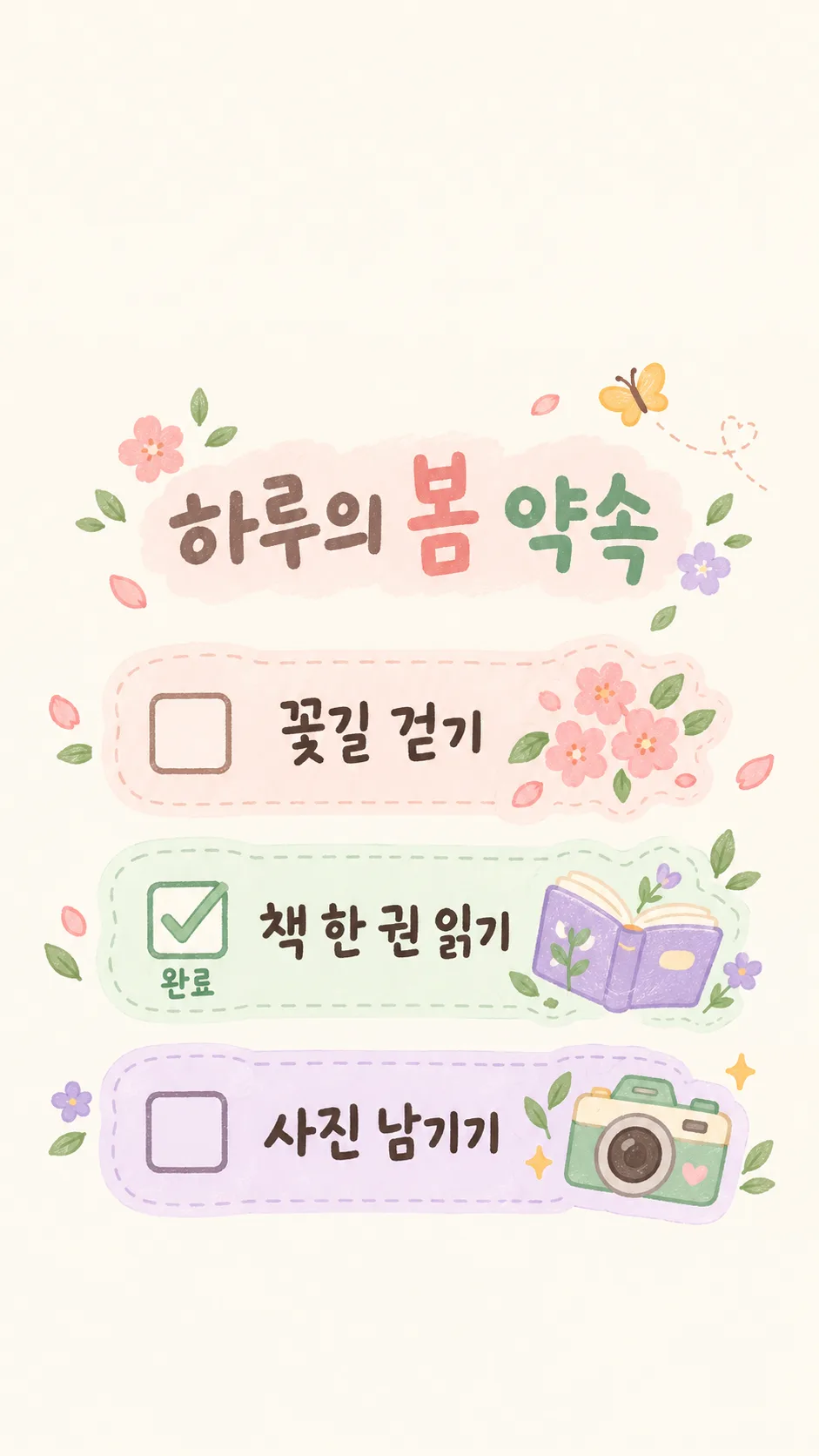
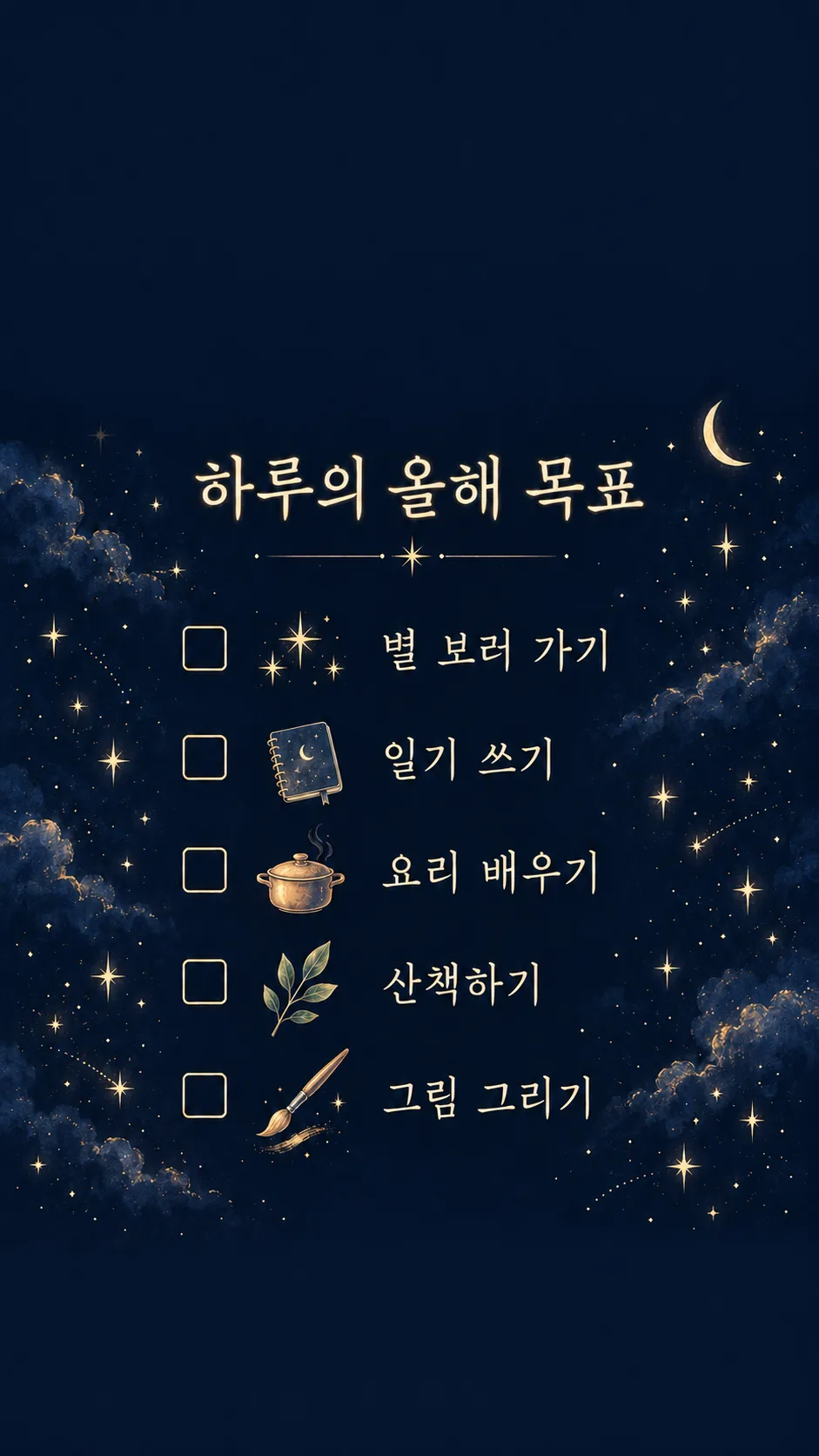
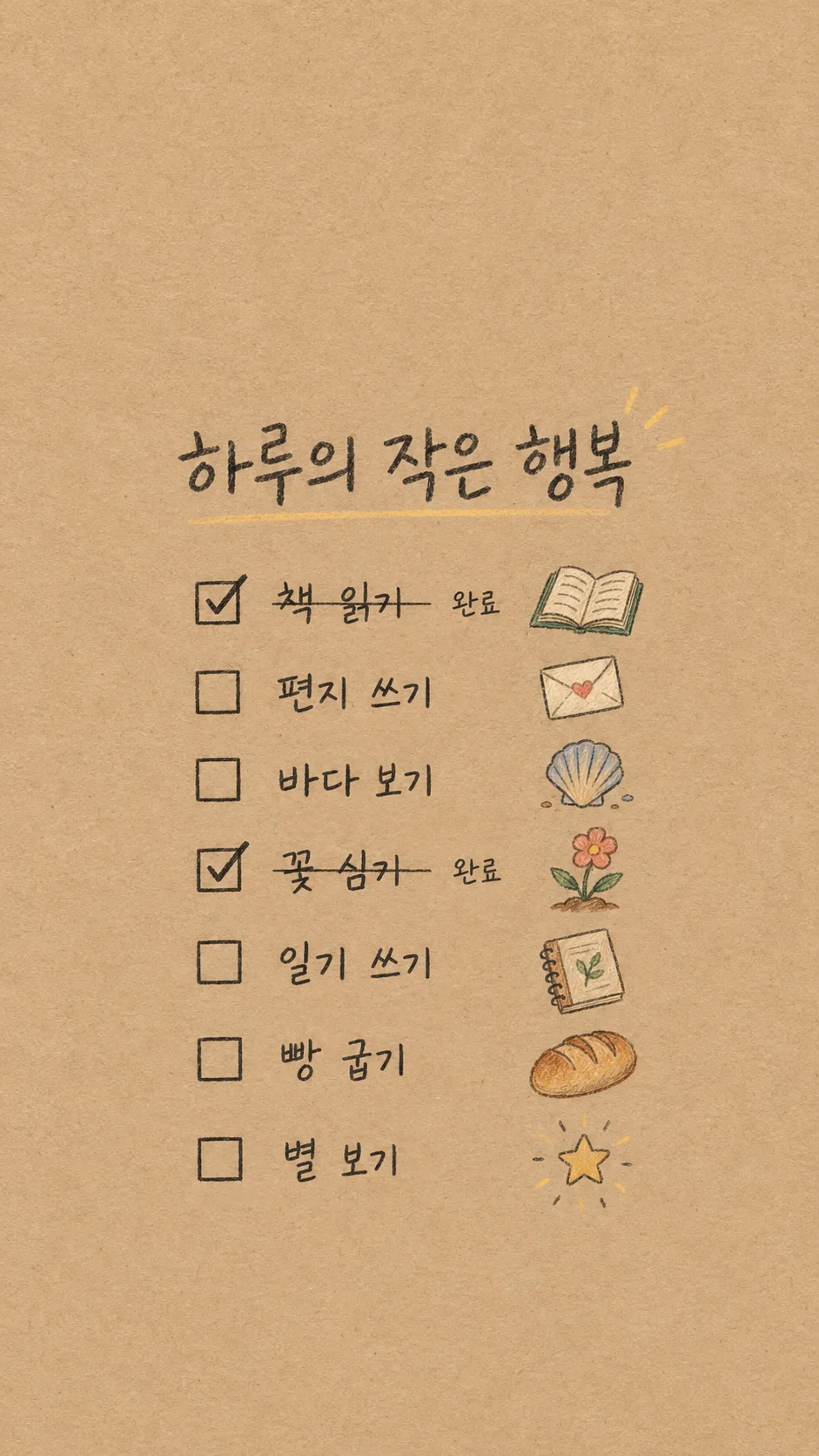
Fill in the fields
- 1Fill in the fields
- 2Copy the prompt
- 3Paste it into a GPT chat
- 4Send it as is and you get an image like the thumbnail example
- 5Attach a real photo that fits the card and it is used in the result: a background photo for background cards, a person or food photo for those cards Optional
Full prompt 3,410 characters
Generate this image now. Draw exactly ONE finished full-bleed bucket-list checklist wallpaper directly; no explanation or questions.
Canvas: Output size 1080x1920 pixels, 9:16 portrait story. Keep all text inside the central 80% of the height.. Default 9:16. Pure wallpaper, no phone mockup, clock, app icons, widgets, poster frame or collage.
Title: "【Title】". Render this supplied title verbatim once, large and readable. Do not invent a subtitle or slogan.
Original input slot 1: "【Item 1】".
Original input slot 2: "【Item 2】".
Original input slot 3: "【Item 3】".
Original input slot 4: "【Item 4】".
Original input slot 5: "【Item 5】".
Original input slot 6: "【Item 6】".
Original input slot 7: "【Item 7】".
Render only nonempty input slots, in original order, verbatim including spelling, numerals and punctuation. A blank slot removes the entire row, its checkbox and icon; compact the remaining rows without gaps. Never invent, translate, correct, duplicate or replace goals. The input numbers are identifiers, not visible row numbers. Use 3–7 supplied goals; never fill missing rows with guessed goals.
Completed original input slot numbers: "【Completed item numbers】". Accept comma or space separated integers 1–7. Ignore duplicates, invalid numbers and references to blank slots. Empty means nothing completed. Match original slot numbers BEFORE removing blank rows. For completed slots only, draw a checked checkbox and exact small label "Done". Others have empty checkboxes and no status word. Strikethrough: "【Strikethrough】". Only if this means On, draw one thin line through completed item text, preserving legibility; otherwise no strike. Never infer completion from goal wording.
Mood: "【Mood】". Interpret only the selected option: pastel diary stickers = cream peach mint lavender paper, softly hand-drawn separated white-edged icons; starry night = deep navy, pale gold readable lettering and delicate original icon sketches; kraft paper handwriting = warm kraft texture, clear charcoal pencil handwriting and small colored pencil icons. These are surface treatments of the SAME checklist wallpaper layout. No branded stickers or recognizable product designs.
Layout: top 0–25% and bottom 90–100% are completely quiet plain background texture, with NO letters, stars, icons or decorative objects. Title occupies 28–38%. All checklist rows occupy 41–84% with evenly distributed spacing adjusted to the supplied count. Text stays within 12–88% width. One small original icon per row drawn from that row’s literal meaning, with a neutral abstract dot for unclear meanings; never add a new activity. Keep icons separate and clear gaps between all stickers. No overlapping lettering, high-detail background behind words or excessive decoration. Main checklist remains dominant and legible on a phone. No people, real brands, trademarks, logos, watermark or existing characters.
Before returning the single image, compare every rendered character against the input, count nonempty slots, and check completion mapping. Render ONLY the supplied title, supplied goals and the applicable status word. Do not print verification notes.

[Final output format]
Output size 1080x1920 pixels, 9:16 portrait story. Keep all text inside the central 80% of the height.
This selected output format takes priority over any fixed canvas size or aspect ratio elsewhere in this template. Adapt the composition, text zones and margins to the selected canvas without stretching or cropping essential content. Device safe areas apply only when a device is selected. Never print these format instructions on the image.
How did it turn out?
You may also like
How to use it · FAQ
Goals you see every day
Create one wallpaper from goals you actually supply. Fill in Title, Items 1–3 and Mood; Items 4–7 are optional. A blank item removes its whole row, checkbox and icon. Your words are preserved, and missing goals are never guessed. Keep goals short for clear phone lettering. The upper 25% and lower 10% remain quiet for the clock and dock; check your actual device layout after applying.
Mark finished goals
Enter original input slot numbers such as 2 or 1, 4 in Completed item numbers. These are not row numbers after blank rows disappear. Leave this field empty for no completed goals. Selected items receive a checked box and Done label. Set Strikethrough to On for a thin line through completed text. Invalid numbers and references to empty slots are ignored.
Choose and verify
Choose Pastel diary stickers, Starry night or Kraft paper handwriting. All produce the same checklist wallpaper format. Paste the prompt once into an image AI to create a single image. Check that every letter and number matches your input, that no goals were added and that completion marks are on the correct rows. Regenerate with corrected slot numbers if necessary. Check the external service’s fees and terms there. Move home-screen apps if they obscure the list. Gallery examples show three, five and seven goals with different completion settings; their goals never replace your blank entries.