
All · Infographics & guides · Menus & pricing
009Printable Menu and Price List
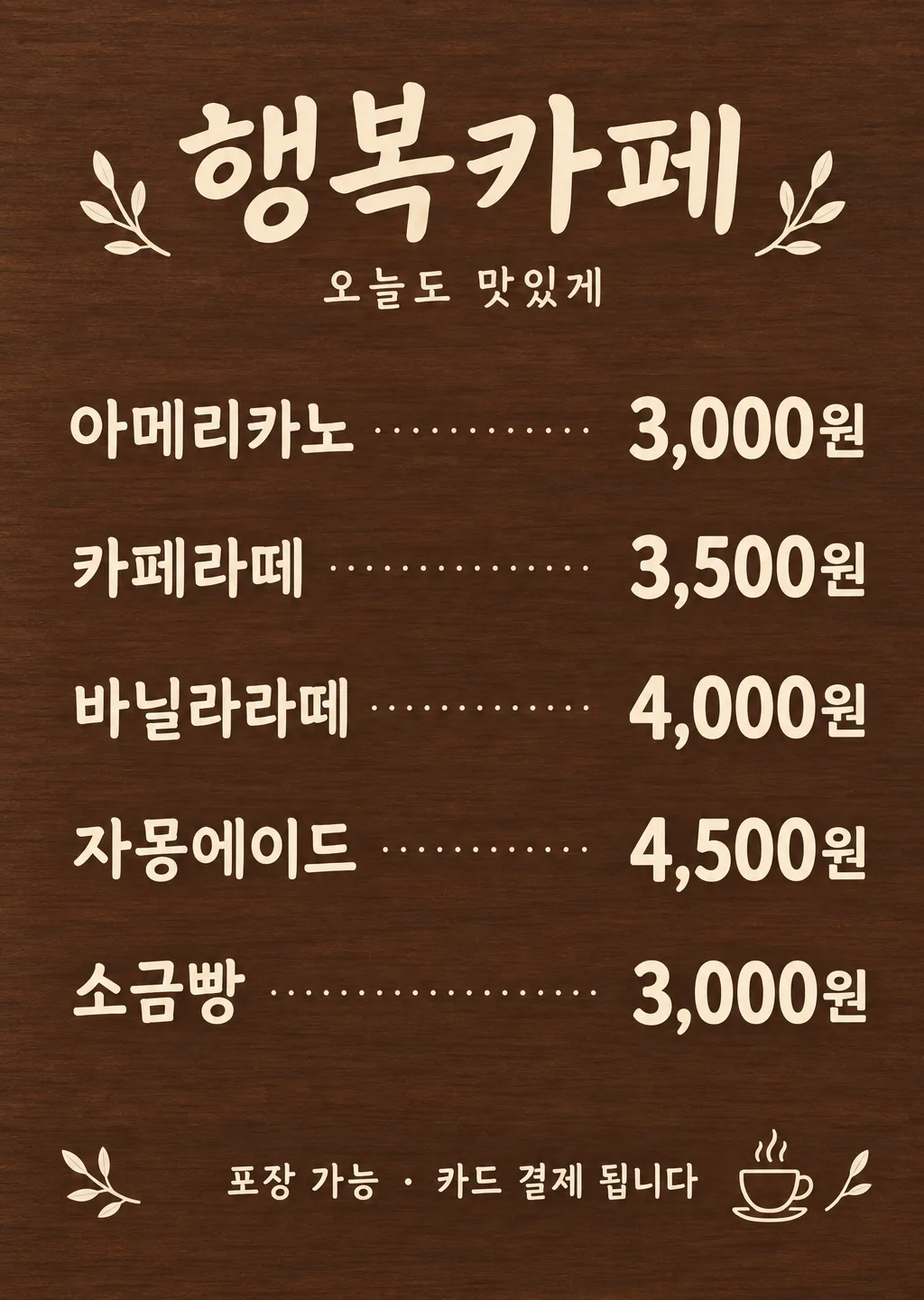
Turn a shop's menu items and actual prices into a clear wall or counter menu.
Fill in the fields
- 1Fill in the fields
- 2Copy the prompt
- 3Paste it into a GPT chat
- 4To use a photo, upload it together with the prompt Optional
Full prompt 1,032 characters
Create the finished image now. Return the image, not a description.
Output size 2480x3508 pixels, A4 portrait, 300dpi, print-ready poster.

[Owner inputs]
Shop name: 【Shop name】
Menu 1: 【Menu 1】
Menu 2: 【Menu 2】
Menu 3: 【Menu 3】
Menu 4: 【Menu 4】
Menu 5: 【Menu 5】
Board style: 【Board style】
Top line: 【Top line】
Bottom notice: 【Bottom notice】

Create one flat, print-ready menu board in the selected style. Use the shop name, exactly the entered menu-and-price lines in order, and optional top and bottom messages. Leave blank menu rows out. Keep prices aligned and easy to scan. For food items, depict only actual named dishes and follow authentic food references; for a salon, use no food imagery. Do not invent ingredients, sizes, taxes, fees, discounts, or opening hours.

Use the filled field values as instructions. Omit blank optional fields. Preserve exact owner-supplied names, dates, prices, contact details, and wording. Use natural U.S. English for all visible text. Do not print field labels as a separate form, prompt instructions, placeholder braces, or invented facts on the image.
You may also like
How to use it · FAQ
Print the menu or share it after checking every item, price, and shop notice.